

Benefits of React.js for Frontend Development
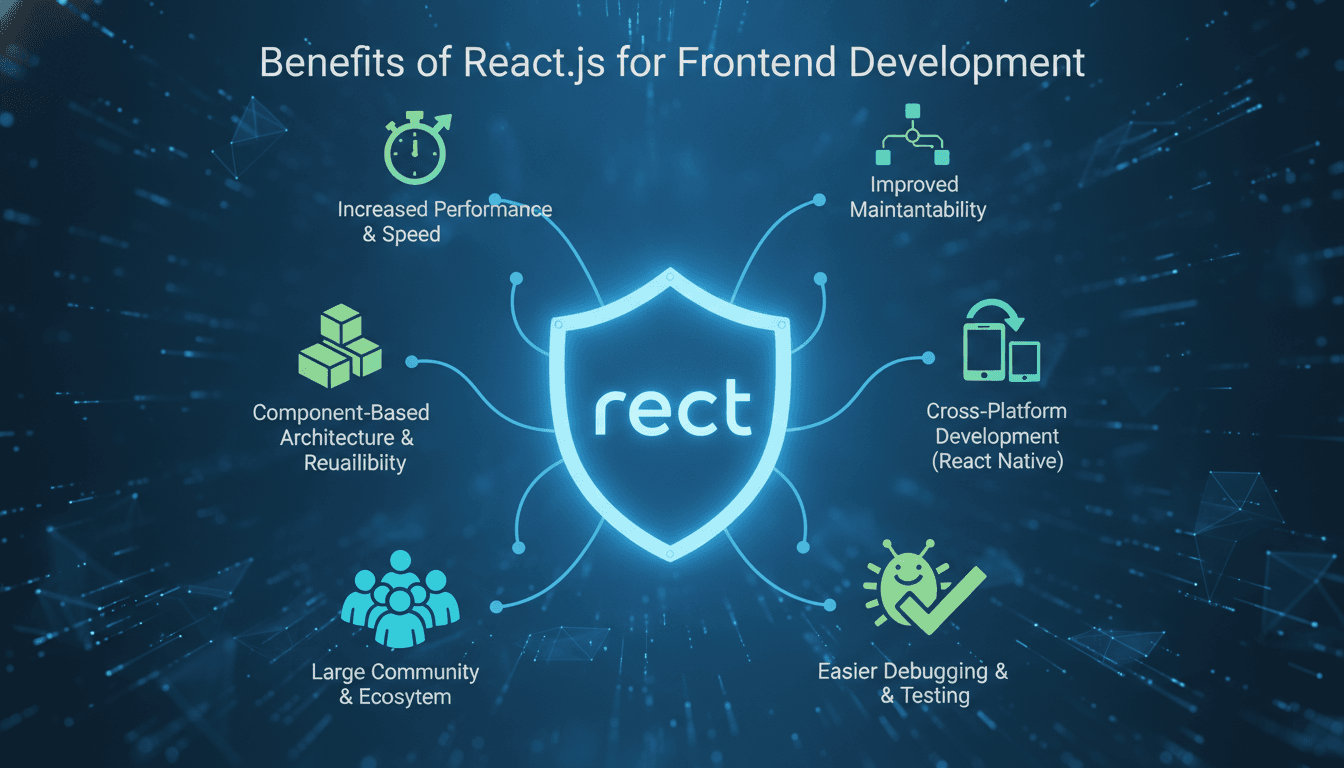
React.js has been the dominant frontend library for nearly a decade. There are good reasons for that, and a few honest caveats worth knowing before you commit to it.
Why Does React Keep Winning Frontend Evaluations?
The short answer: it solves real problems that come up at scale, and it has a large enough ecosystem that most of those problems already have a well-maintained solution.
React was released by Meta in 2013. As of 2024, it is used by roughly 40.6% of all developers surveyed by Stack Overflow, making it the most widely used frontend framework or library for the third year running. That adoption number matters less for hype reasons and more for practical ones: your next hire probably already knows it, the library with the bug you're fighting probably has a React wrapper, and the answer to your weird edge case is probably on Stack Overflow.
To explore this further, see The Impact of React.js on Frontend Development Efficiency.
The architectural reason it holds up is the virtual DOM. React maintains a lightweight in-memory representation of the UI tree and reconciles it against the real DOM in batches. For interfaces with frequent, partial updates, such as dashboards or live feeds, this avoids expensive full-page repaints. React 18 took this further with concurrent rendering, which lets the runtime interrupt low-priority renders to keep the UI responsive. Features like startTransition and useDeferredValue give you fine-grained control over that prioritisation without dropping into raw threading logic.
Component Architecture: What It Actually Gets You
The component model is where React's day-to-day benefit is most concrete.
A component is a self-contained unit of UI logic and markup. It takes props in, manages its own state if needed, and renders a predictable output. That predictability is what makes large codebases maintainable. When a bug appears in a dropdown, you look at one file.
Reusability at the design system level
If you are building a product with a design system, React's component model maps almost directly onto it. A Button component encapsulates variant, size, disabled state, and click behaviour. You build it once and use it across every surface. Tools like Storybook 8 integrate tightly with React to let you develop and document components in isolation, which pays dividends when onboarding new engineers or when your design team wants to audit what actually exists in production.
Related reading: Understanding React.js for Frontend Development.
State management options
React ships with useState, useReducer, and the Context API. For most applications, that is sufficient. For complex shared state, Zustand and Jotai have largely displaced Redux in new projects because they are smaller, require less boilerplate, and compose more naturally with React's hook model. Redux Toolkit is still the right call if you have a large team that benefits from its strict conventions, or if you are maintaining an existing Redux codebase.
One honest trade-off here: React's state management story is fragmented. There is no single official answer. That gives you flexibility, but it also means every new project involves a decision that needs to be documented and enforced through code review.
How Does React Perform Under Real-World Load?
Performance is where React gets the most criticism, and some of it is fair.
The virtual DOM is not free. For very simple, static UIs, a vanilla JavaScript approach or something like Svelte will outperform React with less code. React's overhead is justified when your UI is genuinely complex and dynamic. If you are rendering a mostly-static marketing page, React Server Components or Next.js with static generation is the right answer, not client-side React.
React 18's concurrent features address the most common jank complaints. The Suspense boundary model lets you declaratively handle async data fetching states, which previously required a lot of manual loading-state management. React Query (now TanStack Query) builds on this and handles server state, caching, background refetching, and optimistic updates in a way that would take weeks to implement correctly from scratch.
For rendering performance, the tools that matter are:
React.memoto prevent unnecessary re-renders of pure componentsuseMemoanduseCallbackto stabilise references passed as props- Code-splitting with
React.lazyandSuspenseto reduce initial bundle size - The React DevTools Profiler to identify which component trees are actually slow
The last point is underused. Most React performance problems are diagnosed with intuition rather than measurement. The Profiler shows you flame graphs of render timing and highlights components that rendered when they did not need to.
/// Not sure where to start?
Get the architecture before you commit
Tell us what you're building and we'll map the technical approach, stack, and rough timeline. No cost, no obligation, no sales call required.
The Ecosystem Argument: More Than Just Libraries
React's ecosystem is its strongest practical advantage.
Next.js 14 gives you file-based routing, server-side rendering, static generation, API routes, and edge deployment in one framework. It is the default choice for any new React project that needs server rendering, and Vercel's investment in it means it tracks React releases closely. If you want more control over the server layer, Remix is worth evaluating: it leans into web platform primitives like fetch and FormData rather than abstracting over them.
For component libraries, the options are mature. Shadcn/ui, built on Radix UI primitives and Tailwind CSS, has become a common starting point because it gives you unstyled, accessible components that you own rather than a black-box dependency. Material UI (MUI v5) is still the right choice if you need a comprehensive, opinionated system with less initial configuration.
Testing is well-covered. React Testing Library encourages tests that reflect user behaviour rather than implementation details. Playwright handles end-to-end testing and integrates well with CI pipelines.
| Framework | SSR | File-based routing | Edge-ready | Bundle size overhead |
|---|---|---|---|---|
| Next.js 14 | Yes | Yes | Yes | Medium |
| Remix | Yes | Yes | Partial | Low |
| Vite + React | No | No | No | Low |
| Create React App | No | No | No | Medium |
Create React App is effectively unmaintained as of 2023. New projects should start with Vite or Next.js depending on whether you need SSR.
Where React Is the Wrong Choice
React adds complexity that is not always warranted.
If your team is small and your UI is mostly server-rendered templates with occasional interactivity, something like HTMX paired with a Django or Rails backend will ship faster and be easier to maintain. React's component model shines when state is complex and UI is highly interactive. For content-heavy sites with minimal interactivity, the framework overhead is real.
React Native deserves a separate evaluation from React. Sharing code between web and native via a monorepo is possible, but the overlap is smaller than it looks. Business logic and some custom hooks can cross the boundary, but component code usually cannot without a library like Tamagui.
You may also find our article on The Future of React.js in Business useful.
TypeScript is now the standard for any serious React project. The ecosystem assumes it. Trying to run a large React codebase in plain JavaScript in 2025 means giving up type safety for your props, context values, and hook return types, which costs you in debugging time.
Conclusion
React is a strong default for complex, interactive web UIs. It has the ecosystem, tooling, and hiring pool to support serious product development. The concurrent rendering features in React 18 address the performance concerns that were legitimate criticisms two years ago.
The next step is straightforward: if you are evaluating React for a new project, set up a small Next.js 14 app with TypeScript, React Query, and Shadcn/ui. Build one real feature with it, not a todo list. That will surface whether the architecture suits your team's working style faster than any benchmark.
FAQ
Is React still worth learning in 2025? Yes. React has 40.6% developer adoption per Stack Overflow's 2024 survey. The ecosystem, job market, and library support all favour it. React 18's concurrent rendering features also address historical performance limitations. It remains a foundational skill for frontend engineers regardless of whether you use it with Next.js, Remix, or Vite.
What is the difference between React and Next.js? React is a UI library. Next.js is a framework built on React that adds server-side rendering, static generation, file-based routing, and API routes. Most production React applications today use Next.js or a similar framework. Using React without a framework is possible but means building those capabilities yourself.
Should I use Redux or Zustand for state management? For new projects, Zustand is the simpler starting point. It requires less boilerplate, integrates naturally with React hooks, and handles most use cases with less cognitive overhead. Redux Toolkit is the better choice for large teams that want strict conventions enforced by the framework, or for projects already using Redux.
How does React handle performance for large applications?
React 18's concurrent mode lets the runtime prioritise urgent updates over expensive re-renders. Combined with React.memo, useMemo, code-splitting via React.lazy, and tools like TanStack Query for server state management, React can handle high-complexity UIs efficiently. The React DevTools Profiler is the right tool for identifying real bottlenecks rather than guessing.
Is TypeScript required for React projects? Technically no, but practically yes for anything beyond a prototype. The entire React ecosystem, including React itself, is typed. Using plain JavaScript means losing type safety for props, hooks, and context, which increases debugging time as the codebase grows. TypeScript's inference also reduces the boilerplate cost significantly compared to older versions.
Have a project in mind? Contact Sodio Technologies to discuss your requirements and explore the right technology solution for your business.
/// Work with us
Talk to the engineers who'd build it
You'll get a technical scope, timeline and cost estimate from the people doing the work, not an account manager. In-house team, no subcontracting, since 2016.