

Construction Management Systems: Improving Project Efficiency
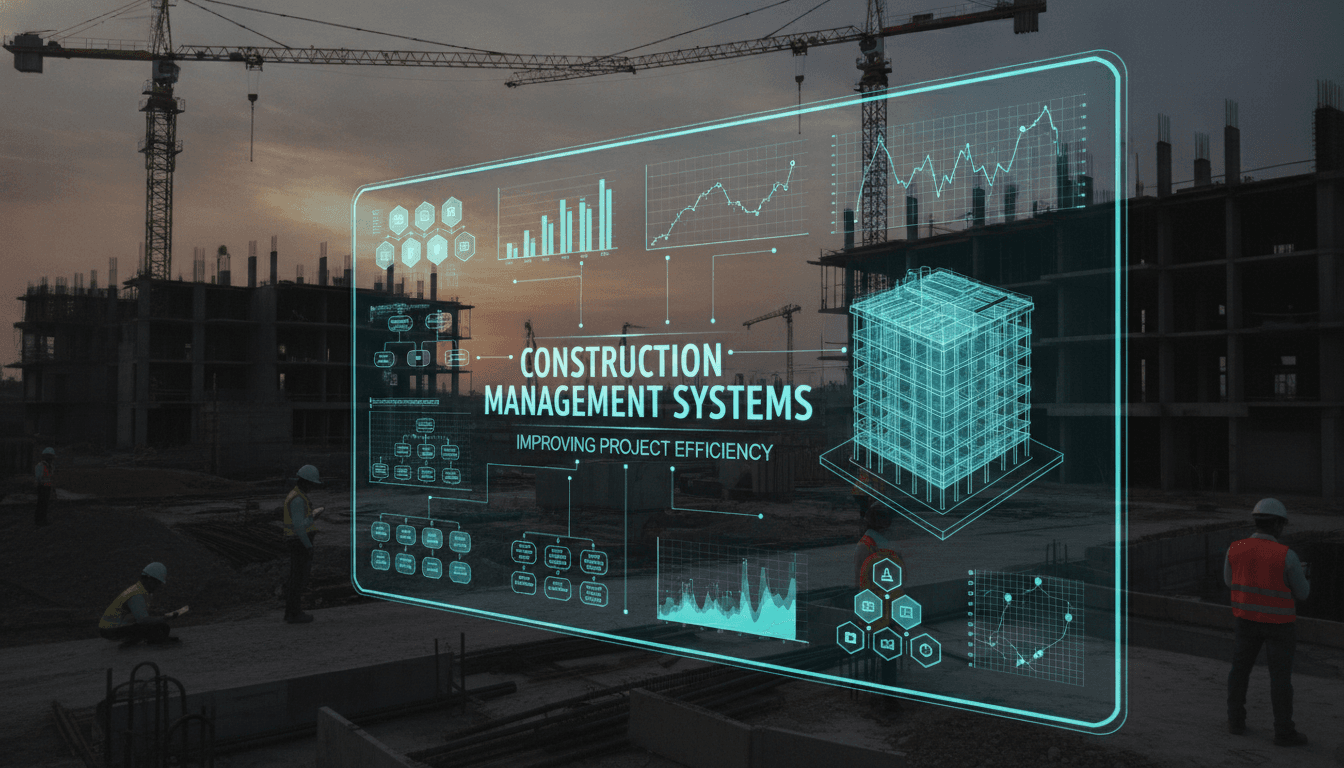
Construction projects fail on predictable problems: scope changes that aren't tracked, RFIs that sit unanswered for days, subcontractors working off drawing revisions that were superseded two weeks ago. A well-built construction management system (CMS) does not solve these problems by magic. It solves them by making the right data visible to the right person at the right time, with a clear audit trail.
This post covers what goes into building a CMS that actually works on a live site, where connectivity is patchy, stakeholders number in the dozens, and the cost of a wrong decision can run into lakhs before anyone notices.
What Does a Construction Management System Actually Need to Do?
Strip away the marketing and you get five core functions a CMS must handle reliably:
- Document control — versioned drawings, specs, and contracts with access rules
- RFI and submittal workflows — tracked, timestamped, assigned
- Schedule management — baseline vs actual, critical path visibility
- Budget and cost tracking — committed costs, change orders, forecasted final cost
- Field reporting — daily logs, inspections, punch lists, defect tracking
Every CMS on the market claims to do all five. The real question is which ones it does well, and which are bolted on as an afterthought. Procore, for example, has strong document control and RFI workflows but its scheduling module is widely considered weaker than Primavera P6 or Microsoft Project. Most large projects end up integrating a dedicated scheduling tool rather than relying on a single platform.
To explore this further, see Project Management Software: Streamlining Construction Projects.
If you are building a custom system rather than configuring an off-the-shelf product, you need to be honest about which of these five areas you are solving for. Trying to build all five in one go rarely ends well.
How Should You Model the Data Structure?
This is where most CMS builds go wrong early.
The naive approach is to model everything around projects: a project has tasks, tasks have documents, documents have versions. That works until a subcontractor works across six projects simultaneously and needs a single view of their open RFIs. Or until an owner wants to compare cost performance across a portfolio of 12 sites.
A better starting point is to separate three distinct entity hierarchies:
- Organisational hierarchy — company, division, project, phase, zone
- Work breakdown structure (WBS) — aligned to the contract or CSI MasterFormat divisions
- Document hierarchy — discipline, drawing set, revision, file
These three hierarchies cross-cut each other. A reinforced concrete submittal (document hierarchy) belongs to Division 03 of the WBS and sits under the substructure phase of the organisational hierarchy. Your data model needs explicit junction tables or a graph-style relationship model to handle this cleanly.
For cost tracking, the key entity is the cost code. Every project should inherit a standard cost code structure at creation, with the ability to extend it. If you let each project define its own codes from scratch, you will never be able to roll up data across projects meaningfully.
Handling Drawing Revisions
Drawing revision control is deceptively hard. The problem is not storing versions, it is ensuring that field teams are working from the current revision, and that any older revision is visibly superseded rather than quietly replaced.
A solid approach: store every revision as an immutable object in S3 or equivalent object storage. The "current" pointer is a separate metadata record. When a new revision is uploaded, the system automatically generates a supersession notice and pushes it to anyone who accessed the previous revision in the last 30 days. This is not complicated to build, but it requires thinking about it before you start, not after the first version is live.
What Integration Points Can You Not Ignore?
A CMS that lives in isolation is a liability. Field data that does not feed back into ERP or accounting creates manual reconciliation work, which creates errors.
The integrations that matter most, ranked by frequency of pain:
| Integration | Why it matters | Common approach |
|---|---|---|
| ERP / accounting | Committed costs, invoices, payments | REST API or flat-file export to SAP, Oracle, Tally |
| BIM authoring tools | Drawing sets, clash detection reports | IFC file exchange, not live sync |
| Scheduling tools | Baseline and progress updates | XER (Primavera) or MPP (MS Project) import/export |
| HR / labour systems | Timesheet and payroll data | API or CSV; vary by vendor |
| IoT / site sensors | Concrete curing temps, equipment telematics | MQTT broker, time-series DB (InfluxDB or TimescaleDB) |
The BIM integration is worth calling out specifically. Most projects do not need live BIM-to-CMS sync. What they need is a reliable way to attach an IFC model revision to a drawing set version, and to link RFIs and punch list items to specific BIM elements by GUID. Building that link is relatively straightforward if you plan for it; retrofitting it is painful.
We cover a closely related subject in Building Information Modeling (BIM): Enhancing Construction Planning.
/// Not sure where to start?
Get the architecture before you commit
Tell us what you're building and we'll map the technical approach, stack, and rough timeline. No cost, no obligation, no sales call required.
Building for the Field: Offline-First Design
This is non-negotiable on most construction sites. Cellular coverage inside a basement slab pour or a tunnel boring operation is not reliable. If your mobile app requires a live connection to submit a daily log or a safety inspection, it will not be used.
The standard approach is to build the mobile client as an offline-first PWA or native app (React Native works well here) with a local SQLite or Realm database. The sync layer needs to handle conflict resolution. The most common conflict: two supervisors update the same punch list item offline, then both sync. You need a defined resolution strategy, typically last-write-wins with a conflict log, or a manual review queue for specific record types.
Field forms also need to be configurable without a code deploy. A safety inspection template that worked in Q1 may need new fields added in Q2 after an incident report. Use a JSON schema-driven form renderer on the client side. This lets project managers update form definitions from a web admin panel, and the updated schema syncs to field devices on next connection.
Where Does a Custom Build Make Sense?
Off-the-shelf platforms like Procore, Aconex, or PlanGrid cover 70-80% of general contractor needs well. If your workflows are standard, the cost and time of a custom build rarely pay off.
Custom builds start to make sense when:
- You are a developer or owner-operator who runs projects under a proprietary methodology and off-the-shelf tools force you into the wrong workflow
- You need deep integration with an existing ERP or asset management system that the major platforms do not support cleanly
- You are building for a specific sub-sector (infrastructure, oil and gas, prefab manufacturing) where the standard GC-focused tools are a poor fit
- You have a volume of projects where per-seat SaaS licensing costs outweigh the build cost over a 3-5 year horizon
Be honest about the last point. Procore pricing for a mid-sized contractor typically runs $700-$1,200 USD per month per project. At 20 active projects, that is a significant annual spend. But a custom build at that scale might cost $300,000-$500,000 to build and $60,000-$100,000 per year to maintain. The maths only favour custom at significant volume or when the workflow differentiation is genuinely substantial.
Conclusion
A construction management system built on solid data modelling, offline-first mobile design, and honest integration planning will outperform a feature-rich platform that does not fit your actual workflows. The technology choices are secondary to getting those three fundamentals right.
If you are evaluating whether to build custom or configure an existing platform, the most useful first step is to map your actual RFI and cost change workflows in detail, then test whether a platform like Procore or Aconex can accommodate them without significant workarounds. That exercise usually answers the build-vs-buy question faster than any RFP process.
At Sodio, we help teams work through that evaluation and, where a custom build is the right answer, design and build systems that are meant to last beyond the first project go-live.
FAQ
How long does it typically take to build a custom construction management system? A focused MVP covering document control, RFI workflows, and basic cost tracking can be delivered in 4-6 months with a team of 4-5 engineers. A full-featured system with mobile offline support, scheduling integration, and BIM linking is more realistically a 12-18 month build.
Should we use a microservices architecture or a monolith for a CMS? Start with a modular monolith. Construction management workflows are highly interconnected; splitting them into microservices early creates more coordination overhead than it resolves. You can extract specific services, like notifications or document storage, once load patterns are clear.
What database technology works best for construction project data? PostgreSQL handles the relational core well: cost codes, RFIs, submittals, and schedule data. Use object storage (S3-compatible) for documents and drawings. If you are ingesting IoT or sensor data, add a time-series store like TimescaleDB rather than trying to force that into PostgreSQL tables.
How do you handle access control across a multi-party project team? Role-based access control (RBAC) scoped to the project level is the minimum. Most projects need attribute-based rules on top of that, for example, a subcontractor can see only RFIs assigned to their trade package. Implement this at the API layer, not just in the UI, or it will leak.
Is BIM integration worth the investment for a mid-sized contractor? If your projects use Revit or similar authoring tools already, linking IFC element GUIDs to RFIs and defect records adds measurable value during close-out and handover. If BIM is not part of your current workflow, adding the CMS integration will not drive adoption on its own. Solve the workflow problem first.
Have a project in mind? Contact Sodio Technologies to discuss your requirements and explore the right technology solution for your business.
/// Work with us
Talk to the engineers who'd build it
You'll get a technical scope, timeline and cost estimate from the people doing the work, not an account manager. In-house team, no subcontracting, since 2016.