

Content Management Systems: Organizing Digital Content
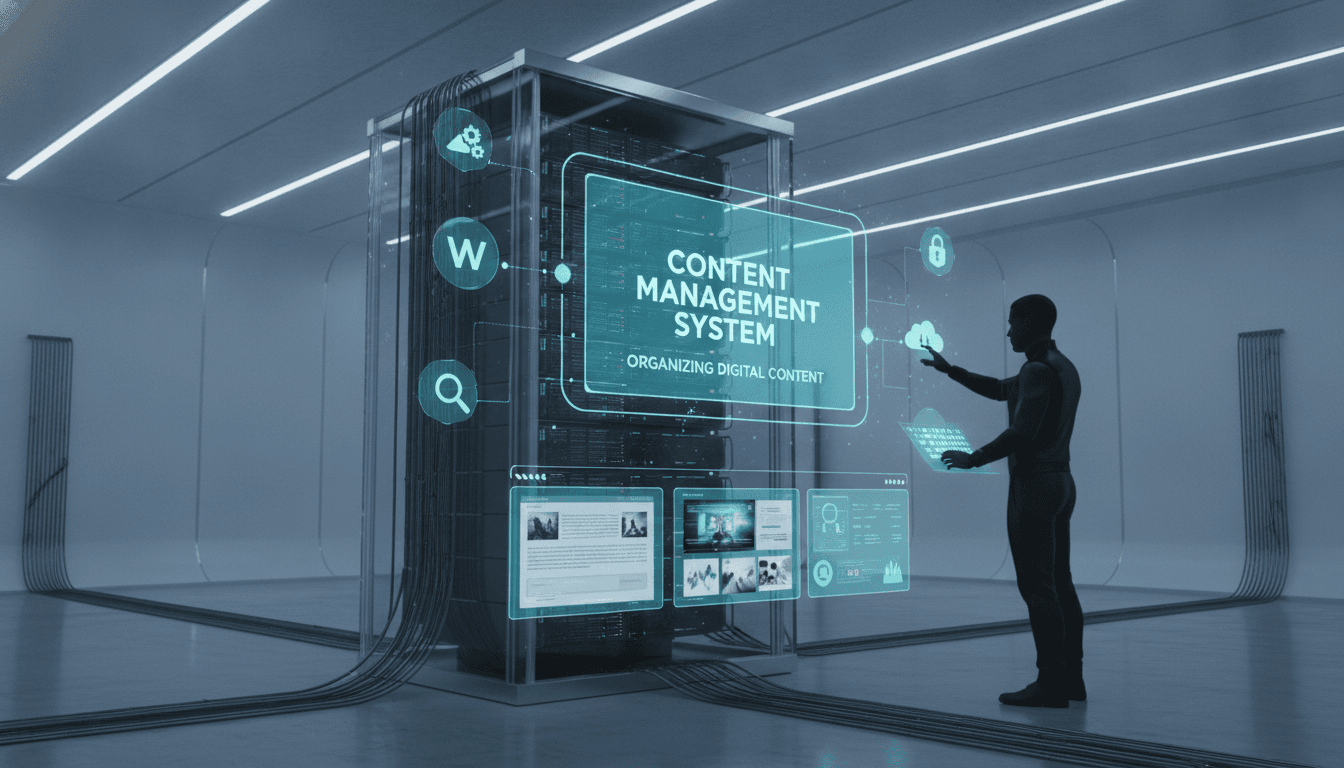
A practical look at how content management systems are actually architected, where the common choices go wrong, and what to think about before you pick one.
What Does a CMS Actually Do Under the Hood?
At its core, a CMS separates content storage from content presentation. That sounds obvious, but the implementation choices that follow from it are where things get interesting and where projects go sideways.
Content lives in a data store, either a relational database like PostgreSQL, a document store like MongoDB, or increasingly a purpose-built content graph. An editorial interface sits on top of that store. A delivery layer reads from it. Those three concerns can be bundled into a single application (monolithic CMS) or split into independent services (headless or composable CMS). Every other architectural decision flows from which model you pick.
For a closer look at a related topic, read our guide on How to Make an App Like LiquidPlanner.
The delivery layer is usually where performance bottlenecks appear first. A traditional CMS like WordPress or Drupal generates HTML server-side on each request. With aggressive caching via Varnish or a CDN, this is fine at moderate traffic. At scale, or with highly personalised content, it becomes expensive to manage and easy to misconfigure.
Monolithic vs Headless vs Composable
| Model | Content Storage | Rendering | Delivery API | Best Fit |
|---|---|---|---|---|
| Monolithic (e.g. WordPress, Drupal) | Coupled DB | Server-side PHP/template | Optional REST | Single-channel sites, limited dev resource |
| Headless (e.g. Contentful, Sanity) | Managed cloud | Client-side or SSR | REST / GraphQL | Multi-channel, front-end teams with React/Next.js |
| Composable (e.g. Contentstack + custom) | Multiple sources | Edge/SSR hybrid | Federated | Enterprise, many content types, multiple regions |
Composable is not always better. It adds operational surface area. A small editorial team publishing a product blog does not need a federated content graph. Pick the model that fits the actual team size and traffic pattern, not the one that sounds most modern.
How Is Content Actually Structured?
This is where most CMS implementations fail. Teams spend days choosing the platform and hours designing the content model. It should be the other way around.
Content modelling is the process of defining your content types, their fields, their relationships, and their validation rules before any code is written. A blog post is a simple example: title (string), body (rich text), author (reference), published date (ISO 8601 datetime), tags (array of strings). But most real products have tens of content types with non-trivial relationships.
Content References and Circular Dependencies
When content type A references content type B, and B references A, you get circular dependency problems in your content graph. Most headless CMS platforms handle this at the API level by allowing depth parameters in queries (Contentful's include parameter goes up to 10 levels). GraphQL lets you be more precise: query exactly the fields you need, no more.
Structured content with semantic field names outperforms unstructured rich text blobs on every axis: it is easier to index, easier to transform for different output channels, and much easier to migrate later. If your editorial team is pasting formatted HTML into a single rich text field, that is a content modelling problem, not an editor training problem.
Localisation and Internationalisation
If you are building for multiple locales, design for it from day one. Retrofitting i18n into a content model is painful. Most mature headless platforms (Contentful, Sanity, Storyblok) have first-class locale support with field-level translation flags. The question is not whether the CMS supports multiple locales, it is whether your content model distinguishes between fields that need translation and fields that do not. A product SKU does not need translation. A marketing headline does.
/// Not sure where to start?
Get the architecture before you commit
Tell us what you're building and we'll map the technical approach, stack, and rough timeline. No cost, no obligation, no sales call required.
What Are the Real Trade-offs Between Self-Hosted and SaaS CMS?
Self-hosted gives you full control over data residency, customisation, and cost at scale. SaaS gives you a managed infrastructure and faster onboarding, but you pay per API call or per seat at a rate that compounds as traffic grows.
Contentful's pricing, for example, moves from a free tier to roughly $300/month at the Team level, and enterprise contracts are negotiated separately. At high API call volumes, the cost is non-trivial. Sanity charges based on API CDN requests and dataset sizes. If you are making 10 million read requests a month, run the numbers before committing.
Self-hosted options like Strapi (Node.js, MIT licensed) or Payload CMS (TypeScript-native, also MIT licensed) give you the full codebase. You own the infrastructure. You are responsible for upgrades, security patches, and availability. For a team with solid DevOps capability, that is a fair trade. For a team of four engineers shipping a product, it is overhead you probably do not want.
One factor that gets underweighted: vendor lock-in on content structure. Moving content between CMS platforms is not a solved problem. Export formats differ, rich text representations differ (Contentful uses its own rich text AST; Sanity uses Portable Text; WordPress uses HTML blobs). Budget time for this if you ever plan to migrate.
How Do You Handle Content Delivery at Scale?
CDN caching is the primary tool. Most headless CMS platforms expose a Content Delivery API that is designed to be cached at the edge. Contentful's CDN serves cached responses with cache-control headers. Sanity has a CDN layer built into its API. For self-hosted setups, you put Cloudflare or Fastly in front.
We cover a closely related subject in An Invoice-Filing Agent Built in Google Apps Script.
The harder problem is cache invalidation. When an editor publishes a change, you need the CDN to serve the updated content within an acceptable time window. Most platforms solve this with webhooks: on a publish event, the CMS calls a webhook endpoint on your application, which triggers a revalidation. In Next.js, this maps directly to on-demand ISR via revalidateTag or revalidatePath. The latency from publish to live can be under five seconds with this setup.
For content that is personalised per user, CDN caching is largely irrelevant at the content API layer. The personalisation logic lives either at the edge (Cloudflare Workers, Vercel Edge Functions) or in the application layer. This is a significant architectural difference and worth stating explicitly: personalised content delivery is a different problem from cached content delivery.
When Should You Build a Custom CMS?
Rarely. The open-source options are mature enough that the bar for building a custom CMS is high.
The cases where custom makes sense: you have content types that no existing platform models well, you have regulatory requirements around data residency that SaaS cannot meet, or you are embedding content management into a larger platform where a standalone CMS would be a poor fit (for example, a multi-tenant SaaS product where each tenant manages their own content schema).
If you do build custom, use an existing admin UI framework rather than building the editorial interface from scratch. Payload CMS is worth studying as a reference: it generates a full admin panel from a TypeScript config, and you can fork and extend it. Building a rich text editor, drag-and-drop layout tools, and a media library from zero is a significant engineering investment with low strategic return for most products.
Conclusion
The right CMS choice depends on your content model complexity, your team's operational capability, your traffic profile, and your budget for vendor fees versus engineering time. Design the content model before picking the platform. If you are on a headless setup, plan your cache invalidation strategy early. If you are evaluating self-hosted options, price in the maintenance burden honestly.
If you are at the point of designing a content architecture for a new product or migrating an existing one, map out your content types and their relationships first, then benchmark two or three platform options against that model. That exercise usually makes the decision obvious.
FAQ
What is the difference between a headless CMS and a traditional CMS? A traditional CMS bundles content storage, editorial interface, and front-end rendering together. A headless CMS separates storage and editorial from rendering, exposing content via an API. This lets you deliver the same content to a website, a mobile app, and a kiosk from a single source.
Is WordPress still a viable choice for new projects? For content-heavy sites with limited dev resource, yes. WordPress powers roughly 43% of all websites as of 2024 and has a mature plugin ecosystem. For multi-channel delivery, complex content models, or teams using modern front-end frameworks, a headless option gives you more flexibility with less friction.
How do you migrate content from one CMS to another? Export your content via the source platform's API or export tools, transform the content model to match the target schema, and import via the target's API. The hardest part is rich text: different platforms use different AST formats. Budget at least two weeks for a non-trivial migration and validate field by field.
What is Portable Text and why does it matter? Portable Text is an open specification for structured rich text developed by the Sanity team. Instead of storing rich text as raw HTML, it stores it as a JSON array of block nodes. This makes it renderer-agnostic: the same content can be rendered to HTML, React Native, or any other output format without parsing HTML strings.
When does content modelling become a performance concern?
When deeply nested references are resolved on every API request without caching. A content graph with five levels of references can generate dozens of database joins per request on a self-hosted CMS. Use projection (GraphQL field selection or Contentful's select parameter) to fetch only the fields you need, and cache aggressively at the CDN layer.
Have a project in mind? Contact Sodio Technologies to discuss your requirements and explore the right technology solution for your business.
/// Work with us
Talk to the engineers who'd build it
You'll get a technical scope, timeline and cost estimate from the people doing the work, not an account manager. In-house team, no subcontracting, since 2016.