

How to Integrate Angular.js with Backend Technologies
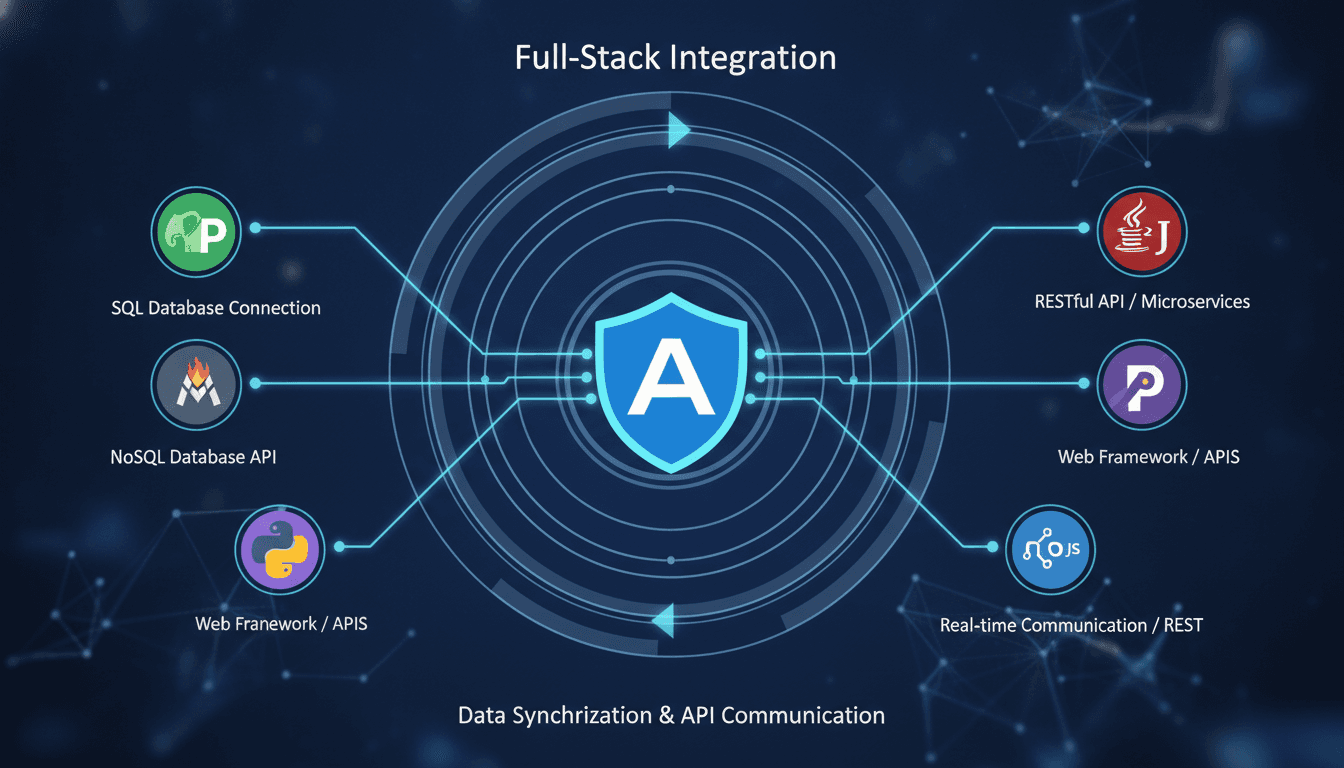
Connecting an Angular frontend to a backend is where most integration bugs live. This guide covers the practical patterns, trade-offs, and configuration details that matter when you're making that connection work reliably at scale.
What Does Angular.js-to-Backend Integration Actually Involve?
Angular (AngularJS 1.x and the modern Angular 2+ framework are two different things — this post covers both where relevant) communicates with backends through HTTP, WebSockets, or GraphQL. The mechanics differ, but the core problem is the same: your frontend needs data, your backend has it, and you need to move it reliably without coupling the two so tightly that a backend change breaks the UI.
We cover a closely related subject in How to Integrate React.js with Backend Technologies.
AngularJS 1.x uses $http and $resource from ngResource. Angular 2+ uses the HttpClient module from @angular/common/http, which is RxJS-based and significantly more composable. If you're still on AngularJS 1.x, migration to Angular 17+ is worth considering — AngularJS reached end-of-life in December 2021 and no longer receives security patches.
The backend itself can be Node.js with Express, Python with Django REST Framework or FastAPI, Java with Spring Boot, Go with Gin, or a GraphQL layer sitting in front of any of these. Angular does not care which one you choose, as long as it speaks HTTP or WebSocket.
If this is relevant to your project, check out How to Secure Angular.js Applications.
Setting Up HttpClient the Right Way
Angular's HttpClient is injected at the module level. Since Angular 15, you can use the standalone API with provideHttpClient() instead of importing HttpClientModule in AppModule. This matters because HttpClientModule is deprecated in Angular 17.
// main.ts (standalone bootstrap)
bootstrapApplication(AppComponent, {
  providers: [
    provideHttpClient(withInterceptorsFromDi())
  ]
});
From a service, you inject HttpClient and return typed Observables:
@Injectable({ providedIn: 'root' })
export class UserService {
  private readonly base = '/api/v1/users';

  constructor(private http: HttpClient) {}

  getUser(id: string): Observable<User> {
    return this.http.get<User>(`${this.base}/${id}`);
  }
}
Return Observables from services, not subscriptions. Components should subscribe and unsubscribe, ideally using the async pipe or takeUntilDestroyed() from Angular 16+. Subscribing inside a service makes it very hard to cancel in-flight requests.
Interceptors for Auth, Logging, and Error Handling
HTTP interceptors are the right place to attach JWT tokens, log request timings, and handle 401/403 responses globally. In Angular 15+, functional interceptors are the preferred pattern:
export const authInterceptor: HttpInterceptorFn = (req, next) => {
  const token = inject(AuthService).getToken();
  const cloned = req.clone({ setHeaders: { Authorization: `Bearer ${token}` } });
  return next(cloned);
};
Register interceptors in provideHttpClient(withInterceptors([authInterceptor])). The order matters — interceptors run in registration order on the way out, and in reverse on the way back.
How Do You Handle CORS Without Breaking Your Backend Security?
CORS is frequently misconfigured. The browser enforces it; the server controls it. Angular itself does nothing about CORS — adding a proxy or setting withCredentials: true on the client does not bypass server-side CORS policy.
During local development, use Angular's built-in proxy. Create a proxy.conf.json file:
{
  "/api": {
    "target": "http://localhost:3000",
    "secure": false,
    "changeOrigin": true
  }
}
Reference it in angular.json under serve > options > proxyConfig. This routes /api/* requests through the dev server to your backend, avoiding CORS entirely in development without touching your backend config.
Related reading: How to Develop APIs with Backend Technologies.
In production, you have two real options:
| Option | When to use | Trade-off |
|---|---|---|
| Same-origin deployment (Angular served from backend) | Monorepo or simple deployments | Couples frontend and backend deployment cycles |
| API Gateway or reverse proxy (Nginx, AWS ALB) | Separate frontend/backend deployments | Adds infrastructure; correct CORS headers set at gateway level |
| Backend CORS headers directly | When you fully control the backend | Must be precise about allowed origins; avoid wildcards with credentials |
Never use Access-Control-Allow-Origin: * with Access-Control-Allow-Credentials: true. Browsers reject this combination, and for good reason.
/// Not sure where to start?
Get the architecture before you commit
Tell us what you're building and we'll map the technical approach, stack, and rough timeline. No cost, no obligation, no sales call required.
Connecting to REST, GraphQL, and WebSocket Backends
REST
REST is the default. Angular's HttpClient maps well to REST conventions. A few things worth getting right:
- Use environment-specific base URLs in
environments/environment.tsrather than hardcoding them in services. - Handle pagination headers like
LinkorX-Total-Countin interceptors, not in individual components. - Type your responses. Don't use
any. Define DTOs that match your OpenAPI spec.
If your backend generates an OpenAPI 3.x spec, use openapi-generator-cli to generate Angular services and models automatically. This keeps frontend types in sync with the backend contract without manual effort.
GraphQL
For GraphQL, Apollo Angular (apollo-angular v4+) is the standard choice. It integrates with Angular's dependency injection and uses RxJS. Define your queries with gql and inject Apollo:
this.apollo.query<UsersQuery>({
  query: GET_USERS,
  variables: { limit: 20 }
}).pipe(map(result => result.data.users))
GraphQL reduces over-fetching on mobile or slow connections, but adds tooling overhead. It's worth it when you have multiple client types consuming the same API and they need different shapes of the same data.
WebSockets
Use rxjs/webSocket for WebSocket connections. Wrap it in a service that handles reconnection logic:
private socket$ = webSocket('wss://api.example.com/ws');

getMessages(): Observable<Message> {
  return this.socket$.pipe(
    retryWhen(errors => errors.pipe(delay(3000)))
  );
}
Angular does not have first-class WebSocket support, so you manage connection state yourself. For more complex real-time requirements, Socket.IO has an Angular-compatible client and handles reconnection and room management.
What Should Live in the Service Layer vs. the Component?
This is where frontend codebases most commonly accumulate debt.
Components should handle presentation state: what is visible, what is loading, what error message to show. Services should own data fetching, caching, and transformation.
A component calling this.http.get(...) directly is a pattern that makes testing and reuse painful. Put all backend calls in @Injectable services. Use shareReplay(1) in services when multiple components need the same data without triggering multiple requests.
State management libraries like NgRx (Redux pattern) or Elf add structure when your app has complex cross-component state derived from backend data. NgRx has a steep learning curve — around 4 to 6 weeks for a team new to it — so weigh that cost against your actual state complexity before adopting it.
Conclusion
The fundamentals here are not complicated, but they require consistency. Centralise HTTP calls in services, use interceptors for cross-cutting concerns, get your CORS configuration right at the infrastructure level, and type everything against your API spec.
If you're starting a new Angular project, adopt standalone components, provideHttpClient(), and functional interceptors from day one. Retrofitting these into a large AngularJS 1.x or early Angular 2 codebase is the harder path, and worth planning carefully before you start.
If you're evaluating whether to build this integration layer in-house or bring in a team that has done it before, the architecture decisions above are good prompts for that conversation.
FAQ
Does Angular work with any backend language? Yes. Angular communicates over HTTP and WebSockets. The backend language, whether Python, Node.js, Java, Go, or anything else, is irrelevant to Angular as long as it exposes a standard HTTP or WebSocket interface. Your choice of backend should be driven by your team's expertise and infrastructure, not by frontend compatibility.
What is the difference between AngularJS and Angular? AngularJS is the 1.x version, released in 2010 and end-of-lifed in December 2021. Angular (2 and above) is a complete rewrite released in 2016, using TypeScript and a component-based architecture. They share a name but are not the same framework. Most new projects should use Angular 17 or later.
How do you secure API calls from an Angular frontend?
Store JWTs in memory or HttpOnly cookies, never in localStorage. Attach tokens via an HTTP interceptor rather than in each service. Validate tokens server-side on every request. Rate-limit your API endpoints. The Angular layer handles token attachment; actual security enforcement belongs entirely on the backend.
When should you use GraphQL instead of REST in an Angular app? Use GraphQL when multiple clients need different data shapes from the same API, or when over-fetching is a real performance problem. For most standard CRUD applications, a well-designed REST API with OpenAPI documentation is simpler to build and maintain. GraphQL adds value when data requirements across clients genuinely diverge.
How do you handle backend errors globally in Angular?
Register an HTTP interceptor that catches responses with status codes in the 4xx and 5xx range. Use RxJS catchError to transform them into typed error objects before they reach your components. For user-facing messages, inject a notification service inside the interceptor rather than scattering error handling logic across components.
Have a project in mind? Contact Sodio Technologies to discuss your requirements and explore the right technology solution for your business.
/// Work with us
Talk to the engineers who'd build it
You'll get a technical scope, timeline and cost estimate from the people doing the work, not an account manager. In-house team, no subcontracting, since 2016.