

How to Integrate React.js with Backend Technologies
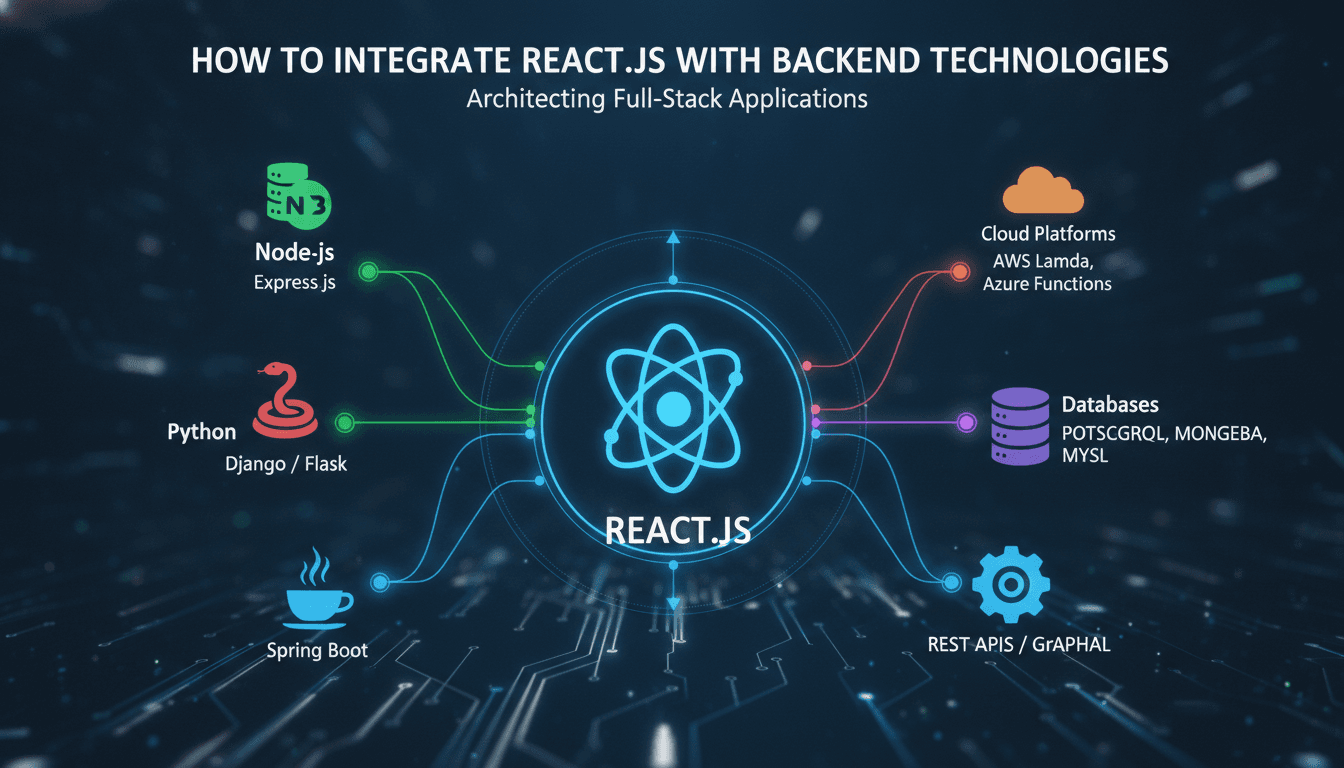
Connecting a React.js frontend to a backend is where most projects accumulate technical debt. The choices you make here — which communication pattern, which auth strategy, how you handle errors — compound quickly. This post covers the practical decisions, with trade-offs stated plainly.
What Does "Integrating React with a Backend" Actually Mean?
It means React components need data they don't own. That data lives somewhere else: a REST API, a GraphQL endpoint, a WebSocket server, or increasingly a mix of all three. The integration layer is the code that moves data between those sources and your component tree reliably, without turning your codebase into spaghetti.
To explore this further, see How to Develop Scalable Web Applications with React.js.
There are four distinct concerns:
- Transport: how the browser talks to the server (HTTP/1.1, HTTP/2, WebSockets, SSE)
- Data fetching: when and how components request data
- State synchronisation: keeping UI state consistent with server state
- Auth: proving identity on every request
Get these four right and the rest is implementation detail.
Which Communication Pattern Should You Pick?
This is the question that shapes everything else. Here is a direct comparison:
| Pattern | Best for | Main trade-off |
|---|---|---|
| REST (JSON over HTTP) | CRUD-heavy apps, public APIs | Over-fetching; multiple round trips for related data |
| GraphQL | Complex, nested data graphs; mobile clients on thin connections | Schema maintenance overhead; caching is harder |
| gRPC (via gRPC-Web) | Internal microservices with high throughput | Browser support requires a proxy; tooling is less mature |
| WebSockets | Real-time bidirectional data (chat, live dashboards) | Stateful connections complicate horizontal scaling |
| Server-Sent Events (SSE) | One-way push from server (notifications, feeds) | Half-duplex; no binary framing |
Most production applications end up using REST for standard CRUD and WebSockets or SSE on top for real-time features. GraphQL is worth the overhead when your frontend team is large and varied enough that a typed, self-documenting schema saves more time than it costs to maintain.
Related reading: How to Secure React.js Applications.
Setting Up a REST Integration
The standard stack in 2024 is Axios or the native fetch API wrapped in a custom hook, with React Query (TanStack Query v5) managing caching and background refetching.
// hooks/useUser.js
import { useQuery } from '@tanstack/react-query';
import api from '../lib/api'; // pre-configured axios instance

export function useUser(userId) {
  return useQuery({
    queryKey: ['user', userId],
    queryFn: () => api.get(`/users/${userId}`).then(r => r.data),
    staleTime: 60_000, // 1 minute before background refetch
  });
}
React Query handles loading, error, and success states, de-duplicates in-flight requests, and keeps the cache consistent. It removes the need for a significant chunk of Redux boilerplate that teams used to write manually.
Setting Up a GraphQL Integration
Apollo Client 3 or urql are the two credible options. Apollo has more features; urql has a smaller bundle (roughly 17 kB gzipped vs Apollo's ~32 kB) and a cleaner plugin model. For a new project, urql is worth evaluating seriously before defaulting to Apollo.
// App.jsx with urql
import { createClient, Provider } from 'urql';

const client = createClient({
  url: 'https://api.example.com/graphql',
  fetchOptions: () => ({
    headers: { authorization: `Bearer ${getToken()}` },
  }),
});

export default function App() {
  return <Provider value={client}><Router /></Provider>;
}
How Do You Handle Authentication Across the Stack?
Auth is where integrations break silently. You send a token; the backend rejects it; the user sees a blank screen with no explanation. The mechanism matters less than getting the error handling right.
Related reading: How to Integrate Angular.js with Backend Technologies.
Two dominant patterns:
JWT in memory + refresh token in HttpOnly cookie. The access token lives in JavaScript memory (not localStorage, which is readable by any script on the page). A short expiry (15 minutes is standard) limits blast radius if the token leaks. The refresh token sits in an HttpOnly, Secure, SameSite=Strict cookie, which JavaScript cannot read. Your Axios interceptor catches 401 responses, calls the refresh endpoint, and retries the original request transparently.
Session cookies. Simpler. The server holds session state; the browser sends a cookie automatically. Works well if you control both frontend and backend and don't need to support third-party API consumers. Complicates horizontal scaling unless you use a shared session store like Redis.
OAuth 2.0 with PKCE is the right choice when you're integrating with a third-party identity provider (Google, GitHub, Auth0, Okta). The PKCE flow is safe to run from a browser without a client secret. Libraries like @auth0/auth0-react or oidc-client-ts handle most of the complexity.
/// Not sure where to start?
Get the architecture before you commit
Tell us what you're building and we'll map the technical approach, stack, and rough timeline. No cost, no obligation, no sales call required.
What Goes Wrong in Production (and How to Prevent It)
The integration works in local development. It falls apart under real conditions. Here are the failure modes worth planning for.
CORS Misconfiguration
Your backend needs to explicitly allow your frontend's origin. In development, people often set Access-Control-Allow-Origin: * and forget to tighten it before deployment. Lock it to specific origins in production. If you're behind a CDN like Cloudflare, check that preflight OPTIONS requests aren't being cached.
Error Boundary Gaps
React 18's error boundaries don't catch async errors (Promise rejections from fetch calls). You need both an error boundary for render-phase errors and a global unhandledrejection handler, plus per-query error states from React Query. Treating these as three separate concerns keeps the code cleaner than trying to centralise everything.
Race Conditions in Data Fetching
If a user navigates away before a fetch completes, the stale response can update state for an unmounted component. With fetch, pass an AbortController signal. React Query does this automatically with AbortSignal in v5.
N+1 Requests
A component renders a list of 50 items. Each item triggers its own fetch for related data. You get 51 requests instead of 1. On the REST side, design endpoints that return related data in one response (e.g., ?include=author,tags). On the GraphQL side, use DataLoader on the server to batch resolver calls.
Structuring the Integration Layer
Don't put fetch calls directly in components. It makes testing painful and couples your UI to your API contract.
A workable structure:
src/
  lib/
    api.js          # axios instance, interceptors, base URL
  services/
    userService.js  # functions that call specific endpoints
  hooks/
    useUser.js      # React Query hooks that wrap services
  components/
    UserProfile.jsx # only knows about the hook's return value
Components call hooks. Hooks call services. Services call the API instance. This means you can swap an endpoint, change auth headers, or mock the service layer in tests without touching components.
Conclusion
The integration between React and a backend is a system, not a single decision. Pick your transport based on data shape and real-time requirements. Use React Query for REST and urql or Apollo for GraphQL. Handle auth at the Axios interceptor layer so components never think about tokens. Design your service layer so that the API contract is isolated from component code.
If your team is setting up this architecture for the first time, the highest-value first step is adding React Query and a structured service layer. It solves more problems — caching, loading states, error handling, request de-duplication — than almost any other single change.
FAQ
What is the difference between React Query and Redux for server state? Redux is a general-purpose state container. React Query is built specifically for server state: it handles caching, background refetching, and request de-duplication out of the box. For data that originates from a server, React Query requires significantly less boilerplate. Redux is still useful for complex client-side state that doesn't map to server data.
Should I use GraphQL or REST for a new React project? Default to REST unless you have a genuinely complex data graph or a large frontend team that benefits from a typed schema. GraphQL adds schema maintenance overhead and makes HTTP caching harder. It pays off in specific conditions, not as a general default.
How do I avoid exposing API keys in a React app?
Never put secret keys in frontend code. Environment variables prefixed with REACT_APP_ or VITE_ are bundled into the JavaScript and visible to anyone who inspects the build. Secret keys belong on the server. Your React app should talk to your own backend, which then makes authenticated requests to third-party APIs.
What is CORS and why does it keep breaking my integration?
CORS (Cross-Origin Resource Sharing) is a browser security policy that blocks frontend JavaScript from reading responses from a different origin unless the server explicitly permits it. It only applies in the browser, which is why it works fine in Postman. Fix it by configuring your backend to return the correct Access-Control-Allow-Origin header for your frontend's origin.
Is it safe to store JWTs in localStorage? No, not for access tokens. Any JavaScript on the page, including third-party scripts, can read localStorage. Store access tokens in memory and refresh tokens in HttpOnly cookies. This limits the attack surface considerably, though it is not a complete defence against all XSS vectors.
Have a project in mind? Contact Sodio Technologies to discuss your requirements and explore the right technology solution for your business.
/// Work with us
Talk to the engineers who'd build it
You'll get a technical scope, timeline and cost estimate from the people doing the work, not an account manager. In-house team, no subcontracting, since 2016.