

How to Make an App Like Microsoft To-Do
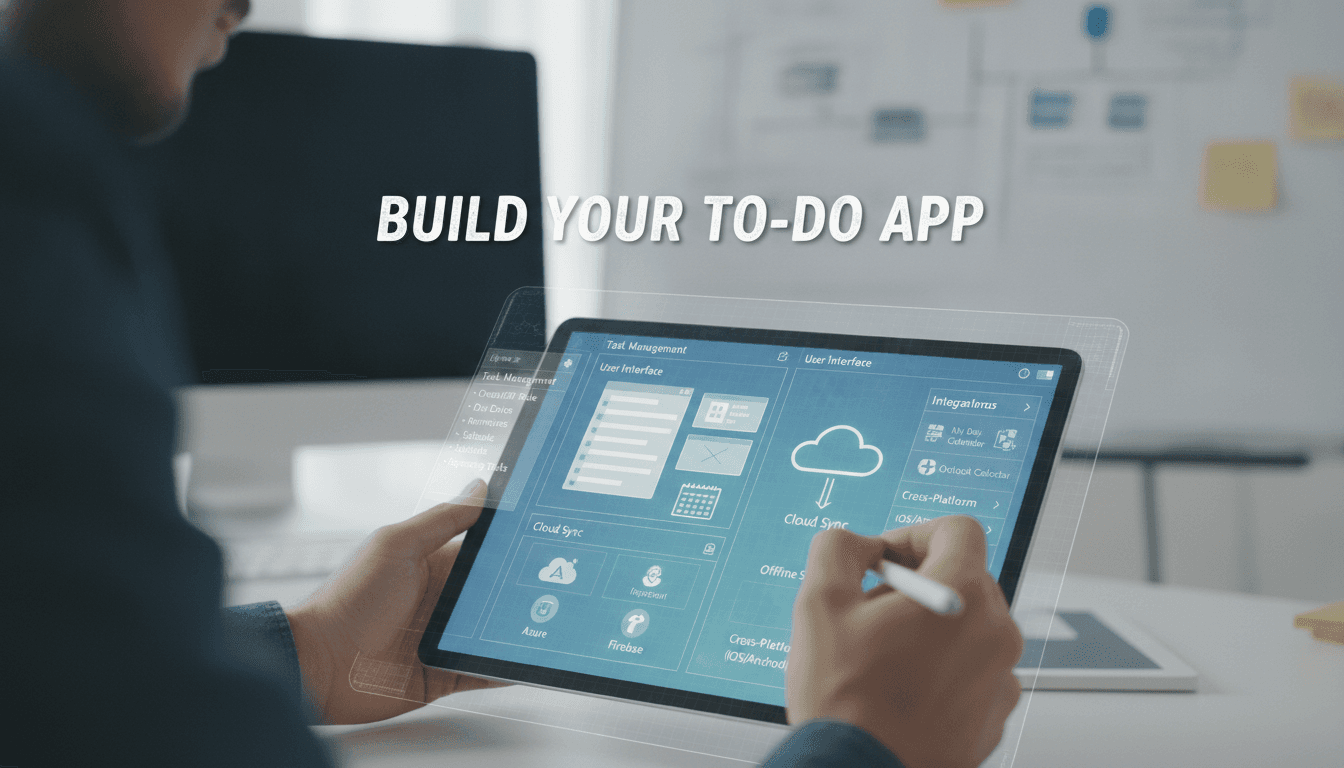
A practical breakdown of the architecture, feature set, and engineering decisions behind building a task management app at the level of Microsoft To-Do — from data modelling to real-time sync.
What Does "App Like Microsoft To-Do" Actually Mean to Build?
Microsoft To-Do is deceptively simple on the surface. Lists, tasks, due dates, reminders. But the engineering underneath handles millions of users, cross-platform real-time sync, offline support, calendar integration, and a shared task model that has to stay consistent across web, iOS, Android, and desktop clients simultaneously.
If you're planning to build something in this space, the first decision is scope. Are you building a personal productivity tool, a team task manager, or something embedded inside a larger product (say, a CRM or an ERP)? The answer changes your data model, your sync strategy, and your infrastructure cost dramatically.
This post focuses on the technical decisions that matter most: data architecture, sync, notifications, and the parts that usually get underestimated in scoping.
Core Feature Set and the Engineering Cost Behind Each
Before writing a line of code, map features to their actual engineering weight. The UI is rarely where the complexity lives.
| Feature | Visible Complexity | Actual Engineering Complexity |
|---|---|---|
| Create/edit tasks | Low | Low |
| Due dates and reminders | Low | Medium (timezone handling, push infra) |
| Recurring tasks | Low | High (recurrence rule engine, RRFC 5545) |
| Real-time sync across devices | Low | High (conflict resolution, CRDTs or OT) |
| Shared lists / collaboration | Medium | High (permissions model, eventual consistency) |
| Offline support | Low | High (local-first architecture, sync queue) |
| File attachments | Low | Medium (object storage, virus scanning) |
| Calendar integration | Medium | Medium (OAuth, iCal, webhook subscriptions) |
Recurring tasks are the canonical example of hidden complexity. Implementing "every third Tuesday of the month, except holidays" correctly means implementing a proper RRULE parser (RFC 5545). Don't build this from scratch — use a library like rrule.js on the frontend or python-dateutil on the backend.
If this is relevant to your project, check out How to Make an App Like Todoist.
Data Model Foundations
The core entities are straightforward: User, List, Task, Step (subtasks), Tag, Reminder, and Attachment. The tricky part is the Task model itself.
Tasks need a stable UUID (not an auto-increment integer) because they'll be created offline, synced later, and potentially referenced across devices before the server has ever seen them. Use UUIDs v4 at the client.
Soft deletes are non-negotiable. Users who delete a task on one device and haven't synced another device yet need the delete to propagate correctly. A deleted_at timestamp column handles this; a hard delete creates phantom records on stale clients.
For the list-task relationship, you need ordered lists. Storing order as a floating-point position number (e.g. 1.0, 2.0, 3.0) and inserting between two items as the midpoint (1.5) works until you run out of precision after many reorders. A better approach is the LexoRank algorithm, which is what Jira uses for its backlog ordering.
Choosing Your Backend Stack
For a To-Do class app, a monolith-first approach is defensible. You don't need microservices on day one. A well-structured Rails 7 or Django 4.x app with PostgreSQL 15 and Redis will comfortably handle tens of thousands of concurrent users if written carefully.
For a closer look at a related topic, read our guide on How to Make an App Like Wunderlist.
GraphQL is worth considering for the API layer because the query flexibility it gives mobile clients reduces over-fetching significantly. REST works fine too, but expect to build more endpoints as client requirements diverge.
WebSockets (via Action Cable in Rails, or Django Channels) handle real-time updates. The pattern is simple: when a task is updated, publish to a channel scoped to the list ID; all clients subscribed to that list receive the delta. The hard part is what happens when a client reconnects after being offline for 4 hours.
How Do You Handle Offline Support and Sync Without Breaking Everything?
This is where most task app projects go wrong.
The naive approach is: write to server, update UI on success. That breaks on poor connectivity, which is exactly when people want to use a task app (on a plane, in the underground, in a meeting with spotty WiFi).
We cover a closely related subject in How to Make an App Like FamilyWall.
The correct approach is local-first. The app writes to a local store first (SQLite via Room on Android, Core Data or SQLite via GRDB on iOS, IndexedDB on web), queues a sync operation, and reconciles with the server when connectivity returns.
The conflict resolution strategy you choose depends on how collaborative the app is. For personal tasks, last-write-wins with a server timestamp is usually acceptable. For shared lists with multiple editors, you need something more principled. CRDTs (Conflict-free Replicated Data Types) are the academically correct answer. In practice, for task apps, an operational transformation approach or a simple "field-level last-write-wins with server arbitration" model covers 95% of real-world cases without the implementation overhead of full CRDTs.
Automerge and Yjs are the two mature CRDT libraries worth evaluating if you go that route. Both have active maintenance and real production usage.
Push Notifications and Reminder Delivery
Reminders sound simple. They are not.
You need to account for:
- User timezone at the time the reminder was set vs. at the time it fires
- Device-level Do Not Disturb and notification permissions (iOS 16+ requires explicit authorisation)
- Firebase Cloud Messaging (FCM) for Android, APNs for iOS, Web Push API for browsers
- What happens when the user's device is offline when the reminder fires
For the backend scheduler, a job queue like Sidekiq (Ruby) or Celery (Python) with a cron-style scheduler handles reminder dispatch. Store reminders in UTC, convert to the user's local timezone only at display time. This is standard advice but it's ignored constantly in production codebases.
At scale, reminder delivery becomes a fan-out problem. If 500,000 users all have a 9:00 AM reminder, you're dispatching half a million push notifications in a narrow window. APNs and FCM both have rate limits. Spread the load by processing reminders in batches with jitter.
/// Not sure where to start?
Get the architecture before you commit
Tell us what you're building and we'll map the technical approach, stack, and rough timeline. No cost, no obligation, no sales call required.
What Does Cross-Platform Development Actually Cost You?
You have three realistic options: native per platform, React Native, or Flutter.
| Approach | Code Reuse | Performance | Ecosystem Maturity | Recommended For |
|---|---|---|---|---|
| Native (Swift/Kotlin) | ~20–30% | Best | Best | High-performance, platform-specific UX |
| React Native (0.73+) | ~70–80% | Good | Good | Teams with strong JS/TS background |
| Flutter 3.x | ~85–95% | Good | Growing | Consistent UI across all platforms |
For a To-Do app, Flutter 3.x is a strong choice. The UI requirements don't typically push against Flutter's rendering limitations, code sharing is high, and a single team can ship web, iOS, Android, and desktop from one codebase. The local storage story (via sqflite or drift) is mature enough for the offline-first architecture described above.
React Native is the right call if your team is JavaScript-native and you want access to the broader npm ecosystem. The New Architecture (Fabric + TurboModules), stable as of RN 0.73, closes most of the performance gap with native.
Native is the right call if you're deeply integrating with platform-specific features: Shortcuts on iOS, widgets, Siri integration, or Android's notification channels and bubbles.
Authentication, Permissions, and the Shared Lists Problem
Authentication is table stakes. OAuth 2.0 with PKCE for social login (Google, Microsoft, Apple), plus email/password as a fallback. Use a managed auth provider like Auth0, Supabase Auth, or Firebase Authentication unless you have a specific reason to roll your own. The time saved is significant.
The permissions model for shared lists deserves careful design upfront. A simple owner/member/viewer model covers most use cases. If you add more granular permissions later (can edit but not delete, can assign but not create), retrofitting that into an existing schema is painful. Design the permissions table with future expansion in mind from day one.
Row-level security in PostgreSQL 15 is worth using here. It enforces access control at the database layer, which means a bug in your application logic can't accidentally expose another user's tasks. It adds a small query overhead but the security guarantee is worth it.
Conclusion
The feature surface of a To-Do app looks small. The engineering surface does not. Real-time sync, offline support, recurring rules, push delivery at scale, and a permissions model that survives growth are the parts that take real time to get right.
If you're scoping this project, add 30–40% to whatever estimate the happy-path features suggest. The infrastructure and edge cases are where that time goes.
If you want a technical review of your current architecture or a realistic estimate for a task management app, get in touch with the team at Sodio.
FAQ
How long does it take to build an app like Microsoft To-Do? A functional MVP with core task management, cross-platform mobile apps, and basic sync typically takes 4–6 months with a team of 4–5 engineers. Adding real-time collaboration, recurring tasks, and a web client extends that to 9–12 months. Timeline depends heavily on how much offline support and reliability you need from day one.
How much does it cost to build a task management app? A serious MVP ranges from $80,000 to $150,000 USD depending on team location, platform scope, and feature depth. Adding real-time sync, collaboration, and native desktop clients can push total investment to $250,000 or more. Offshore teams reduce the figure; the engineering complexity does not change.
Should I use Flutter or React Native for a To-Do app? Flutter gives you higher code reuse (85–95%) and consistent UI across all platforms from a single codebase. React Native is better if your team is already strong in TypeScript and you want direct access to the npm ecosystem. For a task app with no extreme platform-specific requirements, either works well. Choose based on your team's existing skills.
What database should I use for the backend? PostgreSQL is the right default. It handles JSON columns well if you need flexible task metadata, supports row-level security for multi-tenant access control, and has excellent support for UUIDs as primary keys. Redis is a useful addition for caching, session storage, and as a broker for your background job queue.
Do I need a separate notification service? Not necessarily a separate microservice, but you do need a reliable background job processor (Sidekiq, Celery, BullMQ) and direct integration with FCM and APNs. A managed service like OneSignal can abstract some of this at lower scale. At higher volume (millions of reminders per day), direct FCM/APNs integration with a custom dispatcher gives you more control over batching and retry logic.
Have a project in mind? Contact Sodio Technologies to discuss your requirements and explore the right technology solution for your business.
/// Work with us
Talk to the engineers who'd build it
You'll get a technical scope, timeline and cost estimate from the people doing the work, not an account manager. In-house team, no subcontracting, since 2016.