

How to Make an App Like OurPact
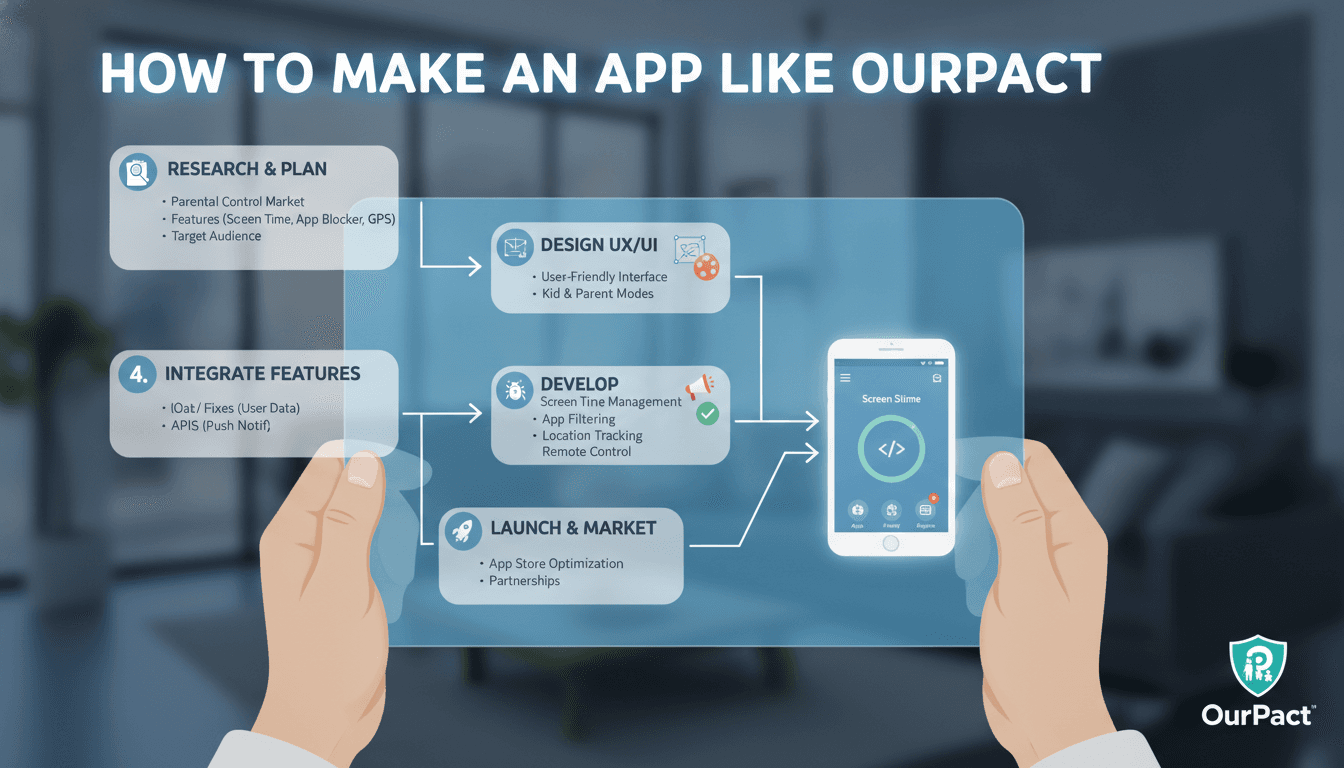
A practical breakdown of the architecture, compliance requirements, and engineering decisions behind a parental control app — from content filtering to cross-platform device management.
What Does an App Like OurPact Actually Do Under the Hood?
OurPact is a parental control and screen time management app. On the surface it looks simple: parents set rules, kids' devices follow them. Under the hood, it touches device management APIs, real-time communication, content filtering at the DNS or network layer, and cross-platform sync. Getting any one of those wrong breaks the experience entirely.
The core feature set you need to replicate:
- App blocking and scheduling (by time window or on-demand)
- Screen time limits per app or category
- Web content filtering
- Location tracking
- Messaging controls or allowlisting
- A parent-facing dashboard with activity reports
- A child-facing app that cannot be uninstalled without parent approval
That last point is where most teams underestimate the problem. Preventing uninstallation isn't a UI problem. It's a Mobile Device Management (MDM) problem on iOS and a Device Administrator / Device Owner problem on Android.
How Do You Block Apps and Enforce Screen Time on iOS and Android?
This is the most technically constrained part of the build, and the answer differs significantly between platforms.
iOS
Apple does not let third-party apps run persistent background services that can kill other apps. To enforce app blocking, you have two paths:
Screen Time API (ScreenTime framework, iOS 16+): This is the preferred approach for consumer apps. The FamilyControls, ManagedSettings, and DeviceActivity frameworks give you the ability to restrict apps, set time limits, and monitor usage without ever seeing the actual app data. Apple designed it specifically so the parent app cannot read which apps the child uses, only act on them. This is a privacy-first design with real engineering consequences: your server never gets a list of installed apps.
MDM with supervised mode: For deeper control (think school deployments), you can push an MDM profile via Apple Configurator or an MDM server like Jamf or a custom MDM solution built on Apple's MDM protocol. This requires the device to be in supervised mode, which typically means the parent sets it up from scratch. It's powerful but has significant friction in consumer scenarios.
OurPact historically used an MDM-based approach, which is why setup involved a configuration profile. The ScreenTime API route is more appropriate for most new consumer builds.
Android
Android gives you more surface area, but it's fragmented across OEM layers. The key APIs:
DevicePolicyManagerwith a Device Owner or Profile Owner roleUsageStatsManagerfor monitoring per-app time (requiresPACKAGE_USAGE_STATSpermission)AppOpsManagerfor finer-grained permission controlAccessibilityService(discouraged by Google, likely to get your app delisted)
The Device Owner approach locks the device strongly but requires a factory reset to set up. Profile Owner (work profile) is less disruptive and works for content separation, but parental control use cases don't map cleanly onto the work profile model.
For app blocking on Android without device ownership, you're polling UsageStatsManager in a foreground service and launching an overlay when a blocked app comes to the foreground. It works, but it's fragile. OEMs like Xiaomi and Huawei aggressively kill background services, which breaks the enforcement loop. You'll need to handle battery optimisation whitelisting per OEM.
You may also find our article on How to Make an App Like Yandex Mobile Browser useful.
What Does the Backend Architecture Look Like?
The backend is simpler than the client, but it has some specific requirements.
Real-time command delivery: When a parent hits "block all apps now," the child's device needs to act within a few seconds. That rules out pure polling. You need either:
- Firebase Cloud Messaging (FCM) for Android and APNs for iOS as push-triggered wakeups, with the app then polling a command queue
- A persistent WebSocket connection (more reliable, higher infra cost)
- A combination: push to wake, WebSocket for session commands
Command idempotency: Parent devices are offline, reconnect, and retry. Every command needs an idempotent ID so applying it twice doesn't double-block or corrupt state.
Data model: The core entities are Family (one or more parents, one or more children), Device, Rule (schedule, app filter, content filter), and Event (usage log entries). Rules live server-side and are synced to the device. Events are written device-side and synced up.
Content filtering: DNS-based filtering (using a custom DNS resolver, or integrating with something like Cloudflare Gateway or NextDNS's API) is the cleanest approach. You configure the child device's DNS to point to your resolver, which blocks categories you define. The alternative, a local VPN that inspects traffic, works but adds latency and battery drain, and certificate pinning on many apps defeats HTTPS inspection anyway.
/// Not sure where to start?
Get the architecture before you commit
Tell us what you're building and we'll map the technical approach, stack, and rough timeline. No cost, no obligation, no sales call required.
Compliance and Privacy Are Not Optional
Apps targeting children under 13 fall under COPPA in the US and GDPR-K in the EU. The engineering implications are real:
- You cannot serve behavioural advertising to child accounts
- You cannot collect more data than necessary to provide the service
- Parental consent must be verifiable, not just a checkbox
- Data retention limits apply: usage logs should not be kept indefinitely
On iOS, Apple's ScreenTime framework enforces privacy architecturally. On Android, you're making those choices yourself. Log the minimum: event type, timestamp, app category (not app name if you can avoid it), duration. Keep raw logs for 30 days maximum unless the parent explicitly requests longer retention.
Location data has its own requirements. If you're storing GPS coordinates, you need to be explicit in your privacy policy and your data model needs to handle deletion requests correctly.
How Long Does This Take to Build and What Does It Cost?
Rough estimates, assuming a two-platform (iOS + Android) consumer app with a backend API and web dashboard:
| Component | Estimated Dev Time |
|---|---|
| iOS app (ScreenTime API integration) | 8–12 weeks |
| Android app (Device Admin + usage monitoring) | 10–14 weeks |
| Backend API + database | 6–8 weeks |
| Parent web dashboard | 4–6 weeks |
| QA, OEM compatibility testing | 4–6 weeks |
| Total (parallel teams) | 16–20 weeks |
These numbers assume engineers who have worked with MDM and ScreenTime APIs before. If your team is learning as they go, add 30–40%.
The hardest part to estimate is OEM compatibility testing on Android. You need real devices from Samsung, Xiaomi, OnePlus, and Huawei at a minimum, because each has its own background process management behaviour. Emulators won't catch the issues that matter.
Conclusion
Building a parental control app is a device management problem first and a product problem second. The UI is straightforward. The hard parts are MDM profiles on iOS, background enforcement on fragmented Android devices, real-time command delivery, and staying compliant with COPPA and GDPR-K without architecting yourself into a corner.
If you're planning this build, start with a platform decision: ScreenTime API for consumer iOS (simpler, more restricted) vs. MDM for supervised/enterprise use cases (harder setup, more control). Get that right first. Everything else follows from it.
If you'd like to talk through the architecture before committing to an approach, Sodio has built in this space and can give you a straight read on what's practical for your scope.
FAQ
How does OurPact block apps without root access on Android?
It uses the DevicePolicyManager API with a Device Administrator role, combined with UsageStatsManager to detect when a blocked app moves to the foreground. A foreground service then launches an overlay or redirects the user. No root access is required, but the user must grant Device Administrator permission during onboarding.
Can you build a parental control app using only the App Store and Play Store distribution channels?
Yes, but with constraints. Apple's ScreenTime framework allows App Store distribution without MDM profiles. On Android, Device Administrator apps are permitted on the Play Store. However, apps using AccessibilityService for monitoring face stricter review and potential removal, so avoid that API path.
What database should I use for activity logs? A time-series-friendly store works best here. PostgreSQL with TimescaleDB handles this well at moderate scale. If you're expecting millions of events per day from the start, ClickHouse is worth evaluating. Avoid storing raw events in a general-purpose document store like MongoDB unless you have a specific reason.
How do you prevent a child from uninstalling the app on Android? With Device Administrator privileges granted, the app cannot be uninstalled through the normal Settings flow without first deactivating the administrator role, which you can make conditional on a parent PIN. On Android 10+, if you set up a Device Owner (requires factory reset), the protection is stronger still.
Is real-time location tracking hard to implement?
The tracking itself isn't difficult: background location via CoreLocation on iOS (with Always authorisation) and FusedLocationProviderClient on Android. The hard part is battery management. Geofencing events are more battery-efficient than continuous polling and cover most parental control use cases. Store coordinates server-side with a timestamp and a retention policy of no more than 30 days.
Have a project in mind? Contact Sodio Technologies to discuss your requirements and explore the right technology solution for your business.
/// Work with us
Talk to the engineers who'd build it
You'll get a technical scope, timeline and cost estimate from the people doing the work, not an account manager. In-house team, no subcontracting, since 2016.