

How to Make an App Like Scoro
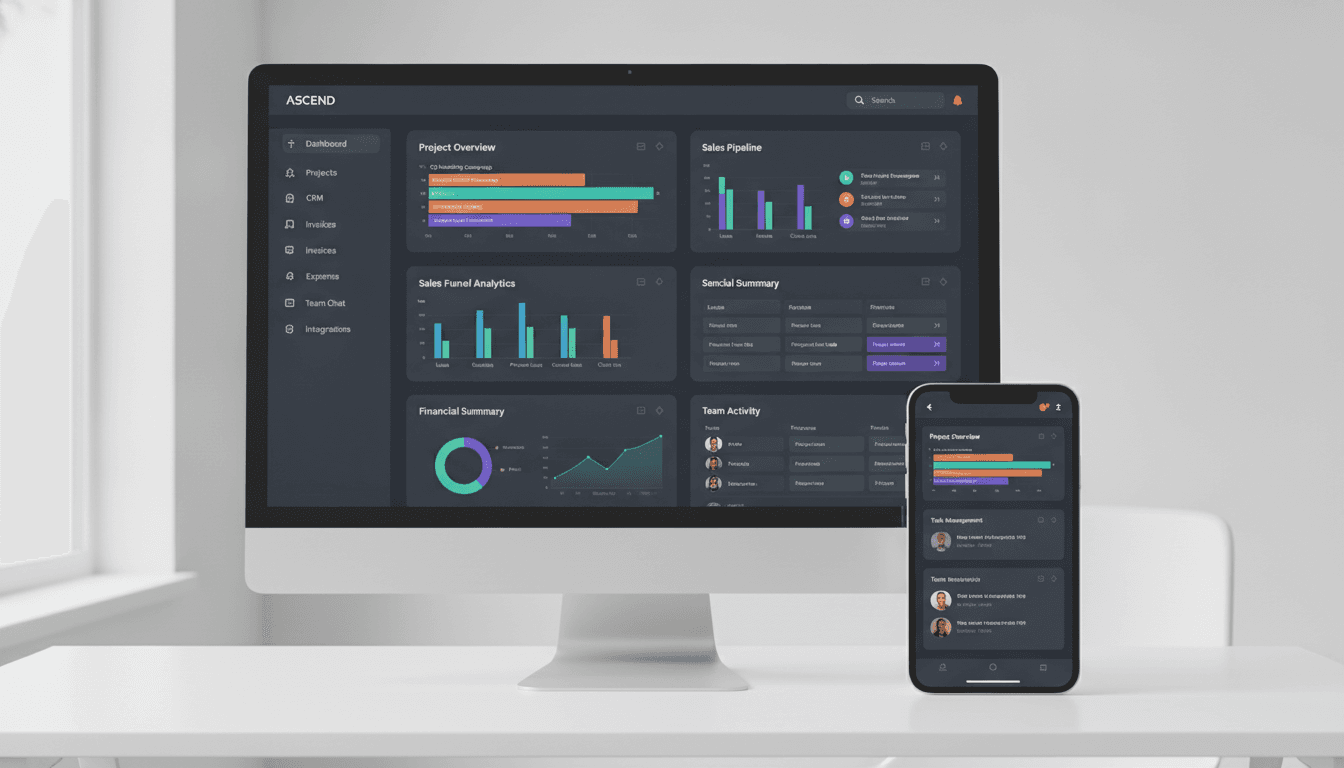
Scoro didn't become a household name in professional services by accident. It solved a very specific, very painful problem: agencies, consultancies, and creative studios were running their businesses across five or six disconnected tools — one for projects, one for time tracking, one for quotes, one for invoicing, one for CRM — and none of them talked to each other. Scoro collapsed all of that into a single work management platform.
If you're planning to build something similar, whether for a niche vertical or as a broader competitor, this guide walks through what actually matters: the feature architecture, the technical decisions, the timeline, and the budget.
You may also find our article on How to Make an App Like Google Workspace useful.
What Scoro Actually Is (And Why That Matters for Your Build)
Scoro is often described as "project management software," but that undersells it. It's a business management platform that unifies:
- Project and task management
- Time tracking and utilisation reporting
- CRM and sales pipeline
- Quoting and proposal generation
- Invoicing and billing
- Resource planning and capacity management
- Financial reporting and profitability analysis
The strategic insight is that these functions share the same underlying data. A quote becomes a project. Project time entries become invoice line items. Invoices feed profitability reports. Resource availability constrains project scheduling.
This is the hard part of building an app like Scoro. You're not building seven features — you're building one deeply interconnected data model with seven interfaces on top of it. Get the data model wrong and you'll be fighting it for years.
To explore this further, see How to Make an App Like Podio.
Step 1: Choose Your Wedge
Competing with Scoro head-on as a general-purpose work management suite is expensive and crowded. Most successful entrants pick a wedge.
Vertical specialisation. Build for a specific industry where generic tools fall short — architecture firms with drawing revision workflows, law firms with trust accounting and conflict checks, marketing agencies with retainer burn-down tracking, or engineering consultancies with stage-gate approvals.
Geographic or regulatory focus. Localised tax compliance, e-invoicing mandates, and regional accounting integrations are genuine moats. Countries with mandatory structured e-invoicing formats create real switching costs for incumbents who deprioritise them.
Company size. Scoro serves mid-market well. There's room both below it (very small studios who find it heavy) and above it (enterprises needing multi-entity consolidation and advanced governance).
Workflow philosophy. Some teams want rigid, finance-first structure. Others want flexible, database-style workspaces with billing bolted on. These are different products.
Pick one. Your data model, pricing, and go-to-market all flow from this decision.
Step 2: Design the Core Data Model
This deserves more attention than any other technical task. Here's a reasonable starting structure.
Foundational entities
Organisation / Tenant — the top-level container. Every record belongs to a tenant. Support multi-entity structures early if you're targeting mid-market or above, because retrofitting this is brutal.
User — belongs to one or more tenants, has roles, permissions, cost rate, and billable rate.
Contact and Company — CRM records. A Company has many Contacts. Both can have custom fields.
Deal / Opportunity — sits in a pipeline stage, links to a Company, has a value and expected close date.
Quote — versioned, with line items. Links to a Deal. Can be accepted, which triggers conversion.
Project — the central hub. Has a budget (in hours, money, or both), a start and end date, a client, and a billing type (fixed fee, time and materials, retainer, milestone-based).
Task — belongs to a Project, assigned to Users, has estimates, dependencies, and status.
Time Entry — belongs to a User and a Task or Project. Has duration, date, billable flag, and a locked state once invoiced.
Expense — belongs to a Project, may be billable, may have a markup.
Invoice — generated from Time Entries, Expenses, milestones, or fixed amounts. Has line items, tax treatment, payment status.
Booking / Allocation — a planned assignment of a User to a Project for a time period. Distinct from Tasks.
The relationships that create value
The magic is in the derived views:
- Project profitability = (invoiced + WIP) − (time entries × user cost rates + expenses)
- Utilisation = billable hours ÷ available hours per user per period
- Pipeline-weighted capacity = confirmed bookings + (pipeline deals × probability × estimated hours)
- Work in progress = unbilled billable time and expenses
Build these as first-class concepts, not afterthought reports. Consider materialised views or a separate analytical store if your reporting queries start straining the transactional database.
A warning about money
Store monetary values as integers in minor units (cents), never floats. Support multi-currency with historical exchange rates captured at transaction time, not calculated at read time. Tax handling — VAT, GST, sales tax, reverse charge, compound taxes — is genuinely complicated and varies by jurisdiction. Model tax as a configurable rule engine rather than a hardcoded percentage field.
Step 3: Map the Feature Set by Release
MVP (the honest minimum)
For a Scoro-like product, a thin MVP is dangerous because the value proposition is integration. If you ship projects without billing, you're just another project tool. Your MVP needs a complete loop:
- Contact and company management
- Project creation with budgets and phases
- Task management with assignment and status
- Time tracking (timer plus manual entry, with a fast weekly grid)
- Basic invoicing from tracked time
- A profitability view per project
- Role-based permissions (at minimum: admin, manager, member, contractor)
Version 2
- Quoting with templates, versioning, and client acceptance
- Sales pipeline with stages and forecasting
- Resource planner with drag-and-drop booking and capacity heatmaps
- Retainer and recurring invoice management
- Expense capture with receipt upload and OCR
- Customisable dashboards and saved reports
- Accounting integrations (Xero, QuickBooks, and regional equivalents)
Version 3 and beyond
- Client portal for approvals, shared files, and invoice access
- Automation rules ("when a quote is accepted, create a project from template and notify the PM")
- Advanced forecasting and scenario planning
- Multi-entity consolidation
- Open API, webhooks, and a partner integration marketplace
- Native mobile apps for time capture, approvals, and expenses
Step 4: Get the Architecture Right
Multi-tenancy
Three common patterns:
Shared database, shared schema with tenant_id — cheapest to operate, easiest to scale horizontally, but requires disciplined query-level isolation. Row-level security in PostgreSQL helps enormously here. Best default for most startups.
Schema per tenant — better isolation, easier per-tenant backups and restores, but migrations become painful past a few hundred tenants.
Database per tenant — strong isolation, straightforward compliance story, highest operational cost. Reasonable for enterprise-only plays.
Most teams should start with shared schema plus row-level security, and offer dedicated databases only as an enterprise tier.
Backend
A modular monolith is almost always the right starting point. Organise it into clear domains — CRM, Projects, Time, Billing, Resourcing, Reporting — with explicit interfaces between them. This gives you the option to extract services later without paying distributed-systems tax on day one.
Reasonable stacks:
- Node.js with TypeScript (NestJS) — strong typing across front and back, large talent pool
- Python (Django or FastAPI) — excellent for reporting and analytics work
- Go — great performance characteristics, good for high-throughput time and event ingestion
- .NET or Java/Spring — natural fits if you're targeting enterprise buyers
PostgreSQL is the sensible primary database. You get JSONB for custom fields, strong transactional guarantees for financial data, row-level security, range types for booking periods, and mature extensions. Add Redis for caching and queues, and an object store for file attachments.
Background processing
A great deal of a work management platform runs asynchronously: recurring invoice generation, scheduled report emails, integration syncs, notification digests, PDF rendering, import jobs. Invest in a proper job queue with retries, dead-letter handling, and idempotency from the start.
Frontend
This is a dense, data-heavy application. Users live in it for eight hours a day.
- React or Vue with TypeScript
- A serious data grid component — virtualised, with inline editing, grouping, and column configuration. Do not build this yourself.
- A Gantt and calendar library for scheduling views
- Optimistic UI updates for time entry, which must feel instantaneous
- Robust offline handling for the mobile timer
Mobile
Time tracking, expense capture, and approvals are the mobile use cases. Nobody plans resources on a phone. React Native or Flutter will serve you well and share logic with the web client where sensible.
Integrations
Plan for these as a platform capability, not one-off code:
- Accounting: Xero, QuickBooks, Sage, and regional systems
- Calendar and email: Google Workspace, Microsoft 365 (two-way sync is harder than it looks)
- Payments: Stripe, GoCardless, or local providers
- Auth: SAML and OIDC for enterprise SSO
- Storage: Google Drive, OneDrive, Dropbox
- Generic: Zapier or Make, plus your own REST API and webhooks
Step 5: Add Intelligence Where It Earns Its Keep
AI features sell, but only the useful ones retain. High-value applications in this domain:
- Timesheet suggestions — infer likely time entries from calendar events, commits, documents touched, and communication patterns, then let the user confirm with one tap
- Quote estimation — suggest scope and pricing based on similar historical projects and their actual delivered cost
- Budget risk alerts — flag projects trending toward overrun based on burn rate versus completion, before the deadline arrives
- Natural language reporting — "show me profitability by client for Q3, excluding pass-through costs"
- Receipt and invoice extraction — OCR plus structured parsing for expenses and supplier bills
Be careful about what you send to third-party model providers. Client names, rates, and financial data are sensitive. Offer tenant-level controls for AI features and be explicit in your documentation about data handling.
Step 6: Security, Compliance, and Trust
You are storing your customers' financial data and their clients' contact information. Trust is the product.
- Encryption in transit and at rest, with sensible key management
- Granular role-based permissions, including the ability to hide rates and financials from non-managers
- Comprehensive audit logging on financial records — who changed what invoice, when, and from what value
- Locked periods so approved and invoiced time cannot be silently edited
- GDPR compliance: data export, deletion, processing agreements, and regional data residency options
- SOC 2 Type II if you intend to sell above the small-business tier — start the process early, because it takes months
- Two-factor authentication and enterprise SSO
Step 7: Onboarding and Migration
This is where most work management products lose deals. Prospects already have data somewhere, and moving it is scary.
Invest disproportionately in:
- CSV importers with column mapping, validation preview, and error recovery
- Direct migration tools from the most common incumbents in your target segment
- Project templates so a new user sees a realistic workspace in minutes, not an empty screen
- Guided setup that configures rates, tax settings, and invoice templates before the user hits their first real workflow
- Sandbox or demo data that can be wiped cleanly
Timeline and Budget
These are realistic ranges for a competent team building a production-grade product.
Discovery and design: 4–8 weeks. Market research, competitive teardown, data model design, information architecture, wireframes, and a design system.
MVP build: 4–6 months. The full loop from contact to project to time to invoice, with a small team of four to six engineers plus design and QA.
Version 2: an additional 4–6 months. Quoting, resourcing, dashboards, and the first accounting integrations.
Cost estimates, varying widely by region and team composition:
- MVP: roughly $90,000 to $200,000
- Version 2: roughly $120,000 to $300,000
- Ongoing: budget 20–30% of build cost annually for maintenance, plus infrastructure and support
Offshore and nearshore teams sit at the lower end; North American and Western European in-house teams at the higher end. Be suspicious of quotes dramatically below these ranges for a product of this complexity — billing and reporting logic is where cheap builds go to die.
Monetisation
Scoro uses per-user, per-month tiered pricing with a minimum seat count. Common variations worth considering:
- Per-seat tiers with features gated by plan — simple, predictable, industry standard
- Role-based pricing — full seats for managers, cheaper seats for contributors who only track time. This dramatically lowers the barrier for large teams.
- Usage components — invoice volume, storage, or API calls layered on top
- Implementation and migration services — a real revenue line in mid-market, and a retention driver
Annual billing discounts improve cash flow and reduce churn. Offer a free trial rather than a free tier for this category; the setup investment means free users rarely convert without commitment.
Mistakes to Avoid
Underestimating billing. Retainers, milestone billing, partial invoicing, credit notes, multi-currency, tax rules, and rounding behaviour are collectively harder than the entire project management module.
Slow reporting. As tenants accumulate years of time entries, naive queries collapse. Plan your aggregation strategy before you have angry customers.
A cluttered interface. Scoro's own most common criticism is complexity. Progressive disclosure, sensible defaults, and role-appropriate views are competitive advantages.
Friction in time entry. If logging time takes more than a few seconds, people stop doing it, and your entire data set — and therefore every report — becomes worthless.
Ignoring permissions until late. Retrofitting granular, financial-aware permissions into a mature codebase is miserable. Design it in from the first sprint.
Closing Thought
Building an app like Scoro is a serious undertaking, but the opportunity is real. Professional services firms worldwide still run on spreadsheets and duct-taped tool stacks, and most vertical niches remain genuinely underserved.
For a closer look at a related topic, read our guide on How to Make an App Like Basecamp.
Win by choosing a specific audience, nailing the complete quote-to-cash loop for them, and obsessing over the two things users touch every single day: entering time and understanding whether a project is making money. Everything else can come later.
Have a project in mind? Contact Sodio Technologies to discuss your requirements and explore the right technology solution for your business.
/// Work with us
Talk to the engineers who'd build it
You'll get a technical scope, timeline and cost estimate from the people doing the work, not an account manager. In-house team, no subcontracting, since 2016.