

How to Use Angular.js for Single Page Applications (SPAs)
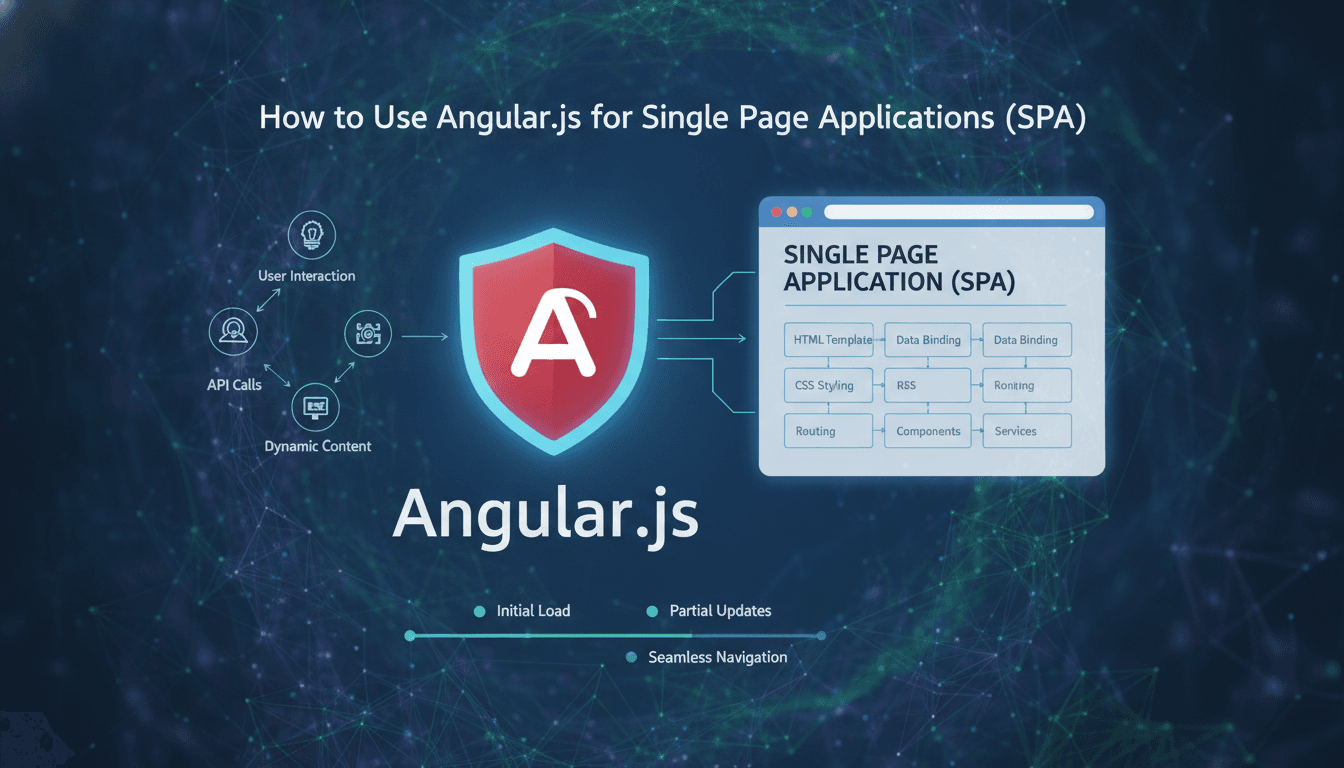
Angular.js remains a practical choice for SPAs when you understand what it actually does well, where it falls short, and how to structure your application so it doesn't become a maintenance burden six months in.
What Makes AngularJS Suited to Single Page Applications?
AngularJS (1.x) was built around a specific model: the browser owns the DOM, data flows through a digest cycle, and your application state lives in JavaScript objects bound to templates. For SPAs, this maps well because you're already managing view transitions, history, and data in the client.
Related reading: Case Studies: Successful Angular.js Projects by Sodio.
The two-way data binding between $scope and the template eliminates most of the manual DOM manipulation you'd otherwise write. When a user types into an input, the model updates. When the model updates, the view reflects it. For forms-heavy SPAs, this alone reduces boilerplate significantly.
The built-in $http service and Angular's $q promise implementation give you a clean way to handle async calls without reaching for external libraries. Combine that with ngRoute or ui-router for client-side routing, and you have a self-contained SPA stack.
Related reading: Understanding Angular.js for Frontend Development.
That said, AngularJS 1.x reached end-of-life in December 2021. If you're starting a new project today, Angular (2+) or React are the more defensible choices. AngularJS is still relevant if you're maintaining or extending an existing 1.x codebase, or if you're working in an environment where upgrading is genuinely constrained.
How Do You Structure an AngularJS SPA Without It Becoming Unmaintainable?
The default AngularJS project layout you find in most tutorials is flat and doesn't scale. Controllers get fat, services get tangled, and after a few months the digest cycle is firing hundreds of times per user interaction.
A structure that holds up looks like this:
/app
  /core          — shared services, filters, constants
  /components    — reusable directives with their own templates
  /features      — one folder per route/feature
    /dashboard
      dashboard.controller.js
      dashboard.service.js
      dashboard.html
  app.module.js
  app.routes.js
Keep controllers thin. A controller should set up $scope, call a service, and handle user events. Business logic belongs in services, which are singletons and therefore testable in isolation with Karma and Jasmine.
Using ui-router Instead of ngRoute
ngRoute supports one named view per route. ui-router supports nested and parallel named views, which is almost always what a real SPA needs. With ui-router, you define states rather than URLs, and states can be nested. A dashboard with a sidebar, a main panel, and a modal layer is expressed cleanly as nested states rather than forcing everything into a single outlet.
$stateProvider
  .state('dashboard', {
    url: '/dashboard',
    views: {
      'main': { templateUrl: 'features/dashboard/dashboard.html',
                controller: 'DashboardCtrl' },
      'sidebar': { templateUrl: 'components/sidebar/sidebar.html',
                   controller: 'SidebarCtrl' }
    }
  });
Managing the Digest Cycle
The digest cycle is AngularJS's change detection mechanism. It runs a dirty-checking loop over all watched expressions. In a large SPA, you can accumulate thousands of watchers, and each digest cycle checks all of them. The symptoms are sluggish typing, janky animations, and CPU spikes on route transitions.
Practical fixes:
- Use one-time bindings (
::value) wherever the data doesn't change after initial render - Use
track byinng-repeatto avoid rebuilding DOM nodes unnecessarily - Avoid deep watches (
$watch(fn, true)) on large objects; watch specific primitives instead - Call
$scope.$applyAsync()instead of$scope.$apply()when triggering updates from outside Angular
A well-maintained SPA should stay under 2,000 active watchers per view. Use the ng-stats browser extension to audit watcher count in development.
/// Not sure where to start?
Get the architecture before you commit
Tell us what you're building and we'll map the technical approach, stack, and rough timeline. No cost, no obligation, no sales call required.
What Does a Proper AngularJS Service Layer Look Like?
Services are where most of the application logic should live. AngularJS gives you three ways to create a service: factory, service, and provider. The differences matter.
| Type | Returns | Use when |
|---|---|---|
factory |
Whatever the function returns | You need control over the object returned |
service |
Instance of the constructor | You prefer class-style instantiation |
provider |
Configurable factory | You need configuration at config phase |
For most application services, factory is sufficient. provider is worth the extra complexity only when you need to configure the service before the app bootstraps, for example setting an API base URL based on environment.
Keep HTTP calls inside services, not controllers. This means your controllers don't need to know whether data comes from a REST API, localStorage, or a mock, which makes testing straightforward.
angular.module('app.core')
  .factory('UserService', function($http, $q) {
    return {
      getUser: function(id) {
        return $http.get('/api/users/' + id)
          .then(function(response) { return response.data; });
      }
    };
  });
How Do You Handle Authentication and Route Guards in an AngularJS SPA?
AngularJS doesn't ship a built-in authentication mechanism. The standard approach is to use $http interceptors to attach tokens to outgoing requests and handle 401 responses globally, combined with ui-router resolve functions to gate routes.
An interceptor that attaches a JWT:
$httpProvider.interceptors.push(function($q, AuthService, $state) {
  return {
    request: function(config) {
      var token = AuthService.getToken();
      if (token) {
        config.headers['Authorization'] = 'Bearer ' + token;
      }
      return config;
    },
    responseError: function(rejection) {
      if (rejection.status === 401) {
        $state.go('login');
      }
      return $q.reject(rejection);
    }
  };
});
Route guarding with ui-router resolve:
.state('dashboard', {
  url: '/dashboard',
  resolve: {
    auth: function(AuthService, $state) {
      if (!AuthService.isLoggedIn()) {
        $state.go('login');
      }
    }
  }
})
Store tokens in sessionStorage rather than localStorage if your session should not survive a browser restart. Use localStorage only if persistent login is an explicit requirement and you've thought through the XSS exposure.
Testing and Build Pipeline
AngularJS was designed with testability in mind. $injector makes dependency injection explicit, which means you can swap real services for mocks in unit tests without monkey-patching globals.
For unit tests, Karma as a test runner with Jasmine assertions is the standard setup. For end-to-end tests, Protractor was built specifically for AngularJS and understands the digest cycle, so it waits for Angular to finish processing before making assertions.
You may also find our article on The Impact of Angular.js on Frontend Development Efficiency useful.
On the build side, Grunt and Gulp were the dominant tools when AngularJS was in active development. Webpack works with AngularJS 1.x too, and if you're maintaining a hybrid codebase or want modern module bundling, it's the better choice. Running ng-annotate as part of your build step is mandatory if you're minifying, because minification breaks Angular's implicit dependency injection syntax.
Conclusion
If you're maintaining an AngularJS SPA, the biggest returns come from auditing your watcher count, migrating to ui-router if you haven't, and moving logic out of controllers into services you can test independently.
If you're starting fresh, Angular 17+ or React with a router like TanStack Router are better-supported choices with larger ecosystems. AngularJS 1.x is a solved problem; most of the hard questions about how to structure it have been answered by the community over the past decade.
A concrete next step: run ng-stats on your current build, check your watcher count on each major view, and treat anything above 2,000 as a performance debt item worth addressing in the next sprint.
FAQ
Is AngularJS still usable in 2024? AngularJS 1.x reached end-of-life in December 2021, which means no security patches or updates from the Angular team. It still runs fine, and many production applications depend on it, but new projects should default to Angular 17+ or React. If you're maintaining existing AngularJS code, the risk is manageable with a clear migration plan.
What is the difference between AngularJS and Angular? AngularJS refers to version 1.x, which uses a scope-based digest cycle and is written in plain JavaScript. Angular (2 and above) is a complete rewrite in TypeScript, uses a component tree with zone.js for change detection, and has a different module system. They share a name and some conceptual overlap but are not compatible frameworks.
How do I improve performance in an AngularJS SPA?
Start by counting watchers per view using ng-stats. Use one-time bindings (::) for static content, track by $index or a unique ID in ng-repeat, and avoid deep watches on large objects. Lazy-loading route modules with ui-router's resolve can also reduce the initial parse cost on first load.
Should I use AngularJS factories or services?
Use factory by default. It gives you explicit control over what the service returns and works well for object literals with methods. Use service if you prefer constructor-style syntax and want this to refer to the instance. The functional difference is minor; what matters more is consistency across your codebase.
How do I migrate an AngularJS SPA to Angular 17+? The official path is ngUpgrade, which lets you run AngularJS and Angular components side by side in the same application. In practice, a full rewrite is often cleaner for applications smaller than 50,000 lines. Start by identifying feature boundaries, converting leaf components first, and working inward toward shared services. Plan for 3 to 6 months of parallel maintenance depending on codebase size.
Have a project in mind? Contact Sodio Technologies to discuss your requirements and explore the right technology solution for your business.
/// Work with us
Talk to the engineers who'd build it
You'll get a technical scope, timeline and cost estimate from the people doing the work, not an account manager. In-house team, no subcontracting, since 2016.