

Load Testing Checkout, Not Page Speed
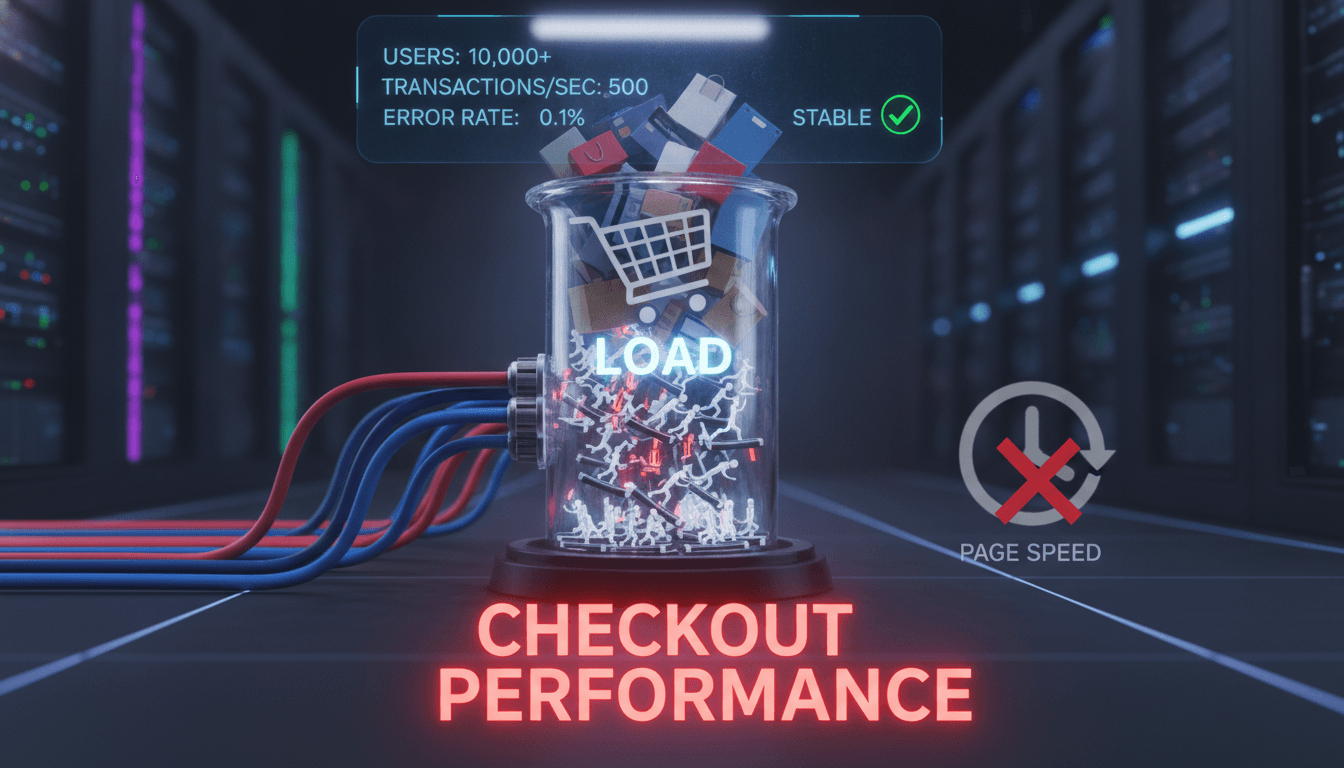
Page speed scores tell you how fast a page loads for one user. They tell you almost nothing about what happens when 3,000 users hit your checkout simultaneously during a flash sale. These are different problems, and conflating them is how engineering teams get caught off guard at the worst possible moment.
This post covers how to load test the checkout flow specifically, what to instrument, which tools to use, and where most teams get the failure modes wrong.
For a closer look at a related topic, read our guide on The Impact of Backend Development on Application Efficiency.
Why Checkout Is a Different Beast
A product listing page is mostly read traffic. CDN-cacheable, stateless, horizontally scalable with very little effort. Checkout is none of those things.
You may also find our article on How to Develop APIs with Backend Technologies useful.
A single checkout flow typically touches:
- Session and cart state
- Inventory reservation logic
- Payment gateway API calls (Stripe, Razorpay, or similar)
- Fraud scoring
- Order creation and database writes
- Email/SMS dispatch
Each of those steps has its own latency profile and failure mode. A 200ms database write under normal load can balloon to 4 seconds under contention when 800 users are simultaneously trying to reserve the last 12 units of a SKU. Inventory reservation under concurrent load is one of the most common causes of overselling, and it's almost never caught by page speed tooling.
What Does a Realistic Checkout Load Test Actually Look Like?
Most load tests are too optimistic. They simulate users who behave perfectly: add to cart, fill in address, enter card details, confirm. Real users abandon. They go back. They refresh the payment page. They sit idle for 90 seconds mid-flow.
A realistic test model needs to account for:
- Concurrency vs. arrival rate. These are not the same. 500 concurrent users with a 10-second think time generates a very different request rate than 500 users hitting submit simultaneously.
- Session state. Authenticated checkout flows require each virtual user to carry a valid session token. If your test framework isn't managing cookies or JWTs correctly, you're not testing the real path.
- Third-party API behaviour. Payment gateways rate-limit. Stripe's test mode does not enforce the same rate limits as production. You need to mock gateway responses at realistic latencies (Stripe's median charge creation latency is around 350–600ms) and test both success and failure paths.
- Database contention. Inventory decrement, order insert, and payment status update often hit the same rows or the same indexes under load. This is where you find deadlocks and lock wait timeouts.
k6 is the tool we reach for most often. It's scriptable in JavaScript, integrates cleanly with CI pipelines, and produces output that maps to Grafana dashboards without much plumbing. For scenarios where you need browser-level simulation (testing the full frontend under load), Playwright + k6 browser mode is a reasonable combination, though it's significantly more resource-intensive to run.
Scripting the Checkout Path in k6
A minimal k6 script for checkout covers at minimum five HTTP stages: login or session init, cart add, address submit, payment initiation, and order confirmation poll. Each stage should assert on response status and on response time thresholds, not just on whether the server returned 200.
You may also find our article on Dispatch When Providers Reject, Time Out and Disappear useful.
import { check, sleep } from 'k6';
import http from 'k6/http';

export const options = {
  stages: [
    { duration: '2m', target: 100 },
    { duration: '5m', target: 500 },
    { duration: '2m', target: 0 },
  ],
  thresholds: {
    'http_req_duration{name:payment_initiate}': ['p95<2000'],
    'http_req_failed': ['rate<0.01'],
  },
};
The p95<2000 threshold on payment initiation matters more than average latency. Averages hide the tail. A p95 of 2 seconds means 1 in 20 users is waiting at least that long at the most anxiety-inducing moment of the purchase flow.
/// Not sure where to start?
Get the architecture before you commit
Tell us what you're building and we'll map the technical approach, stack, and rough timeline. No cost, no obligation, no sales call required.
How Do You Find the Actual Breaking Point?
The goal of a load test is not to confirm that your system survives expected load. It's to find where it breaks and understand why.
Run a soak test first. Hold 60–70% of expected peak load for 4–6 hours. This surfaces memory leaks, connection pool exhaustion, and slow disk writes that don't appear in short bursts. A Node.js service that handles 200 req/s cleanly for 10 minutes can degrade significantly after 3 hours if it's leaking event listeners or not releasing database connections properly.
Then run a spike test. Ramp to 150% of expected peak in 30 seconds and watch what breaks first. Common failure points:
- Database connection pool hits its ceiling (typically 20–100 connections for a pooled PostgreSQL setup)
- Redis keyspace gets hammered and eviction policy starts dropping cart session keys
- The payment gateway returns 429s and the application has no retry logic with backoff
- A synchronous email dispatch call blocks the order creation thread
Each of these has a different fix. Connection pool exhaustion means adjusting pool size or moving to a connection proxy like PgBouncer. Payment gateway 429s mean implementing exponential backoff with jitter. Synchronous email is an architectural mistake that requires decoupling via a queue (SQS, RabbitMQ, or similar).
Instrumentation: What to Measure Beyond Response Time
Response time is the output. You also need to watch the system internals during the test.
| Metric | Tool | What to watch for |
|---|---|---|
| DB query latency by query | pg_stat_statements | Queries crossing 100ms at p95 |
| Connection pool utilisation | PgBouncer admin console | Pool saturation above 80% |
| Cache hit rate | Redis INFO stats | Hit rate dropping below 90% |
| Payment gateway latency | Custom histogram | p99 diverging from vendor SLA |
| Error rate by endpoint | Prometheus + Grafana | Any endpoint above 0.5% error rate |
| GC pause duration | JVM/Node runtime metrics | GC pauses above 200ms |
The checkout confirmation endpoint deserves its own dashboard. It's usually the most write-heavy, the most latency-sensitive, and the hardest to retry safely because of idempotency concerns.
What About Staging vs. Production Load Testing?
Staging environments rarely have production data volumes, and that matters enormously for database performance. A PostgreSQL table with 10,000 order rows behaves very differently from one with 40 million rows when you're running a query with a missing index.
There are two practical approaches. The first is to shadow production traffic to staging using a tool like Goreplay, which captures and replays real HTTP traffic at configurable rates. This gives you realistic request shapes without fabricated data. The second is to seed staging with production-scale synthetic data and run your load tests against that.
Neither is perfect. Goreplay misses mutations that depend on real payment outcomes. Synthetic data misses edge cases in real user behaviour. Most teams use both at different stages of release.
Production load testing is sometimes necessary, particularly for new infrastructure at scale. If you go that route, you need feature flags to route a controlled percentage of traffic, circuit breakers to abort the test if error rates spike, and clear rollback procedures. It's not a step to take without preparation.
Conclusion
The most useful thing a checkout load test tells you is not whether your system survives, it's which component fails first and at what threshold. Find that component, fix it, raise the threshold, repeat.
Before your next major traffic event, script the full checkout path in k6, run a soak test at 70% expected peak, and instrument at least the five metrics in the table above. If the p95 latency on payment initiation stays under 2 seconds and your error rate stays under 0.5% through a spike to 150% peak, you're in a reasonable position. If either threshold breaks, you have a specific thing to fix rather than a vague concern about performance.
FAQ
Is load testing checkout different from load testing an API? The mechanics are similar, but checkout involves stateful, multi-step flows where each step depends on the previous one. You're also touching third-party systems with their own rate limits and latency profiles. A simple API load test doesn't capture session management, payment gateway behaviour, or inventory contention under concurrent writes.
Can Lighthouse or WebPageTest tell me anything useful about checkout performance? They measure single-user page load performance, which is relevant for the initial product discovery experience. For checkout, what matters is how the backend behaves under concurrent write load. Lighthouse scores don't change when your database connection pool is saturated. Use them for frontend optimisation, not backend capacity planning.
How much load should I test for? A common starting point is 2x your expected peak, verified against historical traffic data. For new products without history, model off industry benchmarks: e-commerce conversion events like flash sales can produce 10–20x normal traffic in under a minute. Test for the spike, not the average.
What's the most common mistake in checkout load testing? Not simulating real user behaviour. Tests that assume every virtual user completes the flow miss the load generated by abandoned sessions, back-navigation, and repeated payment attempts. A 30–40% cart abandonment rate is typical in e-commerce, and those incomplete sessions still consume server resources.
Do I need a separate load testing environment? Ideally yes, with production-scale data. A staging environment with a small dataset will not surface database index problems, query planner regressions, or disk I/O issues that only appear at volume. If a dedicated environment is too costly, use Goreplay to shadow production traffic at a reduced rate against a staging backend.
Have a project in mind? Contact Sodio Technologies to discuss your requirements and explore the right technology solution for your business.
/// Work with us
Talk to the engineers who'd build it
You'll get a technical scope, timeline and cost estimate from the people doing the work, not an account manager. In-house team, no subcontracting, since 2016.