

467 Orphaned Pages: When Your Sitemap Is the Only Link
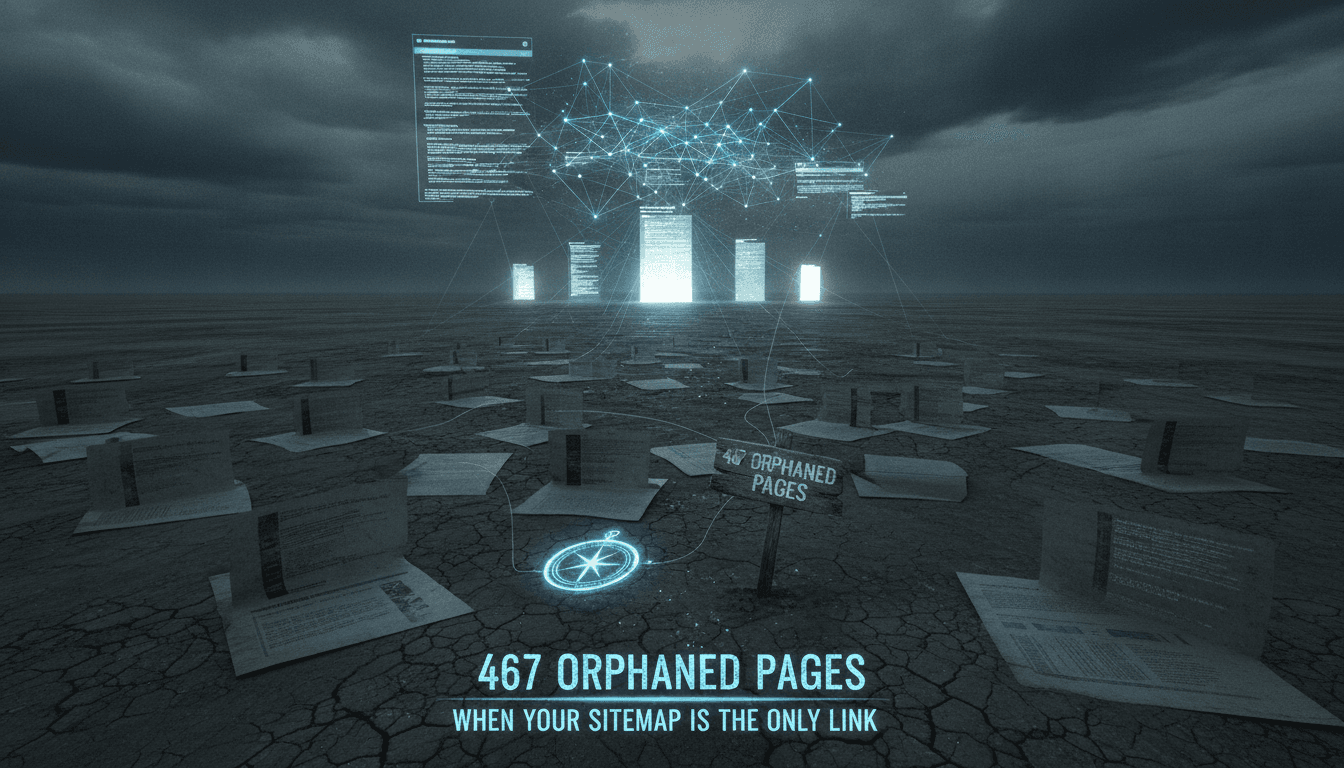
Orphaned pages don't announce themselves. They accumulate quietly — a migration here, a restructured nav there — until your crawl report surfaces 467 URLs that exist in your sitemap and nowhere else. No internal links. No referrers. Just pages floating in the index, burning crawl budget and contributing nothing to your site's authority graph.
This post is about how that happens, what it costs you technically, and how to fix it without breaking what's already working.
You may also find our article on Migrating 621 Blog Posts Without Losing the Slugs useful.
How Do Pages Become Orphaned in the First Place?
The short answer: pages are created faster than navigation structures are updated, and nobody owns the gap between the two.
A few common causes:
- CMS migrations where URL slugs change but internal links are never repointed
- Programmatic page generation (faceted search, location pages, product variants) that outpaces editorial linking
- Campaign landing pages built outside the CMS and never wired into the site hierarchy
- Content pruning that removes a category page but leaves its children intact
- A/B test variants that get indexed before the test ends and are never cleaned up
In each case, the page gets submitted to Google via sitemap.xml, Googlebot fetches it, and it lives in the index. But because no internal page passes PageRank to it, it sits at an effective authority of zero. Google's John Mueller has confirmed repeatedly that Googlebot does use internal links to understand site structure. A page reachable only via sitemap is a page Google has low confidence about.
What Does "Orphaned" Actually Mean for Crawl Budget?
Crawl budget is the number of URLs Googlebot will fetch from your site within a given period. Google allocates this based on crawl rate limit (how fast your server can handle requests) and crawl demand (how popular and fresh your pages are).
Orphaned pages affect this in two ways.
First, they consume crawl budget without contributing to your internal link graph. Every fetch of an orphaned page is a fetch that didn't go to a page with inbound equity. On large sites with tens of thousands of URLs, this compounds fast.
Second, they signal structural incoherence. When Googlebot sees a sitemap claiming 6,000 URLs but your internal link graph only connects 5,533 of them, it has to decide how much to trust the sitemap. A sitemap bloated with low-equity orphans trains Googlebot to trust your sitemap less over time.
The practical threshold: if your site has fewer than 1,000 pages and crawl budget isn't a demonstrated bottleneck, orphaned pages are mostly an authority problem, not a crawl problem. On sites above 10,000 pages, orphaned pages are both.
Related reading: Rebuilding 91 Orphaned Pages: What It Cost Us.
/// Not sure where to start?
Get the architecture before you commit
Tell us what you're building and we'll map the technical approach, stack, and rough timeline. No cost, no obligation, no sales call required.
How Do You Actually Find All 467 of Them?
You need three data sources to get a complete picture.
| Source | What it gives you | Tool |
|---|---|---|
| Sitemap.xml (all versions) | Declared URL inventory | Screaming Frog, sitemap parser |
| Internal link graph | Pages with at least one inbound link | Screaming Frog, Ahrefs Site Audit |
| Server logs | Pages actually fetched by Googlebot | Log file analyser, BigQuery |
The orphan identification logic is: sitemap URLs minus URLs with at least one internal inbound link equals your orphan candidate list. Then you cross-reference against server logs to see which of those candidates Googlebot is actually fetching, and how often.
You may also find our article on We Lost 69,297 Search Impressions in One Deploy useful.
Why Server Logs Matter Here
Screaming Frog will find links that exist in your HTML. It won't find links injected by JavaScript that don't render in a standard crawl, and it won't tell you what Google has already discovered. Server logs give you ground truth. If a page appears in your logs with a Googlebot user-agent and no referrer other than a direct fetch, it's a confirmed orphan from Google's perspective.
Handling Sitemap Index Files
If you're running a sitemap index that references child sitemaps (news, images, video, hreflang), each child sitemap needs to be parsed separately. A page in your image sitemap that doesn't appear in your HTML sitemap and has no internal links is still an orphan. This is a common blind spot.
Fixing Orphans: Four Patterns and When to Use Each
There's no single right answer. The fix depends on whether the page should exist at all.
Pattern 1: Add internal links The page has good content, it just isn't linked. Find the three to five most topically relevant existing pages and add contextual links. This is the right fix for evergreen content that was created in isolation.
Pattern 2: Consolidate via 301 The page overlaps significantly with another page. Pick the canonical version, 301 the orphan to it, and update the sitemap. Don't leave the orphan in the sitemap post-redirect; sitemaps should only declare indexable destinations.
Pattern 3: Noindex and exclude from sitemap
The page serves a functional purpose (a confirmation page, a campaign variant) but shouldn't be indexed. Add <meta name="robots" content="noindex"> and remove it from the sitemap. Googlebot will eventually de-index it.
Pattern 4: Delete The page has no traffic, no backlinks, no content value, and no functional use. Delete it, return a 410 (Gone), and remove it from the sitemap. A 410 tells Googlebot to remove the URL from its index faster than a 404.
One thing to check before bulk-deleting: use Ahrefs or Majestic to confirm there are no external backlinks pointing to these pages. Even a handful of referring domains makes deletion more costly than a 301.
Should You Remove Orphans from the Sitemap First?
Remove them from the sitemap only after you've decided what to do with the page. Pulling a URL from the sitemap doesn't de-index it if Googlebot already has it cached. The correct sequence is:
- Decide the fate of the page (link, consolidate, noindex, delete)
- Implement the fix
- Update the sitemap to reflect the new state
- Submit the updated sitemap via Google Search Console
Removing a page from your sitemap without implementing a fix just means Googlebot discovers it less often. The page stays indexed.
Conclusion
467 orphaned pages is a structural problem, not a content problem. The content may be fine. The issue is that your site's internal architecture doesn't acknowledge those pages exist, and Google's understanding of your site suffers for it.
Start with a Screaming Frog crawl against your full sitemap export, cross-reference with your server logs, and triage by page type. Fix in batches: link what deserves linking, consolidate what overlaps, kill what shouldn't be there. Then update your sitemap and monitor coverage reports in Search Console over the next 60 to 90 days.
If your site generates pages programmatically, the deeper fix is adding automated internal linking logic at the template level so new pages enter the link graph on creation, not six months later when someone runs an audit.
FAQ
What's the fastest way to identify orphaned pages? Export all URLs from your sitemap.xml, then run a full site crawl with Screaming Frog using "crawl all URLs in sitemap" mode. Cross-reference the crawl's inbound link count column. Any URL showing zero inbound internal links is an orphan candidate. The whole process takes under two hours on most sites.
Does having orphaned pages hurt your SEO directly? Yes, but indirectly. Orphaned pages receive no PageRank from internal links, so they rank poorly regardless of content quality. On large sites they also dilute crawl budget, meaning pages with genuine authority get crawled less frequently. The damage is structural, not a manual penalty.
Should orphaned pages always be deleted? No. Deletion is appropriate for pages with no traffic, no backlinks, and no content value. Pages with good content just need internal links. Pages with external backlinks pointing at them should be 301-redirected rather than deleted, to preserve whatever link equity those backlinks carry.
What's the difference between a 404 and a 410 for orphaned pages? A 404 (Not Found) tells Googlebot the page is temporarily unavailable. A 410 (Gone) signals permanent removal. Google removes 410 pages from its index faster than 404 pages. If you're deleting orphaned pages intentionally, return a 410 and update your sitemap to remove those URLs.
How do you stop orphan pages from accumulating again? Set a CMS rule or deployment check that requires every new page to have at least one manually assigned internal link before it goes live. For programmatically generated pages, build internal linking into the template logic so that new pages are automatically linked from a relevant index or category page on creation.
Have a project in mind? Contact Sodio Technologies to discuss your requirements and explore the right technology solution for your business.
/// Work with us
Talk to the engineers who'd build it
You'll get a technical scope, timeline and cost estimate from the people doing the work, not an account manager. In-house team, no subcontracting, since 2016.