

We Lost 69,297 Search Impressions in One Deploy
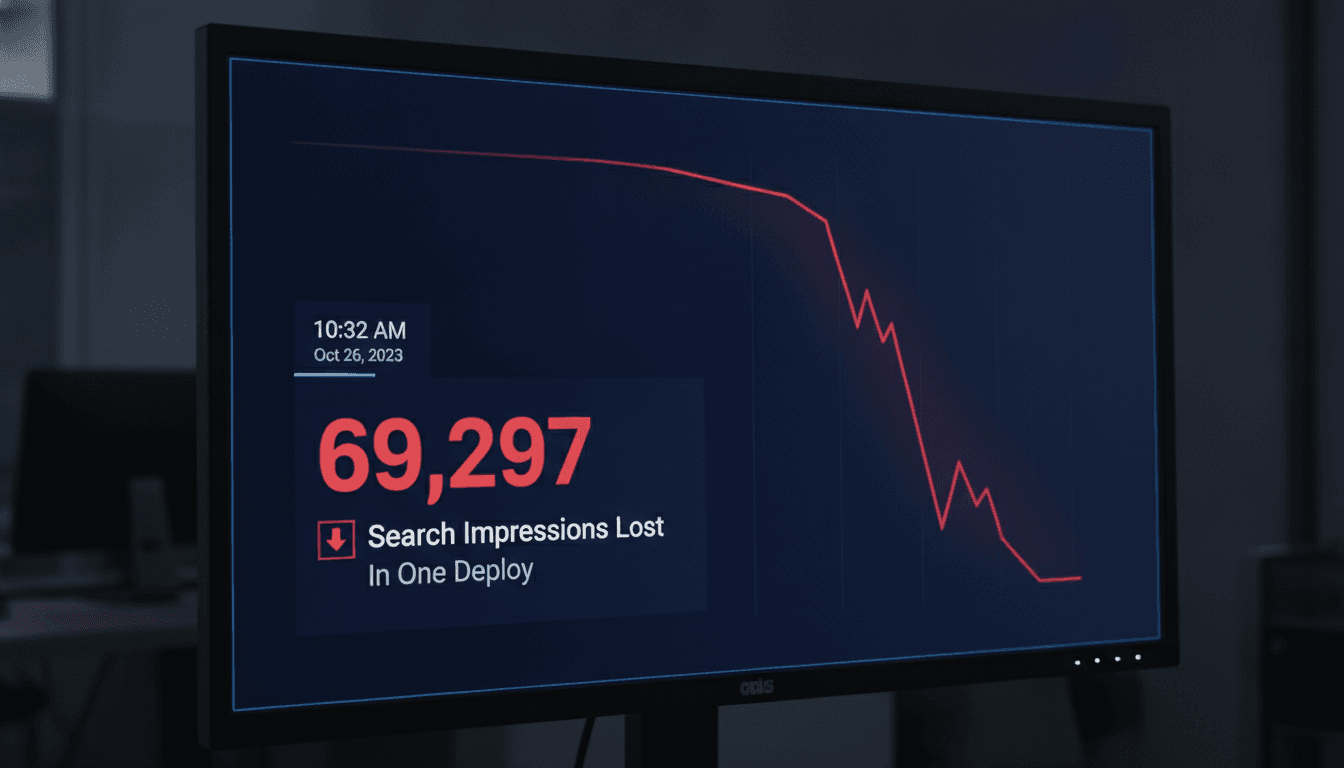
A single deployment wiped out 69,297 search impressions in under 48 hours. No penalty, no algorithm update, no hacking. Just a misconfigured Next.js build and a few missing meta tags that crawlers had already indexed. Here is exactly what happened and how to make sure it does not happen to you.
What Actually Caused the Drop
We were migrating a client's marketing site from a server-rendered Next.js 13 Pages Router setup to the App Router. The content was identical. The URLs were identical. The intent was purely architectural.
For a closer look at a related topic, read our guide on Server-Side Rendering Is Not Optional If You Want AI Citations.
The problem was in the generateMetadata function. In the Pages Router, <Head> components were explicit and easy to audit. In the App Router, metadata is co-located with layouts and pages, and if a layout-level generateMetadata export is missing or returns an incomplete object, Next.js silently falls back to defaults rather than throwing an error.
Our defaults were essentially empty.
The build passed. Lighthouse passed. End-to-end tests passed. But for 48 hours after deploy, Googlebot was crawling pages that had no <title>, no og:title, no description, and no canonical tag. Google Search Console showed the impressions cliff the morning after.
The Specific Failures
The four metadata fields that disappeared from every page:
title(including thetemplatepattern, e.g.%s | Sodio)descriptionopenGraph.titleandopenGraph.descriptionalternates.canonical
In Next.js 13+ App Router, you define metadata either as a static export const metadata object or as an async export async function generateMetadata(). If you define it only at the root layout and a page-level file doesn't re-export or extend it, the page-level values win and they can be empty.
We had a root layout.tsx with complete metadata. But several migrated page files had a stray export const metadata = {} from a template we had copy-pasted. An empty object does not inherit from the layout. It overwrites it.
What Google Search Console Actually Showed
The drop was not uniform. It mapped precisely to the pages we had migrated in that deploy.
| Metric | Before Deploy | 48 hrs After Deploy |
|---|---|---|
| Total Impressions | ~69,297 baseline (7-day avg) | ~41,000 |
| Pages with title tag | 94 | 61 |
| Pages indexed with canonical | 89 | 58 |
| Average position (affected pages) | 14.2 | 23.7 |
Position degraded because Google re-evaluated pages it had previously scored well, found them thinner than before, and dropped them. Impressions fell because pages stopped matching queries they had previously ranked for, since the title is one of the strongest relevance signals Googlebot uses.
Recovery took 11 days from the hotfix deploy, not from the initial deploy. The re-crawl and re-index cycle is the expensive part.
We cover a closely related subject in Why Our Blog Images Broke Every Six Days.
How to Audit SEO Metadata Programmatically Before You Deploy
The right fix is not a checklist you run manually. It is a test that runs in CI.
We now use a combination of next build with --debug output parsing and a Playwright script that:
- Spins up the production build locally with
next start - Crawls every URL in the sitemap
- Asserts the presence and non-empty value of
title,description,og:title,og:description, andrel=canonicalfor each URL - Fails the pipeline if any assertion fails
The Playwright script is about 80 lines. The sitemap crawl runs in under two minutes for a 200-page site. There is no reason this is not standard practice.
// Pseudocode shape — not copy-paste ready
for (const url of sitemapUrls) {
  await page.goto(url);
  const title = await page.title();
  expect(title).not.toBe('');
  expect(title.length).toBeGreaterThan(10);
  const canonical = await page.$eval(
    'link[rel="canonical"]',
    el => el.getAttribute('href')
  );
  expect(canonical).toContain(expectedOrigin);
}
You can also use next-sitemap with its generateRobotsTxt option and pipe the sitemap into the test. That keeps the URL list in sync automatically.
/// Not sure where to start?
Get the architecture before you commit
Tell us what you're building and we'll map the technical approach, stack, and rough timeline. No cost, no obligation, no sales call required.
Does Googlebot Recover Quickly Once You Fix It?
Honest answer: no, not always.
Google's crawl rate for a given site depends on its crawl budget, which is influenced by the site's historical health, link authority, and how frequently content changes. For a marketing site with moderate authority, a full re-crawl after a hotfix can take anywhere from 5 to 21 days.
The 11 days we observed was roughly in the middle of that range. Impressions recovered to within 4% of the pre-deploy baseline. Two pages never fully recovered within the 30-day observation window, likely because their positions had already been taken by competing pages during the gap.
There is no way to force a full re-crawl across all pages simultaneously. URL Inspection in Search Console lets you request indexing for individual URLs, but at scale that is impractical. The only real option is to fix fast and wait.
We cover a closely related subject in 467 Orphaned Pages: When Your Sitemap Is the Only Link.
What Helps Recovery Move Faster
Submit an updated sitemap in Search Console immediately after the fix deploy. Ensure your lastmod timestamps are accurate. If your CDN or reverse proxy is caching the old HTML, purge it. Googlebot will serve cached responses from its own crawl cache for some time, but giving it fresh content at the origin at least removes one layer of delay.
What We Changed in Our Deployment Process
The technical fix was a one-line correction in each affected page file. The process fix was more involved.
We added four things to our standard Next.js App Router project scaffold:
- A
MetadataValidatorutility that types the metadata shape and requires specific fields at compile time using TypeScript'sRequired<>utility type - The Playwright SEO audit script in CI, gated on the staging environment before production promotion
- A
metadata-diffscript that runsnext build, renders each route, and diffs the output metadata against the last known-good build stored as a JSON artefact - A Slack alert that fires if any page in the diff has a missing or empty title after a staging deploy
The metadata diff is the most useful. It surfaces not just missing fields but also regressions, like a title changing from "Pricing | Sodio" to "Pricing" because a template string was dropped.
None of this is exotic. It is just applying the same regression-testing discipline to metadata that you would apply to any other functional output.
Conclusion
The loss was recoverable. The underlying mistake was basic. What made it costly was the combination of a silent failure mode in Next.js App Router metadata inheritance, no automated check at the boundary between staging and production, and a re-indexing cycle measured in days rather than hours.
If you are running a Next.js App Router project, audit your generateMetadata exports today. Run a page.title() assertion against your sitemap in CI. Do it before your next deploy, not after.
If you want to talk through the metadata diff tooling or the Playwright setup in more detail, reach out to us at Sodio. We have built and deployed this on production Next.js sites and can share the actual implementation.
FAQ
Why did an empty metadata object cause a complete loss of tags rather than a fallback to the layout?
In Next.js App Router, metadata is merged per-segment, but a page-level export const metadata = {} is treated as a valid override, not an absence. The merge algorithm sees an explicit export and uses it, even if it is empty. This overwrites layout-level defaults for that page.
How long does it take for Google to re-index pages after a metadata fix? For a typical marketing site with moderate crawl budget, expect 5 to 21 days for a full re-crawl cycle. Pages with higher internal link equity tend to get re-crawled first. Submitting an updated sitemap and purging CDN caches after the fix can shave a few days off the tail end.
Is there a way to enforce metadata completeness at build time without a separate test script?
Partially. TypeScript's Required<Metadata> type from next will flag missing fields at compile time, but it does not validate runtime-generated metadata from async generateMetadata functions. You need a runtime check, which is why the Playwright crawl against the built output is necessary.
Does this problem affect the Pages Router as well?
The Pages Router uses explicit <Head> components, which are easier to audit visually and with static analysis. The failure mode described here is specific to App Router's metadata export system. That said, Pages Router sites can still lose metadata through accidental <Head> removal or incorrect _document.tsx overrides.
Could a CDN cache have hidden the problem from Googlebot even after the fix? Yes. If your CDN caches HTML at the edge, Googlebot may continue receiving the broken cached response for hours or days after the hotfix is deployed at the origin. Always purge your CDN cache immediately after a metadata fix deploy, not just after a content change.
Have a project in mind? Contact Sodio Technologies to discuss your requirements and explore the right technology solution for your business.
/// Work with us
Talk to the engineers who'd build it
You'll get a technical scope, timeline and cost estimate from the people doing the work, not an account manager. In-house team, no subcontracting, since 2016.