

Batching Two Orders Without Making Either Late
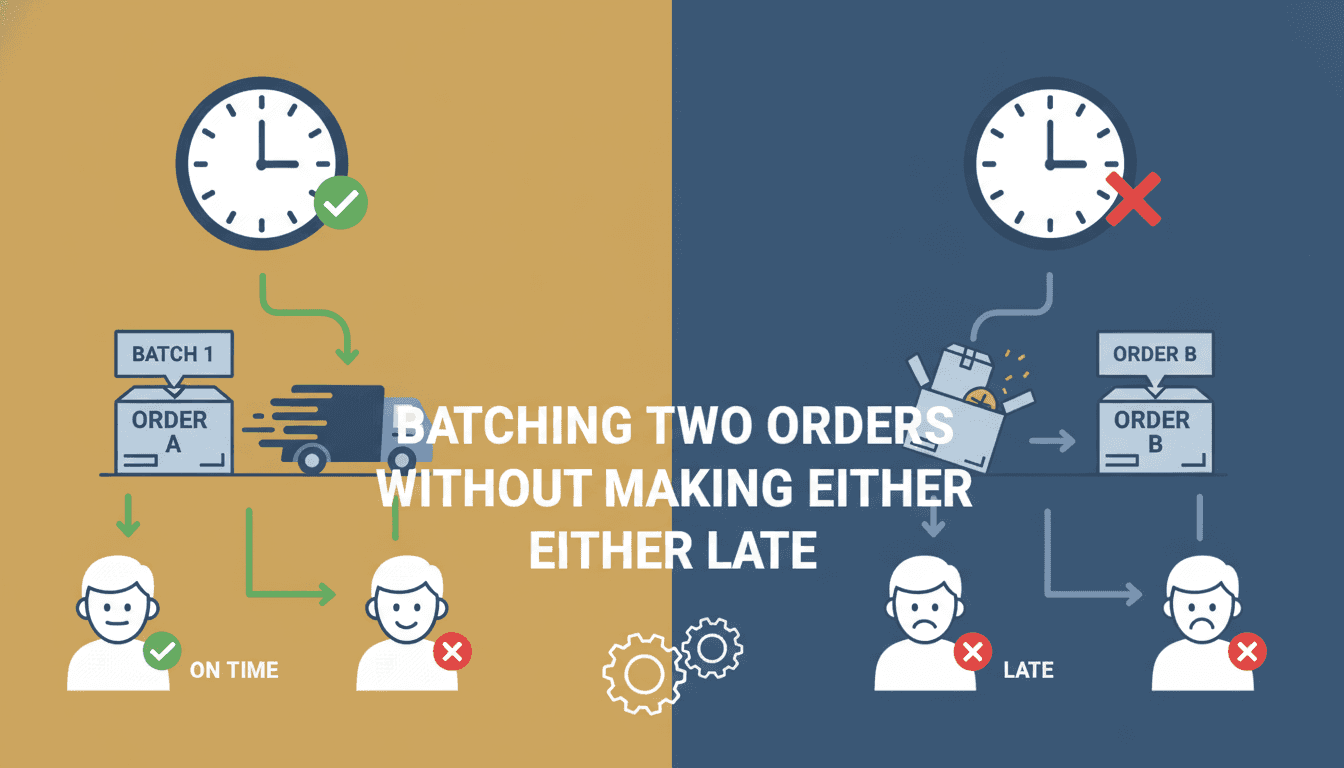
When two orders share enough route overlap, batching them feels obvious. The maths says you save fuel and driver time. The operational reality says one of them will be late if you get the sequencing wrong. Here is how to think through that trade-off properly.
What Does "Batching" Actually Mean at the Routing Level?
Batching is assigning two or more orders to the same vehicle trip so they are fulfilled in a single run. That sounds simple, but the moment you introduce time windows, the problem becomes a constrained optimisation over a graph, not just a grouping exercise.
If this is relevant to your project, check out Warehouse Slotting: Shortening the Pick Path.
Every order has:
- A pickup location and a dropoff location
- An earliest acceptable delivery time (release time)
- A latest acceptable delivery time (deadline)
- A service time at each stop (loading, scanning, handoff)
When you batch two orders, you are threading both sets of constraints through one timeline. The vehicle must honour both deadlines without exceeding its own operational limits, including drive time, break regulations under EU Regulation 561/2006 or equivalent, and load capacity.
If this is relevant to your project, check out Supply Chain Optimization: Improving Efficiency.
The feasibility check is non-trivial. A pair of orders that look compatible on a map can still produce an infeasible batch once you add realistic travel times, traffic variance, and service durations.
How Do You Know If Two Orders Can Actually Share a Trip?
This is the question most teams underestimate. A back-of-envelope check usually goes: "both drop-offs are on the same road, so let's batch them." That works until it doesn't.
The correct check is a time-window compatibility test run before the route is committed.
The Compatibility Check
Given two orders A and B with deadlines d_A and d_B, and a vehicle departing at time t_0 from depot:
- Compute the earliest completion time for the A-first sequence:
t_0 + travel(depot→pickup_A) + service_A + travel(pickup_A→dropoff_A) + travel(dropoff_A→pickup_B) + service_B_pickup + travel(...→dropoff_B). - Check whether that completion time is ≤
d_B. - Repeat for the B-first sequence.
- If neither sequence satisfies both deadlines, the batch is infeasible. Do not batch.
This check runs in O(1) per pair once you have a precomputed travel-time matrix. For a fleet problem with N orders, pairwise compatibility checking is O(N²), which is tractable up to roughly 10,000 orders before you need approximations.
Where Slack Actually Lives
Deadline slack is not uniformly distributed. High-value or same-day orders often have a 2-hour window. Standard next-day orders might have a 6-hour window. Batch a tight-window order with a loose-window one, and the tight-window order dictates the entire trip structure. The loose-window order then gets delivered early, which is usually fine. Batch two tight-window orders going in opposite directions, and you almost certainly break one.
A useful heuristic: sort candidate pairs by the minimum slack across the pair. Only batch pairs where the minimum slack exceeds 1.5× the expected additional travel time the detour introduces.
The Sequence Decision Is a Separate Problem from the Grouping Decision
Teams often conflate these. Grouping asks "which orders go together?" Sequencing asks "in what order do we serve them?" Both decisions affect on-time performance, but they have different complexity profiles.
Grouping for a single vehicle with two orders has two states: batch or don't. Sequencing for a batched pair has two permutations: A then B, or B then A. For three orders it is six permutations. For ten orders it is 3,628,800. This is why exact solvers (CPLEX, Gurobi) are used for small-to-medium instances, and metaheuristics like Large Neighbourhood Search (LNS) are standard for anything above a few hundred orders per planning horizon.
For the two-order case specifically, always evaluate both sequences explicitly. Never assume the geographically closer first stop is the right first stop. The deadline structure determines the sequence, not the distance.
/// Not sure where to start?
Get the architecture before you commit
Tell us what you're building and we'll map the technical approach, stack, and rough timeline. No cost, no obligation, no sales call required.
What Happens When Real-World Conditions Break Your Plan?
A batch that was feasible at 08:00 can become infeasible by 09:30 if traffic adds 20 minutes to the first leg. This is where static routing fails and dynamic re-routing becomes necessary.
Practically, this means your system needs:
- A live ETA feed, either from the driver app (GPS track + map-matching) or from a third-party provider like HERE Routing API v8 or Google Routes API
- A re-evaluation trigger that fires when predicted arrival at any stop crosses a threshold, typically 80% of the remaining time window consumed
- A decision engine that can split the batch mid-trip if splitting is still feasible given the vehicle's current position
Splitting mid-trip is expensive. You are effectively creating a new single-order trip for the order at risk, which means either repositioning a second vehicle or accepting the late delivery. The cost model here matters: is a late delivery a contractual penalty, a customer satisfaction hit, or an SLA breach with financial consequence? That determines how aggressively you intervene.
For a closer look at a related topic, read our guide on Last-Mile Delivery Solutions: Enhancing Customer Experience.
One pattern that works well: maintain a shadow fleet capacity reserve of roughly 10-15% of total vehicle-hours for exactly these re-dispatch scenarios. Do not batch orders into that reserve proactively. Keep it available for dynamic recovery.
Building the System: Architecture Decisions That Matter
The routing and batching logic should not live in your order management system. It needs its own service boundary for three reasons: the compute profile is different (bursty, CPU-intensive), the data dependencies are different (travel times, traffic, vehicle state), and the failure modes need to be isolated.
A typical architecture:
| Component | Responsibility | Common choices |
|---|---|---|
| Order ingestion | Normalise orders, validate fields | Kafka, RabbitMQ |
| Batch candidate generation | Pairwise compatibility, clustering | Custom service, OR-Tools |
| Route optimiser | Sequence optimisation, constraint solving | Google OR-Tools, Vroom, custom LNS |
| ETA monitor | Live progress tracking, re-evaluation triggers | Flink, custom Kafka Streams job |
| Dispatch API | Push assignments to driver apps | REST or gRPC |
Google OR-Tools is a strong default for most teams. It handles vehicle routing problems with time windows (VRPTW) out of the box, the Python and C++ APIs are well-documented, and it scales to hundreds of vehicles and thousands of orders within a single planning horizon. If you need sub-second replanning on a 50,000-order dataset, you are in custom solver territory.
Conclusion
The batching decision reduces to two questions: are both time windows compatible with any feasible sequence, and which sequence minimises the risk of breaking the tighter deadline? Answer those two questions correctly, and you can batch aggressively without sacrificing on-time performance.
Start by building the pairwise compatibility check as a standalone function. Test it against your actual order distribution, not synthetic data. Then integrate it into your planning pipeline before you touch sequence optimisation. Getting the grouping right first makes the sequencing problem significantly smaller.
If you are building this from scratch or refactoring an existing routing layer, talk to us. Sodio has built dispatch and routing systems across logistics and on-demand verticals, and we can accelerate the architecture and implementation work considerably.
FAQ
Can you batch orders with different pickup locations? Yes, but the feasibility check must account for the inter-pickup travel time. Two separate pickups add at least one additional stop to the trip, which consumes slack from both time windows. The batch is feasible only if the combined timeline still satisfies both deadlines. Many real-world batches involve multi-pickup runs; the maths is the same, the numbers are tighter.
What is the maximum number of orders you should batch in a single trip? There is no universal answer, but beyond four to five orders per trip, the probability that all time windows are satisfied drops sharply unless the windows are wide. In practice, same-day urban delivery routes rarely batch more than three orders successfully when windows are under three hours. Longer-window or zonal delivery routes can handle eight to twelve stops per trip.
Should the batching logic run before or after you assign vehicles? Before. Generate candidate batches first using order-level data, then assign the batch to a vehicle based on capacity and location. Assigning vehicles first and then trying to add orders to existing trips is a greedy approach that produces locally feasible but globally suboptimal solutions.
How do you handle customer-requested delivery time slots? Treat them as hard time windows in the constraint model. Do not soften them to soft constraints unless you have explicit SLA language that permits a grace period. If a slot is 14:00-16:00, model the deadline as 16:00 and enforce it. Softening constraints to make the optimiser's job easier is how late deliveries accumulate.
Is batching worth it for short-distance, high-frequency urban deliveries? It depends on order density. In a dense urban grid where two orders are within 400 metres of each other and both have 2-hour windows, batching saves 8-12 minutes of drive time per pair and is almost always worth it. In sparse suburban areas with long inter-stop distances, the detour cost often exceeds the savings, and single-order trips are more reliable.
Have a project in mind? Contact Sodio Technologies to discuss your requirements and explore the right technology solution for your business.
/// Work with us
Talk to the engineers who'd build it
You'll get a technical scope, timeline and cost estimate from the people doing the work, not an account manager. In-house team, no subcontracting, since 2016.