

How to Make an App Like Adobe Lightroom
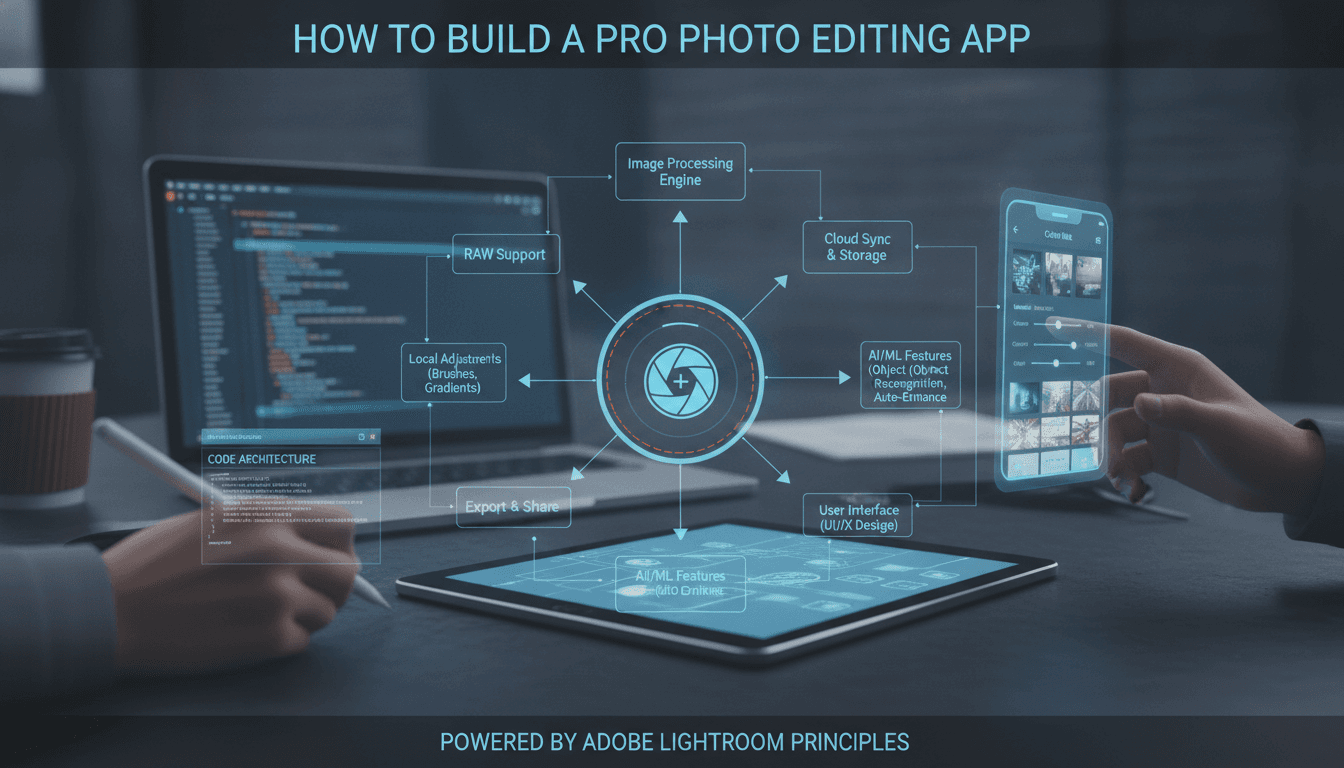
Photo editing has quietly become one of the most competitive categories on the App Store and Google Play. At the top of that pile sits Adobe Lightroom — a professional-grade editing suite that somehow fits in your pocket, syncs across every device you own, and manages libraries of tens of thousands of RAW images without breaking a sweat.
If you're thinking about building something in that space, this guide walks through what actually goes into an app like Lightroom: the features that matter, the technical architecture underneath, the team you'll need, and a realistic view of cost and timeline.
For a closer look at a related topic, read our guide on How to Make an App Like Afterlight.
What Makes Lightroom, Lightroom?
Before writing a line of code, it helps to understand why Lightroom won. It isn't the filters. It's three things working together:
Non-destructive editing. Lightroom never touches your original file. Every adjustment is stored as a set of instructions — a recipe — applied on top of the source image at render time. You can undo an edit you made three years ago.
Cloud sync that actually works. Start an edit on your phone during a commute, finish it on a desktop that evening. The edit history, the presets, the collections — all of it follows you.
Professional RAW support. Lightroom reads the raw sensor data from thousands of camera models and gives you far more latitude to recover highlights and shadows than a JPEG ever could.
Any credible competitor needs to nail at least two of those three. Miss all three and you've built another filter app.
Core Feature Set
Import and Library Management
Users need to bring photos in from the camera roll, a connected camera, cloud storage, or direct capture inside the app. Once imported, they need to find things again — which means albums, collections, star ratings, colour labels, flags, keyword tagging, and search.
We cover a closely related subject in How to Make an App Like Snapseed.
Modern libraries lean heavily on automatic organisation: on-device machine learning that recognises faces, scenes, and objects so a user can search "beach sunset" and get results without ever having tagged anything.
The Editing Engine
This is the heart of the product. At minimum:
- Light controls — exposure, contrast, highlights, shadows, whites, blacks
- Colour controls — temperature, tint, vibrance, saturation, plus per-channel HSL adjustment
- Tone curve — RGB and individual channel curves
- Detail — sharpening, noise reduction, texture, clarity, dehaze
- Optics — lens profile corrections, chromatic aberration removal, vignetting
- Geometry — crop, straighten, rotate, perspective and keystone correction
- Local adjustments — brushes, linear and radial gradients, and AI-driven subject/sky/background masking
- Healing and cloning — spot removal and content-aware fill
Presets and Profiles
Presets are the social currency of photo editing. Let users create them, save them, organise them into groups, and — crucially — import third-party preset files. A marketplace or community sharing layer turns this into a growth engine.
RAW Processing
Supporting RAW means handling proprietary formats from Canon, Nikon, Sony, Fujifilm, and dozens of others, plus DNG. You'll need a demosaicing pipeline, colour profile handling, and camera-specific calibration data. Libraries like LibRaw can carry a lot of this weight, but tuning quality to a professional standard takes real effort.
We cover a closely related subject in How to Make an App Like VSCO.
Sync and Cloud Storage
Edits, metadata, presets, and (optionally) original files sync across devices. This is where a lot of teams underestimate scope — conflict resolution, offline queuing, bandwidth management, and partial sync of large libraries are all genuinely hard problems.
Export and Sharing
Format selection, quality and compression settings, resolution and resizing, colour space, watermarking, metadata stripping, and direct share to social platforms.
Technical Architecture
Rendering Pipeline
You cannot do real-time photo editing on the CPU. Every adjustment slider needs to update a preview at 60fps, and that means GPU compute.
- iOS: Metal, with Core Image as a higher-level option
- Android: Vulkan or OpenGL ES, with RenderScript now deprecated
- Cross-platform: A shared C++ core with platform-specific GPU backends
The standard approach is a proxy-based pipeline. Generate a smaller preview of the image, apply the edit stack to that in real time as the user drags sliders, then render the full-resolution output only at export. Lightroom uses this exact model — it's why editing a 60-megapixel RAW feels instant.
The Edit Stack
Represent every edit as a serialisable node in an ordered stack. This gives you non-destructive editing, unlimited undo, cheap sync (you're syncing kilobytes of JSON, not gigabytes of pixels), and the ability to copy an edit from one photo and paste it onto a hundred others.
Colour Management
Work in a wide-gamut linear colour space internally — something like ProPhoto RGB or ACEScg — and convert to display or output space at the very end. Getting this wrong produces banding, clipped colours, and edits that look different on every screen.
Storage and Sync Backend
- Object storage (S3, GCS) for originals and rendered assets
- A metadata database for the catalogue, edit stacks, and collections
- A sync service with vector clocks or CRDTs for conflict resolution
- CDN delivery for previews and shared galleries
On-Device AI
Subject masking, sky selection, denoise, and auto-enhance are increasingly expected features. Run these on-device using Core ML on iOS and TensorFlow Lite or the NNAPI on Android. On-device inference keeps latency low, works offline, and sidesteps a pile of privacy concerns.
Tech Stack Summary
| Layer | Options |
|---|---|
| iOS | Swift, Metal, Core Image, Core ML |
| Android | Kotlin, Vulkan/OpenGL ES, TensorFlow Lite |
| Shared core | C++ with JNI and Objective-C++ bridges |
| Cross-platform UI | Flutter or React Native (with native rendering modules) |
| Backend | Node.js, Go, or Python |
| Storage | AWS S3 / Google Cloud Storage |
| Database | PostgreSQL plus Redis for caching |
| Sync | Custom service, or Firebase for a simpler MVP |
A note on cross-platform: Flutter and React Native are perfectly viable for the UI shell, catalogue browsing, and settings. But the editing canvas itself should be native GPU code wrapped in a platform channel. Trying to do real-time image processing in Dart or JavaScript will not end well.
Development Roadmap
Phase 1 — Discovery and Design (4–6 weeks)
Competitive research, feature prioritisation, user flows, wireframes, and a high-fidelity design system. Photo editing UI is unusually demanding: the interface has to disappear so the image can dominate, while still exposing dozens of controls.
Phase 2 — MVP Build (12–16 weeks)
Import and library, core light and colour adjustments, crop and geometry, a preset system, export. Single platform. JPEG and HEIC only — hold RAW for later.
Phase 3 — Advanced Editing (8–12 weeks)
RAW pipeline, local adjustments and masking, healing tools, tone curve, lens corrections.
Phase 4 — Cloud and Sync (8–10 weeks)
Accounts, cloud storage, cross-device sync, web gallery sharing.
Phase 5 — AI and Second Platform (10–14 weeks)
On-device ML features, auto-enhance, plus the port to the second platform.
Cost Estimates
Costs vary enormously with region and team seniority, but as a rough guide:
- MVP, single platform: $60,000 – $120,000
- Full-featured app, both platforms: $180,000 – $350,000
- Lightroom-class product with cloud sync and AI: $400,000+
Ongoing costs are easy to overlook. Cloud storage for user photos scales fast, GPU inference has a bill attached, and camera manufacturers release new bodies constantly — each one needing a new RAW profile.
Monetisation
Subscription is the dominant model and what Adobe uses. Tie tiers to cloud storage allowance and premium tools.
Freemium gives away basic editing and gates advanced masking, RAW support, and AI features.
One-time purchase works for a focused, offline-first tool with no cloud costs to cover.
Preset marketplace lets creators sell packs while you take a cut — strong for community-driven growth.
Most successful apps blend these: a generous free tier for acquisition, a subscription for the professional segment, and a marketplace layer on top.
Common Pitfalls
Underestimating the rendering work. Teams routinely budget two weeks for "add filters" and discover four months later that colour-accurate, real-time, GPU-accelerated editing is an entire discipline.
Ignoring memory constraints. A 100MP RAW file expands to well over a gigabyte in memory once decoded to 16-bit float. Tiled processing and aggressive memory management are non-negotiable on mobile.
Shipping sync too early. Sync bugs destroy user trust faster than almost anything else. Get local editing rock solid first.
Copying Adobe's UI. Lightroom's interface is the product of a decade of iteration with a professional user base. Build for your users, not Adobe's.
Ways to Differentiate
Competing head-on with Adobe is a losing game. Winning entrants pick an angle:
- Vertical focus — real estate photography, food, product shots, astrophotography
- Speed — a batch-editing workflow that's dramatically faster for high-volume shooters
- AI-first — describe the look you want in natural language and let the model build the edit stack
- Community — presets, tutorials, and critique built into the product
- Pricing — a one-time purchase or genuinely cheap subscription aimed at people priced out of Creative Cloud
Final Thoughts
Building an app like Adobe Lightroom is a serious engineering undertaking — but it's far from impossible. The foundational pieces are more accessible than they've ever been: GPU compute frameworks are mature, RAW decoding libraries exist, and on-device ML has made features that once needed a workstation run comfortably on a phone.
The path that works is almost always the same. Start with a tight MVP that does a handful of things exceptionally well. Nail the rendering pipeline and the non-destructive edit stack early, because retrofitting either one later is brutal. Then layer in RAW, sync, and AI as your user base tells you what it actually needs.
Get the fundamentals right and there is plenty of room in this market for a product that serves a specific audience better than the incumbent ever will.
Have a project in mind? Contact Sodio Technologies to discuss your requirements and explore the right technology solution for your business.
/// Work with us
Talk to the engineers who'd build it
You'll get a technical scope, timeline and cost estimate from the people doing the work, not an account manager. In-house team, no subcontracting, since 2016.