

How to Make an App Like Attendify
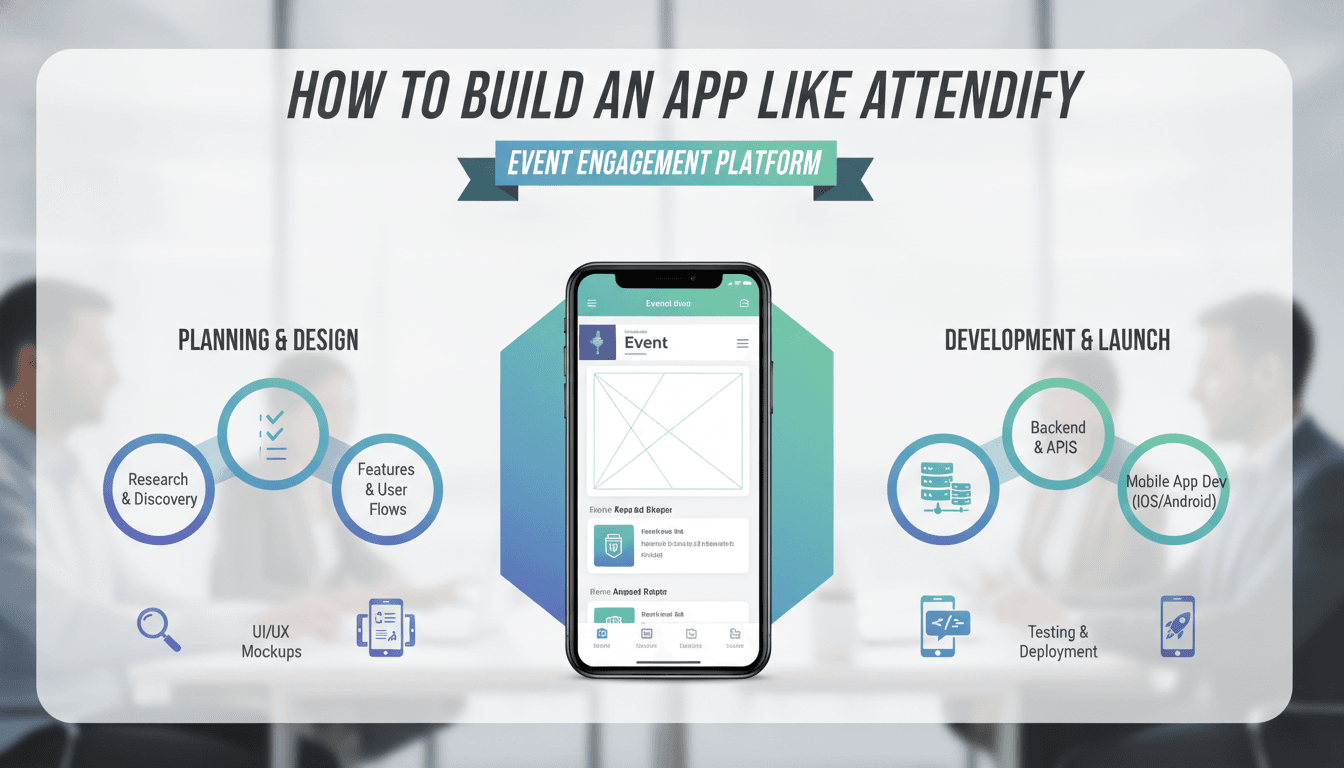
How to Make an App Like Attendify
Events have changed. Attendees no longer want a paper agenda and a lanyard — they want a pocket-sized command center that tells them where to be, who to meet, and what they just missed. Attendify built a business on that expectation, combining event apps with attendee networking and engagement tools.
If you're planning to build something similar, this guide walks through what Attendify actually does, the features you need, the architecture that supports it, and the realistic costs and timelines involved.
What Attendify Actually Is
Attendify is an event management and engagement platform. Organizers use it to spin up branded mobile apps for conferences, trade shows, and corporate events without writing code. Attendees use those apps to browse schedules, build personal agendas, network with other participants, and interact through an activity feed.
The important insight: Attendify is not one app. It's two connected products.
- An organizer-facing platform — a web dashboard where event planners configure content, upload speakers and sessions, manage branding, send push notifications, and review analytics.
- An attendee-facing mobile app — either a white-labeled standalone app or a container app that hosts multiple events.
Miss this distinction and you'll build a beautiful attendee experience that no organizer can actually populate with content.
Core Feature Set
For Attendees
Event agenda and schedule Sessions organized by day, track, room, and speaker. Attendees should be able to filter, search, and add sessions to a personal schedule that syncs with their device calendar.
Speaker and exhibitor profiles Bios, photos, social links, session lists, and booth locations. Exhibitors often pay for enhanced placement, so build in tiers.
Attendee directory and networking The feature that separates event apps from glorified PDFs. Attendees create profiles, browse who else is there, filter by interest or job title, and send connection requests or direct messages.
Social activity feed A Twitter-style stream scoped to the event. Photo posts, comments, likes, and hashtags. This drives repeat app opens more than any other single feature.
Live polls, Q&A, and surveys Session-level interaction. Attendees submit questions, upvote others, and answer polls that display on screen in real time.
Push notifications Schedule changes, session reminders, "the keynote starts in ten minutes," sponsor messages.
Interactive maps Venue floor plans with pinned booths, rooms, and amenities. Indoor positioning is a nice-to-have; tappable static maps cover most needs.
Offline mode Conference Wi-Fi is famously terrible. Cache the agenda, maps, and profiles locally so the app remains useful without connectivity.
For Organizers
Event builder dashboard Create an event, set dates and venue, define tracks, and add sessions. Bulk import via CSV or Excel is non-negotiable — nobody types in 200 sessions by hand.
White-label branding Custom colors, logos, splash screens, icons, and optionally a separate App Store listing under the organizer's own developer account.
Attendee list management Import registration lists, generate invite codes, control who can access a private event.
Content moderation Tools to remove inappropriate feed posts, ban users, and approve Q&A submissions before they go live.
Analytics and reporting Downloads, daily active users, session popularity, feed engagement, sponsor impressions. Organizers need this data to justify next year's budget and to sell sponsorships.
Sponsorship and monetization tools Banner slots, sponsored feed posts, sponsored push notifications, and premium exhibitor listings.
Integrations Eventbrite, Cvent, Hubilo, Salesforce, Mailchimp, and registration platforms. Attendee data has to flow in from somewhere.
Technical Architecture
Mobile Client
For a product like this, cross-platform is almost always the right call. Flutter or React Native gets you iOS and Android from one codebase, which matters enormously when you're also maintaining a web dashboard.
The tricky part is white-labeling. You need a build pipeline that can generate a branded binary from a configuration file — swapping app name, bundle ID, icons, splash screens, and theme tokens, then submitting to both stores automatically. Fastlane plus a CI system like Bitrise or GitHub Actions handles this. Budget real engineering time here; manual white-label builds will crush your operations team once you have fifty clients.
We cover a closely related subject in How to Make an App Like Whova.
Alternatively, offer a multi-tenant container app as the default, where attendees download one app and enter an event code. Reserve standalone branded apps for enterprise tiers.
Backend
A multi-tenant API with strict data isolation per event. Common stack choices:
- Node.js with NestJS or Python with Django/FastAPI for the API layer
- PostgreSQL for relational data — events, sessions, users, connections
- Redis for caching agendas and hot feed content
- Elasticsearch for attendee and session search at scale
- S3 or equivalent for images and documents
Structure the API around events as the top-level tenant boundary. Every query should be scoped by event ID at the data layer, not just the application layer. Cross-event data leaks at a conference are a reputational disaster.
Real-Time Layer
Live polls, Q&A upvoting, chat, and feed updates all need real-time delivery. WebSockets via Socket.IO, or a managed service like Pusher or Ably if you'd rather not run your own socket infrastructure. For firehose moments — a keynote where 3,000 people all poll at once — throttle and batch updates rather than pushing every individual vote.
To explore this further, see How to Make an App Like Hopin.
Push Notifications
Firebase Cloud Messaging for Android, APNs for iOS, usually wrapped behind a service like OneSignal or Amazon SNS. Segmentation matters: organizers want to message "everyone in Track B" or "VIP ticket holders only."
You may also find our article on How to Make an App Like Remo useful.
Offline Sync
Use a local database on the device — SQLite, Realm, or Hive — with a delta-sync strategy. On app launch, request only records changed since the last sync timestamp. Queue user actions taken offline and replay them when connectivity returns, with clear conflict resolution rules.
Building the Networking Engine
The attendee directory is where a good event app earns its keep, and it's harder than it looks.
Profile completeness drives everything. If nobody fills out a profile, the directory is useless. Prompt profile completion during onboarding, pre-populate from LinkedIn or the registration data, and show a completeness meter.
Recommendations beat browsing. A list of 2,000 names is overwhelming. Score and surface matches based on shared interests, complementary roles (an investor sees founders, a founder sees investors), overlapping session bookmarks, and stated networking goals. A straightforward weighted scoring model works well before you reach for machine learning.
Messaging needs guardrails. Unrestricted DMs invite spam. Consider connection requests before chat, rate limits on outbound messages, and easy blocking and reporting.
Meeting scheduling closes the loop. Let attendees propose a time and location, with availability derived from their personal agendas.
Privacy and Compliance
You're handling names, employers, photos, messages, and sometimes location data across international events. That means:
- Explicit opt-in for directory visibility. Never make attendees discoverable by default.
- GDPR and CCPA compliance — data export, deletion requests, documented processing purposes.
- Clear data ownership terms between you and your organizer clients. Typically the organizer is the data controller and you're the processor; your contracts and DPAs need to say so.
- Encryption in transit and at rest, with special care around message content.
- Retention policies. Purge or anonymize attendee data a defined period after an event ends.
Monetization Models
Attendify and its competitors generally combine several of these:
| Model | How it works |
|---|---|
| Per-event licensing | Flat fee per event, tiered by attendee count |
| Annual subscription | Unlimited events per year, for organizations running many |
| Per-attendee pricing | Scales with event size, popular with large conferences |
| Feature add-ons | Standalone branded app, advanced analytics, lead retrieval |
| Sponsorship revenue share | You provide ad inventory, split the revenue |
Most successful platforms land on annual subscriptions with attendee-based tiers, because event organizers plan budgets yearly and hate surprise overages.
Development Roadmap
Phase 1 — Discovery and design (3–5 weeks) Interview event organizers. Map the organizer workflow in detail. Wireframe both products. Build a design system that survives white-labeling.
Phase 2 — MVP (10–14 weeks) Organizer dashboard with event creation and CSV import. Attendee app with agenda, speakers, personal schedule, push notifications, and offline caching. One container app, no white-labeling yet.
Phase 3 — Engagement layer (6–8 weeks) Attendee directory, messaging, activity feed, live polls and Q&A, moderation tools.
Phase 4 — Scale and productize (8–12 weeks) White-label build pipeline, analytics dashboards, sponsorship inventory, third-party integrations, enterprise SSO.
Cost Expectations
Ranges vary widely by region and team seniority, but for planning purposes:
- MVP (container app + basic dashboard): $60,000 – $110,000
- Full platform with networking and engagement: $120,000 – $220,000
- Enterprise-grade with white-labeling and integrations: $250,000+
Ongoing costs include cloud hosting (scales sharply during live events), push notification services, app store fees, and a support function. Event apps generate concentrated support load — everything breaks at 8 a.m. on day one of a conference — so staff accordingly.
Practical Advice
Load-test around event peaks. Your traffic isn't steady. It's near-zero for weeks, then 5,000 concurrent users for eight hours. Autoscaling and pre-warming matter.
Solve the empty-app problem. An event app with no content and no attendees feels dead. Seed the feed with organizer posts, pre-populate the agenda before launch, and encourage the organizer to push app downloads during registration, not on day one.
Give organizers a preview mode. Let them see exactly what attendees will see before publishing.
Nail the app store submission timeline. If you offer standalone branded apps, review delays can wreck an event. Build in buffer and have a web fallback ready.
Instrument everything. Session views, feed posts, connection requests, notification open rates. Organizers renew based on numbers you give them.
Closing Thought
The event app market is crowded, and the winners aren't the ones with the longest feature lists. They're the ones that make an organizer's job easier on the worst day of their year, and make an attendee feel like they got more out of the event than they would have otherwise. Build for those two moments and the rest of the product tends to fall into place.
Have a project in mind? Contact Sodio Technologies to discuss your requirements and explore the right technology solution for your business.
/// Work with us
Talk to the engineers who'd build it
You'll get a technical scope, timeline and cost estimate from the people doing the work, not an account manager. In-house team, no subcontracting, since 2016.