

How to Make an App Like Whova
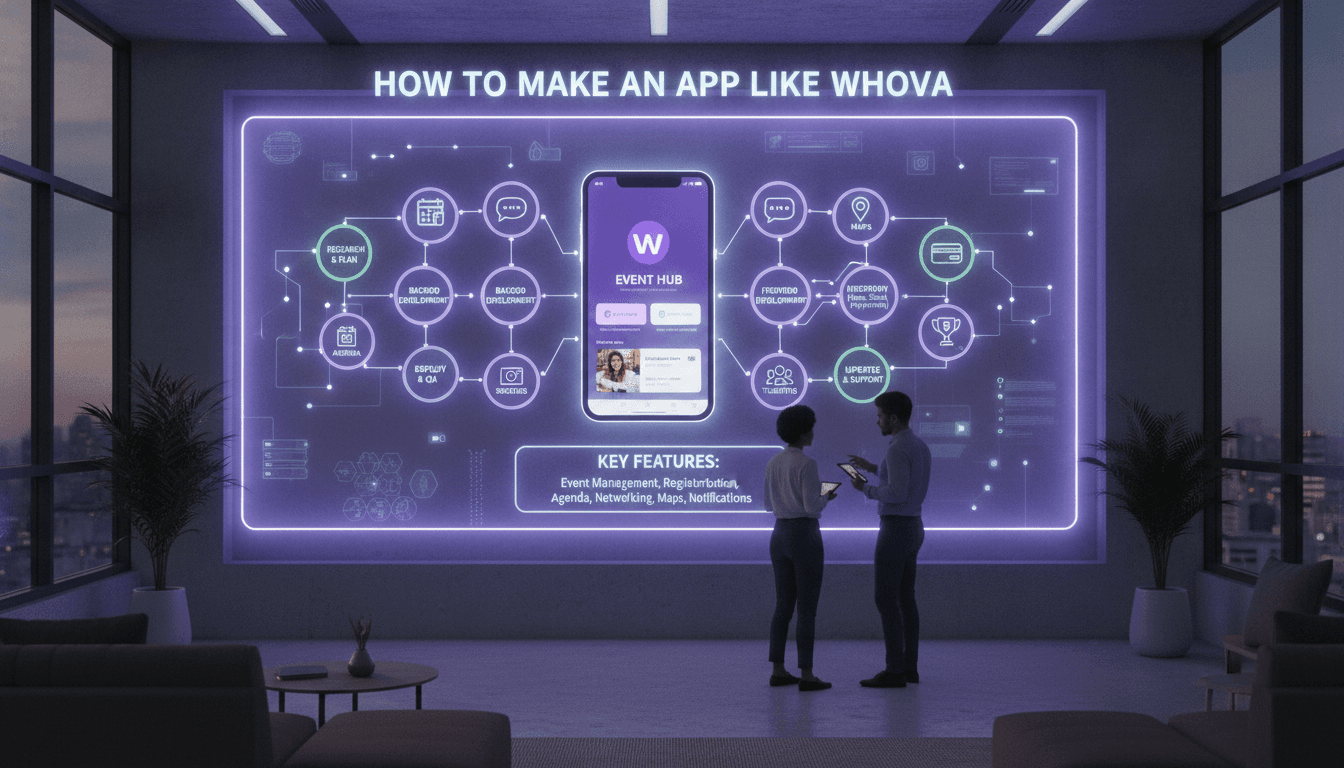
Event networking has changed. Paper agendas, printed badges, and awkward "so what do you do?" introductions have been replaced by apps that put the entire conference experience in an attendee's pocket. Whova is one of the most recognizable names in this space, powering everything from small association meetups to multi-day international conferences.
If you're considering building an app like Whova, this guide walks through what the product actually does, the features you'll need, the tech decisions you'll face, and what it realistically takes to ship.
To explore this further, see How to Make an App Like Attendify.
What Is Whova, Exactly?
Whova is an all-in-one event management platform. It serves two distinct audiences at once, which is the key thing to understand before you build anything:
Event organizers get a web-based dashboard for building agendas, managing registration, tracking attendance, communicating with attendees, and pulling analytics after the event ends.
Attendees get a mobile app for browsing sessions, building a personal schedule, networking with other participants, joining discussion boards, and interacting with sponsors and exhibitors.
Your product is really two products sharing one database. Designing for both from day one prevents painful re-architecture later.
Core Features You'll Need
For Attendees
Event Discovery and Onboarding Attendees typically join via an event code, an email invitation, or a deep link. Onboarding should take under a minute — long signup flows kill adoption when someone is standing in a registration line.
Interactive Agenda The heart of the app. Attendees browse sessions by day, track, room, or speaker, then add sessions to a personal schedule. Include session details, speaker bios, materials, and location. Support calendar sync and push reminders before sessions start.
Attendee Networking This is what separates event apps from glorified PDFs. Build a searchable attendee directory with profiles, interests, and company info. Add direct messaging, meeting requests with time-slot suggestions, and AI-driven "people you should meet" recommendations based on profile overlap.
Community Boards Topic-based discussion threads — ride sharing, dinner meetups, job postings, session Q&A. These generate the organic engagement that keeps people opening the app.
Live Session Interaction Live polls, Q&A submission with upvoting, session ratings, and note-taking. Attendees should be able to submit questions without interrupting the speaker.
Sponsor and Exhibitor Profiles Virtual booths, lead capture via QR badge scanning, downloadable resources, and sponsor visibility placements. This is often the primary revenue justification for organizers.
Gamification Points for completing profiles, attending sessions, scanning booths, and posting to boards. Leaderboards drive measurable behavior at events.
Personal Agenda Notifications Push notifications for schedule changes, room reassignments, session start reminders, and direct messages. Room changes are the single most valuable notification you can send.
For Organizers
Event Builder A dashboard for creating events, uploading agendas via spreadsheet import, managing speakers, and configuring branding. Spreadsheet import is non-negotiable — organizers already have their agenda in Excel.
Registration and Ticketing Ticket tiers, promo codes, payment processing, and attendee list management. Alternatively, integrate with Eventbrite, Cvent, and similar platforms rather than building this yourself initially.
Check-In and Badge Printing QR code scanning for session and event check-in, plus on-site badge printing integration.
Communication Tools Broadcast announcements, targeted push notifications by attendee segment, and email campaigns.
Analytics Dashboard Session attendance, app engagement rates, popular content, sponsor lead counts, and post-event survey results. Organizers need this data to justify next year's budget.
Technical Architecture
Mobile Client
For most teams, React Native or Flutter is the right call. Event apps are content-heavy rather than performance-intensive, and a single codebase across iOS and Android roughly halves your build and maintenance cost. Flutter offers more consistent rendering; React Native offers a larger hiring pool and easier native module integration.
Go native (Swift/Kotlin) only if you need deep hardware integration — advanced BLE proximity networking, for instance.
Offline-First Design
This deserves its own section because it's where most event apps fail. Conference venues have notoriously bad connectivity — thick concrete walls, thousands of devices on one access point, basement ballrooms.
Your app must work offline. Cache the full agenda, attendee directory, maps, and speaker info locally. Use a local database (SQLite via Drift, Realm, or WatermelonDB) as the source of truth for reads, and sync in the background when connectivity returns. Queue outbound actions — messages, poll votes, check-ins — and replay them on reconnect.
You may also find our article on How to Make an App Like Remo useful.
Backend
A microservices or modular monolith approach works well. Typical services:
- Identity and authentication
- Event and agenda management
- Messaging and real-time communication
- Notifications
- Analytics and reporting
- Payments and ticketing
Stack options: Node.js with NestJS, Python with Django or FastAPI, or Go for high-throughput services. PostgreSQL for relational data, Redis for caching and session state, and Elasticsearch if you want fast attendee and content search.
Real-Time Layer
Messaging, live polls, and Q&A need WebSockets. Use Socket.IO, a managed service like Pusher or Ably, or Firebase Realtime Database. During keynote sessions you may see thousands of concurrent connections spike in seconds — load test for this specifically.
To explore this further, see How to Make an App Like Hopin.
Push Notifications
Firebase Cloud Messaging for Android, APNs for iOS, typically abstracted through a service like OneSignal or Amazon SNS. Implement topic-based subscriptions so organizers can target segments without sending thousands of individual messages.
Infrastructure
Cloud-hosted on AWS, GCP, or Azure with autoscaling. Event traffic is extremely spiky — near-zero for weeks, then a massive burst over three days. Serverless components or aggressive autoscaling policies keep costs sane.
Use a CDN for speaker photos, sponsor logos, session materials, and venue maps.
The AI Layer
Modern event apps differentiate through intelligent matchmaking:
Attendee Recommendations — Embedding-based similarity across profile bios, interests, industries, and session attendance to suggest relevant connections.
Session Recommendations — Collaborative filtering plus content matching to surface sessions an attendee would otherwise miss.
Smart Scheduling — Detecting conflicts and suggesting alternative time slots for meeting requests.
Content Summarization — LLM-generated session recaps, Q&A digests, and post-event summaries.
Start simple. A well-tuned tag-overlap algorithm outperforms a poorly trained model, and it ships in a week instead of a quarter.
Monetization Models
Per-event licensing — Organizers pay a flat fee based on attendee count and feature tier. This is Whova's primary model.
Annual subscription — Recurring pricing for organizations running multiple events per year.
Sponsorship revenue share — Take a percentage of sponsor placements sold inside the app.
Freemium — Free tier for small events (under 100 attendees) with paid upgrades. Excellent for organic growth and word-of-mouth among organizers.
Add-on modules — Badge printing, lead retrieval hardware, advanced analytics, and white-labeling sold separately.
Development Roadmap
Phase 1 — Discovery (2-3 weeks) Interview event organizers. Attend conferences. Identify which niche you'll serve first: academic conferences, trade shows, corporate internal events, and community meetups all have meaningfully different needs.
Phase 2 — Design (4-6 weeks) Wireframes, user flows for both audiences, and a design system. Prioritize information density and one-handed use — attendees are often standing, holding a coffee, and in a hurry.
Phase 3 — MVP Build (12-16 weeks) Agenda, personal schedule, attendee directory, messaging, push notifications, and a basic organizer dashboard. Ship this and nothing more.
Phase 4 — Pilot (1-2 events) Run real events with a friendly organizer. You will discover connectivity, scale, and usability problems that no amount of internal testing surfaces.
Phase 5 — Scale (ongoing) Add gamification, sponsor tools, analytics depth, AI matchmaking, and integrations with CRM and marketing platforms.
Realistic timeline for a production-ready v1: five to eight months with a team of six to eight people.
Common Pitfalls
Building for organizers only. The dashboard is what gets sold, but attendee engagement is what gets renewed. Bad attendee experience kills contracts.
Ignoring the empty-state problem. Before an event starts, the app is mostly blank. Seed it with content — speaker spotlights, pre-event discussion prompts, attendee introductions — so early users find something to do.
Underestimating data import. Organizers arrive with messy spreadsheets in twelve different formats. Robust, forgiving import tooling with clear validation errors saves your support team.
Skipping accessibility. Conferences legally and ethically need accessible apps. Screen reader support, adequate contrast, and scalable text are requirements, not enhancements.
Neglecting privacy. Attendee directories contain personal data. Give users granular visibility controls, honor GDPR and CCPA, and never default to full public exposure.
Standing Out
Whova is established, so competing head-on is hard. Winning approaches usually involve depth over breadth:
- Vertical focus — Purpose-built for medical conferences with CME credit tracking, or academic conferences with paper submission workflows.
- Superior networking — Make matchmaking dramatically better than anyone else's.
- Hybrid-first — Treat remote and in-person attendees as genuine equals rather than bolting on a video tab.
- White-label — Let large organizations ship the app under their own brand.
- Pricing — Transparent, self-serve pricing in a market known for opaque enterprise quotes.
Final Thoughts
An app like Whova is a two-sided platform problem disguised as a mobile app project. The mobile client is the visible part, but the real work lives in the organizer tooling, the offline sync layer, and the data model that ties events, sessions, people, and interactions together.
Start narrow. Pick one event type, serve it exceptionally well, and let organizers pull you into adjacent markets. The event technology space rewards teams that understand the operational reality of running a conference — not just the ones who can ship a pretty agenda screen.
Have a project in mind? Contact Sodio Technologies to discuss your requirements and explore the right technology solution for your business.
/// Work with us
Talk to the engineers who'd build it
You'll get a technical scope, timeline and cost estimate from the people doing the work, not an account manager. In-house team, no subcontracting, since 2016.