

How to Make an App Like BigOven
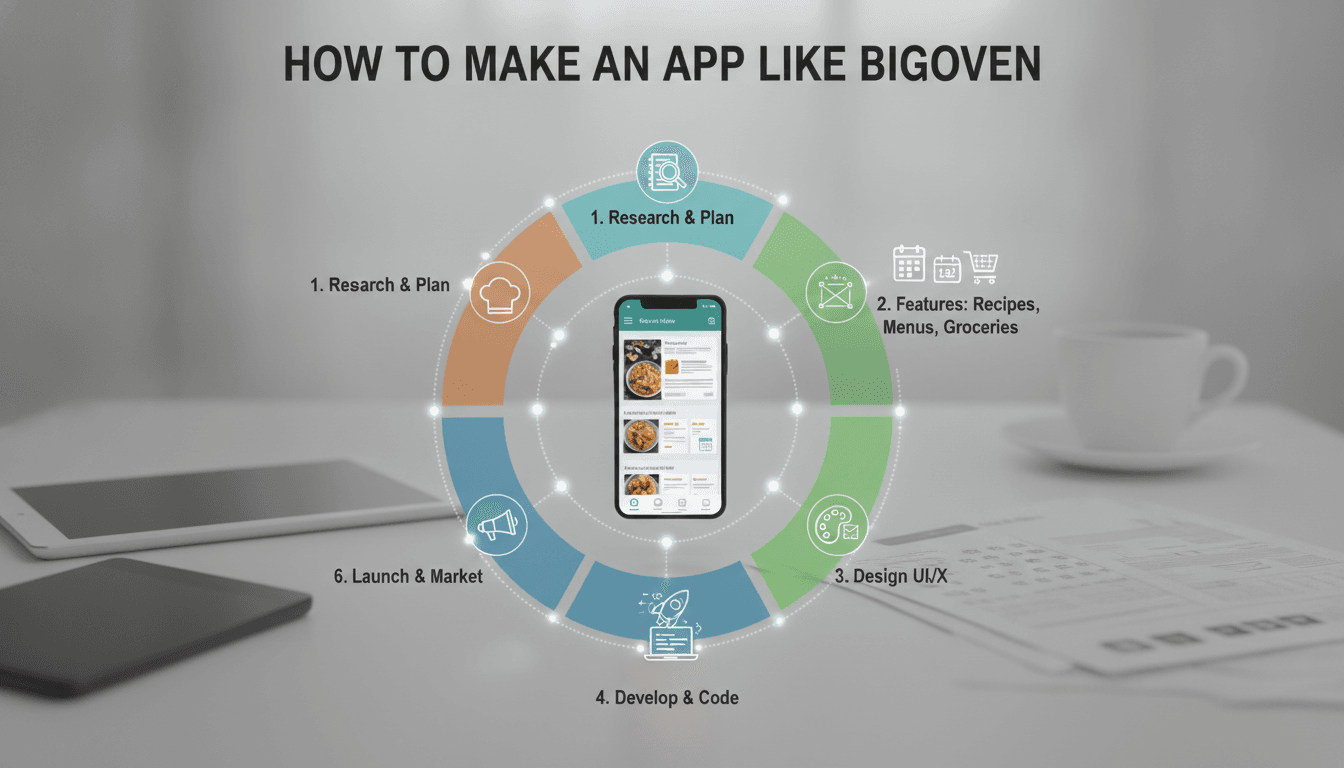
How to Make an App Like BigOven
Recipe apps have quietly become one of the stickiest categories in mobile. People cook every day, they plan meals every week, and they shop for groceries constantly — which means a well-built cooking app earns a permanent spot on the home screen. BigOven, with its library of over a million recipes, grocery list sync, and leftover-based recipe search, is the benchmark many founders point to when they say "I want to build something like that."
This guide walks through what it actually takes to build an app like BigOven: the features that matter, the architecture underneath, the data problem nobody warns you about, and what it costs.
If this is relevant to your project, check out How to Make an App Like Mealime.
What Makes BigOven Work
Before writing a line of code, it helps to understand why BigOven retained users when hundreds of recipe apps didn't.
It solved a real daily friction. The "Use Up Leftovers" feature — type in three ingredients you have, get recipes back — turned the app from a browsing experience into a problem-solving tool.
It closed the loop from recipe to shopping. Adding ingredients to a grocery list in one tap means the app follows you out of the kitchen and into the store.
It let users bring their own content. People could upload family recipes, scan handwritten cards, and organize their own collection. That personal data creates switching costs.
It built a community layer. Reviews, photos, and recipe sharing made the content library grow without the company paying for every recipe.
Any clone that copies the recipe list but skips these mechanics will struggle to retain users past week two.
Core Feature Set
User Onboarding and Profiles
Keep signup light — social login via Google and Apple, email as a fallback. Collect dietary preferences, allergies, cuisine interests, and household size during a short onboarding flow. This data feeds personalization immediately and gives users a reason to complete the flow.
Related reading: How to Make an App Like Yummly.
Recipe Search and Discovery
This is the heart of the product. You need:
- Keyword search across titles, ingredients, and descriptions
- Filtered search by cuisine, diet, prep time, difficulty, calorie range, and meal type
- Ingredient-based search — the leftover feature, where users enter what they have and get matches ranked by how few extra items they'd need to buy
- Browse and collections — curated categories, trending recipes, seasonal picks
Ingredient-based search is deceptively hard. It requires normalized ingredient data (is it "scallion," "green onion," or "spring onion"?) and a scoring algorithm that weighs pantry staples differently from core proteins.
Related reading: How to Make an App Like Allrecipes.
Recipe Detail and Cook Mode
The recipe page needs ingredient lists with adjustable serving sizes, step-by-step instructions, nutrition breakdown, prep and cook times, and photos or video.
Cook mode is the underrated feature: a full-screen, large-text view that keeps the screen awake, advances steps with a swipe or voice command, and includes built-in timers tied to specific steps. Users are standing at a stove with messy hands. Design for that context.
Personal Recipe Library
Let users add their own recipes manually, import from a URL, or scan a photo of a recipe card using OCR. Folders, tags, and favorites keep large collections navigable. This is the feature that makes users stay — nobody wants to re-enter 200 family recipes somewhere else.
Meal Planning
A calendar view where users drag recipes onto days. Support breakfast, lunch, dinner, and snack slots. Generate a plan automatically based on dietary preferences and available time. Show weekly nutrition totals for users tracking macros.
Grocery Lists
Auto-generate a list from selected recipes, consolidate duplicate ingredients across recipes, group items by store aisle, and let users check items off as they shop. Sharing a list with a partner or roommate — with real-time sync — is a feature people genuinely love.
Social and Community
Recipe ratings and reviews, user-uploaded photos, following other cooks, and sharing to social platforms. Community content is how you scale your recipe library without licensing every recipe yourself.
Monetization Layer
BigOven runs a freemium model. Plan for:
- Subscription tier removing ads, unlocking advanced meal planning, nutrition data, and unlimited folders
- Display and native ads in the free tier
- Affiliate commerce — grocery delivery integrations, cookware links, ingredient kits
- Sponsored recipes from food brands
The Content Problem
Here's what trips up most teams: you need recipes on day one, and you can't wait for users to create them.
Your options:
License a recipe API. Services like Spoonacular, Edamam, and Tasty API provide structured recipe data with nutrition information. Fast to launch, but you're renting your core content and paying per call.
Partner with food bloggers and creators. Revenue share or flat fee in exchange for content rights. Slower, but the content is unique to you.
Build a creator program. Give chefs and home cooks tools, attribution, and eventually monetization. This is the long game and the most defensible.
Aggregate with permission. Crawl and structure recipes from sites that publish schema.org Recipe markup, with clear attribution and links back. Legally sensitive — get counsel involved.
Most successful apps combine a licensed base library at launch with an aggressive push toward user-generated and creator content over the first year.
Technical Architecture
Frontend
Cross-platform (React Native or Flutter) is the pragmatic choice for most recipe apps. The UI isn't graphically demanding, you'll want fast iteration, and a single codebase halves your build cost. Flutter gives you tighter control over custom UI; React Native gives you a larger hiring pool and easier web code sharing.
Native (Swift / Kotlin) makes sense if you're leaning hard into platform features — widgets, Siri and Google Assistant integration, Apple Watch cook timers, CarPlay grocery lists.
Backend
A microservices or modular monolith approach works well. Key services:
- Auth service — signup, login, session management, social OAuth
- Recipe service — CRUD, versioning, moderation queue
- Search service — Elasticsearch or Algolia for fast faceted search
- Meal plan and list service — calendar data, list generation, real-time sync
- Media service — image and video upload, resizing, CDN delivery
- Notification service — push for meal reminders, new recipes, social activity
Node.js, Python (FastAPI or Django), or Go all work. Python has an edge if you're planning ML-driven recommendations.
Data Layer
- PostgreSQL for relational data: users, recipes, ingredients, meal plans
- Redis for caching hot recipes, session data, and rate limiting
- Elasticsearch for search indexing with ingredient synonym handling
- S3 or equivalent plus a CDN for images and video
- Offline storage (SQLite, Realm, or Hive) so saved recipes and lists work without a connection — critical in grocery stores with bad reception
Ingredient Normalization
Budget real engineering time for this. You need a canonical ingredient taxonomy that maps "1 cup all-purpose flour," "125g plain flour," and "AP flour" to the same entity. This single system powers search, grocery list consolidation, nutrition calculation, and substitution suggestions. Get it wrong and everything downstream feels broken.
Adding Intelligence
AI is where a new entrant can actually beat an incumbent. Practical applications:
Personalized recommendations. A collaborative filtering or embedding-based model that learns from saved recipes, cook completions, and ratings — not just what users clicked.
Photo-to-recipe. Let users photograph their fridge or pantry and get recipe suggestions using a vision model.
Smart substitutions. "Out of buttermilk?" Suggest milk plus vinegar, with quantity adjustments.
Recipe import and structuring. An LLM that takes messy pasted text or a scanned card and outputs clean structured ingredients and steps.
Conversational cooking assistant. Voice-driven Q&A mid-cook: "How much garlic again?" "What's the oven temp?"
Auto-generated meal plans. Given calorie targets, dietary rules, budget, and cooking time available, generate a balanced week.
Development Roadmap
Phase 1 — Discovery (2–3 weeks). Competitor analysis, feature prioritization, technical spec, content sourcing strategy.
Phase 2 — Design (3–5 weeks). Wireframes, user flows, visual design system, interactive prototype. Food apps live or die on visual appeal — invest here.
Phase 3 — MVP Build (12–16 weeks). Auth, recipe browse and search, recipe detail with cook mode, save and favorite, basic grocery list, personal recipe entry.
Phase 4 — Testing (3–4 weeks). Functional QA, performance testing on low-end devices, offline behavior, real-kitchen usability sessions.
Phase 5 — Launch (2 weeks). App Store and Play Store submission, ASO, analytics instrumentation, crash reporting.
Phase 6 — Iterate. Meal planning, social features, subscriptions, AI layers — driven by what your first users actually do.
Cost Estimates
Ranges vary widely by region and team composition. Rough guidance:
- MVP (core browse, search, save, basic list): $40,000 – $70,000
- Full-featured app (meal planning, social, subscriptions, offline): $80,000 – $150,000
- Enterprise-grade with AI features and custom content pipeline: $150,000 – $300,000+
Ongoing costs to plan for: recipe API licensing, cloud hosting (scales with image and video traffic), content moderation, and roughly 15–20% of build cost annually for maintenance.
Metrics That Matter
Downloads are vanity. Track these instead:
- Recipes saved per user in week one — the strongest early retention predictor
- Cook mode completion rate — did they actually make the dish?
- Grocery list creation rate — indicates the app has entered their weekly routine
- Week 4 retention — the real signal for a habit product
- Free-to-paid conversion — 2–5% is typical for consumer subscription apps
Common Mistakes
Launching with a thin recipe library. Users search for something specific, find nothing, and leave. Depth beats polish at launch.
Ignoring the kitchen context. Small text, ads over instructions, screens that sleep mid-step. Test your app while actually cooking.
Treating grocery lists as an afterthought. It's often the most-used feature. Duplicate consolidation and aisle sorting are not nice-to-haves.
No offline mode. Kitchens have bad Wi-Fi. Stores have worse.
Monetizing too early. Ads over a recipe someone is mid-cook on is the fastest way to a one-star review.
Final Thoughts
Building an app like BigOven is less about replicating a feature list and more about owning a moment in someone's day. The recipe library gets them in the door. The meal plan, the synced grocery list, and the personal recipe collection are what keep them.
Start narrow — pick one audience, one cuisine, or one constraint like 20-minute weeknight meals — and build the best possible experience for that group. Recipe apps that try to be everything for everyone at launch tend to be nothing for anyone. The ones that win start specific, earn a loyal core, and expand from there.
Have a project in mind? Contact Sodio Technologies to discuss your requirements and explore the right technology solution for your business.
/// Work with us
Talk to the engineers who'd build it
You'll get a technical scope, timeline and cost estimate from the people doing the work, not an account manager. In-house team, no subcontracting, since 2016.