

How to Make an App Like Bigscreen VR
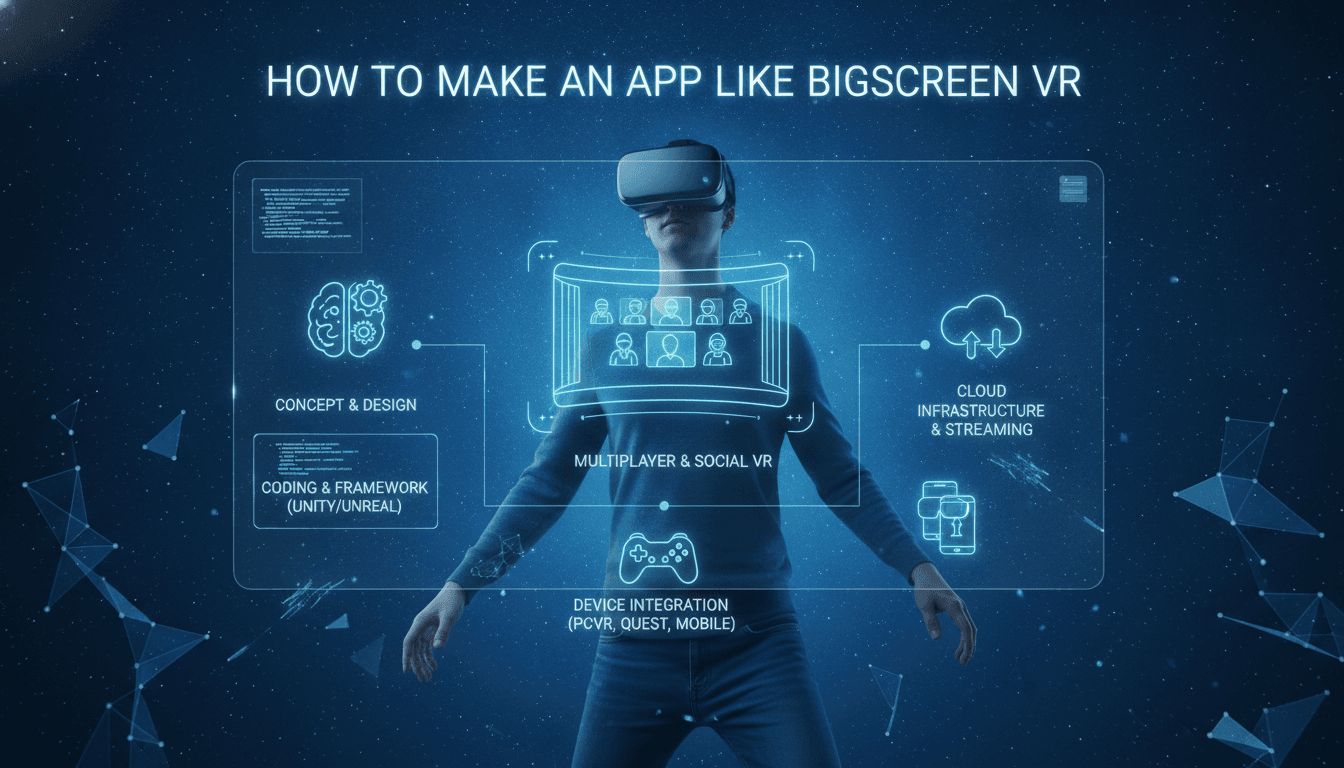
How to Make an App Like Bigscreen VR
Bigscreen VR changed the way people think about watching content. Instead of staring at a flat screen alone, users slip on a headset and find themselves in a virtual living room, movie theater, or drive-in with friends who might be thousands of miles away. It's social viewing, remote desktop streaming, and immersive entertainment rolled into one experience.
If you're considering building something similar, this guide walks through what actually goes into creating a social VR media platform — the features, the tech stack, the hard problems, and the realistic costs.
To explore this further, see How to Make an App Like AltspaceVR.
What Makes Bigscreen VR Work
Before jumping into development, it helps to understand why the app resonated with users in the first place.
Shared presence. The core magic isn't the video quality — it's the feeling that someone is sitting next to you. Avatars, spatial audio, and synchronized playback create a sense of togetherness that a group chat never will.
Desktop streaming. Users can mirror their PC screen into VR, which means any content source works: streaming services, local files, games, even spreadsheets if that's your thing.
Low friction. Create a room, share a code, and your friends are in. No complicated setup, no accounts to reconcile.
Environment variety. Virtual theaters, cozy apartments, outdoor drive-ins. The setting becomes part of the experience.
Any app you build in this space needs to nail at least three of those four.
Core Feature Set
Virtual Rooms and Environments
Users need spaces to gather in. Start with three or four high-quality environments rather than a dozen mediocre ones. A cinema with tiered seating, a private lounge, and one outdoor space cover most use cases.
Each environment needs:
- Defined seating positions with clear sightlines to the screen
- Consistent lighting that doesn't wash out video content
- Optimized geometry and baked lighting to protect frame rates
- Adjustable screen size and distance per user
Multi-User Synchronization
This is where most projects underestimate the difficulty. Every participant must see the same frame at the same moment, or the shared experience falls apart.
You'll need a host-authoritative playback model where one client (or a server) owns the timeline and others sync against it. Build in drift correction, buffering tolerance, and graceful handling of users with slower connections. A user who joins fifteen minutes late should land at the correct timestamp automatically.
Desktop and Screen Capture Streaming
Capturing a PC desktop and piping it into a VR headset at usable quality requires:
- A native capture layer (Desktop Duplication API on Windows, ScreenCaptureKit on macOS)
- Hardware-accelerated encoding via NVENC, AMF, or Quick Sync
- Low-latency transport, typically WebRTC or a custom UDP protocol
- Adaptive bitrate so quality degrades instead of stuttering
Target under 60ms of end-to-end latency for comfortable use. Above 100ms, interacting with the desktop becomes frustrating.
Avatars and Social Presence
Avatars don't need to be photorealistic — expressive and readable matters more. Head and hand tracking from the headset and controllers gives you most of the body language people respond to. Add lip-sync driven by microphone amplitude, and you're well past the uncanny valley problem.
Include a customization layer: body type, clothing, colors, accessories. Users invest in their avatars, and that investment drives retention.
Spatial Audio and Voice Chat
Voice must be positional. If someone is sitting to your left, their voice should come from your left. This single detail does more for the sense of presence than any visual feature.
Implementation typically means integrating a voice SDK with spatialization support, plus echo cancellation, noise suppression, push-to-talk options, per-user mute, and volume controls.
Content Sources and Media Playback
Beyond desktop streaming, support:
- Local file playback with broad codec coverage
- 2D, 3D side-by-side, and 180/360-degree video formats
- Optional DRM-protected streaming integrations, which require negotiated partnerships and Widevine or FairPlay support
Moderation and Safety
Social VR spaces need guardrails from day one. Build in personal space bubbles, block and report flows, room-level kick and ban controls, age gating, and a backend moderation dashboard. Retrofitting this later is far harder than including it in the initial architecture.
Technology Stack
Engine and Client
Unity is the pragmatic default. Mature XR tooling, huge asset ecosystem, strong support across Quest, SteamVR, and PSVR2. Unreal Engine delivers better out-of-the-box visual fidelity but demands more optimization work on standalone headsets.
For the XR layer, build against OpenXR rather than vendor-specific SDKs. It keeps your options open as the hardware landscape shifts.
Networking and Real-Time Layer
- Photon Fusion or Normcore for state synchronization and room management
- WebRTC or LiveKit for media and voice transport
- Agora or Vivox if you'd rather buy voice infrastructure than build it
Backend Services
- Node.js or Go for API services, chosen for concurrency handling
- PostgreSQL for user data, rooms, and social graphs
- Redis for session state and presence
- AWS, GCP, or Azure with regional deployments to keep latency low
- A CDN for asset and environment delivery
Platform Distribution
Meta Quest Store and App Lab, Steam, PlayStation Store, and Pico Store each have their own submission requirements, content policies, and revenue splits. Factor certification time into your launch schedule — it's rarely quick.
For a closer look at a related topic, read our guide on How to Make an App Like Oculus.
The Hard Problems
Performance on standalone headsets. A Quest 3 has mobile-class hardware and needs 72–90 FPS sustained in stereo. That's a brutal constraint. Aggressive LOD systems, occlusion culling, baked lighting, and single-pass stereo rendering aren't optional.
Motion comfort. Anything that causes nausea kills your retention numbers. Keep the camera under user control, avoid forced movement, maintain a stable horizon, and never drop frames during transitions.
Video decode budget. Decoding high-bitrate video while rendering a 3D environment competes for the same limited resources. Hardware decode paths are essential, not a nice-to-have.
Content licensing. Building the tech is the easy part compared to negotiating rights with studios and streaming platforms. Many apps sidestep this entirely by supporting only user-supplied content and desktop mirroring.
Cold-start social dynamics. An empty social app is a bad social app. Plan for public rooms, discovery features, and seeded community events so early users always find someone to watch with.
Development Roadmap
Discovery and design (3–5 weeks). Feature definition, technical architecture, UX prototyping in VR, platform target decisions.
Prototype (5–7 weeks). One environment, basic avatars, two-user sync, local video playback. Validate comfort and performance early.
Core build (14–20 weeks). Full environment set, desktop streaming pipeline, voice and spatial audio, avatar customization, room management, backend services.
Polish and optimization (6–9 weeks). Frame rate tuning, network resilience, moderation tooling, accessibility, onboarding flow.
Certification and launch (4–6 weeks). Store submissions, review cycles, soft launch, telemetry setup.
A focused MVP on a single platform can reach store submission in roughly four to five months. A full multi-platform product with desktop streaming and licensed content integrations realistically takes nine to fourteen months.
Cost Expectations
Ranges depend heavily on team location, platform count, and feature depth:
- Single-platform MVP: $70,000 – $130,000
- Multi-platform product with desktop streaming: $150,000 – $300,000
- Full-scale platform with licensing and live events: $350,000 and up
Ongoing costs matter too. Streaming bandwidth, relay servers, voice minutes, and content delivery scale directly with your user base. Model these per-user economics before you set pricing.
Monetization Approaches
Free with premium tiers. Free users get basic environments and room sizes; subscribers unlock higher resolution streaming, exclusive spaces, and larger rooms.
One-time purchase. Simple, and it aligns well with VR store buying behavior, but it doesn't fund ongoing server costs.
Cosmetics and environments. Avatar items and premium virtual spaces sell well in social VR.
Ticketed events. Paid access to live screenings, watch parties, or creator events.
Enterprise licensing. The same technology stack serves virtual meetings, training, and remote collaboration — often at higher margins than consumer entertainment.
Practical Advice
Build the social layer before the visual layer. A plain room where synchronization and voice work flawlessly beats a gorgeous theater where playback drifts apart.
Test with real users in headsets constantly. VR UX intuitions from flat-screen design are frequently wrong, and you only discover that by watching people struggle.
Instrument everything. Session length, room fill rates, sync failure counts, decode drops, comfort complaints. Telemetry in VR is your only real window into what's happening inside someone's headset.
Start narrow. Pick one audience — film buffs, anime watchers, sports fans, remote teams — and serve them exceptionally well before broadening out.
Closing Thought
An app like Bigscreen VR sits at the intersection of real-time networking, media engineering, 3D optimization, and social product design. None of those disciplines is trivial, and the combination is genuinely difficult. But the payoff is a product category where users report some of the strongest emotional connection in all of VR — the simple, surprisingly powerful feeling of watching something with someone who isn't there.
To explore this further, see How to Make an App Like VR Chat.
Get the presence right, keep the frame rate stable, and the rest becomes iteration.
Have a project in mind? Contact Sodio Technologies to discuss your requirements and explore the right technology solution for your business.
/// Work with us
Talk to the engineers who'd build it
You'll get a technical scope, timeline and cost estimate from the people doing the work, not an account manager. In-house team, no subcontracting, since 2016.