

How to Make an App Like Chanty
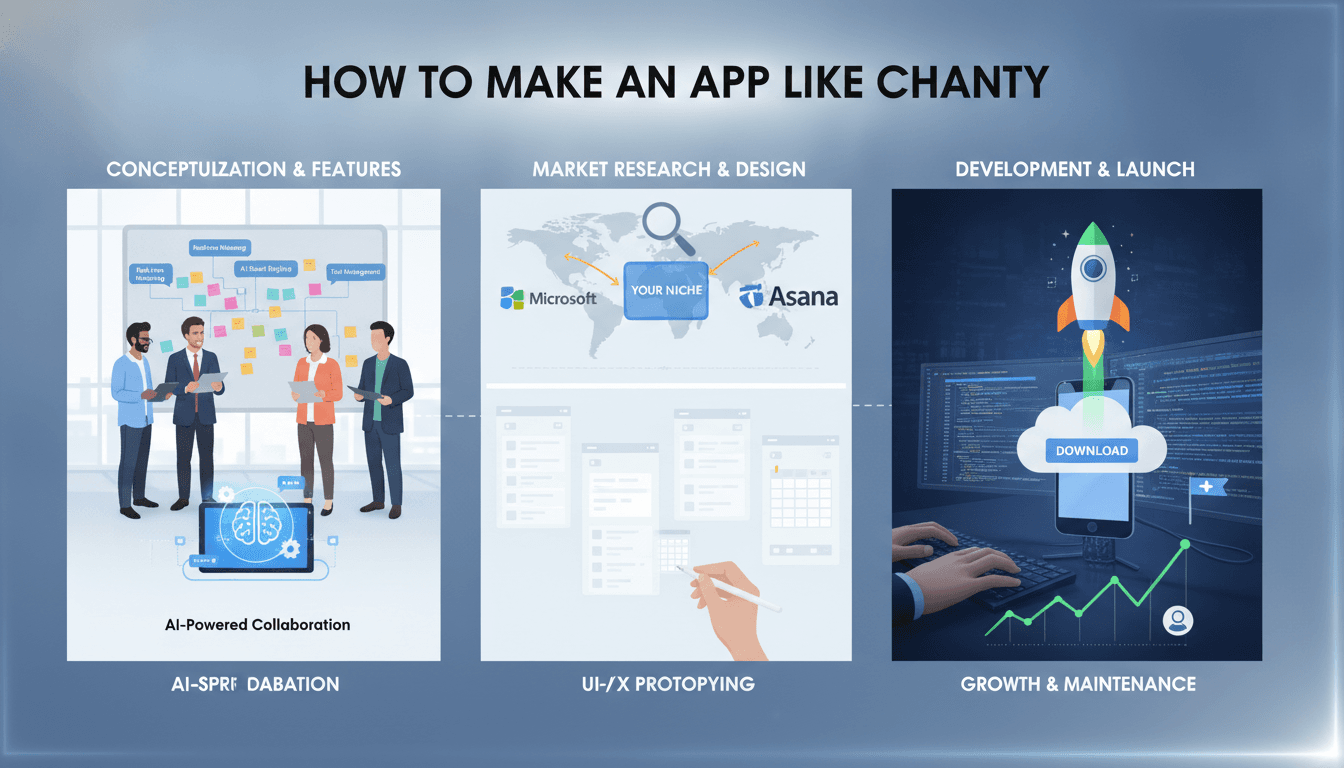
How to Make an App Like Chanty
Team messaging has quietly become the backbone of modern work. Chanty — a lightweight team chat app that blends unlimited message history, task management, and voice/video calls into one clean interface — proved that there's still room to compete with giants like Slack and Microsoft Teams by being simpler, faster, and more affordable.
If you're considering building your own team collaboration app, this guide walks you through what Chanty actually is under the hood, the features you'll need, the tech stack that makes it work, and what it realistically costs to build.
If this is relevant to your project, check out How to Make an App Like Flock.
What Makes Chanty Work
Before writing a line of code, it's worth understanding why Chanty found an audience in an extremely crowded market.
It solved a pricing pain point. Slack's free tier historically limited message history. Chanty offered unlimited searchable history from day one, which resonated strongly with small teams and startups.
It merged chat and tasks. Instead of forcing users into a separate project management tool, Chanty lets you turn any message into a task with a single click.
It stayed lightweight. Chanty is noticeably faster and lighter than competitors, which matters enormously to users on older hardware or slower connections.
The lesson for your product: don't build a clone. Find the friction your target users experience with existing tools and design around it.
Core Features to Build
1. Authentication and Onboarding
Start with email/password sign-up, then layer in Google, Microsoft, and Apple SSO. For enterprise customers, SAML and SCIM provisioning become essential later. Keep onboarding under 60 seconds — workspace creation, team invite, first message sent.
If this is relevant to your project, check out How to Make an App Like Microsoft Teams.
2. Real-Time Messaging
This is the heart of the product. You'll need:
- One-to-one direct messages
- Public and private channels
- Threaded replies to keep conversations organized
- Typing indicators and read receipts
- Message editing, deletion, and pinning
- Emoji reactions and mentions (
@user,@channel) - Rich text formatting and code blocks
Real-time delivery is typically handled through WebSockets, with a fallback to long polling for restrictive networks.
3. Unlimited Searchable History
Search is a differentiator, not a nice-to-have. Users need to find a link someone shared eight months ago in three seconds. Implement full-text search with filters for sender, channel, date range, and file type. Elasticsearch or OpenSearch are the usual choices here.
4. File Sharing and Previews
Support drag-and-drop uploads, inline previews for images, PDFs, and videos, and integrations with Google Drive, Dropbox, and OneDrive. Store files in object storage (S3 or equivalent) with signed URLs for secure access.
5. Task Management
Chanty's "Teambook" concept turns messages into tasks. Build a Kanban board view, assignees, due dates, priorities, and status tracking. The key interaction is converting a message into a task without leaving the conversation.
6. Voice and Video Calls
Use WebRTC for peer-to-peer calls. For group calls beyond three or four participants, you'll need an SFU (Selective Forwarding Unit) — either self-hosted with mediasoup or Janus, or managed through providers like Twilio, Agora, or Daily.
We cover a closely related subject in How to Make an App Like Zoho Cliq.
7. Notifications
Push notifications via Firebase Cloud Messaging and Apple Push Notification Service, plus email digests for offline users. Give users granular control: per-channel muting, do-not-disturb schedules, and keyword alerts.
8. Integrations and Bots
A collaboration tool lives or dies by its ecosystem. Prioritize integrations with GitHub, Trello, Asana, Jira, Zapier, and Google Calendar. Expose a webhook API and bot framework so customers can build their own.
9. Admin and Security Controls
Role-based permissions, workspace analytics, guest access, data retention policies, audit logs, and the ability to export or delete data. Enterprise buyers will ask about all of these.
Recommended Tech Stack
Frontend (Web): React or Vue with TypeScript. Use a virtualized list library for message rendering — chat histories can hit tens of thousands of messages and naive rendering will crush performance.
Mobile: React Native or Flutter for cross-platform efficiency, or native Swift and Kotlin if you need maximum performance and deep OS integration. Chanty ships iOS, Android, Windows, macOS, and web clients.
Desktop: Electron or Tauri wrapping your web app. Tauri produces significantly smaller binaries if bundle size matters to you.
Backend: Node.js with NestJS, Go, or Elixir with Phoenix. Elixir deserves special mention — the BEAM VM handles millions of concurrent connections gracefully, which is exactly the messaging workload.
Real-time layer: WebSockets via Socket.IO, Centrifugo, or Phoenix Channels. Redis pub/sub for fanning messages across server instances.
Databases: PostgreSQL for relational data (users, workspaces, permissions). Cassandra or ScyllaDB if message volume grows extreme. Redis for presence, sessions, and caching.
Search: Elasticsearch or OpenSearch.
Storage: AWS S3, Google Cloud Storage, or Cloudflare R2 with a CDN in front.
Infrastructure: Docker and Kubernetes, deployed across multiple regions to keep latency low for distributed teams.
Architecture Considerations
Go Microservices, But Not Too Early
Split services along natural seams: authentication, messaging, presence, notifications, search, file handling, and calls. That said, if you're a small team shipping an MVP, start with a well-structured modular monolith. Premature microservices will slow you down more than they help.
Design for Horizontal Scale
Every WebSocket connection consumes memory. Plan for connection servers that scale independently of your API servers, with Redis or a message broker coordinating between them.
Offline-First on Mobile
Users expect messages to queue when they lose signal and send automatically when connectivity returns. Implement a local SQLite cache with a sync engine and conflict resolution.
Message Ordering and Delivery
Use server-generated timestamps combined with sequence numbers per channel. Implement idempotency keys so retried sends don't create duplicates.
Security and Compliance
Team chat carries sensitive business data. Non-negotiables include:
- TLS 1.3 in transit and AES-256 encryption at rest
- Optional end-to-end encryption for private channels
- Two-factor authentication
- GDPR compliance with data export and right-to-erasure tooling
- SOC 2 Type II certification if you're targeting enterprise
- HIPAA compliance if healthcare customers are in scope
- Regular penetration testing and a bug bounty program
Build security in from the start. Retrofitting encryption and audit logging into a live product is painful and expensive.
Monetization Models
Freemium: Free tier with generous limits, paid tiers unlocking guest access, advanced admin controls, and higher storage. This is Chanty's model and it works well for bottom-up adoption.
Per-user subscription: The industry standard. Chanty's business plan sits around $3-4 per user per month, undercutting Slack substantially.
Self-hosted enterprise licensing: Companies in regulated industries pay premium prices to run the software on their own infrastructure.
Marketplace revenue share: Once your integration ecosystem matures, take a cut of third-party app sales.
Development Timeline and Cost
A realistic breakdown for a production-ready product:
| Phase | Duration | Scope |
|---|---|---|
| Discovery and design | 4-6 weeks | Research, wireframes, UI system |
| MVP development | 4-6 months | Core chat, channels, files, basic admin |
| Mobile apps | 2-3 months | iOS and Android, often parallel |
| Calls and tasks | 2-3 months | WebRTC, Teambook-style features |
| Testing and hardening | 6-8 weeks | QA, load testing, security audit |
Estimated cost ranges:
- Basic MVP: $60,000 – $100,000
- Full-featured product: $120,000 – $250,000
- Enterprise-grade platform: $250,000 – $500,000+
Costs vary widely by region. Development teams in Eastern Europe or South Asia typically run 40-60% below North American rates for comparable quality.
Budget an additional 15-25% of build cost annually for maintenance, infrastructure, and iteration.
A Practical Roadmap
Phase 1 — Validate: Interview 30-50 people in your target niche. Understand exactly what frustrates them about their current tool.
Phase 2 — MVP: Ship messaging, channels, search, and file sharing on web only. Get real teams using it daily.
Phase 3 — Expand: Add mobile and desktop clients. Users will not adopt a work tool that doesn't live on their phone.
Phase 4 — Differentiate: Build the feature that makes you distinct — whether that's task management, AI summarization, industry-specific compliance, or something nobody has thought of yet.
Phase 5 — Monetize and scale: Introduce paid tiers, build the integration marketplace, and pursue enterprise certifications.
How to Compete in a Crowded Market
Slack, Teams, Discord, and Chanty all exist. Beating them head-on is not a strategy. Winning approaches include:
Vertical focus. Build for construction crews, medical practices, legal teams, or restaurant staff — each has workflows generic tools handle badly.
Geographic focus. Data residency requirements in the EU, India, and elsewhere create real openings for regional players.
Price disruption. Chanty's own wedge. There's always room below the incumbents.
AI-native features. Thread summarization, automatic action-item extraction, meeting transcription, and semantic search across years of history are genuinely valuable and still unevenly implemented.
Final Thoughts
Building an app like Chanty is technically demanding but entirely achievable with a focused team and clear positioning. The hard part isn't the WebSockets or the WebRTC — those are solved problems with mature libraries. The hard part is convincing teams to switch tools, which only happens when you solve a problem their current app genuinely cannot.
Start narrow, ship fast, listen closely to your first hundred users, and build outward from there.
Have a project in mind? Contact Sodio Technologies to discuss your requirements and explore the right technology solution for your business.
/// Work with us
Talk to the engineers who'd build it
You'll get a technical scope, timeline and cost estimate from the people doing the work, not an account manager. In-house team, no subcontracting, since 2016.