

How to Make an App Like Zoho Cliq
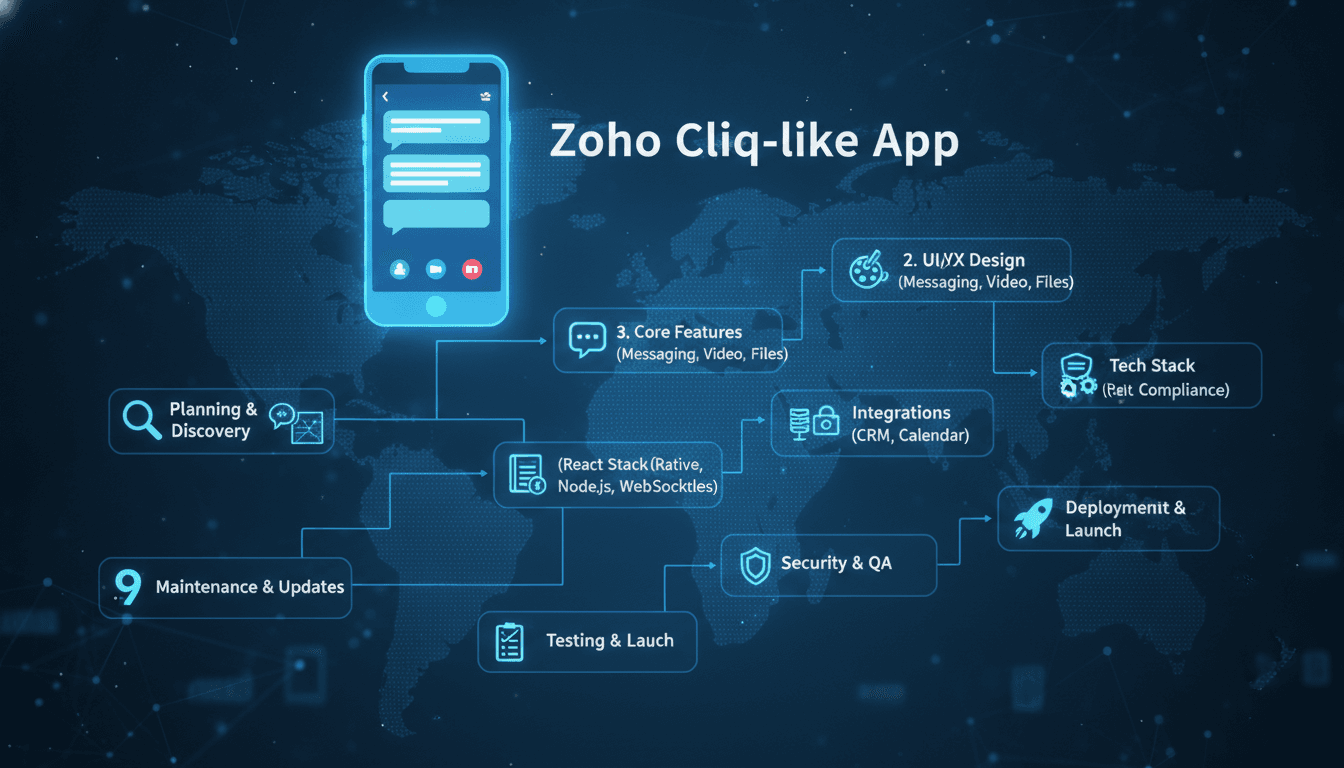
How to Make an App Like Zoho Cliq
Workplace communication has moved far beyond email threads and scattered file attachments. Teams today expect a single hub where conversations, files, tasks, and tools live side by side. Zoho Cliq has become a strong example of that model: a business messaging platform that blends channels, audio and video calls, bots, and deep integrations into one clean interface.
If you are planning to build a team collaboration app of your own, this guide walks through the features, architecture, technology choices, cost drivers, and go-to-market decisions that matter most.
We cover a closely related subject in How to Make an App Like Chanty.
What Exactly Is Zoho Cliq?
Zoho Cliq is a team communication tool designed for organisations that want structured, searchable conversations instead of endless email chains. It offers one-on-one chats, group channels, threaded discussions, audio and video meetings, screen sharing, file sharing, and a bot and command framework that lets teams automate routine work without leaving the chat window.
What makes it distinct is the multi-pane interface that allows users to monitor several conversations at once, plus tight integration with the wider Zoho ecosystem — CRM, Projects, People, and more.
Why Build an App Like Zoho Cliq?
The market opportunity is real, and it is not limited to competing head-on with Slack or Microsoft Teams.
Distributed work is permanent. Hybrid and remote models have made asynchronous communication tools core infrastructure rather than a nice-to-have.
Vertical niches remain underserved. Healthcare teams need HIPAA-compliant messaging. Construction crews need offline-friendly field communication. Law firms need privileged-communication controls. Generic tools rarely serve these needs well.
Data sovereignty is a selling point. Many organisations in regulated markets want self-hosted or region-locked communication platforms. That demand alone supports an entire category of products.
Bundling creates stickiness. If you already sell an ERP, CRM, or project management product, an embedded chat layer dramatically increases daily active usage and reduces churn.
Core Features to Plan For
Messaging Fundamentals
Start with the non-negotiables:
- One-on-one and group messaging with delivery and read receipts
- Public, private, and external (guest) channels
- Threaded replies to keep channels readable
- Message editing, deletion, pinning, and forwarding
- Rich text formatting, code blocks, emoji reactions, and @mentions
- Typing indicators and presence status (available, busy, away, do not disturb)
Search and Message History
Search is where collaboration tools win or lose. Users expect to find a file someone shared eight months ago using a half-remembered keyword. Plan for full-text indexing across messages, file contents, and channel names, with filters for sender, channel, date range, and file type.
Voice, Video, and Screen Sharing
Built-in calling removes the friction of switching apps. At minimum you need one-to-one audio and video calls, group meetings, screen sharing, and ideally recording with cloud storage. WebRTC is the standard foundation here.
File Sharing and Collaboration
Drag-and-drop uploads, in-line previews for documents and images, version history, and cloud storage integrations (Google Drive, OneDrive, Dropbox) are table stakes.
Bots, Commands, and Automation
This is where Zoho Cliq differentiates itself. Slash commands, custom bots, scheduled message broadcasts, and workflow triggers turn a chat app into an operations console. Expose a developer API and webhook system so customers can build their own extensions.
Related reading: How to Make an App Like Rocket.Chat.
Integrations
Native connectors for calendars, project trackers, helpdesks, and CRMs make your app the centre of a workflow rather than one more tab. An open integration marketplace multiplies your product value without multiplying your engineering headcount.
You may also find our article on How to Make an App Like Microsoft Teams useful.
Administration and Security
Enterprise buyers evaluate admin capability closely:
- Role-based access control and granular permissions
- Single sign-on via SAML or OAuth
- Two-factor authentication
- Data retention and legal hold policies
- Audit logs and compliance reporting
- Remote device wipe for lost or stolen hardware
- End-to-end or at-rest encryption depending on your compliance posture
Technical Architecture
Real-Time Communication Layer
Persistent WebSocket connections handle live message delivery. Common approaches include Socket.IO on Node.js, Phoenix Channels on Elixir, or a managed service like Pusher or Ably if you want to shorten time to market. For very large scale, MQTT or a custom protocol over WebSockets reduces overhead.
Backend Services
A microservices approach works well because messaging, presence, file handling, notifications, and search all have very different scaling profiles. Typical service boundaries:
- Authentication and identity service
- Messaging service (send, receive, persist)
- Presence service
- Notification service (push, email, in-app)
- Media service (upload, transcode, thumbnail)
- Search service
- Integration and webhook gateway
Message queues such as Kafka, RabbitMQ, or NATS decouple these services and provide durability during traffic spikes.
Database Strategy
Message storage is write-heavy and append-only, which suits Cassandra, ScyllaDB, or a partitioned PostgreSQL setup. User profiles, workspaces, and permissions fit naturally in PostgreSQL. Redis handles presence, session state, and unread counters. Elasticsearch or OpenSearch powers search.
Media and Calling Infrastructure
WebRTC handles peer-to-peer media, but group calls need a Selective Forwarding Unit such as Janus, Jitsi Videobridge, LiveKit, or mediasoup. Budget for TURN servers — a meaningful percentage of connections will need relaying through restrictive corporate firewalls.
Client Applications
Most teams target web, desktop, iOS, and Android. Options include:
- React or Vue for web, wrapped in Electron or Tauri for desktop
- React Native or Flutter for cross-platform mobile with shared business logic
- Swift and Kotlin for native mobile when performance and platform integration matter most
Offline-first behaviour is essential on mobile. Local persistence with SQLite or Realm, an outbound message queue, and conflict-aware sync will make or break the mobile experience.
Development Process
1. Discovery and Positioning
Decide who you are building for before you write code. A 15-person design studio and a 5,000-person hospital network need very different products. Interview target users, map their current tool stack, and identify the specific friction you will remove.
2. UX Design and Prototyping
Messaging apps live or die on interaction speed and information density. Wireframe the channel list, conversation pane, thread view, and search results. Prototype the navigation model early — Zoho Cliq's multi-pane view is a deliberate design bet, and yours should be too.
3. MVP Scope
Resist feature creep. A credible MVP usually includes authentication, one-on-one and group chat, channels, file sharing, push notifications, and search. Calling, bots, and integrations can follow in version two.
4. Build and Iterate
Work in short cycles with real users inside the product from week one. Internal dogfooding is especially valuable for collaboration tools — your own team is a legitimate test group.
5. Testing
Beyond standard unit and integration testing, plan for:
- Load testing with simulated concurrent connections
- Network condition testing (packet loss, high latency, connection drops)
- Cross-device sync verification
- Security testing and penetration assessment
- Accessibility auditing
6. Launch and Scale
Roll out to a pilot cohort, monitor connection stability and message delivery latency closely, then expand. Instrument everything: message delivery time, call quality scores, crash rates, and daily active usage per workspace.
Monetisation Models
Freemium tiers with limits on message history, storage, or participant counts convert well when teams grow.
Per-user subscriptions remain the dominant B2B SaaS model for this category.
Self-hosted licensing commands premium pricing from regulated and security-conscious buyers.
Marketplace revenue share from third-party integrations creates a secondary income stream once your platform has scale.
White-label licensing lets other software vendors embed your chat layer into their products.
Cost Considerations
Development cost depends heavily on scope, platform count, and team location. As a rough framing:
- A focused MVP on web and one mobile platform typically lands in the lower range
- Adding native apps across all platforms, group calling, and an integration framework moves you into mid-range territory
- Enterprise-grade compliance, self-hosting options, and a full bot platform sit at the high end
Do not overlook ongoing costs: TURN and SFU server capacity, storage growth from file sharing, search index hosting, push notification services, and the security audits that enterprise deals require.
Common Pitfalls to Avoid
Underestimating real-time complexity. Message ordering, delivery guarantees, and multi-device sync are genuinely hard problems. Design for them from day one rather than patching later.
Ignoring notification hygiene. Poorly tuned notifications are the fastest route to uninstalls. Give users granular control per channel and per keyword.
Launching without an import path. Teams have years of history in their existing tool. Migration utilities remove a major adoption barrier.
Treating search as an afterthought. Weak search makes a collaboration tool feel like a black hole.
Skipping compliance groundwork. Retrofitting SOC 2, GDPR, or HIPAA readiness costs far more than building with it in mind.
Final Thoughts
Building an app like Zoho Cliq is an ambitious but achievable undertaking. The technical foundation — real-time messaging, WebRTC calling, scalable storage, and a solid search layer — is well understood and supported by mature open-source tooling. The harder work is product judgement: choosing a specific audience, solving their communication problems better than a general-purpose tool can, and earning the daily habit that makes collaboration software indispensable.
Start narrow, ship an MVP that genuinely works, and let real usage guide what comes next.
Have a project in mind? Contact Sodio Technologies to discuss your requirements and explore the right technology solution for your business.
/// Work with us
Talk to the engineers who'd build it
You'll get a technical scope, timeline and cost estimate from the people doing the work, not an account manager. In-house team, no subcontracting, since 2016.