

How to Make an App Like Cisco Webex
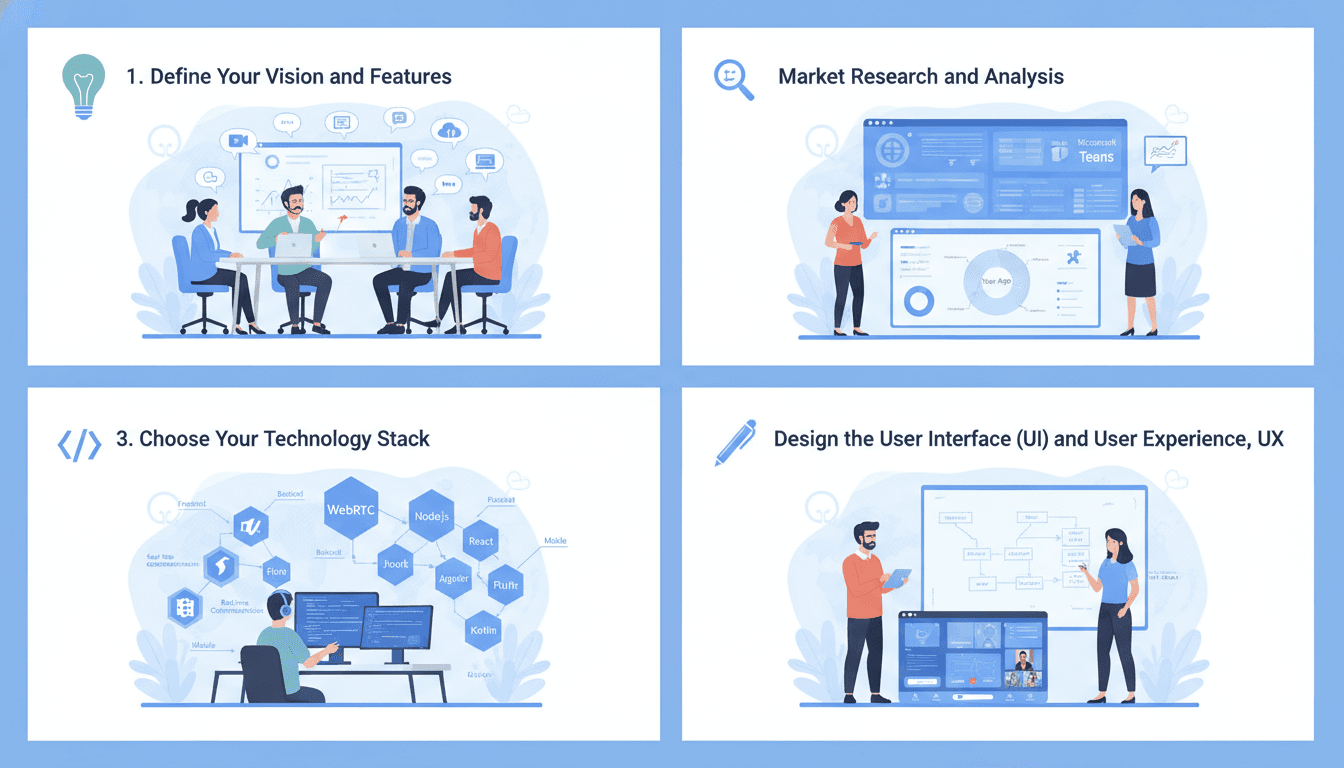
Video conferencing stopped being a "nice to have" somewhere around 2020, and it never went back. Cisco Webex, with its enterprise-grade security, massive meeting capacity, and deep integration into corporate workflows, became one of the defining products of that shift. If you're reading this, you're probably wondering what it actually takes to build something in that league.
The honest answer: more than a video SDK and a login screen. But it's far more achievable today than it was five years ago. Here's how to approach it.
We cover a closely related subject in How to Make an App Like Tandem.
Why Build a Webex Alternative at All?
The video conferencing market is crowded at the top — Webex, Zoom, Google Meet, Microsoft Teams. Competing head-on as a general-purpose meeting tool is a expensive fight. The opportunity sits in the gaps:
- Vertical-specific platforms. Telehealth consultations with HIPAA compliance and EHR integration. Legal depositions with certified recording and chain-of-custody. Online tutoring with interactive whiteboards and homework handoff.
- Regional and sovereignty plays. Organisations in regulated markets often cannot route meeting data through US-based infrastructure. Data residency alone is a viable wedge.
- Embedded conferencing. Many SaaS products don't want to send users to an external meeting link. They want calling inside their own app — your platform becomes infrastructure rather than a destination.
- Cost disruption. Per-seat pricing at enterprise scale gets painful. A leaner cost structure is a legitimate differentiator.
Pick your angle before you write a line of code. It determines your architecture more than anything else.
Deconstructing Webex: The Core Feature Set
Webex is a large product. Understanding its anatomy helps you decide what to build, what to defer, and what to ignore.
Table Stakes
These are non-negotiable. Ship without them and you don't have a product.
| Feature | What it Involves |
|---|---|
| HD audio/video calls | Real-time media transport, adaptive bitrate, echo cancellation |
| Meeting scheduling | Calendar integration (Google, Outlook), invite links, reminders |
| Screen sharing | Full screen, single window, and specific tab capture |
| In-meeting chat | Text messaging, file attachments, persistence after the call |
| Participant controls | Mute, remove, promote to co-host, waiting rooms |
| Recording | Cloud storage, local capture, playback controls |
| Cross-platform clients | iOS, Android, desktop, browser |
Differentiators
This is where you compete.
- Virtual backgrounds and noise suppression. Users now expect these. On-device ML models handle both reasonably well.
- Live transcription and captions. Speech-to-text during the meeting, searchable transcripts afterwards.
- AI meeting summaries. Automatic action items, decisions, and topic breakdowns. Arguably the single highest-perceived-value feature you can add in 2024 and beyond.
- Breakout rooms. Essential for education and workshop use cases.
- Whiteboarding and annotation. Collaborative canvas synced in real time.
- Polls, Q&A, and reactions. Engagement tooling for webinars and large sessions.
- Persistent team spaces. Webex's real moat isn't meetings — it's the messaging and file-sharing layer that keeps teams in the app between meetings.
Enterprise Requirements
Skip these and you'll cap out at small-business customers.
- Single sign-on via SAML and OIDC
- SCIM provisioning for user lifecycle management
- Admin console with usage analytics and policy controls
- End-to-end encryption with configurable key management
- Audit logs and retention policies
- SLA-backed uptime commitments
The Technical Architecture
This is where video conferencing gets genuinely hard. Let's break it down.
WebRTC Is Your Foundation
WebRTC is the browser and mobile standard for real-time peer-to-peer media. It handles codec negotiation, encryption (DTLS-SRTP is mandatory), and NAT traversal. You will use it. The question is what sits behind it.
Related reading: How to Make an App Like Robin.
Choosing a Media Topology
Mesh (P2P). Every participant sends their stream directly to every other participant. Zero server media cost, lowest latency. Falls apart past four or five people because upload bandwidth requirements grow linearly with participant count. Fine for one-to-one calling only.
MCU (Multipoint Control Unit). The server decodes all incoming streams, composites them into a single output, and re-encodes. Clients only handle one stream — great for weak devices and legacy hardware endpoints. Catastrophically expensive in CPU terms. Roughly the approach older enterprise systems used.
SFU (Selective Forwarding Unit). The server receives streams and forwards them without transcoding. Each client sends once and receives multiple streams. This is what every modern platform uses, including Webex for most scenarios. Combined with simulcast (clients publish multiple resolution layers) or SVC (scalable video coding), the SFU can forward the right quality to each recipient based on their bandwidth.
Build on an SFU. Options include mediasoup, Janus, Jitsi Videobridge, or LiveKit if you want something closer to a batteries-included platform.
Signalling and Session Management
Media transport is only half the story. You need a signalling layer — typically WebSockets — to handle:
- SDP offer/answer exchange
- ICE candidate trickling
- Room state (who's in, who's muted, who's presenting)
- Presence and typing indicators
- Reconnection logic when networks flap
This service must be horizontally scalable and stateless where possible, with room state externalised to Redis or a similar store.
TURN Servers Are Not Optional
Somewhere between 10 and 20 percent of connections cannot establish a direct path due to symmetric NATs or restrictive corporate firewalls. TURN relays fix this. Deploy coturn across multiple regions. Budget for the bandwidth — relayed traffic is your most expensive traffic.
Geographic Distribution
Latency kills conversation. Above roughly 150ms one-way, people start talking over each other. Deploy SFU nodes in multiple regions and route participants to the nearest edge. For meetings spanning continents, cascade between SFUs rather than forcing everyone to a single origin. This is exactly what Webex does with its global media backbone.
The Recommended Stack
| Layer | Options |
|---|---|
| Media server | mediasoup, LiveKit, Janus, Jitsi |
| Signalling | Node.js with Socket.IO, Elixir/Phoenix Channels, Go with Gorilla WebSocket |
| Backend API | Node.js, Go, or Python (FastAPI) |
| Database | PostgreSQL for relational data, Redis for ephemeral session state |
| Object storage | S3 or equivalent for recordings and shared files |
| Mobile | Swift/Kotlin native, or Flutter/React Native with native WebRTC modules |
| Desktop | Electron, or Tauri for a lighter footprint |
| AI features | Whisper for transcription, LLM APIs for summarisation |
Build vs. Buy on Infrastructure
You don't have to run your own media servers. CPaaS providers — Agora, Daily, Twilio Video's successors, Vonage — give you SDKs and managed infrastructure, letting you ship in weeks instead of quarters. The tradeoff is per-minute pricing that becomes brutal at scale, plus limited control over encryption and data residency.
A pragmatic path: launch on a managed provider to validate the product, then migrate to self-hosted infrastructure once your usage volume makes the economics obvious. Design your client abstraction layer so this swap doesn't require a rewrite.
Security and Compliance
Webex's enterprise credibility rests heavily on security. If you're targeting business customers, this cannot be an afterthought.
Transport encryption is handled by WebRTC by default. End-to-end encryption is harder — with an SFU, the server normally sees decrypted media. Insertable Streams (SFrame) lets clients encrypt payloads before they hit the SFU, keeping the server blind. It complicates server-side recording and transcription, so you'll likely offer E2EE as an optional mode.
Beyond encryption, plan for:
- Meeting passcodes, waiting rooms, and lobby controls
- Domain-restricted joining
- Certifications relevant to your market: SOC 2 Type II, ISO 27001, HIPAA, GDPR, FedRAMP
- Data residency controls letting customers pin storage and processing to specific regions
Compliance audits take months and cost real money. Start the process earlier than feels comfortable.
Design and User Experience
The best video app is the one people forget they're using.
- Join in one tap. Every extra step between clicking a link and seeing faces loses users. Guest join without account creation, no forced downloads in the browser.
- Speaker-first layouts. Active speaker prominence, with grid view available. Handle 1, 4, 12, and 50 participants gracefully — they're genuinely different design problems.
- Graceful degradation. When bandwidth drops, reduce video quality and keep audio pristine. Audio is the conversation; video is context. Tell the user what's happening.
- Accessibility. Live captions, keyboard navigation for every control, screen reader labels, adjustable text size.
- Mobile is not a shrunken desktop. Prioritise audio quality, battery life, and one-handed control. Handle interruptions — incoming calls, backgrounding, network handoffs between wifi and cellular.
Monetisation
Webex uses a freemium-to-enterprise ladder, and it works.
- Free tier with meaningful but capped limits — 40 to 50 minutes per meeting, 100 participants. Generates volume and word-of-mouth.
- Per-host subscription unlocking longer meetings, recording, and higher caps. The workhorse revenue line.
- Business and enterprise tiers adding SSO, admin controls, compliance features, and dedicated support.
- Add-ons for large webinars, PSTN dial-in, extra cloud storage, and premium AI features.
- API and embed pricing if you pursue the infrastructure angle — usage-based per participant-minute.
Development Timeline and Cost
Rough guidance for a credible product, assuming a competent team:
| Phase | Scope | Duration |
|---|---|---|
| Discovery and architecture | Requirements, topology decisions, prototypes | 3–5 weeks |
| MVP | 1:1 and small group calls, chat, scheduling, one platform | 10–14 weeks |
| Multi-platform rollout | iOS, Android, desktop, browser parity | 10–16 weeks |
| Advanced features | Recording, breakouts, whiteboard, AI summaries | 12–20 weeks |
| Enterprise and compliance | SSO, admin console, certifications | 12–24 weeks (parallel) |
An MVP on managed infrastructure can land in the $60k–$120k range. A self-hosted, multi-platform, enterprise-ready platform is a $250k–$600k+ commitment, plus ongoing infrastructure spend that scales with usage.
Speaking of which: budget carefully for bandwidth. Video is the single largest recurring cost in this category, and naive architectures can turn a growing user base into a financial problem rather than a win.
A Sensible Roadmap
- Pick your niche and validate it. Talk to twenty potential customers before building. Find the workflow pain that general-purpose tools ignore.
- Prototype the hard part first. Get three people on a call across different networks. Prove the media path works before building settings screens.
- Ship a narrow MVP. One platform, core calling, scheduling, chat. Get real users on real networks.
- Instrument everything. Connection success rate, time-to-first-frame, packet loss, jitter, MOS scores. Quality problems are invisible without telemetry.
- Expand platforms, then depth. Reach before features.
- Layer in AI. Transcription and summaries are where the current differentiation lives.
- Go upmarket. Compliance, admin tooling, and SSO unlock enterprise contracts that transform your unit economics.
Final Thought
Building an app like Cisco Webex is a real engineering undertaking — real-time media at scale is one of the less forgiving problems in software. But the tooling has matured dramatically. WebRTC is universal, open-source SFUs are production-grade, and managed providers let you validate an idea without provisioning a single server.
Related reading: How to Make an App Like Rocket.Chat.
The winning move isn't out-Webexing Webex. It's finding the specific context where a focused, well-built conferencing product beats a generalist giant — and then executing on the fundamentals of latency, reliability, and trust until people stop noticing the technology entirely.
Have a project in mind? Contact Sodio Technologies to discuss your requirements and explore the right technology solution for your business.
/// Work with us
Talk to the engineers who'd build it
You'll get a technical scope, timeline and cost estimate from the people doing the work, not an account manager. In-house team, no subcontracting, since 2016.