

How to Make an App Like Craftsy
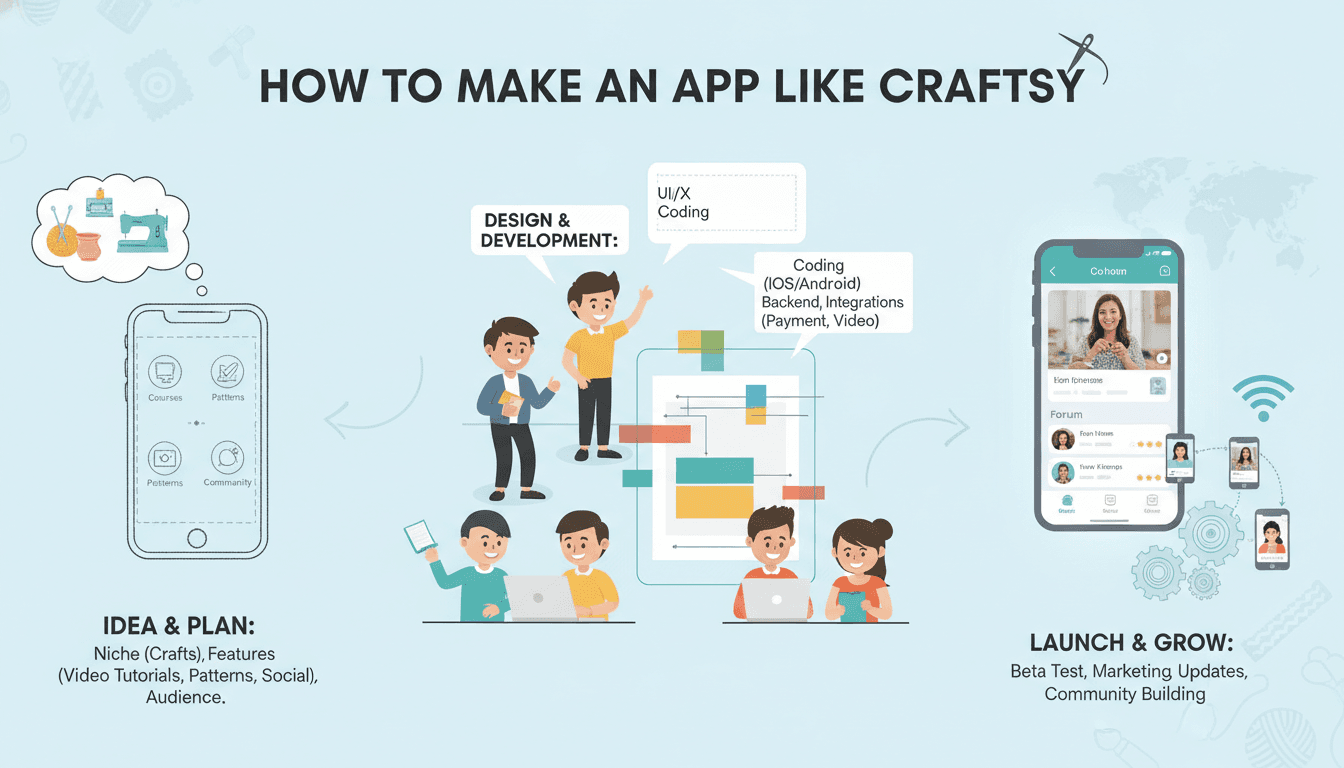
How to Make an App Like Craftsy
Craft enthusiasts no longer head to community centres to learn quilting, knitting, or cake decorating. They open an app, pick a class, and start creating. Craftsy built a loyal audience by turning niche hobbies into a streaming-style learning experience, complete with expert instructors, supply kits, and a community that cheers each other on.
If you're planning to build something similar — whether for crafts, baking, woodworking, or any hands-on skill — this guide walks through what actually matters: the features, the tech, the monetisation, and the costs.
We cover a closely related subject in How to Make an App Like MasterClass.
What Makes Craftsy Work
Before writing a single line of code, it helps to understand why Craftsy resonates with its users.
Video-first learning. Craft skills are visual. Users need to see hands working, close-ups of stitches, and repeatable steps they can pause and rewind endlessly.
Niche depth over broad catalogues. Instead of competing with general e-learning giants, Craftsy goes deep into specific hobbies. A quilter finds dozens of quilting classes, not three.
Subscription simplicity. One membership unlocks the library. No decision fatigue over individual course prices.
Commerce attached to content. Watch a class, then buy the yarn, pattern, or kit you need to follow along. Content drives product sales, and products make the content actionable.
Community as retention. Project galleries, instructor Q&A, and progress sharing keep people coming back between classes.
Core Features for Your MVP
Don't build everything at once. Here's the feature set that gets you to a launchable product.
User Onboarding and Profiles
- Social and email sign-up with minimal friction
- Interest selection during onboarding (knitting, baking, pottery, etc.) to power recommendations
- Skill level tagging so beginners aren't served advanced content
- Profile with saved classes, in-progress lessons, and completed projects
Class Discovery
- Browse by craft category, skill level, instructor, and duration
- Search with filters and autocomplete
- Curated collections: "Weekend Projects," "New This Month," "Beginner Friendly"
- Personalised recommendations based on viewing history and stated interests
Video Player Built for Learning
This is where generic video players fall short. A craft learning app needs:
- Variable playback speed (slow down for tricky techniques)
- Frame-accurate scrubbing and 10-second rewind
- Offline downloads for users crafting in a basement with poor Wi-Fi
- Chapter markers tied to project steps
- Picture-in-picture so users can watch while referencing a pattern
- Timestamped note-taking and bookmarking
- Resume playback across devices
Course Structure and Progress
- Multi-lesson classes with clear module breakdown
- Progress indicators and completion badges
- Downloadable materials: patterns, templates, supply lists, PDFs
- Written transcripts for searchable reference
Community and Social
- Project galleries where users post photos of finished work
- Comments and instructor replies per lesson
- Likes, follows, and featured member projects
- Moderation tools and reporting
Commerce Layer
- Supply kits and materials tied to specific classes
- Cart, checkout, and multiple payment methods
- Order tracking and shipping integration
- Wishlist and restock notifications
Instructor Tools
- Application and vetting workflow
- Upload portal with video processing status
- Earnings dashboard and payout history
- Student engagement analytics
Admin Panel
- Content approval and publishing pipeline
- Subscription and refund management
- Analytics on watch time, churn, and conversion
- Push notification campaigns
- Promo codes and pricing experiments
Tech Stack Recommendations
Mobile Apps
Cross-platform: Flutter or React Native. Both give you iOS and Android from one codebase, which cuts cost significantly. Flutter has strong video plugin support and consistent rendering. React Native benefits from a larger ecosystem and easier hiring.
Native: Swift for iOS and Kotlin for Android if you need maximum video performance, advanced AirPlay/Chromecast handling, or heavy platform-specific features.
For most craft learning apps, cross-platform is the right call. Video playback and commerce flows don't require native-only capabilities.
We cover a closely related subject in How to Make an App Like Makezine.
Backend
- Node.js with NestJS or Python with Django/FastAPI for APIs
- PostgreSQL for users, subscriptions, orders, and course metadata
- Redis for session caching and recommendation results
- Elasticsearch for class search and filtering
Video Infrastructure
This is your biggest technical decision and your biggest recurring cost.
- Mux or Cloudflare Stream for managed encoding, adaptive bitrate streaming, and analytics — fastest to launch
- AWS MediaConvert + CloudFront for more control at scale
- DRM via Widevine and FairPlay if you need to protect premium content
- HLS with adaptive bitrate so users on weak connections still get smooth playback
Payments and Subscriptions
- Stripe for card processing and subscription billing on web
- Apple In-App Purchase and Google Play Billing for mobile subscriptions (unavoidable if you sell digital content in-app)
- RevenueCat to unify subscription state across platforms and save weeks of work
Cloud and DevOps
- AWS, GCP, or Azure with containerised services
- CI/CD via GitHub Actions
- Monitoring with Datadog or New Relic
- Crash reporting with Sentry or Firebase Crashlytics
Monetisation Models
Subscription (primary). Monthly and annual tiers. Annual plans dramatically improve cash flow and retention. Offer a free trial of 7 to 14 days.
Freemium. A handful of free classes to demonstrate quality, with the full library behind the paywall.
À la carte purchases. Individual class purchases for users who don't want a subscription. Some hobbyists only want one skill.
Physical product sales. Supply kits, tools, patterns, and materials. This can rival subscription revenue and creates a real moat.
Instructor revenue share. Attracts quality talent without large upfront content costs.
Live workshops. Ticketed real-time sessions with instructors. High margin and strong community value.
Development Timeline and Cost
Figures below are indicative and vary by region and team composition.
Phase 1: Discovery and Design (3–5 weeks)
Market research, feature prioritisation, user flows, wireframes, and high-fidelity UI. $8,000 – $18,000
Phase 2: MVP Build (14–20 weeks)
Auth, catalogue, video player, subscriptions, basic community, admin panel, and one platform pair via cross-platform framework. $45,000 – $90,000
You may also find our article on How to Make an App Like Audible useful.
Phase 3: Commerce and Community (6–10 weeks)
Kit sales, cart and checkout, shipping, project galleries, instructor portal. $20,000 – $40,000
Phase 4: Scale Features (ongoing)
Recommendations, live sessions, TV apps, AI features, localisation. $15,000+ per quarter
Recurring Costs
- Video hosting and delivery: $500 – $5,000+ monthly depending on watch hours
- Cloud infrastructure: $300 – $2,000 monthly
- Third-party services (RevenueCat, search, email, analytics): $200 – $800 monthly
- Content production: highly variable, $500 – $5,000 per class
Realistic total for a polished launch: $75,000 – $160,000. A lean MVP focused on video and subscriptions only can land closer to $40,000 – $60,000.
UX Details That Separate Good from Forgettable
Design for messy hands. Users are holding needles, dough, or paintbrushes. Large tap targets, voice control, and a "keep screen awake" mode matter more than they sound.
Make the supply list front and centre. Nothing kills momentum like starting a class and realising you're missing materials. Show the list before the first lesson, with one-tap purchasing.
Celebrate finished projects. Completion is the emotional payoff. Prompt users to photograph their work, then make sharing effortless.
Respect the pause. Craft learning isn't binge-watching. Users step away mid-project for days. Gentle re-engagement nudges beat aggressive daily streak mechanics.
Offline is not optional. Many crafters work in garages, studios, and craft rooms with poor connectivity. Downloads must be reliable.
Adding Intelligence
A few AI-driven features deliver real value without becoming gimmicks:
- Smart recommendations based on completed classes, skill progression, and project photos
- Auto-generated chapters and transcripts from uploaded video, reducing instructor workload
- Semantic search so "how do I fix a dropped stitch" surfaces the right three-minute segment, not a two-hour class
- Project photo feedback offering encouraging, technique-specific suggestions
- Kit recommendations that predict what a user will need for their next project
Common Mistakes to Avoid
Launching with a thin catalogue. Twenty classes across ten hobbies feels empty. Go deep in one or two niches first.
Treating video like an afterthought. Buffering, poor seek behaviour, or lost progress will tank retention faster than any missing feature.
Ignoring app store subscription rules. Apple and Google take their cut and enforce specific flows. Plan for this in your unit economics from day one.
Building community before you have users. Empty galleries and dead comment sections look worse than no community at all. Ship it once you have traction.
Underestimating content operations. Filming, editing, captioning, and publishing classes is an ongoing operational business, not a one-time project.
A Practical Launch Roadmap
- Pick one niche. Quilting, sourdough, resin art — whatever you can dominate.
- Recruit five to eight instructors. Quality over quantity. Their audiences become your first users.
- Produce 30–50 classes. Enough depth that a subscription feels worth it.
- Build the MVP. Video, catalogue, subscriptions, progress tracking. Nothing else.
- Soft launch to instructor audiences. Cheap acquisition, honest feedback.
- Measure watch time and week-four retention. These predict everything.
- Layer in commerce. Kits attached to your most-watched classes.
- Expand adjacent. Move into related hobbies your existing users already have.
Final Thoughts
Building an app like Craftsy is less about replicating a feature list and more about nailing a specific combination: excellent video delivery, genuine subject-matter depth, and a commerce layer that makes learning actionable. The technology is well understood and the stack is mature. The hard part is content quality and picking a niche where you can be the obvious best option.
Start narrow, obsess over the video experience, and let the community and catalogue grow from a base of users who genuinely love what you've made.
Have a project in mind? Contact Sodio Technologies to discuss your requirements and explore the right technology solution for your business.
/// Work with us
Talk to the engineers who'd build it
You'll get a technical scope, timeline and cost estimate from the people doing the work, not an account manager. In-house team, no subcontracting, since 2016.