

How to Make an App Like MasterClass
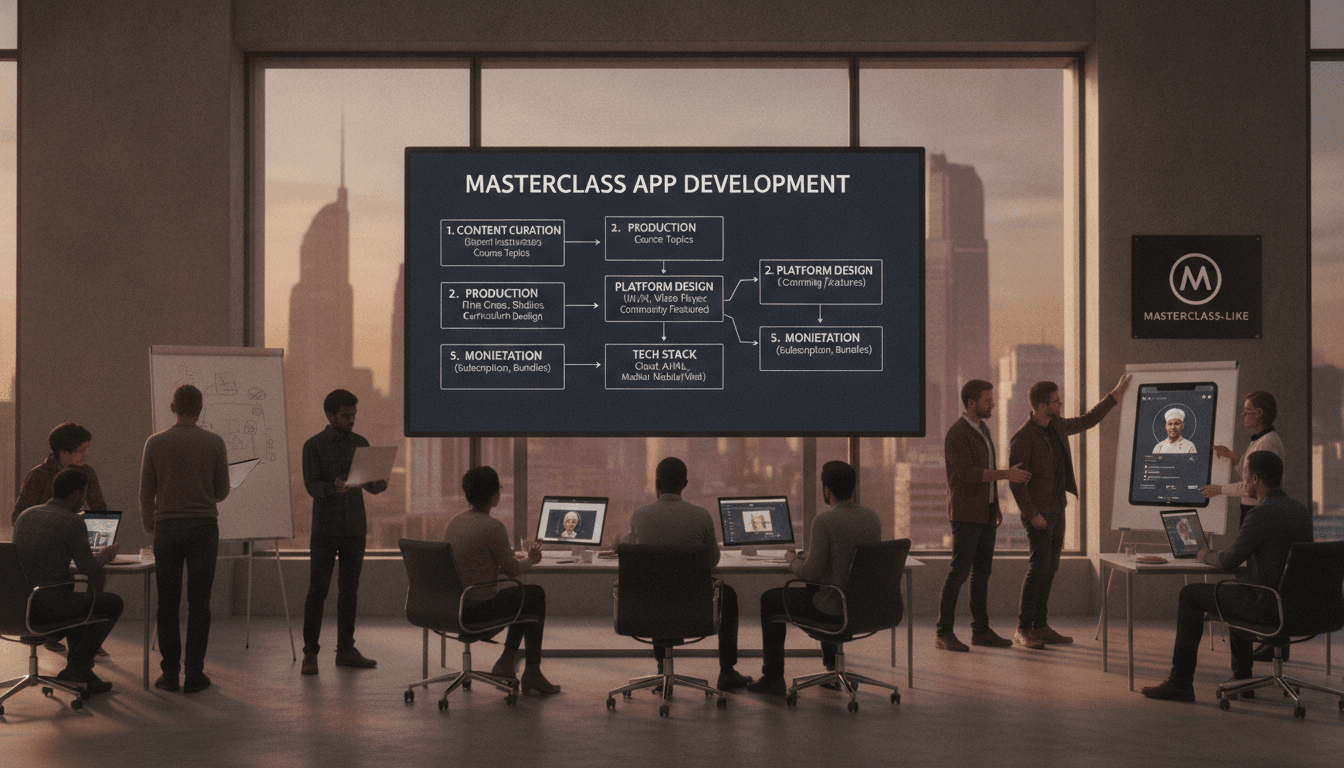
How to Make an App Like MasterClass
MasterClass changed the way people think about online learning. Instead of dry lecture slides and generic curricula, it delivered cinematic, celebrity-led courses that feel closer to a Netflix documentary than a classroom. That positioning turned a crowded e-learning market into a premium, aspirational experience — and it's why so many founders now ask how to build something similar.
This guide walks through what it actually takes to build an app like MasterClass: the business model, the feature set, the tech stack, the team, the timeline, and the budget.
To explore this further, see How to Make an App Like Skillshare.
Why the MasterClass Model Works
Before writing a single line of code, it helps to understand what makes the product succeed. MasterClass isn't really selling courses — it's selling access and inspiration.
- Star power as content moat. Instructors are world-class names, which competitors cannot easily replicate.
- Production value. Every lesson is shot like a film, with scripting, multi-camera setups, and professional editing.
- All-access subscription. One annual price unlocks the entire catalog, which drives perceived value and reduces purchase friction.
- Short, bingeable lessons. Most videos run 10–20 minutes, designed for evening viewing rather than intensive study.
- Cross-device continuity. Watch on your phone during a commute, finish on your TV at home.
If you're building a competitor or a niche alternative, you need a clear answer to the question: what is our version of star power? It might be verified industry practitioners, exclusive brand partnerships, regional language content, or hyper-specific vertical expertise.
Step 1: Define Your Niche and Positioning
Trying to out-MasterClass MasterClass with a general catalog is expensive and unlikely to work. The stronger plays are usually vertical or geographic.
Consider focusing on:
- A single industry (culinary, music production, trading, fitness coaching)
- A regional market with underserved language needs
- A professional credentialing angle where certificates carry weight
- B2B corporate learning with team dashboards and compliance reporting
Your niche decision cascades into everything else — content budget, feature priorities, and even whether you need offline downloads or live sessions.
Step 2: Choose a Monetization Model
| Model | How it works | Best for |
|---|---|---|
| All-access subscription | Flat annual or monthly fee for the full catalog | Broad catalogs with steady content output |
| Per-course purchase | One-time payment per course | Small catalogs, high-ticket specialist content |
| Freemium | Free intro lessons, paid full courses | Top-of-funnel growth and virality |
| Tiered plans | Individual / Duo / Family / Enterprise | Maximizing revenue per household or company |
| B2B licensing | Seat-based corporate contracts | Professional skills and compliance training |
Many successful platforms blend two or three. A free trial plus annual subscription plus enterprise tier is a common combination.
Step 3: Map the Core Feature Set
User-Facing Features
Onboarding and personalization Interest selection, skill level, and goals collected up front so the home feed feels relevant from session one.
Course discovery Categories, curated collections, instructor pages, search with filters, and a "continue watching" rail.
Video player This is the heart of the product. It needs adaptive bitrate streaming, playback speed control, subtitles in multiple languages, picture-in-picture, chapter markers, and resume-where-you-left-off across devices.
Offline downloads Encrypted, expiring downloads for mobile users. Non-negotiable for commuter-heavy audiences.
Workbooks and resources Downloadable PDFs, templates, and assignments that accompany each lesson.
Progress tracking Completion percentages, streaks, and certificates on finishing a course.
Community layer Discussion threads per lesson, peer feedback on assignments, and optionally live Q&A sessions with instructors.
Notifications New course drops, instructor announcements, and gentle re-engagement nudges for lapsed learners.
Cast and TV apps Chromecast, AirPlay, and eventually native apps for Apple TV, Android TV, Fire TV, and Roku.
Instructor and Admin Features
- Content upload with transcoding pipeline and preview
- Course structure builder (modules, lessons, resources)
- Scheduling and phased release of lessons
- Analytics: watch time, drop-off points, completion rates
- Revenue reporting and payout management
- Moderation tools for community content
- CMS for landing pages, promos, and curated collections
Step 4: Architect the Technology
Frontend
- Mobile: React Native or Flutter for shared iOS/Android codebase, or fully native Swift and Kotlin if you need maximum video and DRM performance.
- Web: React or Next.js, with server-side rendering for SEO on course landing pages.
- TV: Platform-specific SDKs, since TV UX and remote navigation differ significantly from touch.
Backend
- Services: Node.js, Python (Django/FastAPI), or Go, structured as microservices once scale demands it. Common services include auth, catalog, playback entitlement, subscriptions, progress, notifications, and community.
- Databases: PostgreSQL for relational data, Redis for sessions and caching, Elasticsearch or Algolia for search.
- Queueing: Kafka or SQS for transcoding jobs, analytics events, and email workflows.
Video Infrastructure
This is where an app like MasterClass lives or dies.
- Ingest and transcoding: AWS MediaConvert, Mux, or Cloudflare Stream to produce HLS/DASH renditions.
- CDN delivery: CloudFront, Akamai, or Cloudflare for global low-latency playback.
- DRM: Widevine for Android, FairPlay for Apple, PlayReady for Windows — plus signed, short-lived playback URLs.
- Watermarking: Forensic watermarking on premium content to trace leaks.
Payments and Subscriptions
Stripe or Braintree for web, plus Apple In-App Purchase and Google Play Billing for mobile. Be prepared for the 15–30% store commission and design your pricing accordingly. A subscription management layer (RevenueCat or an in-house equivalent) keeps entitlements consistent across platforms.
Related reading: How to Make an App Like Craftsy.
Analytics and Experimentation
Mixpanel or Amplitude for product analytics, a data warehouse like BigQuery or Snowflake for deeper reporting, and a feature-flag/experimentation tool for A/B testing paywalls, onboarding, and pricing.
You may also find our article on How to Make an App Like Udemy useful.
Step 5: Design for a Premium Feel
MasterClass justifies a premium price partly through design. Key principles worth borrowing:
- Cinematic imagery. Large, high-quality instructor portraits and trailer autoplay on hover.
- Restrained typography. A confident serif or editorial sans, generous whitespace, and minimal chrome.
- Dark-first interface. Keeps focus on video thumbnails and mirrors streaming conventions.
- Motion with purpose. Smooth transitions and subtle parallax, never gratuitous animation.
- Frictionless playback. Fewer than two taps from app open to resuming a lesson.
Accessibility matters too: captions, transcripts, sufficient contrast, screen reader labels, and keyboard navigation on web and TV.
Step 6: Plan Content Production
Software is only half the product. Budget seriously for content.
- Instructor sourcing, negotiation, and revenue-share or flat-fee contracts
- Scripting and curriculum design with instructional designers
- Studio shoots with multi-camera crews, lighting, and audio
- Post-production, color grading, and sound mixing
- Localization: subtitles and, where relevant, dubbing
- Workbook writing and design
A polished 10-lesson course can realistically consume weeks of production time. Many platforms start with a smaller, hybrid approach: a few flagship cinematic courses to establish the brand, supported by lighter-weight content produced at higher volume.
Step 7: Build the Right Team
A typical build team includes:
- Product manager
- UX/UI designer
- 2–3 mobile engineers
- 2–3 backend engineers
- 1–2 web engineers
- DevOps / cloud engineer
- QA engineer
- Video/streaming specialist (often a consultant early on)
On the content side you'll need a content lead, producers, videographers, editors, and instructional designers.
Step 8: Timeline and Budget
Indicative Timeline
| Phase | Duration |
|---|---|
| Discovery and product definition | 3–4 weeks |
| UX/UI design | 5–8 weeks |
| MVP development (iOS, Android, web) | 4–6 months |
| Video infrastructure and DRM setup | Parallel, 6–8 weeks |
| QA, beta, and store submission | 4–6 weeks |
| TV apps and expanded features | Post-launch, 3–4 months |
Indicative Budget
- Lean MVP (one platform, basic streaming): $60,000 – $110,000
- Full cross-platform MVP with DRM and subscriptions: $130,000 – $250,000
- Premium multi-platform product including TV apps: $280,000 – $450,000+
Content production, CDN bandwidth, and instructor fees sit on top of these figures and often exceed engineering costs over the first two years.
Step 9: Launch and Grow
- Start with a waitlist and a handful of trailer assets to build anticipation.
- Use free lessons as paid-ad creative — the content itself is the best marketing.
- Optimize the paywall relentlessly. Timing, copy, trial length, and annual-versus-monthly framing move conversion more than almost anything else.
- Invest in retention. Weekly new-release cadence, personalized recommendations, and email/push win-back journeys.
- Track the right metrics: trial-to-paid conversion, monthly churn, average watch time per subscriber, course completion rate, and lifetime value to customer acquisition cost ratio.
Common Pitfalls to Avoid
- Underestimating video costs. Bandwidth and transcoding scale with success, not with revenue timing.
- Skipping DRM. Premium content gets pirated within days without it.
- Building every feature at once. Community, live sessions, and certificates can wait until core playback and subscriptions are rock solid.
- Ignoring store billing rules. Apple and Google have strict policies on external payment links.
- Launching with a thin catalog. Subscribers churn fast if there isn't enough to watch in month one.
Final Thoughts
Building an app like MasterClass is really two businesses running in parallel: a streaming technology product and a content studio. The engineering is well-understood — adaptive streaming, DRM, subscriptions, and a polished cross-platform UI. The harder problem is assembling content compelling enough that people pay a premium for it.
Start narrow, obsess over playback quality and design polish, prove that your audience will pay, and then scale the catalog. Done well, a focused vertical learning platform can build a loyal, high-margin subscriber base without ever needing a Hollywood budget.
Have a project in mind? Contact Sodio Technologies to discuss your requirements and explore the right technology solution for your business.
/// Work with us
Talk to the engineers who'd build it
You'll get a technical scope, timeline and cost estimate from the people doing the work, not an account manager. In-house team, no subcontracting, since 2016.