

How to Make an App Like Housecall Pro
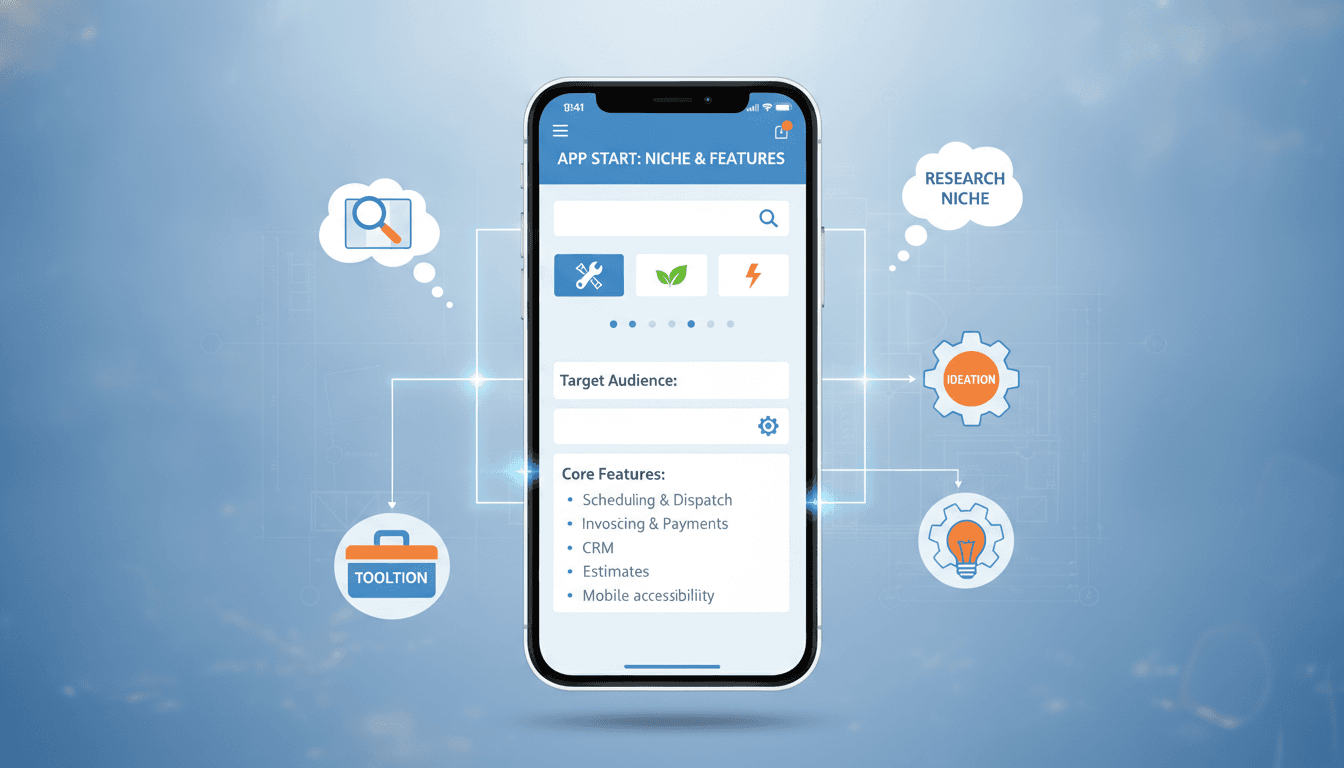
How to Make an App Like Housecall Pro
Home service businesses — plumbers, electricians, HVAC technicians, cleaners, landscapers, pest control crews — have historically run on paper invoices, whiteboard schedules, and a whole lot of phone tag. Housecall Pro changed that by putting scheduling, dispatching, invoicing, payments, and customer communication into a single mobile-first platform.
If you're planning to build something similar, this guide walks through what the product actually does, the features you need, the technology behind it, and what it realistically takes to ship.
To explore this further, see Field Service Management: Ensuring On-Site Efficiency.
What Is Housecall Pro, Exactly?
Housecall Pro is a field service management (FSM) platform. It serves two distinct audiences at once:
- Business owners and office staff, who need to book jobs, assign technicians, track revenue, and chase down unpaid invoices.
- Field technicians, who need to see today's route, update job status, collect signatures, and take payment on-site.
The magic isn't any single feature — it's that the whole workflow, from "customer calls" to "money in the bank," lives in one place. That's the bar your product has to clear.
Related reading: Designing for Gloved Hands and No Signal.
Why Build in This Space?
The field service management market is large, fragmented, and still under-digitized. A meaningful share of small home service businesses still run on spreadsheets, texts, and memory. A few reasons the opportunity holds up:
- High willingness to pay. A tool that recovers even a few missed jobs a month pays for itself.
- Sticky software. Once a business's customer history, pricing book, and payment rails live in your app, switching is painful.
- Vertical depth. Generic scheduling tools don't understand a two-hour arrival window, a dispatch board, or a technician commission split. Specialization wins.
- Payments as a revenue stream. Processing payments inside the app opens a second monetization channel beyond subscriptions.
Core Feature Set
Break the build into three surfaces: the admin/dispatch web app, the technician mobile app, and the customer-facing experience.
For a closer look at a related topic, read our guide on How to Make an App Like Robin.
1. Scheduling and Dispatching
The heart of the product.
- Drag-and-drop calendar with day, week, and month views
- Dispatch board grouped by technician, crew, or vehicle
- Recurring jobs for maintenance contracts
- Arrival windows rather than fixed times
- Conflict detection and travel-time buffers
- Color-coded job statuses (scheduled, en route, in progress, complete)
2. Job Management
- Job details: customer, address, service type, notes, attachments
- Checklists and required steps per job type
- Photo capture before and after work
- Parts and materials used
- Time tracking per technician
- Customer signature capture
3. Estimates and Invoicing
- Templated estimates with good/better/best option tiers
- Price book with services, materials, and labor rates
- One-tap conversion from estimate to job to invoice
- Deposits, partial payments, and progress billing
- Automated payment reminders for overdue invoices
4. Payments
- Card-present payments via mobile reader
- Card-on-file and ACH
- Digital wallets
- Consumer financing offers for larger tickets
- Automatic reconciliation and payout tracking
5. CRM and Customer History
- Full customer profiles with multiple service addresses
- Equipment records (model numbers, serials, install dates, warranty status)
- Complete job and invoice history
- Notes, tags, and segmentation
- Service agreements and membership plans
6. Communication and Automation
- Automated appointment confirmations and reminders
- "Technician is on the way" notifications with live GPS tracking
- Two-way SMS threads tied to the job record
- Post-job review requests
- Email marketing campaigns for reactivation and seasonal offers
7. Online Booking
- Embeddable booking widget for the company website
- Real-time availability based on the dispatch calendar
- Service selection and intake questions
- Instant confirmation
8. Technician Mobile Experience
Field techs work in basements, crawlspaces, and rural areas. Design accordingly.
- Offline-first architecture with background sync
- Large tap targets, glove-friendly UI, high-contrast mode for sunlight
- Turn-by-turn navigation handoff
- Fast camera capture with automatic job attachment
- Minimal typing — dropdowns, presets, and voice notes
9. Reporting and Analytics
- Revenue by service type, technician, and time period
- Job completion rates and average ticket size
- Technician utilization and drive time
- Aging receivables
- Marketing attribution and lead source ROI
10. Team Management
- Role-based permissions (owner, admin, dispatcher, technician)
- Timesheets and payroll export
- Commission and bonus tracking
- GPS location during shift hours (with clear consent policies)
Advanced Features That Differentiate
Once the core is stable, these are where you win deals against incumbents:
- AI-powered scheduling optimization that sequences jobs by location, skill match, and priority
- Automated route planning across a full day of stops
- Voice-to-text job notes transcribed and summarized
- AI call answering that books jobs from missed calls
- Inventory and truck stock management with low-stock alerts
- QuickBooks, Xero, and payroll integrations
- Franchise and multi-location support with roll-up reporting
- White-labeled customer portal for booking, invoices, and payments
Recommended Tech Stack
Mobile apps
- React Native or Flutter for a shared codebase across iOS and Android
- Native modules for camera, GPS, Bluetooth card readers, and background location
- SQLite or WatermelonDB for local offline storage
Web app
- React or Next.js for the dispatch and admin console
- A performant calendar/scheduler component (virtualized rendering matters at scale)
Backend
- Node.js with NestJS, or Python with Django/FastAPI
- PostgreSQL as the primary datastore, with PostGIS for geospatial queries
- Redis for caching, queues, and real-time presence
- WebSockets for live dispatch board updates
Infrastructure
- AWS, GCP, or Azure with containerized services
- Event-driven architecture for notifications and automations
- CI/CD with automated testing and staged rollouts
Third-party services
- Stripe or Adyen for payments and card readers
- Twilio for SMS and voice
- Google Maps or Mapbox for geocoding, routing, and distance matrix
- SendGrid or Postmark for transactional email
- Firebase Cloud Messaging and APNs for push
Architecture Considerations
Offline-first is non-negotiable. Technicians lose signal constantly. Every write should queue locally and sync when connectivity returns, with deterministic conflict resolution. Decide early whether last-write-wins is acceptable or whether you need operational transforms for shared records.
Multi-tenancy from day one. Retrofitting tenant isolation is brutal. Use row-level security or schema-per-tenant depending on your scale expectations.
Real-time sync. When a dispatcher moves a job, the technician's phone should reflect it within seconds. Build on WebSockets with a fallback to polling.
Audit trails. Field service disputes happen. Log who changed what, when, and from which device.
UI/UX Principles That Matter Here
- Two products, one platform. The dispatcher wants density and information; the technician wants one clear next action. Don't force one design language on both.
- Reduce taps aggressively. A technician completing a job should need fewer than ten interactions.
- Fail gracefully. Show sync status clearly. Never let a tech wonder if their invoice actually saved.
- Onboarding is the make-or-break. Small business owners abandon software that requires a week of setup. Offer data import, prebuilt price books by trade, and guided first-job flows.
Monetization Models
- Tiered SaaS subscriptions, usually priced per user or per technician seat
- Payment processing fees — typically the largest revenue line at scale
- Add-on modules for marketing automation, advanced reporting, or AI features
- Consumer financing referral revenue
- Setup and migration services for larger accounts
Development Timeline and Cost
Rough guidance for a production-quality build:
| Phase | Scope | Timeline |
|---|---|---|
| Discovery and design | Research, user flows, UI system | 4–6 weeks |
| MVP build | Scheduling, jobs, invoicing, payments, tech app | 4–6 months |
| Beta and hardening | Pilot customers, bug fixes, performance | 6–8 weeks |
| Scale features | Automations, reporting, integrations, AI | Ongoing |
Cost varies widely with team location and scope, but a credible MVP with both web and mobile surfaces typically lands in the $90,000–$250,000 range. A full-featured platform approaching Housecall Pro's depth is a multi-year, multi-million-dollar investment.
Go-to-Market Advice
- Pick one trade first. Build the deepest plumbing tool or the deepest HVAC tool. Horizontal comes later.
- Sell the outcome, not the features. "Get paid the same day" beats "invoicing module."
- Lean on trade associations, distributors, and supply houses for distribution.
- Make migration free and hands-on. The biggest objection is "I'd have to move all my data."
- Instrument everything. Track time-to-first-job-created; it's the strongest early retention predictor.
Common Pitfalls
- Underestimating offline complexity. Teams routinely budget two weeks for sync and spend two months.
- Building for the office, forgetting the field. If technicians hate the app, the account churns.
- Payments as an afterthought. Compliance, PCI scope, and reader certification take real time.
- Over-configuring. Endless settings feel powerful and overwhelm small business owners.
- Ignoring the customer experience. Homeowners judge the business by your notification emails and payment page.
Final Thoughts
Building an app like Housecall Pro is less about replicating a feature list and more about compressing an entire messy business workflow into something a busy contractor can operate from a truck cab. Start narrow, obsess over the technician experience, get payments right, and expand from there.
If you're evaluating scope, stack, or timelines for a field service platform, the smartest first step is a focused discovery phase that maps the actual day-to-day workflow of the trade you're targeting — before a single screen gets designed.
Have a project in mind? Contact Sodio Technologies to discuss your requirements and explore the right technology solution for your business.
/// Work with us
Talk to the engineers who'd build it
You'll get a technical scope, timeline and cost estimate from the people doing the work, not an account manager. In-house team, no subcontracting, since 2016.