

How to Make an App Like Khan Academy
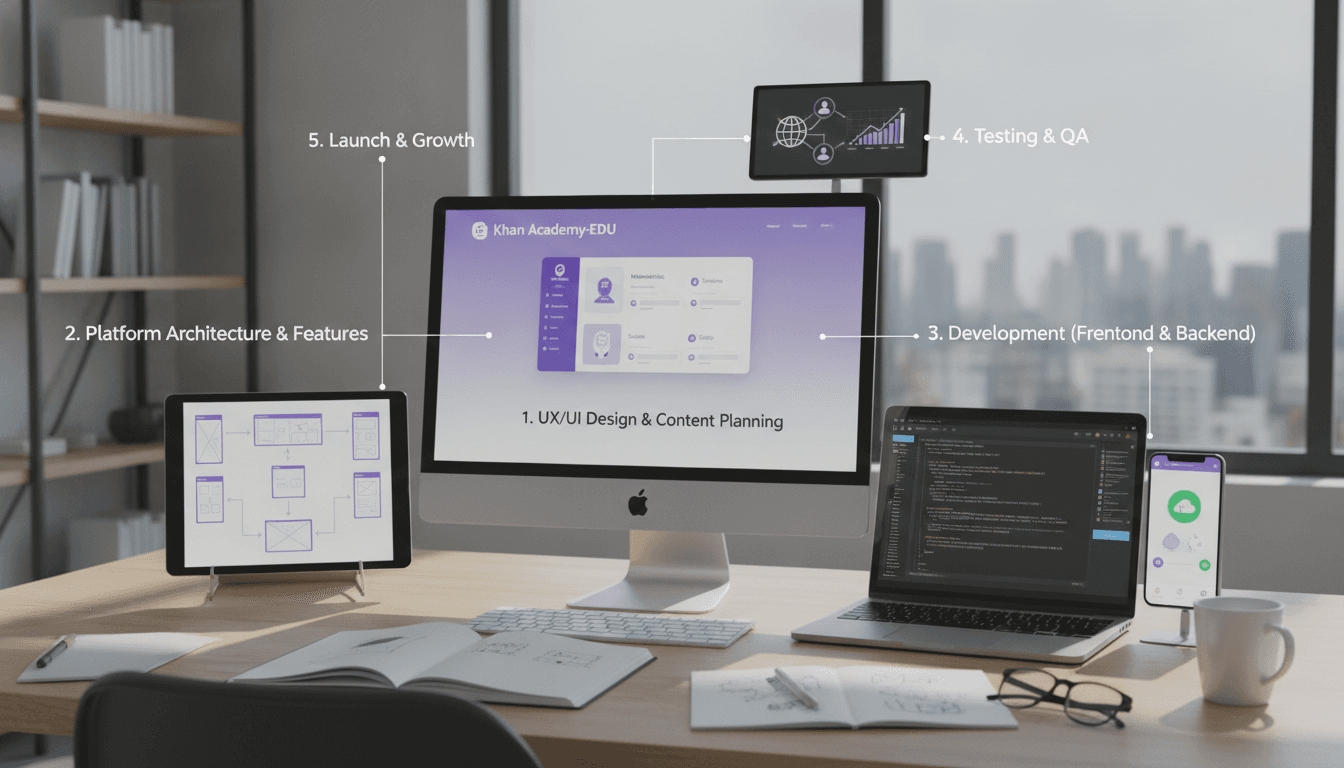
How to Make an App Like Khan Academy
Khan Academy changed the way the world thinks about education. What started as a handful of YouTube tutorials is now a platform serving more than 150 million learners across dozens of languages — all for free. For entrepreneurs, schools, NGOs, and edtech startups, it has become the reference point for what a modern learning platform should look like.
If you're planning to build an app like Khan Academy, this guide walks you through the features, architecture, tech stack, monetisation models, costs, and pitfalls you need to understand before you write a single line of code.
To explore this further, see How to Make an App Like Brilliant.
Why Build a Khan Academy-Style Learning App?
The global e-learning market continues to expand rapidly, driven by mobile penetration, hybrid classrooms, and a growing appetite for skill-based, self-paced learning. Within that market, there's still enormous room for platforms that focus on specific gaps:
- Regional and vernacular learning — high-quality content in local languages and aligned to local curricula
- Exam and certification prep — competitive exams, licensing tests, professional certifications
- Vocational and upskilling content — trades, coding, finance, healthcare training
- K-12 supplementary learning — homework help, practice problems, remediation
- Corporate and compliance training — internal academies with the same polish as consumer apps
Khan Academy proved the model works. Your opportunity lies in serving an audience it doesn't serve deeply enough.
What Makes Khan Academy Work
Before listing features, it's worth understanding the product principles that make the platform so effective. Copying the screens without copying the thinking rarely works.
For a closer look at a related topic, read our guide on How to Make an App Like Codecademy.
Mastery-based progression. Learners don't move forward because a video ended; they move forward because they demonstrated understanding. Content is broken into small units with practice attached to each.
A knowledge graph, not a course list. Topics are connected by prerequisites. If a learner struggles with algebra, the system can point them back to the arithmetic concept they actually missed.
Instant, low-stakes feedback. Practice questions are immediate, unlimited, and hint-driven rather than punitive.
Free and frictionless. No paywall, minimal signup friction, works on low-end devices and slow connections.
Progress made visible. Streaks, energy points, mastery levels, and dashboards give learners and teachers a clear sense of momentum.
Core Features to Build
Learner-Facing Features
Onboarding and goal setting Let users declare grade level, subject interests, or exam targets. Use this to personalise the home feed from the first session. Allow guest browsing before signup — forcing registration upfront kills conversion.
Course and content library Structured navigation by subject, course, unit, and lesson. Strong search with filters for difficulty, format, and language. Bookmarking and "continue where you left off" are non-negotiable.
Video lessons Adaptive bitrate streaming, playback speed control, subtitles and transcripts, picture-in-picture, and offline download. Transcripts double as SEO content and accessibility support.
Interactive exercises and quizzes Multiple choice, numeric input, drag-and-drop, matching, free-form text with rubric scoring, and code exercises where relevant. Include step-by-step hints and worked solutions rather than just a right/wrong verdict.
Mastery and progress tracking Per-skill mastery states (attempted, familiar, proficient, mastered), unit progress bars, time-on-task metrics, and a personal dashboard.
Gamification Points, badges, streaks, levels, and optional leaderboards. Keep it motivating without turning learning into a slot machine.
Notes, highlights, and doubt resolution Timestamped notes on videos, a Q&A thread per lesson, and optionally AI-assisted doubt solving.
Offline mode Critical for emerging markets. Downloadable videos and exercise packs with sync-on-reconnect.
Accessibility Screen reader support, captions, keyboard navigation, adjustable font sizes, and high-contrast themes. This is both an ethical requirement and often a legal one.
Teacher, Parent, and Coach Features
- Classroom creation with invite codes or roster import
- Assignment creation with due dates and target skill sets
- Class-level and student-level progress reports
- Gap analysis highlighting struggling students and weak skills
- Parent-linked accounts with digestible weekly summaries
- Messaging or announcement tools
Admin and Content Operations Features
- Content authoring and curriculum mapping tools
- Media ingestion, transcoding, and CDN publishing pipelines
- Question bank management with tagging, difficulty, and localisation
- Moderation queues for user-generated Q&A
- Analytics on content performance, drop-off points, and question quality
- Role-based access control for editors, reviewers, and translators
Never underestimate the admin side. A learning platform is fundamentally a content operations business, and the CMS you build determines how fast you can scale your catalogue.
For a closer look at a related topic, read our guide on Learning and Development Platforms: Promoting Employee Growth.
Architecture and Technical Design
Recommended High-Level Architecture
A modular, service-oriented backend works best because the workloads are genuinely different from one another:
- Identity service — auth, roles, classrooms, parental consent
- Content service — courses, units, lessons, metadata, localisation
- Media service — upload, transcode, caption generation, CDN delivery
- Assessment service — question bank, attempt handling, scoring
- Learning progress service — mastery calculation, streaks, recommendations
- Analytics and events pipeline — clickstream ingestion, dashboards, data warehouse
- Notification service — push, email, in-app messaging
Keep progress and assessment data write-optimised; it's the highest-volume traffic in the system. Keep content read-optimised and heavily cached, since the catalogue changes far less often than it's read.
Suggested Tech Stack
Mobile apps: Flutter or React Native for a single codebase across iOS and Android; native Swift and Kotlin if you need maximum video and offline performance.
Web: React or Next.js with server-side rendering for SEO — organic search is a major acquisition channel for educational content.
Backend: Node.js with NestJS, Python with Django or FastAPI, or Go for high-throughput services.
Databases: PostgreSQL for relational data, Redis for caching and sessions, a document store for flexible content structures, and a columnar warehouse like BigQuery or Redshift for analytics.
Media: HLS or DASH streaming, AWS MediaConvert or Mux for transcoding, CloudFront or Cloudflare for delivery.
Search: Elasticsearch, OpenSearch, or Algolia.
Infrastructure: Kubernetes or serverless containers, with infrastructure-as-code from day one.
The Knowledge Graph
This is the piece most teams skip and later regret. Model your curriculum as a graph of skills with explicit prerequisite relationships, then attach content and questions to skills rather than to lessons.
Doing this unlocks adaptive learning paths, meaningful remediation, accurate mastery scoring, and easy curriculum remapping when you enter a new region. Retrofitting a graph onto a flat course list is painful and expensive.
Adding AI Meaningfully
AI is where new learning apps can genuinely outperform incumbents, but it needs to solve real learner problems rather than just exist as a chatbot in the corner.
High-value applications:
- Conversational tutoring that asks guiding questions instead of handing over answers
- Automatic hint and explanation generation for questions that lack them
- Adaptive difficulty that adjusts the next question based on response patterns and latency
- Short-answer and essay scoring with rubric-aligned feedback
- Content generation assistance for question variants, summaries, and translations
- Early-warning detection for disengagement or misconception patterns
Guardrails you must build:
- Restrict responses to your curriculum scope to limit hallucination
- Route anything sensitive or safety-related to human review
- Log prompts and responses for audit
- Add explicit age-appropriate content filtering
- Give teachers visibility into what the AI told their students
Compliance and Safety
Education apps that serve minors carry serious regulatory obligations. Build for them early rather than patching later.
- COPPA (US) for users under 13 — verifiable parental consent, restricted data collection
- FERPA (US) for student education records held on behalf of schools
- GDPR and GDPR-K (EU) with data minimisation and clear lawful basis
- Local data residency requirements in India, Brazil, and elsewhere
- WCAG 2.1 AA accessibility conformance
- No behavioural advertising to children, ever
Practical steps: age gate at signup, separate consent flows for minors, minimise data collection to what the pedagogy requires, encrypt data in transit and at rest, keep retention policies short, and publish a plain-language privacy policy that a parent can actually read.
Monetisation Models
Khan Academy runs on philanthropy, which is a legitimate but difficult model to replicate. Realistic alternatives:
Freemium. Free core content with paid tiers for advanced practice, mock tests, detailed analytics, offline downloads, or certification.
B2B2C through schools and districts. Sell classroom licences with admin dashboards, roster sync, and reporting. Longer sales cycles but much higher retention and lifetime value.
Enterprise and corporate training. White-labelled academies for companies, priced per seat.
Certification and credentials. Free learning, paid assessment and certificate.
Marketplace. Let verified educators publish paid content and take a revenue share.
Grants and CSR funding. Viable if your mission targets underserved learners, often combined with another model.
Most successful edtech companies blend two or three. A common pattern is free consumer content to build reach and credibility, monetised through institutional contracts.
Development Roadmap
Phase 1 — Discovery (2 to 4 weeks) Define your learner segment, audit competitors, map the initial curriculum, choose a content strategy (produce, license, or curate), and lock the MVP scope.
Phase 2 — Design (4 to 6 weeks) Information architecture, user flows for learner and teacher, wireframes, design system, accessibility review, and clickable prototype testing with real students.
Phase 3 — MVP Build (3 to 5 months) Auth, content library, video playback, basic exercises, progress tracking, one gamification loop, admin CMS, and analytics instrumentation. Pick one or two subjects and go deep rather than shallow across ten.
Phase 4 — Beta (4 to 8 weeks) Deploy with a small cohort of classrooms or learners. Measure lesson completion, exercise attempt rates, mastery progression, and week-four retention. Interview teachers relentlessly.
Phase 5 — Scale Add subjects, languages, adaptive learning, AI tutoring, classroom management depth, and institutional integrations like LTI, Google Classroom, and SSO.
Cost Estimates
Costs vary enormously by region, team composition, and content strategy. Rough ranges for engineering and design:
- MVP, single platform, limited subjects: $45,000 to $90,000
- Full learner and teacher experience across iOS, Android, and web: $110,000 to $220,000
- Enterprise-grade platform with adaptive learning, AI tutoring, and institutional integrations: $250,000 and up
Ongoing costs to budget separately:
- Content production — often the single largest line item; video production, question authoring, and expert review add up fast
- Cloud and CDN — video bandwidth dominates; expect this to scale directly with usage
- Localisation and translation
- Maintenance and platform updates — typically 15 to 25 percent of build cost annually
- Support, moderation, and content operations staffing
Metrics That Actually Matter
Vanity metrics will mislead you. Track learning outcomes alongside engagement:
- Lesson completion rate and exercise attempt rate
- Skills mastered per active learner per week
- Pre- and post-assessment score improvement
- Week-one, week-four, and week-twelve retention
- Hint usage and time-to-correct as difficulty calibration signals
- Question quality flags — items with abnormal success rates need rewriting
- Teacher-assigned activity completion for institutional accounts
Common Mistakes to Avoid
Building a video catalogue and calling it a learning app. Passive watching produces weak outcomes and weak retention. Practice and feedback are the product.
Launching with a huge but shallow catalogue. One subject taught exceptionally well beats twelve taught badly.
Ignoring the teacher. In K-12, teachers are your distribution channel. If the classroom experience is an afterthought, institutional sales will stall.
Underinvesting in the CMS. If adding a lesson requires an engineer, your catalogue will never scale.
Treating low-end devices as edge cases. Test on cheap Android phones and throttled connections. That's your real growth market.
Bolting on compliance late. Age gating and consent flows touch your data model, analytics, and ad stack. Retrofitting is costly.
Over-gamifying. Extrinsic rewards can crowd out genuine curiosity. Tie rewards to mastery, not to time spent.
Final Thoughts
Building an app like Khan Academy is less about replicating a feature list and more about committing to a pedagogical model: small units of content, immediate practice, honest feedback, and visible mastery. Get that loop right for a specific audience, invest properly in content operations and accessibility, and choose a monetisation model that matches your mission.
Start narrow, measure learning rather than just usage, and expand once you have evidence that your learners are actually getting better at something. That's the part Khan Academy got right long before it got big.
Have a project in mind? Contact Sodio Technologies to discuss your requirements and explore the right technology solution for your business.
/// Work with us
Talk to the engineers who'd build it
You'll get a technical scope, timeline and cost estimate from the people doing the work, not an account manager. In-house team, no subcontracting, since 2016.