

How to Make an App Like ShopSavvy
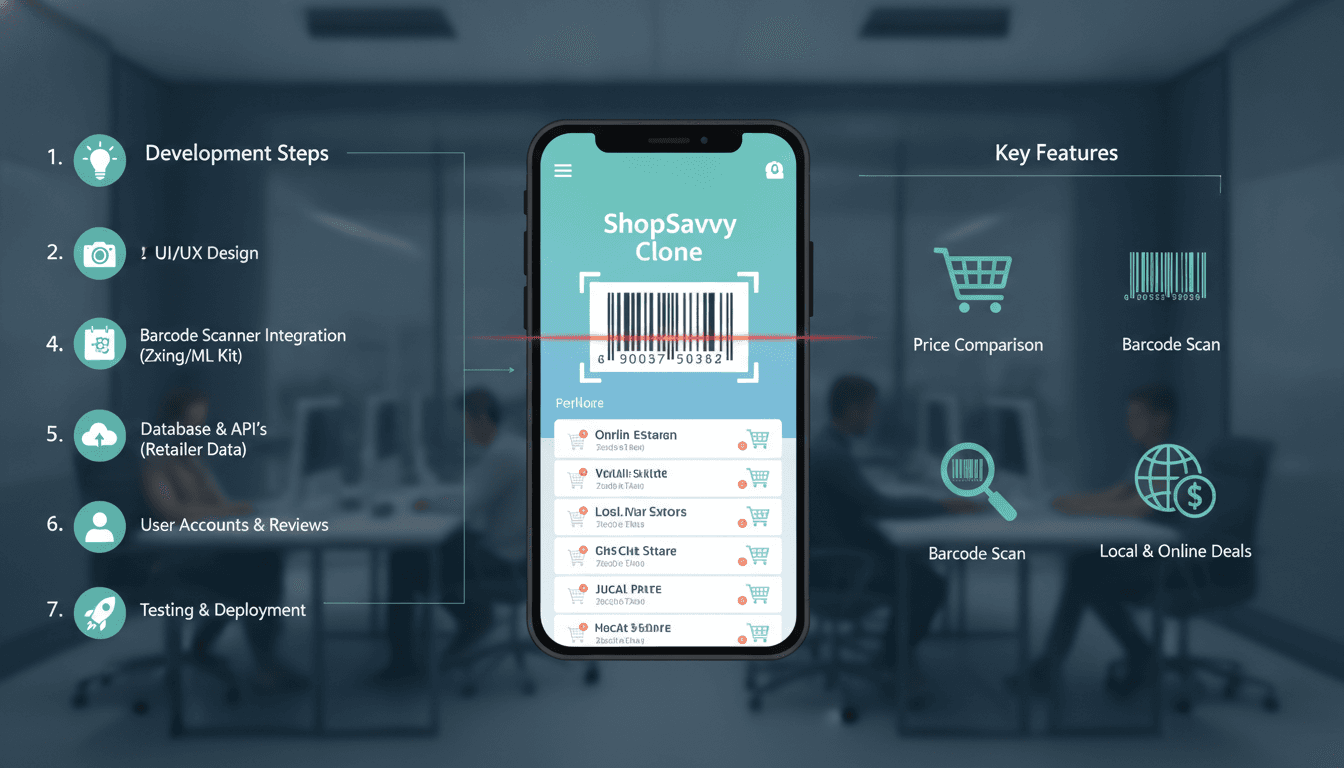
A practical engineering breakdown of what it takes to build a barcode-scanning, price-comparison shopping app — covering architecture, data sourcing, real-time lookups, and where the real complexity hides.
What Does ShopSavvy Actually Do Under the Hood?
ShopSavvy is, at its core, a barcode scanner that returns price comparisons across retailers in near real-time. Users point a camera at a product, the app decodes the barcode, fires a lookup against a product and pricing database, and surfaces the cheapest available offer. Simple to describe. Not simple to build.
Related reading: How to Make an App Like Slickdeals.
The complexity sits in four places: barcode decoding accuracy, product data coverage, pricing freshness, and retailer API reliability. If any one of those fails, the user experience collapses. A scanner that misreads barcodes, or returns prices that are two weeks stale, is worse than useless — it actively misleads buyers.
How Do You Handle Barcode Scanning Reliably on Both Platforms?
The camera pipeline is the first thing to get right. On iOS, AVFoundation handles barcode decoding natively and supports EAN-13, EAN-8, UPC-A, UPC-E, QR, and DataMatrix out of the box. On Android, ML Kit's barcode scanning API covers the same formats and runs on-device, which matters for latency. You do not want a round-trip to a server just to decode a barcode.
Choosing a Scanning Library
For a React Native or Flutter build, the most common choices are:
- react-native-vision-camera with the
vision-camera-code-scannerplugin (uses Google's MLKit on Android, Apple's Vision framework on iOS) - flutter_barcode_scanner or mobile_scanner, which wraps the same native APIs
The honest trade-off: native development gives you tighter control over camera focus behaviour and torch management, which matters in low-light retail environments. Cross-platform wrappers are faster to ship but you will hit edge cases — particularly around continuous scan mode and frame rate throttling — that require native module patches.
For most builds, mobile_scanner on Flutter or vision-camera on React Native is good enough. If you are targeting a warehouse or high-SKU retail environment where scan speed under 300ms is a hard requirement, go native.
Handling Scan Failures
Barcode scans fail. Wrinkled packaging, glare, and partial barcodes are common. Build in a manual entry fallback from day one. Also build retry logic: if the first scan returns no result, prompt the user to scan again before showing an error. Two-attempt retry before fallback covers the majority of real-world failure cases.
What Does the Backend Architecture Look Like?
The backend has three distinct responsibilities: product catalogue management, price aggregation, and search/lookup.
Product Catalogue
A barcode maps to a GTIN (Global Trade Item Number). Your service needs a database that maps GTINs to product metadata — name, brand, category, images, description. You have a few options:
| Source | Coverage | Cost | Freshness |
|---|---|---|---|
| Open Food Facts | Food/FMCG only | Free | Community-updated |
| Barcodelookup API | General retail | ~$50–$200/month | Moderate |
| SerpApi (Google Shopping) | Broad | Per-query pricing | High |
| Retailer data feeds | Retailer-specific | Negotiated | High |
| Custom crawl + scrape | Any | Engineering cost | Variable |
For an MVP, a combination of Open Food Facts for FMCG and Barcodelookup for general retail gets you reasonable coverage without building a catalogue from scratch. At scale, you will need to manage your own product catalogue. That means ingesting GS1 data feeds, normalising manufacturer data, and deduplicating records — a non-trivial data engineering problem.
Price Aggregation
Prices are more volatile than product data. A price that was accurate yesterday may be wrong today. You have two approaches: real-time API calls at lookup time, or a scheduled crawl-and-cache model.
Real-time calls give you fresh data but introduce latency and dependency on third-party uptime. Most major retailers (Amazon, Walmart, Target) do not offer public pricing APIs, so you are either using affiliate APIs (Amazon PA-API 5.0, for example), scraping, or a data aggregator like Rainforest API or Oxylabs.
Related reading: How to Make an App Like Shopkick.
A crawl-and-cache model pre-fetches prices on a schedule (every 4–24 hours depending on product category volatility) and serves from cache. This is faster at lookup time but means your prices can be stale. For grocery, 4-hour refresh cycles are borderline acceptable. For electronics, where prices move hourly, you need near-real-time.
A practical hybrid: cache prices with a TTL, and trigger a fresh lookup if the cached price is older than the TTL at the moment of user request. This avoids the cold-path latency problem while keeping data reasonably current.
Lookup Service
The lookup path needs to be fast. Target under 500ms end-to-end from barcode decode to results rendered on screen. Use Redis for caching GTIN-to-product lookups. Structure your API so the app can render product identity immediately from cache while price data loads asynchronously in a second request. Users tolerate a 1-second wait for price data if they can already see what the product is.
You may also find our article on How to Make an App Like Honey useful.
/// Not sure where to start?
Get the architecture before you commit
Tell us what you're building and we'll map the technical approach, stack, and rough timeline. No cost, no obligation, no sales call required.
How Do You Handle Retailer Coverage and Data Licensing?
This is where most teams underestimate the work. Scraping retailer sites is legally grey and operationally fragile. Sites change their HTML, add bot detection, and block IPs. If your pricing model depends on scraping, budget for ongoing maintenance. Cloudflare and similar WAF products have made large-scale scraping significantly harder in 2024.
Affiliate APIs are the most legally clean route. Amazon PA-API 5.0 gives you real-time pricing and availability but requires an active Associates account and imposes usage conditions — you cannot cache results for more than 24 hours, for instance. That constraint has direct architectural implications.
For UK and EU builds, check GDPR implications if you are storing any user scan history. Scan data linked to a user identity is personal data. If you are building a personalised deal-alert feature, you need a proper data retention policy and a lawful basis for processing.
What Does a Realistic Tech Stack Look Like?
For a production-grade build targeting both iOS and Android:
Mobile: Flutter (Dart) with mobile_scanner for barcode decoding, Riverpod for state management, and Dio for HTTP. Alternatively, React Native with vision-camera.
Backend: Node.js (Fastify) or Python (FastAPI) for the lookup API. PostgreSQL as the primary product catalogue store. Redis for lookup caching. A queue (BullMQ or Celery) for scheduled price refresh jobs.
Data: Combination of affiliate APIs, a licensed barcode database, and optionally a scraping layer managed via a proxy rotation service like Smartproxy or Oxylabs.
Infrastructure: Containerised on Kubernetes (or managed equivalents like GKE or EKS). CDN-cached product images. Separate read replicas for the product catalogue to handle lookup load without hitting the primary.
Build time for an MVP with one-country retailer coverage and core scan-and-compare functionality: 14–18 weeks with a team of four (one mobile engineer, one backend engineer, one data engineer, one QA/DevOps). Full-featured product with deal alerts, price history graphs, and multi-country coverage is a 9–12 month project.
Conclusion
The scanner is the easy part. The hard work is data: sourcing it, keeping it current, normalising it across retailers, and serving it fast enough that users do not notice the complexity behind the button tap. Start with a narrow retailer set and a licensed barcode database, get the lookup latency under control, then expand coverage once the core loop works reliably.
If you want to scope this out properly, the first conversation should be about which retailers you need to cover and whether affiliate APIs cover them or whether you need a scraping layer. That decision shapes the entire backend architecture.
FAQ
How much does it cost to build a ShopSavvy-style app? An MVP covering one country and a limited retailer set typically runs between $60,000 and $120,000 depending on team location and scope. The biggest cost variable is data infrastructure — licensed barcode databases and pricing API subscriptions add $500–$3,000 per month in ongoing operational costs before you factor in cloud hosting.
Can I use open-source barcode data instead of paying for a database? Open Food Facts is genuinely good for food and grocery products and is free to use under ODbL. For general retail, open datasets have poor coverage and inconsistent quality. Plan to use a commercial barcode API for any non-FMCG category, or budget significant engineering time to build and maintain your own catalogue from manufacturer data feeds.
What is the biggest technical risk in a price comparison app? Retailer data availability. Pricing APIs go down, affiliate programmes change their terms, and anti-scraping measures block crawlers without warning. Building with multiple data sources and graceful degradation — showing a cached price with a staleness warning rather than an error — is the right architectural response.
How do you keep prices accurate in real-time? You do not, fully. Even the best systems have some lag. The practical approach is category-aware TTLs: grocery prices refresh every 4–6 hours, electronics every 1–2 hours, and on-demand lookups trigger a fresh fetch if the cached value is past its TTL. Showing users the "last updated" timestamp builds trust even when data is not perfectly live.
Is React Native or Flutter better for this kind of app? Both work. Flutter's camera plugin ecosystem (specifically mobile_scanner) has been more stable in recent experience. React Native's vision-camera is powerful but requires more configuration. If your team already has strong Dart or Dart-adjacent skills, Flutter is faster to ship. If you are a JavaScript house, React Native is fine — just expect to write a native module or two for camera edge cases.
Have a project in mind? Contact Sodio Technologies to discuss your requirements and explore the right technology solution for your business.
/// Work with us
Talk to the engineers who'd build it
You'll get a technical scope, timeline and cost estimate from the people doing the work, not an account manager. In-house team, no subcontracting, since 2016.