

How to Make an App Like TuneIn
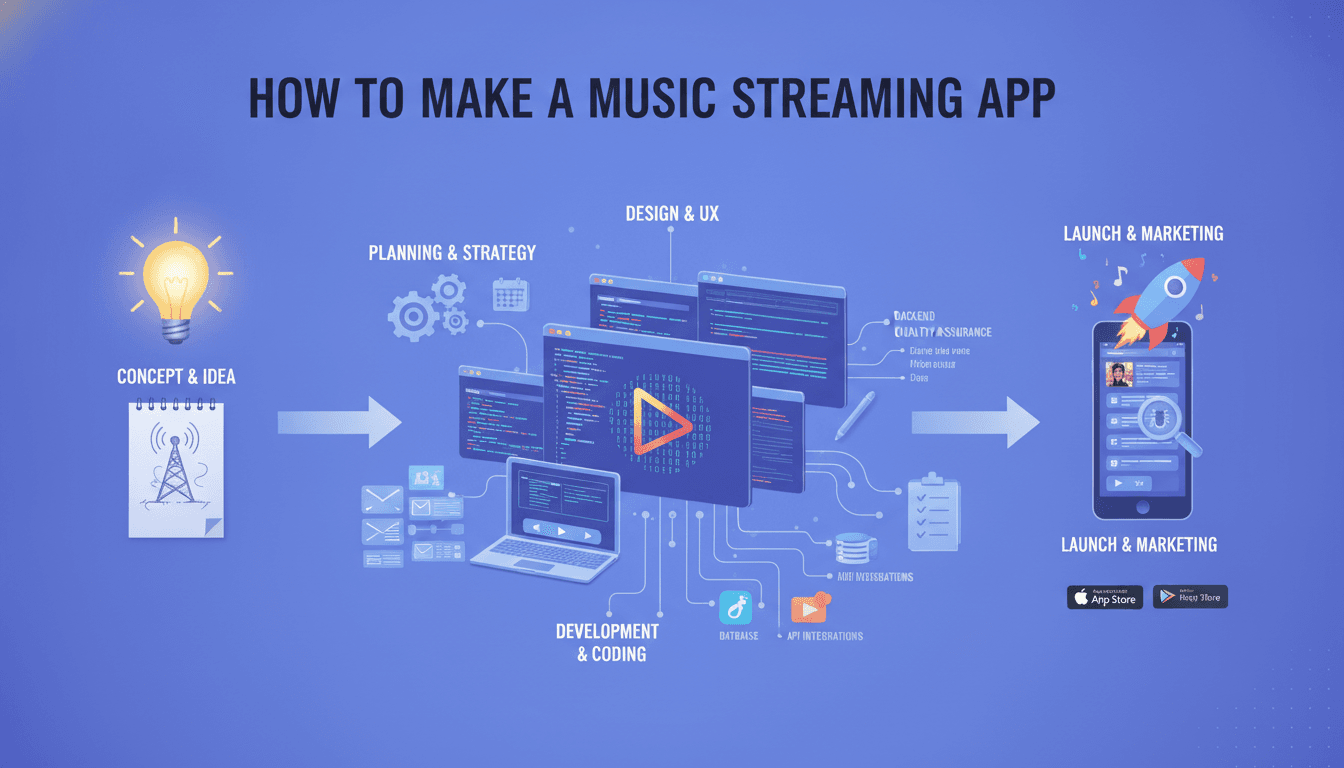
How to Make an App Like TuneIn
Radio never died — it moved. TuneIn proved that by pulling more than 100,000 live radio stations, podcasts, sports broadcasts, and news feeds into a single mobile experience with tens of millions of monthly listeners. If you're planning to build a streaming audio app, TuneIn is the benchmark worth studying: it's part aggregator, part live-streaming platform, part personalised discovery engine.
This guide walks through what it actually takes to build an app like TuneIn — features, architecture, tech stack, licensing realities, monetisation, and cost.
You may also find our article on How to Make an App Like Stitcher useful.
What Makes TuneIn Work
Before writing a line of code, it helps to understand the product mechanics behind the app.
- Aggregation, not production. TuneIn doesn't create most of its content. It indexes and streams existing broadcasters' feeds, which means the core technical challenge is ingestion, normalisation, and reliable delivery at scale.
- Live-first experience. Unlike Spotify's on-demand library, TuneIn's value is "what's playing right now." That changes everything about caching, buffering, and metadata handling.
- Discovery through context. Location, language, genre, sports team, and listening history all drive what surfaces on the home screen.
- Background-first usage. Most listening happens while users drive, work, or exercise. The app must be flawless when the screen is off.
Core Feature Set
For Listeners
Onboarding and personalisation Lightweight signup (email, Apple, Google), followed by a short interest picker — genres, favourite teams, news vs. music vs. talk, and preferred languages. Skip-friendly. Forcing registration before playback is one of the fastest ways to lose a first-time user.
Search and browse Full-text search across stations, shows, episodes, and hosts, plus faceted browsing by genre, location, language, and trending. Typo tolerance and phonetic matching matter enormously here, since station names are often abbreviations or call signs.
The player This is the heart of the product. It needs:
- Instant start with adaptive buffering
- Live metadata (current track, show name, host)
- Lock-screen and notification controls
- Sleep timer and alarm clock
- Variable playback speed for podcasts
- Seamless handoff between WiFi and cellular
Favourites and library Followed stations, subscribed podcasts, recently played, and a resume-where-you-left-off queue synced across devices.
Offline downloads Live radio can't be cached, but podcast episodes can. Download management, auto-download of new episodes, and storage limits are table stakes.
Recommendations Blend collaborative filtering (listeners like you), content similarity (genre, tags, transcript topics), and contextual signals (time of day, location, day of week).
Alarms, timers, and automotive integration CarPlay, Android Auto, Bluetooth metadata, and voice assistant integration (Alexa, Siri Shortcuts, Google Assistant) are not optional for a driving-heavy audience.
Social and sharing Share a station or a timestamped podcast clip, follow friends, see what's trending nearby.
For Broadcasters and Publishers
A self-serve portal where station owners can submit stream URLs, manage logos and descriptions, schedule programming, insert their own ads, and view analytics on listener counts, session duration, and geography.
For a closer look at a related topic, read our guide on How to Make an App Like Audible.
For Admins
Content moderation, stream health monitoring, licensing and rights management, ad campaign controls, user management, and revenue dashboards.
Technical Architecture
Streaming Pipeline
The single biggest engineering difference between a music app and a TuneIn-style app is that you're relaying thousands of third-party live streams you don't control.
We cover a closely related subject in How to Make an App Like Podbean.
A practical pipeline looks like this:
- Ingestion layer — Poll and validate broadcaster stream URLs (Icecast, Shoutcast, HLS, RTMP). Detect dead feeds automatically.
- Transcoding — Normalise wildly inconsistent source formats and bitrates into a consistent set of renditions (e.g., 32, 64, 128 kbps AAC).
- Packaging — Wrap output in HLS or DASH for adaptive bitrate delivery.
- CDN distribution — Push to edge nodes so a listener in Manila isn't pulling from a server in Frankfurt.
- Metadata service — Parse ICY metadata, RSS feeds, and broadcaster APIs to keep "now playing" accurate.
Codec choice matters. AAC-LC is the safe default; HE-AAC v2 gives acceptable quality at very low bitrates for users on constrained networks; Opus is excellent but has patchier hardware decoder support.
Backend
A microservices approach works well because the workloads are so different from each other:
- Catalog service — stations, shows, episodes, metadata
- Streaming/relay service — high-throughput, low-logic, horizontally scaled
- User service — profiles, auth, favourites, sync
- Recommendation service — batch model training plus a low-latency inference API
- Ad service — targeting, insertion, impression tracking
- Analytics pipeline — event stream into a warehouse for reporting
Typical stack: Node.js or Go for I/O-heavy services, Python for ML, PostgreSQL for relational data, Elasticsearch or OpenSearch for search, Redis for session and metadata caching, Kafka for event streaming, and Kubernetes for orchestration.
Mobile Clients
Native gives you the most control over audio. On iOS that means AVPlayer, AVAudioSession, and MPNowPlayingInfoCenter. On Android, ExoPlayer (Media3) with a foreground MediaSessionService.
Cross-platform with Flutter or React Native can absolutely work and will save budget — but plan for platform-channel code around background audio, CarPlay, and Android Auto, because those are the areas where cross-platform plugins tend to be thinnest.
Whichever path you choose, build the audio engine as an isolated module with a clean interface. It will be the most-debugged part of your codebase.
The Licensing Reality
This deserves its own section because it kills more streaming projects than any technical problem.
- Retransmitting a broadcaster's stream requires permission. Some stations distribute freely and welcome the reach; others require agreements or revenue shares.
- Music performance rights are handled by PROs and collecting societies — ASCAP, BMI, SESAC, and SoundExchange in the US, PRS and PPL in the UK, and different bodies in every other territory. Rates vary by country, listener counts, and whether you're on-demand or live.
- Geo-restrictions are common. You will need IP-based geofencing to block streams in territories where rights don't extend.
- Sports and premium audio are almost always separately negotiated and expensive — which is exactly why TuneIn puts them behind a paid tier.
Budget for legal counsel early. Architect geo-blocking and rights metadata into the catalog from day one rather than bolting it on later.
Monetisation Models
- Ad-supported free tier — pre-roll, mid-roll, and audio companion banners, with dynamic ad insertion (DAI) so ads can be targeted per listener rather than baked into the stream.
- Premium subscription — ad-free listening, exclusive sports and news feeds, offline downloads, higher bitrates.
- Broadcaster tools — paid analytics, promoted placement, and featured listings for stations.
- Affiliate and commerce — smart speaker bundles, merchandise, ticketing for live events.
Dynamic ad insertion is worth calling out as an engineering investment. It requires stream splicing, an ad decisioning server, and accurate impression tracking, but it typically multiplies effective ad revenue compared to static ad breaks.
Development Roadmap
Phase 1 — Discovery (2–4 weeks) Market research, competitor teardown, licensing feasibility, feature prioritisation, technical spike on the streaming relay.
Phase 2 — Design (4–6 weeks) Information architecture, wireframes, design system, high-fidelity UI, and prototypes for the player and CarPlay/Auto flows.
Phase 3 — MVP Build (12–20 weeks) Streaming pipeline, catalog, search, player, favourites, basic recommendations, one platform first or both in parallel depending on budget.
Phase 4 — Testing (4–6 weeks) Device matrix testing, network degradation testing (this is critical — test on 3G, in tunnels, during handoffs), load testing on the relay layer, accessibility audit.
Phase 5 — Launch and Iterate Soft launch in one market, monitor stream error rates and buffering ratio obsessively, then expand.
Cost Expectations
Ballpark figures for a professionally built product:
| Scope | Typical Range |
|---|---|
| MVP, single platform | $50,000 – $90,000 |
| MVP, iOS + Android | $80,000 – $140,000 |
| Full-featured platform with DAI, ML recommendations, broadcaster portal | $150,000 – $300,000+ |
Ongoing costs are easy to underestimate. CDN bandwidth is the big one — live audio streamed to thousands of concurrent listeners adds up fast. Add transcoding compute, licensing fees, cloud infrastructure, and a maintenance retainer of roughly 15–20% of build cost annually.
Metrics That Actually Matter
- Time to first audio — target under two seconds
- Rebuffering ratio — the percentage of session time spent stalled
- Stream error rate — dead or failing broadcaster feeds
- Session length and sessions per week
- Day 7 and Day 30 retention
- Favourites added per new user — the strongest early predictor of retention
Practical Advice Before You Start
Niche down first. Competing head-on with TuneIn's 100,000-station catalog is a losing opening move. Own a vertical — a single country's stations, a language community, a genre, a sport, a diaspora audience — and expand from there.
Obsess over the player. Users will forgive a mediocre home screen. They will not forgive audio that drops when they lock the phone.
Design for the car and the speaker. A meaningful share of listening happens without a screen. Voice control and automotive integration are differentiators, not nice-to-haves.
Instrument everything from day one. Playback analytics are your product roadmap.
Wrapping Up
Building an app like TuneIn is less about cloning a feature list and more about solving three hard problems well: reliably relaying thousands of streams you don't control, making discovery feel personal in a catalog that's too big to browse, and navigating licensing without stalling the roadmap. Get those right, pick a defensible niche, and the rest is disciplined execution.
Have a project in mind? Contact Sodio Technologies to discuss your requirements and explore the right technology solution for your business.
/// Work with us
Talk to the engineers who'd build it
You'll get a technical scope, timeline and cost estimate from the people doing the work, not an account manager. In-house team, no subcontracting, since 2016.