

How to Optimize Angular.js Applications for Performance
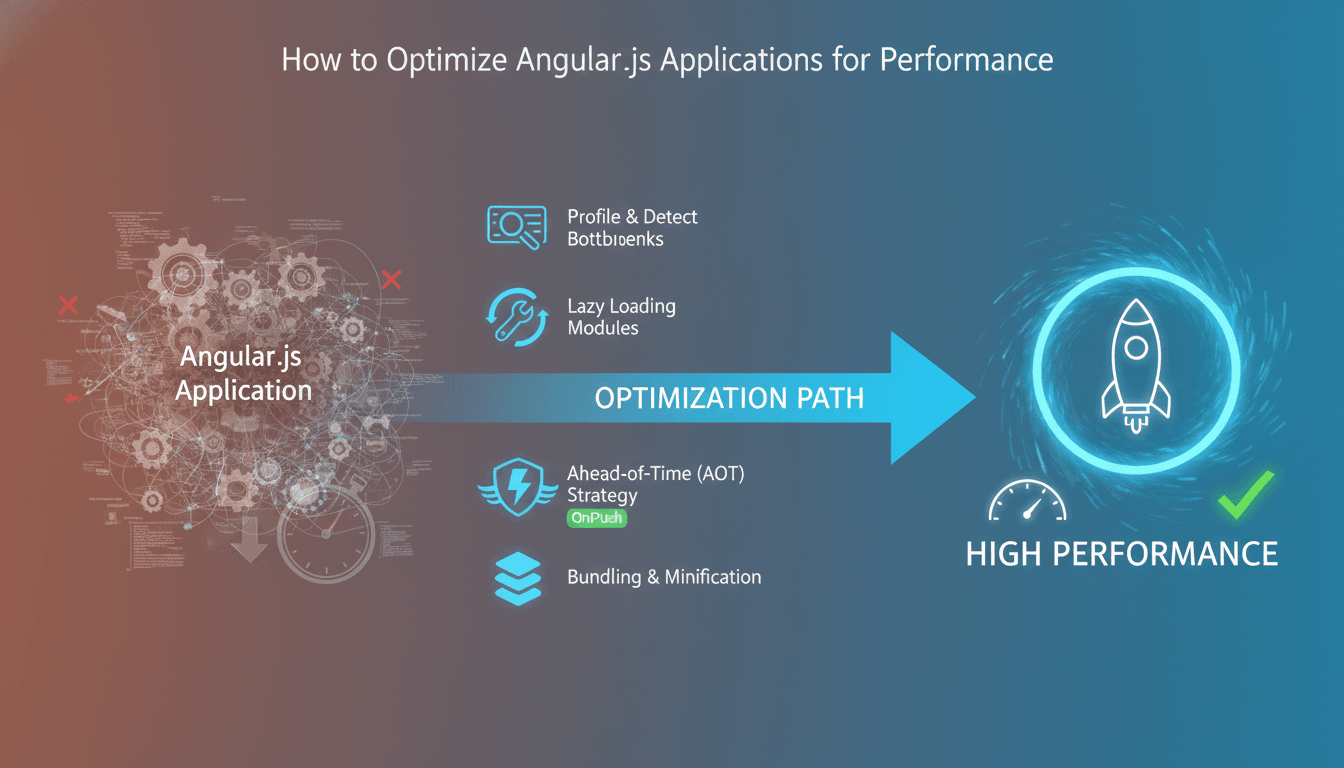
Angular applications have a habit of starting fast and slowing down quietly. A component here, a subscription there, and six months later your initial bundle is 2 MB and your change detection is firing 400 times per scroll event. This post covers the specific techniques that actually move the needle, with real trade-offs included.
What Actually Causes Angular Performance Problems?
Most Angular slowdowns come from two sources: unnecessary change detection cycles and oversized bundles. Everything else is secondary.
We cover a closely related subject in Best Practices for Angular.js Development.
Angular's default change detection strategy (CheckAlways) checks every component in the tree on every browser event, HTTP response, or timer tick. In a small app, this is fine. In an app with 200+ components, you're running thousands of comparisons per interaction, most of them unnecessary.
Bundle size is the other culprit. Angular itself, once compiled, is lean. The problem is usually third-party libraries pulled in carelessly, feature modules loaded eagerly when they should be lazy, and dead code that tree-shaking didn't catch because of side-effect imports.
Fix these two things first. Everything else is tuning.
OnPush Change Detection: The Single Highest-Impact Change You Can Make
Switching a component's change detection strategy to ChangeDetectionStrategy.OnPush tells Angular to skip that component and its subtree unless one of four things happens:
- An
@Input()reference changes - An event originates inside the component
- An
asyncpipe resolves a new value - You call
markForCheck()manually
This is a structural change, not a setting. It forces you to treat component inputs as immutable and manage state explicitly. That's a good thing.
The practical migration path: start with leaf components (those with no children) and work upward. Leaf components are easiest to convert because they have no subtree to worry about. Once you've converted 60-70% of your component tree, you'll typically see a measurable drop in scripting time in Chrome DevTools' Performance tab.
If this is relevant to your project, check out How to Optimize React.js Applications for Performance.
One honest trade-off: OnPush can introduce subtle bugs if you mutate objects rather than replacing them. array.push() won't trigger change detection; [...array, newItem] will. Teams that aren't used to immutable patterns will hit this. Budget time for it.
Using the Angular DevTools Profiler
Before you change anything, profile. The Angular DevTools extension (available for Chrome and Firefox) shows you exactly which components are being checked and how long each check takes. Look for components with high "check time" that aren't actually changing. Those are your first targets for OnPush.
How Do You Fix Bundle Size in Angular?
The answer is almost always lazy loading, but the details matter.
Angular's router supports lazy loading via loadChildren with dynamic imports. Any route that isn't part of the initial view should be lazy-loaded. This is table stakes.
{
  path: 'reports',
  loadChildren: () => import('./reports/reports.module').then(m => m.ReportsModule)
}
Beyond route-level lazy loading, Angular 17+ introduced standalone components, which enable more granular code splitting. You can lazy-load individual components rather than entire modules. This is worth adopting if you're on Angular 17 or later.
For analysing what's in your bundle, use source-map-explorer or webpack-bundle-analyzer. Run ng build --source-map and then point the analyser at the output. You'll often find that a library you import for one utility function is adding 80 KB to your bundle. At that point, either import only the specific function or find a smaller alternative.
| Technique | Bundle impact | Effort | Risk |
|---|---|---|---|
| Route-level lazy loading | High | Low | Low |
| Standalone components (Angular 17+) | Medium-High | Medium | Low |
| Tree-shakeable providers | Low-Medium | Low | Low |
| Replacing heavy libraries | High | High | Medium |
Preloading strategies matter too. PreloadAllModules loads lazy chunks in the background after the initial load, which improves navigation speed without hurting the initial bundle. QuicklinkStrategy from the ngx-quicklink library is smarter: it only preloads routes linked from the current view. Use it if you have many lazy modules.
/// Not sure where to start?
Get the architecture before you commit
Tell us what you're building and we'll map the technical approach, stack, and rough timeline. No cost, no obligation, no sales call required.
Optimising Template Rendering and RxJS Subscriptions
Templates are compiled to TypeScript, but that doesn't make them free. A few specific patterns cause disproportionate slowdowns.
Avoid function calls in templates. Angular calls template expressions on every change detection cycle. If your template has {{ formatDate(item.date) }}, that function runs on every check. Use pipes instead. Pipes with pure: true (the default) are memoised: they only recalculate when their input changes.
TrackBy in ngFor. Without trackBy, Angular destroys and recreates every DOM node in a list when the array reference changes. With it, Angular identifies which items actually changed by key and only updates those. For lists of 50+ items, this is noticeable.
trackByItemId(index: number, item: Item): number {
  return item.id;
}
RxJS subscription management. Memory leaks from unmanaged subscriptions don't just waste memory; they cause phantom change detection. Use takeUntilDestroyed() (Angular 16+) or the async pipe. If you're managing subscriptions manually with unsubscribe() in ngOnDestroy, you're doing it the hard way and you'll miss one eventually.
Virtual Scrolling for Long Lists
If you're rendering lists longer than 100 items, the Angular CDK's cdk-virtual-scroll-viewport renders only the items in the viewport. It's a well-tested implementation and takes an afternoon to integrate. The trade-off is that it complicates scroll-position restoration on navigation, so factor that in if your UX requires it.
Is Server-Side Rendering Worth the Complexity?
For most business applications, no. SSR with Angular Universal adds build complexity, requires a Node.js server, and complicates client-side state rehydration. The hydration story in Angular 17+ is better than it was, but there are still edge cases.
We cover a closely related subject in How to Develop Scalable Web Applications with Angular.js.
SSR makes sense when two conditions are both true: your initial page load time is failing Core Web Vitals thresholds (LCP above 2.5 seconds on a 4G connection), and the content is meaningful to search engines or shared on social platforms. If neither of those applies, fix your bundle size and change detection first.
If you do go the SSR route, Angular 17's non-destructive hydration means the client reuses server-rendered DOM rather than discarding it. This eliminates the visible flash that older Angular Universal implementations produced. Enable it with provideClientHydration() in your app config.
Conclusion
Profile before you optimise. Change detection strategy and bundle size are the two levers that matter most. OnPush is the highest-ROI change in a typical Angular codebase, and lazy loading is non-negotiable for any app beyond trivial size. The other techniques compound on top of those foundations.
If you're doing a performance audit on an existing Angular codebase, start with the Angular DevTools profiler and webpack-bundle-analyzer before touching any code. You'll have a clearer picture of what's actually slow, not what seems slow.
FAQ
Does switching to OnPush change detection break existing functionality? It can, particularly if your code mutates objects or arrays in place rather than replacing them. The migration is safe when done incrementally, starting with leaf components. Budget roughly 20-30% extra time on your first OnPush migration to handle state-management adjustments and catch mutation bugs in testing.
At what bundle size should I start worrying about performance?
A good working threshold for the initial JS bundle is 200 KB compressed. Above 500 KB compressed, you will have measurable LCP impact on mid-range Android devices on a 4G connection. Use ng build --stats-json and webpack-bundle-analyzer to see where the weight is coming from before deciding what to cut.
Should I upgrade to Angular 17+ just for performance benefits? Not purely for performance, no. If you're on Angular 14 or 15, the gains from standalone components and improved hydration are real but not worth a major upgrade on their own. Upgrade when you have a planned maintenance window and can properly test. The performance improvements come as a side effect of staying current, not as the primary reason to migrate.
What's the difference between markForCheck() and detectChanges()?
markForCheck() marks the component and its ancestors as dirty, triggering a check on the next change detection cycle. detectChanges() runs change detection synchronously on the component and its children immediately. Use markForCheck() with OnPush for most cases. Use detectChanges() only when you need the DOM updated immediately, such as before measuring element dimensions.
Are Angular Signals (introduced in Angular 16) worth adopting for performance? Yes, in new code. Signals provide fine-grained reactivity: only components that actually read a signal re-render when it changes, without relying on Angular's zone-based change detection at all. The API stabilised in Angular 17. For existing codebases, a full migration is a large undertaking; adopt Signals in new components and migrate gradually.
Have a project in mind? Contact Sodio Technologies to discuss your requirements and explore the right technology solution for your business.
/// Work with us
Talk to the engineers who'd build it
You'll get a technical scope, timeline and cost estimate from the people doing the work, not an account manager. In-house team, no subcontracting, since 2016.