

Native, Cross-Platform or PWA
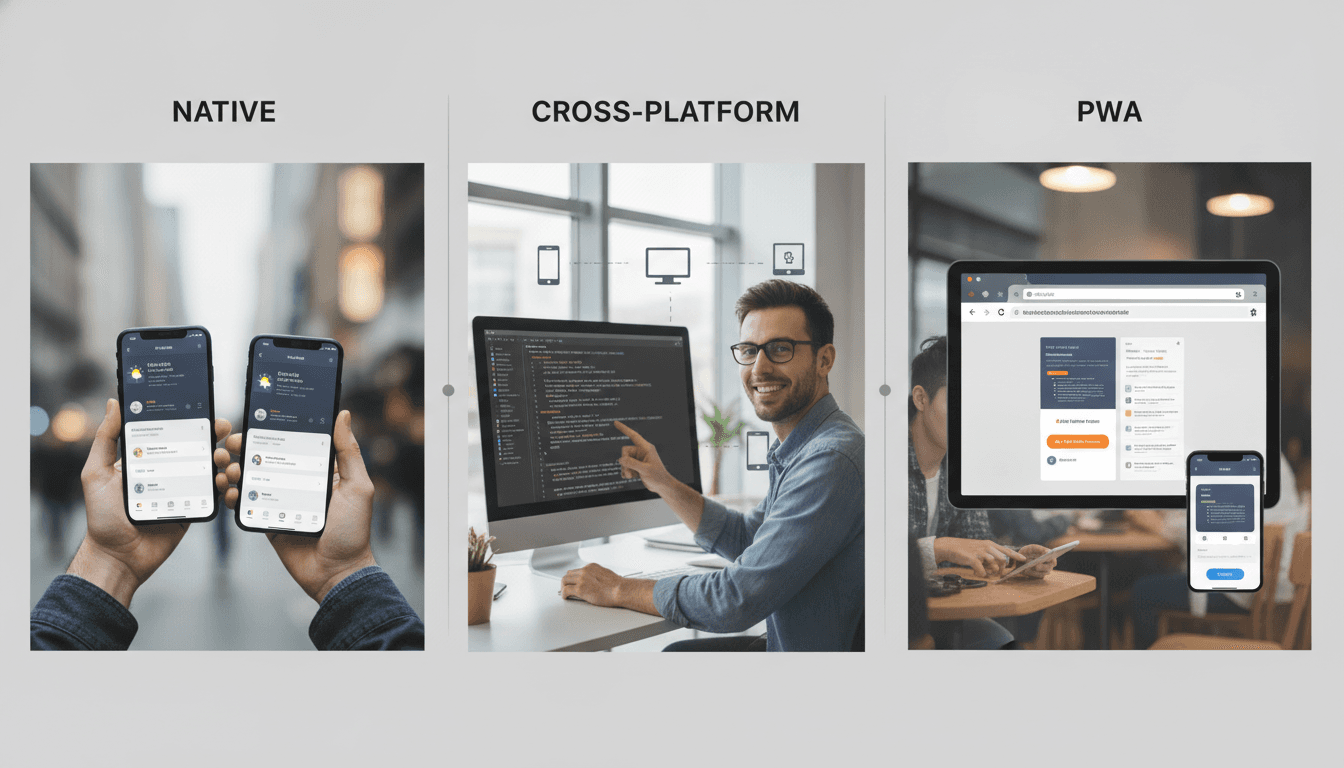
Picking the wrong deployment model early costs more than most teams expect. Here is a technical breakdown of when each approach actually makes sense, and where each one will hurt you.
What Does Each Model Actually Give You?
Before comparing, it helps to be precise about what each term means in practice, because the definitions have drifted over the years.
Native means platform-compiled code: Swift/SwiftUI for iOS, Kotlin/Jetpack Compose for Android. The app runs directly on the OS, has full API access, and is distributed through the App Store or Play Store.
Cross-platform is a broad category. The two realistic options in 2024 are React Native (JavaScript bridge or the new JSI/Fabric architecture) and Flutter (Dart compiled to native ARM). Both produce apps distributed through the stores. Neither is native, but Flutter in particular gets close enough that the difference rarely matters for most use cases.
PWA (Progressive Web App) is a web app, built with standard browser technologies, that is installed from the browser rather than a store. Service workers handle offline caching, the Web App Manifest controls how it appears on the home screen, and Push API handles notifications. On Android, PWAs are first-class citizens. On iOS, they have been a second-class citizen since Apple shipped limited Service Worker support in Safari 11.1 back in 2018, and while things have improved incrementally, iOS PWAs still cannot access Bluetooth, NFC, background sync, or push notifications without the user having the app open.
The Honest Trade-Off Table
| Criterion | Native (iOS + Android) | React Native | Flutter | PWA |
|---|---|---|---|---|
| Performance ceiling | Highest | High (JSI) / Medium (bridge) | High | Medium |
| Device API access | Full | Near-full | Near-full | Partial (worse on iOS) |
| Code sharing | 0% | ~70–85% | ~85–95% | 100% |
| Time to first ship | Slowest | Medium | Medium | Fastest |
| App Store distribution | Yes | Yes | Yes | No (Android: yes via TWA) |
| Offline capability | Full | Full | Full | Limited on iOS |
| Team hiring pool | Large (split) | Large | Growing | Largest |
| Typical maintenance cost | Highest | Medium | Medium | Lowest |
The numbers for code sharing are real-world figures, not vendor marketing. Flutter consistently achieves higher sharing because Dart compiles to a single codebase with a single widget engine. React Native relies on platform-specific native modules for anything outside the JS layer, which is where the gap appears.
To explore this further, see Flutter or React Native: Decide on Team, Not Performance.
When Should You Go Native?
When the device hardware is the product.
Camera pipelines, AR overlays using ARKit or ARCore, Bluetooth Low Energy peripherals, real-time audio processing with AVAudioEngine or AAudio, anything requiring frame-level control — these belong in native code. You can call native modules from React Native or Flutter, but the moment your cross-platform layer is mostly a thin wrapper around native modules, you have eliminated the main reason to use it.
Gaming is another clear case. If your rendering loop needs Metal or Vulkan directly, native is the only sensible choice. Unity is technically cross-platform but it occupies its own category entirely.
Native also makes sense when your teams are already split along platform lines and the coordination overhead of a shared codebase outweighs the savings. This sounds counterintuitive, but it is real. A 10-person iOS team and a 10-person Android team with mature CI/CD pipelines and deep platform expertise will often ship faster in native than they would if you asked them to converge on Flutter.
/// Not sure where to start?
Get the architecture before you commit
Tell us what you're building and we'll map the technical approach, stack, and rough timeline. No cost, no obligation, no sales call required.
When Does Cross-Platform Win?
For the majority of business applications, Flutter or React Native is the correct default.
The category includes: e-commerce apps, fintech dashboards, on-demand service apps, internal tooling, health tracking, travel booking, social features. Anything where the core complexity is in the product logic and the backend integration, not in the hardware interaction.
Flutter vs React Native: Which One?
This comes up constantly. The practical answer:
Choose Flutter if you are starting fresh, your team has no existing JavaScript investment, you want the most consistent UI across platforms (including web and desktop via Flutter's multi-platform renderer), or you need strong performance with minimal native module work. Flutter 3.x ships with Material 3 and Cupertino widgets out of the box, and the Impeller rendering engine (default on iOS since Flutter 3.10, on Android since 3.16) eliminates the jank that plagued the Skia renderer.
Choose React Native if you already have a large JavaScript/TypeScript codebase, your team lives in the React ecosystem, or you need to share logic with a React web app. The new architecture (Fabric + JSI + TurboModules) that shipped as stable in React Native 0.73 addresses most of the performance complaints against the old bridge. It is genuinely good now.
To explore this further, see How to Make an App Like Quizlet.
Neither choice is permanently wrong. Both have production-grade apps at scale.
Is a PWA Ever the Right Answer?
Yes. More often than teams admit.
If your primary distribution channel is Android, your feature set fits within what browsers expose, and you want zero App Store friction, a PWA is a legitimate production strategy. Starbucks, Pinterest, and Twitter (pre-X) all ran significant PWA investments and reported meaningful engagement lifts from reducing install friction.
Related reading: How to Make an App Like Lumosity.
For internal enterprise tools where every user is on Android or desktop, PWAs are almost always the right call. You skip store review, deploy updates instantly, and your web developers already know the stack.
The iOS limitation is real and it matters. Apple restricts PWAs to a 50 MB storage cap, blocks background sync, and has historically been slow to implement newer web APIs. If a meaningful share of your users is on iOS and they need offline-first behaviour or push notifications, a PWA will leave gaps that are difficult to paper over. You can use beforeinstallprompt on Android and manual instructions on iOS, but conversion rates from manual install flows are measurably lower.
One pattern that works: PWA as the MVP, native or cross-platform once you have validated the product. The web app proves the market; the native app captures the retention.
Making the Call
Run through these four questions in order:
- Does the app require hardware APIs that browsers or cross-platform frameworks cannot expose?
- Are your teams already specialised by platform and would a shared codebase create more friction than it removes?
- Is iOS a meaningful portion of your target audience, and does the app require offline-first or push notifications?
- How fast do you need to ship, and how large is your budget for ongoing maintenance?
If the answer to 1 or 2 is yes, look at native seriously. If the answer to 3 is no, evaluate PWA. In most other cases, Flutter is the most defensible default in 2024 because of the Impeller rendering engine, the maturity of the package ecosystem (pub.dev now hosts over 40,000 packages), and the genuine multi-platform story that native cannot offer.
The next step: Map your app's feature list against the hardware API requirements column of your target platforms. If nothing on that list requires APIs outside the Flutter plugin ecosystem, you do not need native code. Start there.
FAQ
Does Flutter actually perform as well as native? For most business apps, yes. The Impeller rendering engine compiles shaders ahead of time, which eliminates the frame drops that were a real problem with Skia. Compute-heavy tasks like video encoding still need native code, but UI performance and standard animations are indistinguishable to users in most production apps.
Can a PWA replace a native app for a fintech product? Depends on the feature set. Web Crypto API handles most cryptographic operations. Payment Request API works for basic payment flows. But biometric authentication via WebAuthn has gaps on older Android versions, and iOS still does not support push notifications for PWAs in a reliable way. Fintech products that need strong push engagement or Face ID should not rely on PWA alone.
What is the real maintenance cost difference between native and cross-platform? With two native codebases, every feature ships twice, every OS update requires two audits, and you run two sets of CI pipelines. Flutter roughly halves that overhead. The savings vary by team size and feature velocity, but a rough rule of thumb is that cross-platform costs 55–65% of maintaining two native codebases over a three-year horizon.
When does React Native's JavaScript bridge cause real problems? The old bridge architecture caused dropped frames when passing large data payloads synchronously across the JS/native boundary. With the new JSI architecture in React Native 0.73+, JavaScript can call native functions synchronously without serialising through JSON. The classic bridge problems are largely solved if you are on the new architecture and using TurboModules for your native integrations.
Should I build a PWA first and a native app later? Often yes. A PWA lets you validate product-market fit with a single codebase and no App Store approval cycle. If retention data justifies the investment, you then build native or cross-platform with real user behaviour informing the feature set. The risk is that PWA limitations on iOS may skew your early data if your target audience is iOS-heavy.
Have a project in mind? Contact Sodio Technologies to discuss your requirements and explore the right technology solution for your business.
/// Work with us
Talk to the engineers who'd build it
You'll get a technical scope, timeline and cost estimate from the people doing the work, not an account manager. In-house team, no subcontracting, since 2016.