

Point of Sale (POS) Systems: Streamlining Transactions
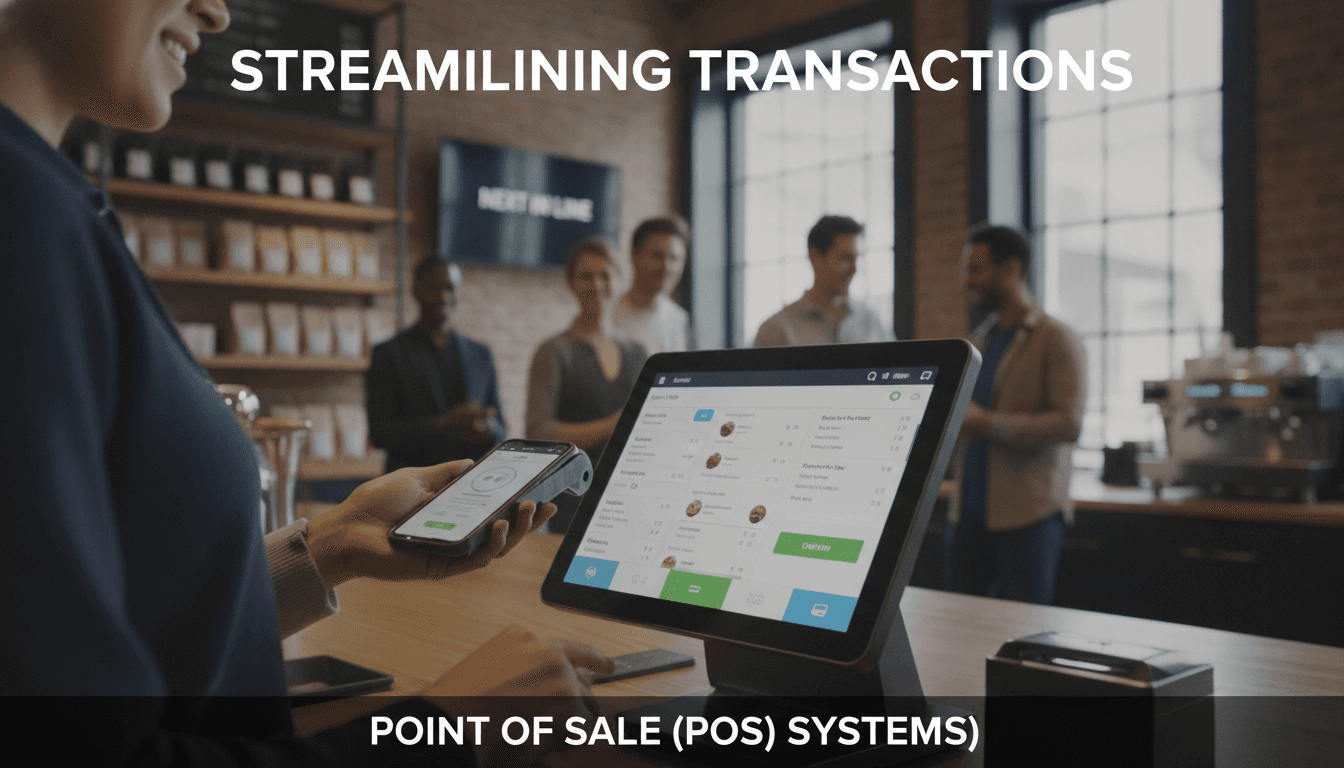
Modern POS systems are far more than glorified cash registers. If you're evaluating whether to build a custom solution or integrate an existing platform, this post breaks down the architecture, trade-offs, and integration challenges you'll actually face.
What Does a Modern POS System Actually Look Like Under the Hood?
The term "POS system" covers a wide range — from a Raspberry Pi running Square's SDK in a pop-up stall, to a multi-terminal Oracle MICROS installation across 400 restaurant locations. What they share is a core transaction loop: item selection, price calculation, payment capture, receipt generation, and record persistence.
If this is relevant to your project, check out How to Make an App Like Square.
The architectural layers that matter are:
- Terminal layer: The physical or virtual device handling input and display. Could be Android-based (common), iOS (iPad setups), or a proprietary embedded system.
- Application layer: The software managing cart logic, discounts, tax rules, and operator flows.
- Payment gateway integration: Stripe Terminal, Adyen Terminal API, or hardware SDKs like Verifone's VHQ. This is where PCI DSS scope begins.
- Backend / cloud layer: Inventory sync, reporting, multi-location data aggregation, and webhook handling.
- Peripheral integrations: Receipt printers (ESC/POS protocol is still the standard in 2024), barcode scanners over USB-HID or Bluetooth, cash drawer triggers, kitchen display systems.
Most teams underestimate the peripheral layer. ESC/POS seems trivial until you're debugging why a Star TSP100 prints garbage characters when your thermal buffer is off by two bytes.
Offline-first vs. cloud-dependent
This is one of the more consequential architectural decisions. A cloud-dependent POS will drop transactions the moment the router goes down. That's acceptable in some contexts and catastrophic in others.
Offline-first designs queue transactions locally using SQLite or a lightweight embedded store, then sync when connectivity returns. Stripe Terminal's SDK supports offline mode for card-present transactions up to 24 hours, but with caveats: you accept the risk of a declined card only being discovered post-service. Square has similar behaviour with configurable thresholds.
If you're building for hospitality or retail in markets with unreliable connectivity, offline-first is not optional.
How Do You Handle PCI DSS Compliance Without Rebuilding Everything?
Payment Card Industry Data Security Standard (PCI DSS) v4.0, which became the mandatory standard in March 2024, is the primary compliance framework for card-present and card-not-present transactions.
Related reading: Fitment Data: The Part of Auto Parts Commerce Nobody Scopes.
The practical goal is to minimise your PCI scope. You do that by ensuring raw card data never touches your application servers.
| Approach | PCI Scope | Complexity | Cost |
|---|---|---|---|
| Hosted payment fields (Stripe.js, Adyen Web) | Low (SAQ A) | Low | Low |
| Point-to-Point Encryption (P2PE) terminals | Very low | Medium | Medium (hardware cost) |
| Semi-integrated terminal SDK | Medium (SAQ B-IP) | Medium | Medium |
| Full card data handling on own servers | Very high (SAQ D) | Very high | Very high |
P2PE-certified devices encrypt card data at the swipe/tap/dip point before it reaches your software. Adyen's P2PE solution and Ingenico's AXIUM range are common choices. With a certified P2PE implementation, your SAQ scope drops significantly and you can often avoid a full QSA audit.
Building your own card data pipeline is almost never the right call. The liability exposure and audit overhead rarely justify the control you gain.
/// Not sure where to start?
Get the architecture before you commit
Tell us what you're building and we'll map the technical approach, stack, and rough timeline. No cost, no obligation, no sales call required.
What Are the Real Integration Challenges with Inventory and ERP Systems?
This is where most mid-market POS projects slow down. The payment side is relatively well-documented. The inventory and ERP side is not.
Common integration targets include:
- SAP S/4HANA and SAP Business One for enterprise retail
- Microsoft Dynamics 365 for mid-market
- Odoo for companies that want open-source ERP with reasonable flexibility
- Custom inventory databases that predate the current tech team
The integration pattern that causes the most grief is bi-directional real-time sync. A sale at the POS needs to decrement inventory; a stock adjustment in the ERP needs to propagate to the POS before the next transaction. If you're dealing with high-velocity SKUs, you'll hit race conditions.
Event-driven sync vs. polling
Polling is easier to implement and easier to reason about during incidents. You know exactly when the last sync ran. The downside is lag — polling every 60 seconds means your inventory count is always up to 60 seconds stale.
Event-driven sync via webhooks or a message broker (Apache Kafka, RabbitMQ, or AWS EventBridge depending on your existing stack) reduces lag but introduces failure modes around event ordering and at-least-once delivery. If your ERP doesn't expose webhooks natively, you may end up building a CDC (Change Data Capture) pipeline using Debezium on top of the ERP's database, which has its own operational cost.
There is no universally correct answer. The right choice depends on your transaction volume, acceptable staleness, and whether your team has the capacity to operate a message broker.
Building Custom vs. Integrating an Existing Platform
If your use case fits 80% of what Shopify POS, Lightspeed, or Toast offers, build on top of one of them. The remaining 20% of custom logic can often be handled through their extension SDKs or webhooks.
Custom builds make sense when:
- Your transaction flow doesn't map to standard retail or hospitality models (for example, complex service bundles, subscription-triggered in-person charges, or high-volume ticketing with dynamic pricing)
- You need deep integration with a proprietary backend that no off-the-shelf POS vendor supports
- Regulatory requirements in your market impose data residency constraints that hosted SaaS platforms can't meet
Custom builds do not make sense when you're underestimating the ongoing maintenance burden. A POS terminal fleet needs OS updates, payment SDK updates, hardware replacements, and compliance re-certifications. That operational tail is real and it compounds.
Hardware selection
Android-based terminals (Sunmi, PAX, Ingenico's Android range) give you the most flexibility for custom software. You can deploy your own APK, control the launcher, and push OTA updates via an MDM like VMware Workspace ONE or Microsoft Intune. iOS-based setups using iPads with Bluetooth card readers (Chipper 2X BT, BBPOS WisePad 3) are quicker to set up but give you less control over the device environment.
Proprietary terminals tied to a specific payment processor (like Verifone's MX series) are the hardest to customise and often require processor-specific certification for any software changes.
Reporting, Analytics, and What Most Teams Get Wrong
Transaction data is useful. Aggregated transaction data across locations, time windows, and SKUs is where the operational value is.
Most POS platforms expose raw transaction exports or basic reporting dashboards. Teams that get the most out of their POS data typically pipe it into a warehouse (BigQuery, Snowflake, or Redshift) and run their own analysis rather than relying on the platform's built-in reports.
The schema design decision that matters most early on: store line-item data, not just order totals. Rebuilding basket-level analysis from order-level data later is painful. If you're designing a custom POS schema, enforce this from day one.
Real-time dashboards for operations managers (live transaction counts, void rates, payment method splits) are typically built on top of a streaming layer using Apache Flink or simpler alternatives like AWS Kinesis Data Analytics, depending on your latency requirements.
Conclusion
POS architecture is mature but not simple. The payment layer is well-solved if you stay out of PCI scope. The integration layer is where projects get complicated, and the operational layer (hardware fleet, compliance renewals, SDK updates) is what teams most often underestimate.
If you're scoping a POS build, start by mapping your transaction flow and your integration surface area before picking a platform. That exercise will tell you whether you need a custom build or a configured SaaS product faster than any vendor demo will.
If you'd like to talk through your specific architecture, the team at Sodio has built custom POS integrations across retail and hospitality contexts and can help you scope the right approach.
FAQ
What is the difference between a semi-integrated and a fully integrated POS terminal? In a semi-integrated setup, the payment terminal handles card data independently and only passes a result (approved/declined) to your POS software. In a fully integrated setup, your software orchestrates the entire payment flow. Semi-integration reduces PCI scope significantly and is the preferred pattern for most custom builds.
Do I need a separate payment gateway and a payment processor, or are they the same thing? They're distinct. The gateway handles the authorisation request routing and communication protocol between your software and the processor. The processor settles funds between banks. Services like Stripe and Adyen combine both functions, which simplifies integration. Using a separate gateway (for example, NMI) with a separate processor (for example, Worldpay) gives more flexibility but adds integration complexity.
How long does it typically take to get a custom POS integration certified for card-present payments? Certification timelines depend on your payment partner and the terminal hardware. For Stripe Terminal, developer testing environments are available immediately, but production card-present acceptance requires completing Stripe's onboarding, which typically takes days to a few weeks depending on your business type. Hardware-level P2PE certification through a QSA can take three to six months.
What happens to transactions if the internet goes down? It depends on your architecture. Cloud-dependent POS systems will typically block or queue transactions. Offline-capable systems (Stripe Terminal offline mode, Square's offline payments) store encrypted transaction data locally and sync when connectivity returns. There is a risk window: a card that was valid offline may decline when the transaction posts. Acceptable risk tolerance varies by business type.
Is it worth building a POS system from scratch in 2025? Rarely, for standard retail or hospitality. Off-the-shelf platforms like Lightspeed, Toast, or Shopify POS cover the majority of use cases with lower total cost of ownership. Custom builds are justified when your transaction model is genuinely non-standard, when you have deep proprietary backend integrations, or when data residency rules make SaaS platforms non-viable.
Have a project in mind? Contact Sodio Technologies to discuss your requirements and explore the right technology solution for your business.
/// Work with us
Talk to the engineers who'd build it
You'll get a technical scope, timeline and cost estimate from the people doing the work, not an account manager. In-house team, no subcontracting, since 2016.