

The Role of Angular.js in Progressive Web Apps (PWAs)
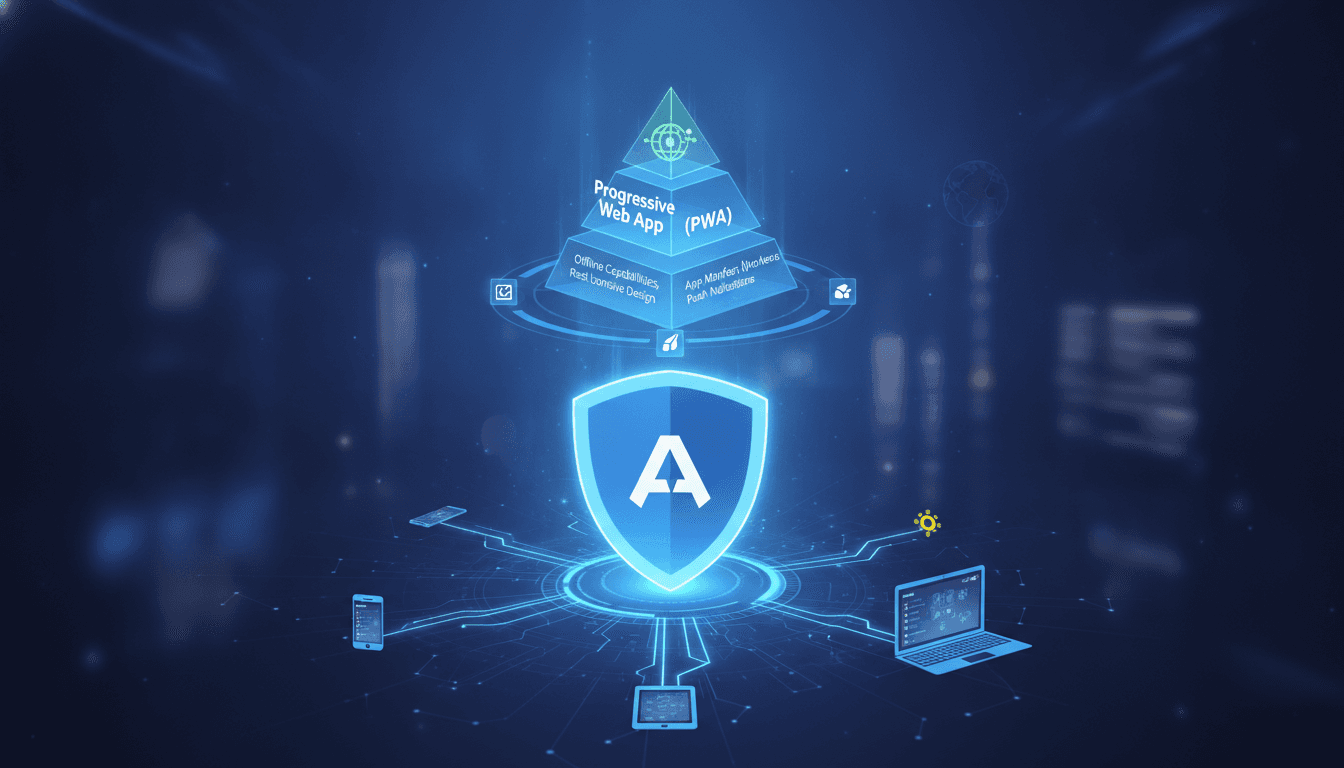
Angular's component architecture and dependency injection make it a natural fit for PWA development — but only if you wire it up correctly. Here's what that actually looks like in practice.
What Makes a PWA Different at the Architecture Level?
A Progressive Web App is not just a website with a manifest file. The three pillars that matter architecturally are: a valid HTTPS origin, a Web App Manifest, and a Service Worker. The Service Worker is where most of the complexity lives. It intercepts network requests, manages caching strategies, and enables offline support. Get it wrong and you ship a broken offline experience or stale assets that won't update.
Angular's build pipeline, specifically @angular/service-worker (part of the @angular/pwa schematic), generates a Service Worker and a ngsw-config.json file that controls caching behaviour. This is not a thin wrapper — it implements a full asset versioning and update notification protocol on top of the browser's Service Worker API.
If this is relevant to your project, check out The Future of Angular.js in E-commerce.
The App Shell Model
The app shell pattern loads a minimal HTML/CSS/JS skeleton instantly from cache, then fetches dynamic content over the network. Angular's router-level code splitting (loadChildren with lazy modules) maps well to this: you can cache the shell eagerly and defer everything else. The ngsw-config.json assetGroups with installMode: prefetch handles eager caching; dataGroups with strategy: freshness or strategy: performance handles API responses.
You may also find our article on The Future of Angular.js in Business useful.
One honest trade-off: Angular's default bundle size is larger than a Vue or Svelte equivalent for the same UI. If your PWA targets users on 2G connections with low-end Android devices (a real constraint in markets like India and Southeast Asia), that initial parse cost matters. Lighthouse will tell you — run it on a throttled mobile profile before you ship.
How Does Angular Handle Service Worker Updates Without Breaking Users?
This is the question most teams don't ask until a deployment breaks something.
By default, Angular's Service Worker checks for updates at application startup and once per hour. When it detects a new version of ngsw.json, it downloads the new assets in the background. The critical part: it does not activate the new version until all tabs running the old version are closed. This prevents mid-session inconsistencies.
The SwUpdate service exposes this lifecycle as Observables:
import { SwUpdate, VersionReadyEvent } from '@angular/service-worker';
import { filter } from 'rxjs/operators';

constructor(private swUpdate: SwUpdate) {
  swUpdate.versionUpdates
    .pipe(filter((evt): evt is VersionReadyEvent => evt.type === 'VERSION_READY'))
    .subscribe(() => {
      // Prompt user or reload automatically
      document.location.reload();
    });
}
You have a choice here: silent auto-reload or a user-facing "Update available" prompt. Auto-reload is simpler but can interrupt a user mid-form. The prompt is better UX but requires you to maintain that UI state. Neither is wrong — pick based on how your users interact with the app.
One gotcha: if a user has an old Service Worker cached from before you integrated @angular/service-worker, you need to manually deregister it. There is no automatic migration path.
/// Not sure where to start?
Get the architecture before you commit
Tell us what you're building and we'll map the technical approach, stack, and rough timeline. No cost, no obligation, no sales call required.
Angular's Module System and PWA Performance
Lazy loading is table stakes for PWAs with more than a handful of routes. Angular's Router with loadChildren has supported lazy modules since Angular 2. With Angular 15+, standalone components changed the model: you can lazy-load individual components without a wrapping NgModule, which reduces boilerplate and can improve initial bundle size.
The difference in numbers: a medium-complexity Angular 14 app with NgModules might ship a main bundle of 250–400 KB (gzipped). The same app refactored to standalone components and route-level code splitting in Angular 17 can get that under 150 KB gzipped, depending on third-party dependencies. That is not a small difference on a 3G connection.
| Approach | Initial Bundle (gzipped, approx.) | Module Overhead | Tree-shaking |
|---|---|---|---|
| Angular 14, NgModules | 250–400 KB | High | Partial |
| Angular 17, Standalone + Esbuild | 120–200 KB | Low | Aggressive |
| React 18 + Vite | 80–140 KB | Very Low | Aggressive |
| Vue 3 + Vite | 60–120 KB | Very Low | Aggressive |
Angular is heavier than React or Vue at the base level. If raw bundle size is your primary constraint, Angular is probably the wrong choice for your PWA. If you have a large team, a complex domain model, and you need strong conventions enforced at scale, Angular's opinionation pays for itself.
What Does Web Push Look Like Inside an Angular PWA?
Web Push notifications require a Service Worker, a Push API subscription, and a backend that sends payloads via the Web Push protocol (RFC 8030). Angular's SwPush service handles the subscription side.
const sub = await this.swPush.requestSubscription({
  serverPublicKey: VAPID_PUBLIC_KEY
});
// Send `sub` to your backend to store
The subscription object contains the endpoint URL and encryption keys. Your backend uses these with a library like web-push (Node.js) or pywebpush (Python) to send notifications. The browser's push service (FCM for Chrome, Mozilla's service for Firefox) delivers the payload to the Service Worker, which then shows a notification via self.registration.showNotification().
Two things to be aware of. First, VAPID key rotation is painful — if you rotate keys, all existing subscriptions become invalid and users must resubscribe. Plan your key management before you go to production. Second, iOS Safari added Web Push support in iOS 16.4, but only for PWAs added to the Home Screen. Users who visit via Safari without installing will not receive push notifications. This is a material constraint for consumer-facing apps.
You may also find our article on The Role of React.js in Progressive Web Apps (PWAs) useful.
Offline Data Sync: Where Most PWA Projects Stall
Service Workers handle asset caching well. API data caching is harder. If your app writes data offline and needs to sync when connectivity returns, you need a client-side persistence layer and a conflict resolution strategy.
The common stack: IndexedDB (via idb or Dexie.js) for local storage, combined with a background sync via the Background Sync API (Chrome/Edge only as of mid-2024; Firefox and Safari do not support it). For cross-browser offline writes, you typically fall back to replaying queued requests on the online event.
Angular has no first-party answer for this. You build it yourself or use a library like ngx-indexed-db. This is genuinely hard to get right when you have relational data, optimistic UI updates, and concurrent users editing the same records. If your PWA requires offline writes, scope that work carefully — it is often the longest part of the build.
Conclusion
Angular works well for PWAs when your team is already invested in the Angular ecosystem, your app is complex enough to justify the framework weight, and offline reads (not writes) are your primary offline requirement. The @angular/service-worker and SwUpdate/SwPush APIs are well-designed and production-ready.
If your main concern is initial load performance on low-end devices, look at the bundle size numbers honestly before committing. And if offline write-sync is core to your product, design that system before you choose your framework — it is framework-agnostic complexity.
The clearest next step: run Lighthouse on your current or prototype build in mobile simulation mode. The score will tell you exactly where to focus.
FAQ
Does Angular's Service Worker work with server-side rendering (SSR)?
Angular Universal (SSR) and the @angular/service-worker package can coexist, but the Service Worker only activates on the client. The initial SSR response bypasses it entirely. You get SSR's first-paint benefit and the Service Worker's caching on subsequent navigations. Configure your ngsw-config.json to avoid caching SSR-rendered routes aggressively.
Can I use Angular's PWA tooling with a non-Angular backend API?
Yes, entirely. @angular/service-worker controls client-side asset and API caching. Your backend can be anything — REST, GraphQL, gRPC-Web. The dataGroups configuration in ngsw-config.json lets you specify caching strategies per URL pattern, regardless of what's serving those URLs.
What version of Angular introduced standalone components relevant to PWA performance? Standalone components became stable in Angular 15 (released November 2022). The Esbuild-based build pipeline, which significantly improves tree-shaking and build speed, became the default in Angular 17 (released November 2023). For new PWA projects, Angular 17+ is the right baseline.
Is Angular a good choice for a PWA that must work offline-first on iOS? Angular itself is framework-agnostic on this. The constraint is the browser: iOS Safari's Service Worker implementation has historically lagged behind Chrome. Web Push on iOS requires iOS 16.4+ and Home Screen installation. IndexedDB works, but Background Sync does not. Evaluate your iOS user base and OS version distribution before committing to offline-first features.
How do I prevent users from being stuck on a cached old version of the app?
Use the SwUpdate.versionUpdates Observable to detect when a new version is ready, then either reload automatically or prompt the user. Set a reasonable checkInterval in your SwUpdate configuration. For critical fixes, you can call SwUpdate.activateUpdate() to force activation without waiting for tab closure, though this can cause issues if the old and new versions share incompatible API contracts.
Have a project in mind? Contact Sodio Technologies to discuss your requirements and explore the right technology solution for your business.
/// Work with us
Talk to the engineers who'd build it
You'll get a technical scope, timeline and cost estimate from the people doing the work, not an account manager. In-house team, no subcontracting, since 2016.