

The Role of React.js in Progressive Web Apps (PWAs)
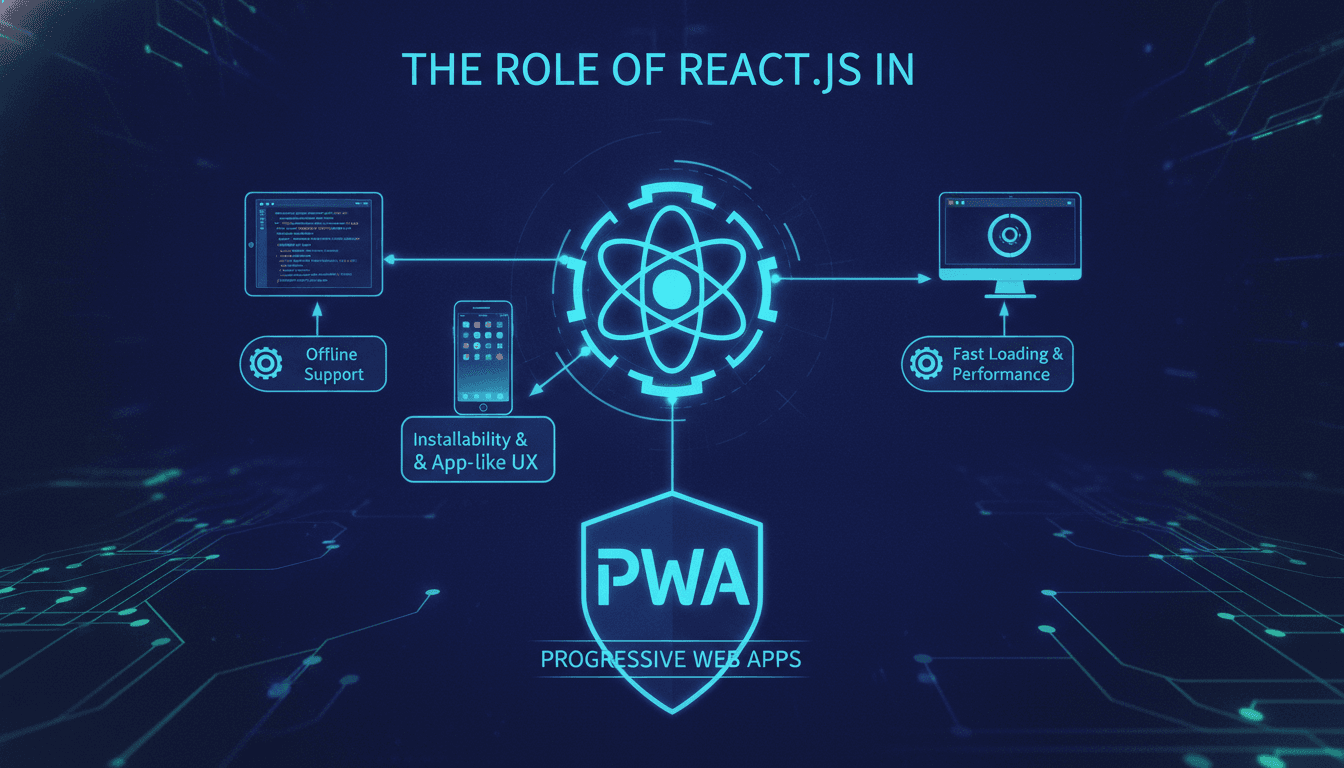
React.js has become a go-to choice for teams building Progressive Web Apps. Here is a clear-eyed look at why that is, where it genuinely helps, and where you should think twice before committing to it.
What Makes a PWA Different from a Standard Web App?
A PWA is a web application that meets a specific set of criteria: it runs over HTTPS, registers a Service Worker, and has a Web App Manifest. That combination gives the browser enough signal to prompt users to install it, cache assets for offline use, and deliver push notifications. The Lighthouse PWA audit in Chrome DevTools scores these requirements and gives you a checklist to work against.
The user-facing result is an app that loads fast on a slow 3G connection, works partially or fully offline, and can sit on a home screen alongside native apps. Google's own data from 2021 showed that PWAs can reduce load times by up to 68% compared to their non-optimised web counterparts, and install rates for audited PWAs outperformed equivalent native app store conversions in several retail case studies.
We cover a closely related subject in The Role of Angular.js in Progressive Web Apps (PWAs).
None of that is React-specific. A PWA can be built with plain HTML, Vue, Angular, or Svelte. The question is whether React's architecture makes the job easier or harder.
How Does React.js Actually Fit Into the PWA Architecture?
React does not ship a Service Worker by default. What it gives you is a component model and a rendering pipeline that aligns well with PWA performance requirements when configured correctly.
To explore this further, see Case Studies: Successful React.js Projects by Sodio.
Create React App and Workbox
create-react-app (CRA) has included an optional Service Worker since version 4, built on top of Workbox 5. It ships two strategies out of the box: InjectManifest for fine-grained control and GenerateSW for zero-config precaching. If you eject or use a custom Webpack config, you integrate Workbox directly. Most production teams are off CRA now and using Vite with vite-plugin-pwa, which wraps the same Workbox primitives but with a faster build pipeline.
Code Splitting and Lazy Loading
React's React.lazy() and Suspense make route-level code splitting straightforward. Combined with Webpack's or Vite's dynamic import(), you can keep the initial JS bundle small. A typical React PWA should aim for a First Contentful Paint under 1.8 seconds on a mid-range Android device on a 4G connection. That target is achievable but requires deliberate choices: tree-shaking, per-route chunks, and avoiding heavy synchronous imports in the critical path.
State Management and Offline Sync
The trickiest part of a PWA is offline state sync. If a user submits a form while offline, you need to queue that request and replay it when connectivity returns. React's component state alone does not solve this. You need a background sync strategy, either via the Background Sync API (currently supported in Chromium-based browsers as of mid-2024, not in Safari) or a manual queue persisted in IndexedDB. Libraries like react-query and SWR handle cache invalidation and re-fetching well, but offline write queuing still requires custom logic or a library like idb-keyval plus your own replay mechanism.
What Are the Real Trade-offs Compared to Other Frameworks?
| Dimension | React + Vite | Next.js (React) | Angular | Vue + Vite |
|---|---|---|---|---|
| PWA plugin ecosystem | vite-plugin-pwa | next-pwa / custom | @angular/service-worker | vite-plugin-pwa |
| SSR support | Manual | Built-in (App Router) | Angular Universal | Nuxt |
| Bundle size (baseline) | ~42 KB gzipped | ~90 KB gzipped | ~130 KB gzipped | ~34 KB gzipped |
| Learning curve | Moderate | Moderate-High | High | Low-Moderate |
| Background sync support | Custom / Workbox | Custom / Workbox | Built-in strategy config | Custom / Workbox |
The honest takeaway: if your PWA needs server-side rendering for SEO, Next.js with its App Router and built-in caching layer (introduced in Next.js 13) is a better starting point than bare React. Angular's @angular/service-worker has the most opinionated and well-documented offline strategy configuration of the three major frameworks, which can reduce decision fatigue on large teams. Vue with Vite ships a smaller baseline bundle.
You may also find our article on The Future of Angular.js in Business useful.
React's strength is its ecosystem depth and the number of engineers who know it. If your team is already React-fluent, the cost of switching to Vue for a marginally smaller bundle rarely makes sense.
/// Not sure where to start?
Get the architecture before you commit
Tell us what you're building and we'll map the technical approach, stack, and rough timeline. No cost, no obligation, no sales call required.
Does React SSR Change the PWA Equation?
Yes, meaningfully. A purely client-rendered React app sends the browser an empty HTML shell and then hydrates. That pattern produces a poor Time to Interactive on first load, particularly on low-end devices. The Largest Contentful Paint (LCP) suffers because the main content is blocked on JS execution.
Next.js addresses this with server-side rendering and static generation. Pages pre-rendered at the edge or at build time hit the browser with real content immediately. Combine that with a Service Worker caching those pre-rendered pages, and you get offline support for routes the user has visited, without a hydration lag on repeat visits.
The trade-off is infrastructure complexity. You now need a Node.js runtime (or edge functions), a caching strategy for server responses, and careful thought about what state lives on the server versus the client. That is a non-trivial architectural commitment.
Specific Patterns That Work Well in Production
App Shell Model
Cache a minimal UI shell (header, navigation, loading skeleton) in the Service Worker on first install. React renders the dynamic content on top. This gives users a near-instant perceived load on repeat visits even on slow networks.
Stale-While-Revalidate for API Responses
Workbox's StaleWhileRevalidate strategy serves cached API responses immediately, then updates the cache in the background. Pair this with react-query's staleTime configuration and you get a consistent experience where the UI shows something useful instantly and silently refreshes.
Web App Manifest and Adaptive Icons
The manifest should declare display: standalone, a 512x512 maskable icon (the purpose: maskable property), and a theme_color that matches your app shell background. Missing the maskable icon is the most common reason PWAs fail Lighthouse's installability checks. Figma has a maskable icon preview plugin that simplifies getting the safe zone right.
Conclusion
React is a solid foundation for a PWA when your team already knows it and you are prepared to configure the Service Worker layer deliberately. The framework does not hand you a working PWA; it gives you the tooling to build one without fighting the architecture.
If you are starting a new project specifically for PWA, benchmark your target devices early. Run Lighthouse on a real Android mid-range device, not just Chrome DevTools' throttling, and set your performance budget before you write a line of product code. That single step catches most of the architectural decisions before they become expensive to reverse.
If you are evaluating whether to build your PWA in-house or bring in an external team, the honest question is not the technology stack, it is whether your team has shipped a Service Worker in anger. The caching strategy, offline sync logic, and push notification handling are where most projects go wrong, and they are not problems a framework abstracts away.
FAQ
Does React natively support PWA features out of the box?
No. React is a UI library and handles rendering only. PWA features like Service Workers, Web App Manifests, and offline caching require additional tooling. In practice, most teams use Workbox via vite-plugin-pwa or next-pwa. You write the caching strategy; React does not do it for you.
Is Next.js better than plain React for a PWA?
For most production use cases, yes. Next.js gives you server-side rendering, file-based routing, and a mature caching layer. The combination means your initial HTML arrives with real content, improving LCP scores. Plain React requires you to build or assemble those pieces manually, which adds time and risk.
What is the biggest mistake teams make when building a React PWA?
Treating the Service Worker as an afterthought. Teams often bolt it on at the end of a project and discover their caching strategy conflicts with dynamic API routes or authenticated content. Cache strategy decisions belong in the architecture phase, not the deployment phase.
Can a React PWA replace a native mobile app?
For content-heavy or form-driven apps, often yes. For apps that need Bluetooth, background geolocation, or access to hardware APIs not yet in the browser, no. The gap between PWA and native capabilities has narrowed since the Project Fugu initiative, but it has not closed. Check caniuse.com and the Fugu API tracker before assuming a browser API exists where you need it.
How do push notifications work in a React PWA?
Push notifications go through the browser's Push API and the Web Push protocol, not React itself. Your Service Worker listens for push events and calls self.registration.showNotification(). On iOS, Web Push support arrived in Safari 16.4 (released March 2023) for PWAs added to the home screen. Server-side, you need a VAPID key pair and a push service endpoint, typically managed via libraries like web-push in Node.js.
Have a project in mind? Contact Sodio Technologies to discuss your requirements and explore the right technology solution for your business.
/// Work with us
Talk to the engineers who'd build it
You'll get a technical scope, timeline and cost estimate from the people doing the work, not an account manager. In-house team, no subcontracting, since 2016.