

30 Days to MVP: What We Cut and What We Kept
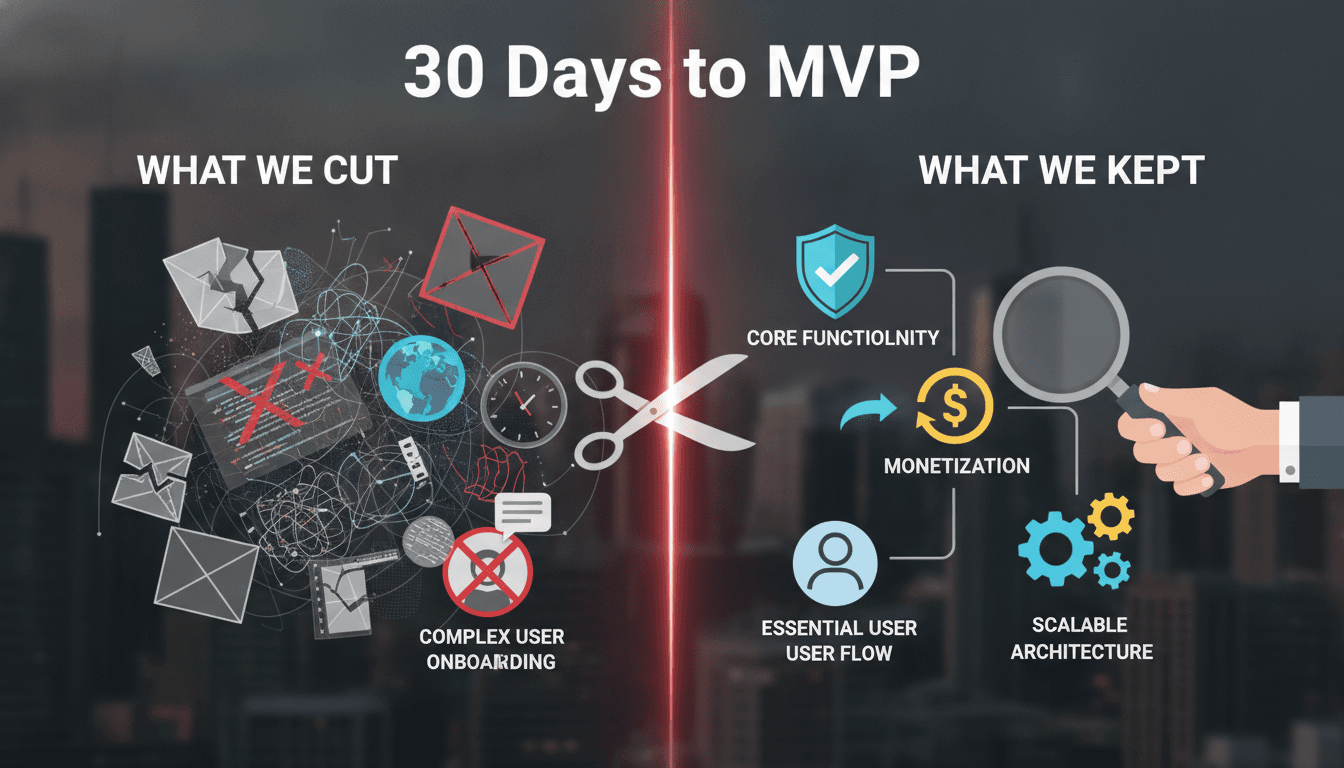
A field account of the prioritisation calls that actually shipped a working product in a month — and the ones that nearly sank it.
The Brief We Received (and the One We Rewrote)
The client had a 47-item feature list and a 30-day deadline. Both cannot be true. We spent the first two days not writing code but rewriting the brief. That sounds slow. It is the opposite.
We cover a closely related subject in Why Our Blog Images Broke Every Six Days.
We ran a single two-hour session using a trimmed-down version of the MoSCoW method — Must Have, Should Have, Could Have, Won't Have — but with one extra column: Who complains if this is missing on day one? If the answer was "nobody in the first cohort of users," the feature moved to the Won't Have column immediately.
What came out of that session was a 9-item Must Have list. Nine. Everything else was parked in a properly maintained backlog, not abandoned.
The distinction matters. Parking is not deleting. Every Should Have item got a rough effort estimate and a dependency note, so we were not starting from zero when the 30-day sprint ended.
What We Cut Without Losing Sleep
The fastest cuts were the vanity features: an activity feed, email digest preferences, a "dark mode" toggle, and a CSV export. Each one is a real product need eventually. None of them are a real product need on day one with an unproven user base.
The harder cuts involved things the team genuinely believed users needed:
Advanced filtering. The product had a list view. The instinct was to ship multi-field filtering with sort-by-column controls. We shipped a single search box backed by a basic ILIKE query in PostgreSQL. It is slower at scale. The user base on day one was not at scale. We revisited this at week six once we had actual query patterns from production logs.
Role-based access control (RBAC). The architecture supported it — we used a middleware layer that would make adding RBAC straightforward later — but we did not build the admin UI or the permission matrix. Every user in the MVP had the same permission set. That works when you have 50 users. It does not work at 5,000. We knew that and made the call explicitly.
Notifications. No push, no email, no in-app. Users had to check the product. For a cohort of early adopters who signed up voluntarily, this is fine. We logged where notification hooks would go in the code, so the integration point was obvious.
The principle across all three: defer, don't remove. The code was written to accommodate these features later without a rewrite.
What We Kept That Teams Usually Cut
Some features survive cuts because they are technically easy. The features below survived because cutting them would have killed the product, not because they were fast to build.
Auth done properly. We used Auth0 with short-lived JWTs (15-minute expiry, refresh token rotation) from day one. This added roughly a day of integration work. Teams often ship a session-cookie setup "for now" and spend two weeks fixing it later after a security incident or a compliance review. We do not do that.
Structured logging. Every API response wrote a structured JSON log to stdout, picked up by a log aggregator from the first deploy. No console.log. This cost maybe four hours of setup. It saved days of debugging in weeks two and three when we had actual user behaviour to analyse.
A proper staging environment. Not a local Docker Compose setup someone calls staging. A real environment on the same cloud provider (AWS), same instance type, same environment variables. Parity matters. The number of production bugs that exist only because staging was different is not small.
Error boundaries in the frontend. The React app had error boundaries at the route level so one broken component could not white-screen the entire product. This is a one-hour addition that looks like overhead until it saves a demo.
/// Not sure where to start?
Get the architecture before you commit
Tell us what you're building and we'll map the technical approach, stack, and rough timeline. No cost, no obligation, no sales call required.
How Do You Decide What the MVP Actually Is?
This is the question teams get wrong most often. The answer is not "the smallest thing we can build" — that framing produces prototypes, not products. The right answer is "the smallest thing that gives a real user a real outcome without us being in the room."
Related reading: Most MVPs Fail on Scope, Not Engineering.
We use a test called the silent deploy test: if we shipped this and nobody on our team was available for a week, would a user be able to get value from it? If the answer requires us to hold their hand, it is not ready.
For this MVP, the silent deploy test knocked out two features we had planned to include: an onboarding wizard that needed content we had not written, and an integration with a third-party data provider whose sandbox was unreliable. Both were cut. Both were the right call.
For a closer look at a related topic, read our guide on Why a Working MVP Beats a Clickable Prototype for Fundraising.
A useful framework, applied honestly:
| Question | If Yes | If No |
|---|---|---|
| Does cutting this break the core user journey? | Keep | Evaluate |
| Does cutting this create a security or data risk? | Keep | Cut freely |
| Will we need to rewrite existing code to add it later? | Keep architecture, defer UI | Cut |
| Does the first user cohort include a use case that needs it? | Keep | Cut |
What Actually Went Wrong
Honesty requires this section.
We underestimated the time to get the production deployment pipeline stable. We used GitHub Actions with an ECR push to ECS Fargate. The Fargate task definition had a subtle CPU/memory mismatch that only showed up under a real load pattern, not in staging. It cost us two days in week three. The fix was a task definition change and a proper load test that we should have run earlier.
We also misread one Must Have item. The client said "users need to see their history." We built a 30-day activity log. They meant a full audit trail, exportable, going back to account creation. Those are different things. We caught it in a review at day 22 and rebuilt the component in two days, but it meant two other Should Have items did not make the 30-day cut. A better requirements session at day zero would have caught this.
The lesson is not "requirements are hard." It is that scope words (history, summary, report) carry assumptions that need to be surfaced and written down. We now have a short glossary step in our day-zero session for any term that could mean more than one thing.
Conclusion
Thirty days produces a real MVP if you spend the first two days on scope, not code. The framework is straightforward: nine Must Haves, a maintained backlog, a silent deploy test, and the discipline to defer rather than cut.
If you are planning an MVP sprint, map your feature list against the table above before writing a line of code. If you want a second opinion on what to cut, that is exactly the kind of conversation we have at Sodio before a project starts.
FAQ
How do you stop stakeholders from adding features back mid-sprint? Make the trade-off explicit and written. When a new feature comes in, we do not say no — we say "which Must Have item comes out?" That question usually answers itself. Stakeholders are rational when the cost is visible.
Is 30 days actually enough time to build something production-grade? For a narrowly scoped product, yes. The scope has to be genuinely narrow — a single user journey, a single data model, one integration at most. The mistake is trying to build a version-one product in 30 days. You are building a version-zero-point-nine.
What stack choices make a 30-day timeline realistic? Boring choices. PostgreSQL, not a novel distributed database. React with a component library like Shadcn/ui rather than a custom design system. A managed service for auth (Auth0, Clerk) rather than a home-built system. Every interesting technology choice adds time you do not have.
When is a 30-day MVP the wrong approach? When the core user journey depends on a third-party integration with an unreliable sandbox, a hardware dependency, a regulatory approval, or real-time data processing at a scale you cannot simulate. Any of those will break the timeline regardless of how well you scope.
Should the MVP codebase be throwaway code? No. Write production code. Cut features, not standards. The cost of rewriting a codebase that has real users on it is far higher than the cost of writing it properly the first time. Throwaway code is a myth that becomes technical debt someone else inherits.
Have a project in mind? Contact Sodio Technologies to discuss your requirements and explore the right technology solution for your business.
/// Work with us
Talk to the engineers who'd build it
You'll get a technical scope, timeline and cost estimate from the people doing the work, not an account manager. In-house team, no subcontracting, since 2016.