

How to Make an App Like Baby Tracker
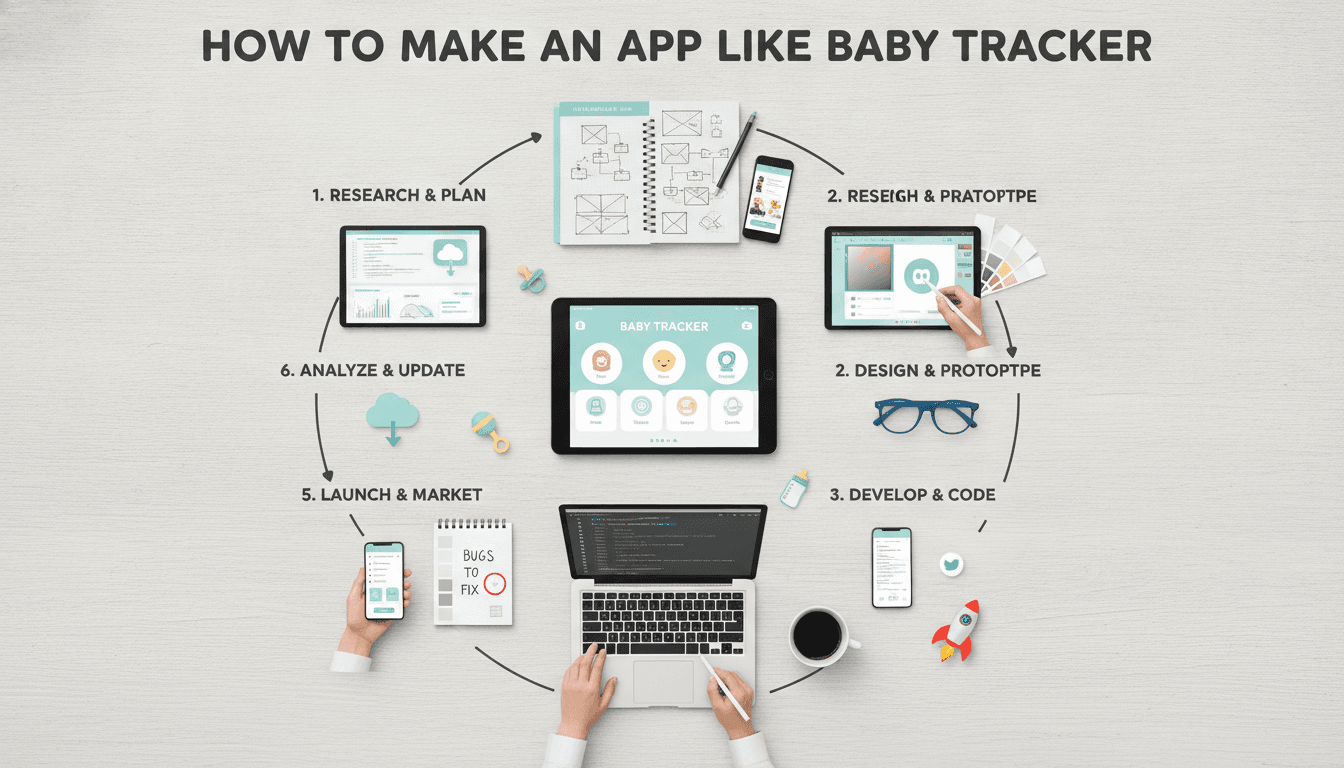
A practical breakdown of the architecture, feature set, and development decisions that go into building a baby tracking app — covering data models, sync strategies, wearable integrations, and what the build actually costs in time and money.
What Does a Baby Tracker App Actually Do Under the Hood?
The user-facing experience is simple: log a feed, log a nap, check a chart. The engineering underneath is less simple.
A baby tracker handles high-frequency, time-series data entered by multiple caregivers across multiple devices. The data model looks straightforward until you add offline-first requirements, multi-user sync, and the expectation that nothing gets lost — ever. Parents are not forgiving of data loss.
For a closer look at a related topic, read our guide on How to Make an App Like Glow Baby.
Core data entities you need to model:
- Events: feeding (breast, bottle, solids), sleep, nappy change, pumping, medication, growth measurements, milestones
- Sessions: start/end timestamps, duration, notes, caregiver ID
- Child profiles: DOB, weight history, feeding preferences
- Users: parent/caregiver roles with permissions
Every event needs a UUID generated on-device, not server-side, because you are writing offline first. Conflict resolution becomes a real design decision when two caregivers log the same feed from different phones before either device syncs.
Choosing a Conflict Resolution Strategy
Last-write-wins works for most event types and is the easiest to implement. If parent A and parent B both log a 07:00 feed independently, the one that syncs last wins. For most tracking data this is acceptable because duplicate entries are visible in the timeline and users can delete them.
CRDTs (Conflict-free Replicated Data Types) are the correct answer for shared state like a running timer — if both caregivers start a feeding timer at the same time, you need merge logic, not overwrite logic. Libraries like Yjs or Automerge handle this but add complexity you may not need on day one.
Related reading: How to Make an App Like Cozi Family Organizer.
Start with last-write-wins and event deduplication based on timestamps within a 60-second window. Ship CRDTs later if users report the pain.
What Tech Stack Should You Use?
This depends on your target platform, timeline, and team.
| Scenario | Recommended Stack |
|---|---|
| iOS + Android, one team, faster build | Flutter (Dart) |
| iOS primary, native performance matters | Swift, SwiftUI |
| Android primary | Kotlin, Jetpack Compose |
| Web app + mobile from one codebase | React Native + Expo |
| Rapid prototype or MVP | React Native + Firebase |
For most teams building a consumer baby tracker, Flutter is the practical choice right now. You get one codebase, good performance, and a mature widget library. The main cost is Dart — if your team is JavaScript-native, React Native has lower onboarding friction.
Backend Options
Firebase is popular for good reason: Firestore handles offline sync out of the box, Cloud Functions cover your serverless logic, and Firebase Authentication removes a chunk of boilerplate. For a baby tracker with under 50,000 active users, Firebase costs stay manageable.
If this is relevant to your project, check out Idempotent Sync for Apps That Lose Signal.
If you are planning custom ML features (feeding pattern prediction, sleep regression detection), you will want more control over your backend. A Node.js or Python FastAPI backend on AWS or GCP, with PostgreSQL (TimescaleDB extension for time-series queries) and Redis for session state, gives you that. It is more work to stand up and more to maintain.
Local Storage on Device
SQLite via the sqflite package in Flutter, or WatermelonDB in React Native, handles local persistence well. Both support reactive queries, which matter for a live timeline view that updates as caregivers log events.
How Do You Handle Multi-Caregiver Sync Without Losing Data?
This is the hardest engineering problem in a baby tracker, and it is underestimated.
The pattern that works: treat each device as the source of truth for events it creates, and sync to a central store. Each event carries a device_id, user_id, created_at (device clock), and server_received_at (server clock). Use the server clock for display ordering. Use the device clock for deduplication.
Firestore's real-time listeners handle the propagation layer. When Caregiver A logs a feed, Caregiver B's app updates within 1-2 seconds on a normal connection. Offline, Firestore queues writes locally and flushes on reconnect.
The edge case to test explicitly: both caregivers offline for 8+ hours, both logging heavily, then reconnecting simultaneously. Run this in your QA suite before launch.
/// Not sure where to start?
Get the architecture before you commit
Tell us what you're building and we'll map the technical approach, stack, and rough timeline. No cost, no obligation, no sales call required.
Should You Integrate Wearables and Smart Devices?
The major baby monitor and wearable brands (Owlet, Nanit, Hatch) have their own apps and limited public APIs. True hardware integration is hard to justify unless wearables are core to your product.
What is realistic:
- Apple HealthKit / Google Health Connect: Read weight, height, sleep data if parents have already logged it elsewhere. Write your tracking data into HealthKit so it appears in Apple Health. The API surface is well-documented and the integration takes 2-4 days.
- Apple Watch complications: Show the last logged event and a quick-log button. SwiftUI complications are the current standard. Adds 1-2 weeks to a native iOS build.
- Bluetooth smart scales: Some baby scales (like the Withings Baby scale) expose BLE profiles. You can read weight data directly if you implement BLE scanning — doable in Flutter via the
flutter_blue_pluspackage.
Skip Bluetooth unless weight auto-logging is a differentiating feature. It adds QA surface area disproportionate to its value.
What Does It Actually Cost to Build This?
Rough estimates based on scope:
| Tier | Scope | Timeline | Ballpark Cost |
|---|---|---|---|
| MVP | Core logging, single user, iOS only | 8-10 weeks | $15,000–$25,000 |
| Standard | Multi-caregiver, iOS + Android, charts | 16-20 weeks | $45,000–$75,000 |
| Full Product | Wearable integration, ML insights, web dashboard | 28-36 weeks | $100,000–$160,000 |
These ranges assume a 3-4 person team: one senior mobile engineer, one backend engineer, one designer, and a PM/QA resource. Solo contractor builds are cheaper per hour but slower and riskier on timelines.
The biggest cost driver is not features — it is polish. A baby tracker used at 3am by an exhausted parent needs to work without thought. Tap targets, loading states, error messages, haptic feedback — all of it takes time to get right.
What You Should Not Cut
Do not cut the data export feature. Parents want their data. CSV or PDF export of all logged events should be in the MVP. Skipping it causes churn and support tickets.
Do not cut push notifications for shared sessions. If Caregiver A finishes a feed and logs it, Caregiver B should get a notification. This is the feature that makes multi-caregiver apps feel cooperative rather than siloed.
Regulatory and Privacy Considerations
Baby tracking apps handle data about minors. In most jurisdictions this triggers specific obligations.
COPPA (US) applies if you collect data on children under 13, which implicitly applies here since the subject of the data is an infant. You need a clear privacy policy, parental consent flows, and the ability to delete all data on request. GDPR (EU) has similar deletion and portability requirements.
Health data stored on-device in HealthKit is sandboxed by Apple. Data you store in your own backend is your responsibility. Encrypt data at rest (AES-256), use TLS 1.3 in transit, and do not log personally identifiable data in your application logs.
If you ever add feeding consultants or healthcare providers who view the data, you are moving toward HIPAA territory in the US. Get legal advice before building that feature.
Conclusion
Building a baby tracker is a fundamentally a sync and data integrity problem wrapped in a consumer UX. Get the offline-first data model right before you build features on top of it. Start with Flutter and Firebase unless you have a specific reason to go native. Budget for polish — it will take longer than the feature list suggests.
If you are scoping a build, start by defining your conflict resolution strategy and your caregiver sync flow. Everything else is easier to adjust later.
FAQ
How long does it take to build a basic baby tracker app? An MVP covering core logging for a single user on iOS takes 8 to 10 weeks with a small team. Adding Android, multi-caregiver sync, and charting pushes the timeline to 16 to 20 weeks. Complexity compounds quickly with wearable integrations or machine learning features.
What is the best framework for building a baby tracking app? Flutter is the most practical choice for most teams today. It targets iOS and Android from one codebase, performs well for data-heavy UIs, and has mature packages for local SQLite storage and BLE. React Native is a valid alternative if your team is already JavaScript-native.
How do you handle two caregivers logging the same event? The standard approach is last-write-wins with deduplication based on timestamps within a short window (typically 60 seconds). For shared timers or running sessions, you need merge logic rather than overwrite logic. Frameworks like Yjs implement this, but the added complexity is rarely worth it until users report the problem.
Does a baby tracking app need to comply with HIPAA? Standard baby trackers logging feeds, sleep, and nappy changes do not typically meet HIPAA's definition of covered entities. If you introduce healthcare providers viewing the data or integrate with clinical systems, that changes. COPPA and GDPR apply regardless, because the data subject is a child.
What backend should I use for a baby tracking app? Firebase (Firestore plus Cloud Functions) covers most use cases and handles offline sync natively. For teams that need custom ML pipelines or finer control over data infrastructure, a Python or Node.js backend on AWS with PostgreSQL and TimescaleDB is more flexible but significantly more expensive to build and operate.
Have a project in mind? Contact Sodio Technologies to discuss your requirements and explore the right technology solution for your business.
/// Work with us
Talk to the engineers who'd build it
You'll get a technical scope, timeline and cost estimate from the people doing the work, not an account manager. In-house team, no subcontracting, since 2016.