

How to Make an App Like Basecamp
How to Make an App Like Basecamp
Basecamp didn't win the project management market by having the most features. It won by having the right features, wrapped in an opinionated philosophy about how teams should work. That's an important distinction if you're planning to build something similar — because the temptation to out-feature the competition is exactly the trap that kills most project management startups.
This guide walks through what Basecamp actually is under the hood, the features you genuinely need, the tech decisions that matter, realistic costs and timelines, and how to carve out space in a crowded market.
For a closer look at a related topic, read our guide on How to Make an App Like Scoro.
What Makes Basecamp Work
Before writing a line of code, it helps to understand the product thinking behind Basecamp.
Basecamp organizes work around projects, and each project contains a fixed set of tools: a message board, to-do lists, a group chat, a schedule, a file store, and a documentation space. That's it. You can't add a Gantt chart. You can't build custom workflow automations. The constraint is the product.
This matters because it shapes everything:
- Onboarding is fast. New users understand the whole app in fifteen minutes.
- The data model is simple. A project is a container; everything else hangs off it.
- Pricing can be flat. Basecamp famously charges per-account rather than per-seat, which only works when feature scope is predictable.
- Async communication is the default. Notifications are batched, not instant. "Check-in questions" replace status meetings.
If you build an app like Basecamp, you're not building a Jira competitor. You're building a calmer alternative for teams who found Jira exhausting.
For a closer look at a related topic, read our guide on How to Make an App Like Zoho Projects.
Core Feature Set
Here's the functional breakdown, organized by priority.
Must-Have for Launch
Projects and workspaces A workspace holds an organization's members and billing. Projects live inside it. Users can belong to multiple projects with different roles. Get the permissions model right early — retrofitting granular access control is painful.
To-do lists Nested lists with assignees, due dates, notes, comments, and file attachments. Support for completing, reopening, reordering, and grouping. This is the feature people use most, so polish it disproportionately.
Message board Threaded, long-form posts per project. Think forum, not chat. Categories, rich text, attachments, and the ability to subscribe or unsubscribe from a thread.
Real-time chat A lightweight group chat per project for the conversations that don't warrant a post. Typing indicators, presence, emoji, and message history.
File storage Upload, folder organization, versioning, and previews for common formats. Direct-to-cloud uploads with signed URLs are the standard approach.
Schedule and calendar Project events, milestones, and due dates from to-dos surfaced in one view. Calendar feed export (iCal) is a small feature with outsized value.
Docs and wikis Collaborative rich-text documents scoped to a project. Even without real-time co-editing at launch, versioned docs with comments cover most needs.
Notifications In-app, email, and push. Crucially, give users control: digest options, per-project muting, and quiet hours. Basecamp's "Work Can Wait" feature — where notifications pause outside work hours — is a differentiator worth copying.
Search Full-text search across to-dos, messages, docs, comments, and file names, filtered by project and author.
Strong Second Phase
- Client access — external users who see only what you share with them, a genuine Basecamp strength for agencies
- Automatic check-ins — recurring questions posted to the team on a schedule
- Hill charts or progress views — a visual sense of where work stands without full Gantt complexity
- Activity timeline — a chronological feed of everything that happened in a project
- Templates — clone a project structure for repeat work
- Time tracking — often requested, especially by agencies and consultancies
- Integrations — Slack, Google Drive, GitHub, Zapier, calendar sync
- Public API and webhooks — required if you want an ecosystem
Admin and Business Layer
Multi-tenant account management, subscription billing, usage limits, audit logs, data export, and an admin console for your own support team. This is unglamorous work that takes longer than people estimate.
Technical Architecture
Data Model
The heart of the system is a tenant-scoped hierarchy:
Organization
 └── Project
      ├── Membership (user + role)
      ├── TodoList → Todo → Comment
      ├── Message → Comment
      ├── Document → Version
      ├── Event
      ├── ChatRoom → ChatMessage
      └── Attachment
A few patterns worth adopting:
- Polymorphic comments and attachments so any resource can be discussed and have files attached
- A unified activity/event table that powers both the timeline and notification generation
- Soft deletes with a trash period — users will delete things by accident
- Row-level tenant isolation enforced at the query layer, not just in application logic
Stack Choices
Backend. Basecamp itself runs on Ruby on Rails, and Rails remains an excellent fit for this category — a lot of CRUD, a lot of relational data, and mature libraries for auth, file handling, and background jobs. Other reasonable picks are Node.js with NestJS, Django, or Laravel. Pick what your team can maintain, not what's trending.
Database. PostgreSQL. You get JSONB for flexible fields, full-text search that's good enough to launch with, and strong relational integrity. Add Elasticsearch or Meilisearch later if search becomes a selling point.
Real-time. WebSockets for chat, presence, and live updates to lists. Managed services like Pusher or Ably save weeks of infrastructure work early on; move to self-hosted WebSocket infrastructure when volume justifies it.
Background jobs. Notification fan-out, email digests, file processing, and search indexing all belong in a queue. Sidekiq, BullMQ, or Celery depending on your stack.
Caching. Redis for sessions, rate limiting, presence data, and fragment caching.
File storage. S3 or an equivalent object store, with a CDN in front and virus scanning on upload.
Frontend. React or Vue for a full SPA, or a server-rendered approach with Hotwire/Turbo if you want Basecamp's actual model — less JavaScript, faster shipping, simpler state management.
Mobile. Basecamp's own apps are largely hybrid, wrapping web views with native navigation and native push. That's a legitimate strategy for a content-heavy collaboration app. React Native or Flutter are the alternatives if you want more native feel with one codebase. Fully native iOS and Android make sense only if mobile is your primary surface.
Things That Will Bite You
Notification fan-out. A comment on a to-do in a 200-person project can generate hundreds of notification records and emails. Batch it, queue it, and deduplicate aggressively.
Permission checks in list views. Loading a project dashboard can trigger permission lookups on dozens of resources. Cache computed permissions per user per project.
Rich text. Pick a serialization format early (ProseMirror/TipTap JSON, or Basecamp's own Trix/ActionText approach) and stick with it. Migrating stored rich text is genuinely miserable.
Search freshness. Users expect to find a message they posted ten seconds ago. Index synchronously for small writes or accept a visible lag.
Email replies. Letting users reply to notification emails to post a comment is a beloved feature and a parsing nightmare. Use a service like Postmark's inbound webhooks and budget real time for handling signatures, quoted text, and attachments.
Design and UX Principles
Basecamp's interface is deliberately plain, and that's a feature. A few principles worth borrowing:
Make the project home page the hub. One screen showing every tool in the project, with unread indicators. Users should never wonder where something lives.
Favor one obvious path over three flexible ones. Every configuration option you add is a decision you've offloaded onto your user.
Write like a human. Basecamp's copy — button labels, empty states, error messages — is famously conversational. It costs nothing and does enormous work for perceived quality.
Design empty states properly. A new project is all empty states. This is the first impression of your product.
Respect attention. Default to batched notifications. Make "do not disturb" easy. Don't use red badges for everything.
Accessibility isn't optional. Keyboard navigation, focus management, screen reader labels, and sufficient contrast. Enterprise buyers increasingly ask for it explicitly.
Development Process and Timeline
A realistic phased plan:
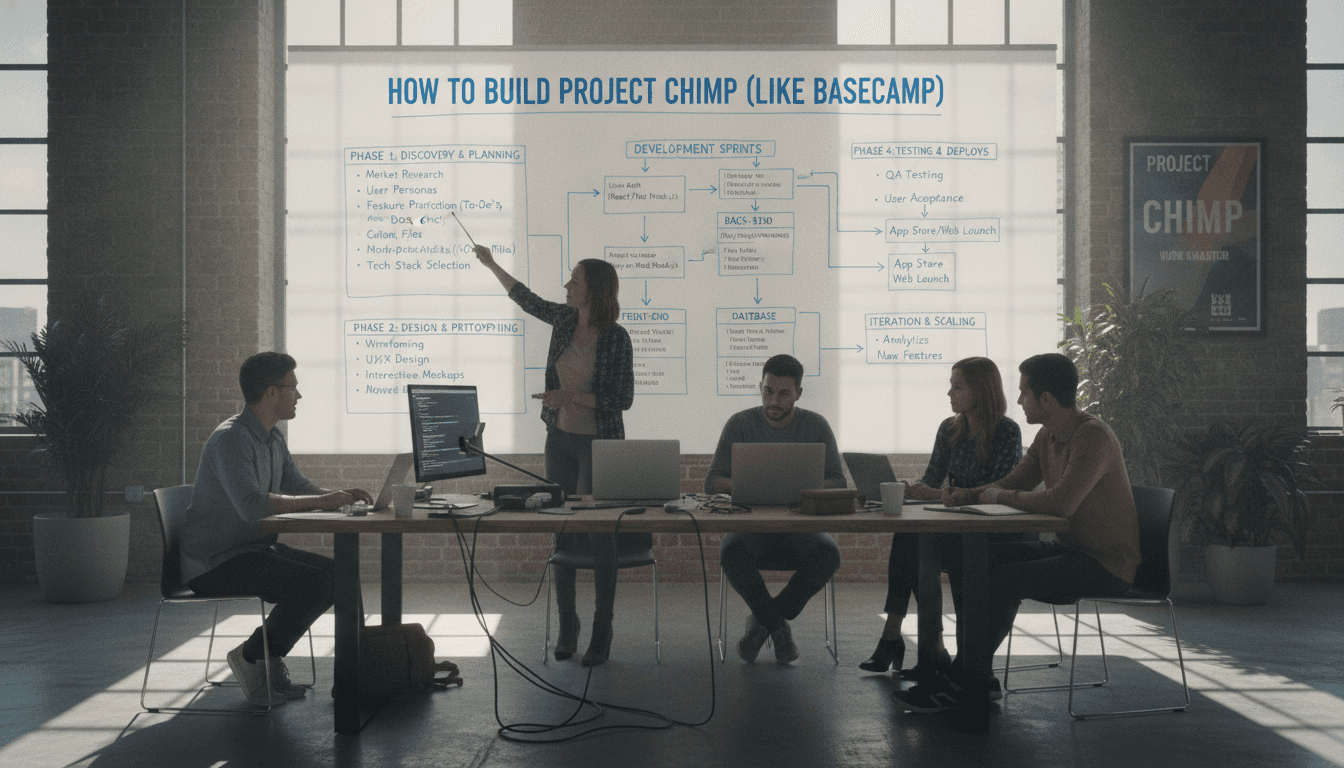
Phase 1 — Discovery and design (3–5 weeks) Competitive research, user interviews with your target segment, feature prioritization, information architecture, wireframes, and a design system.
Phase 2 — Foundation (4–6 weeks) Auth, multi-tenancy, roles and permissions, project scaffolding, file uploads, notification infrastructure, CI/CD.
Phase 3 — Core tools (8–12 weeks) To-dos, message board, docs, schedule, chat, search. This is the bulk of the work.
Phase 4 — Mobile (6–10 weeks, can overlap) iOS and Android with push notifications and offline reading.
Phase 5 — Business layer and hardening (4–6 weeks) Billing, admin console, analytics, load testing, security review, onboarding flows.
Phase 6 — Beta and launch (4–8 weeks) Closed beta with real teams, iteration on feedback, documentation, support tooling, migration importers from competitors.
A focused web MVP is roughly four to six months with a small team. Web plus mobile plus a solid business layer is more like eight to twelve.
We cover a closely related subject in How to Make an App Like Podio.
Cost Expectations
Ranges vary enormously by region and team composition, but for planning purposes:
| Scope | Typical Range |
|---|---|
| Web MVP, core tools only | $50,000 – $90,000 |
| Web + mobile apps | $100,000 – $180,000 |
| Full platform with integrations, API, client access | $180,000 – $300,000+ |
Ongoing costs are easy to underestimate. Budget for infrastructure (which scales with file storage more than compute), email delivery, push services, monitoring, security audits, and — most significantly — continuous engineering. A collaboration tool that stops shipping updates looks abandoned within a year.
Monetization
Basecamp's flat-rate pricing is unusual and only works because of its constrained feature set. Your options:
Per-seat subscription. The SaaS default. Predictable, scales with customer growth, but creates friction when teams want to add occasional contributors.
Flat rate per account. Simple to sell, attractive to growing teams, but you leave money on the table with large accounts and need generous limits to make the math work.
Tiered by capability. Free tier with project limits, paid tiers unlocking client access, integrations, advanced permissions, and storage.
Vertical pricing. If you niche down — construction, legal, creative agencies — you can often charge more because you're solving a specific expensive problem.
A free tier or generous trial is close to mandatory in this category. Teams won't commit without using the product on real work first.
Finding Your Angle
The project management space is genuinely crowded: Basecamp, Asana, Monday, ClickUp, Notion, Linear, Trello, Teamwork, and dozens more. Building a generic clone is a losing proposition. Viable differentiation strategies:
Go vertical. A project tool built specifically for architecture firms, film production, or clinical research can embed domain workflows, terminology, and compliance requirements that horizontal tools never will.
Go regional. Local language support, local payment methods, data residency, and compliance with regional privacy law are real moats in many markets.
Go deeper on one thing. Basecamp is calm. Linear is fast. Notion is flexible. Pick a single quality and be uncompromising about it.
Go on-premise or self-hosted. Industries with strict data rules — government, healthcare, defense contractors — are underserved by pure SaaS.
Go smaller. Tools for two-to-ten-person teams and freelancer-client relationships are often overlooked in the race toward enterprise.
Compliance and Security
Collaboration tools hold sensitive customer data, which raises the bar:
- Encryption in transit and at rest
- SSO and SAML for business customers, plus MFA for everyone
- Detailed audit logs of access and permission changes
- GDPR and CCPA compliance: data export, deletion, processing agreements, and documented subprocessors
- SOC 2 Type II if you're selling to mid-market or enterprise — start the process early, it takes months
- Regular penetration testing and a documented incident response plan
- Careful handling of client-facing access so external users can never see internal discussions
A Practical Launch Checklist
Before you go live:
- Real teams have used the product for real work for at least a month
- Data import from at least one major competitor exists
- Notification volume has been tested with a large, active project
- Permissions have been audited by someone who didn't build them
- Mobile push works reliably on both platforms
- Billing handles upgrades, downgrades, failed payments, and cancellations
- Data export is complete and self-serve
- Onboarding gets a new user to a populated project in under five minutes
- Support documentation and in-app help exist
- Monitoring, error tracking, and on-call rotation are in place
Final Thoughts
The hard part of building an app like Basecamp isn't technical. The data model is straightforward, the stack is well-trodden, and none of the individual features are novel. The hard part is discipline — deciding what your product refuses to do, and holding that line while customers ask for Gantt charts, custom fields, and automation builders.
Basecamp's success is a product of restraint sustained over two decades. If you want to compete in this space, start by being clear about which team you're for, what opinion you hold about how they should work, and what you'll never build. The code is the easy part.
Have a project in mind? Contact Sodio Technologies to discuss your requirements and explore the right technology solution for your business.
/// Work with us
Talk to the engineers who'd build it
You'll get a technical scope, timeline and cost estimate from the people doing the work, not an account manager. In-house team, no subcontracting, since 2016.