

How to Make an App Like Bixby
How to Make an App Like Bixby
Voice assistants have quietly become one of the most-used interfaces on the planet. Samsung's Bixby, alongside Siri, Google Assistant, and Alexa, turned the idea of "talking to your phone" from a novelty into a daily habit. If you're planning to build a voice assistant app of your own — whether for a consumer product, an enterprise workflow, or a niche vertical like healthcare or automotive — this guide walks through what actually goes into it.
What Makes Bixby, Bixby?
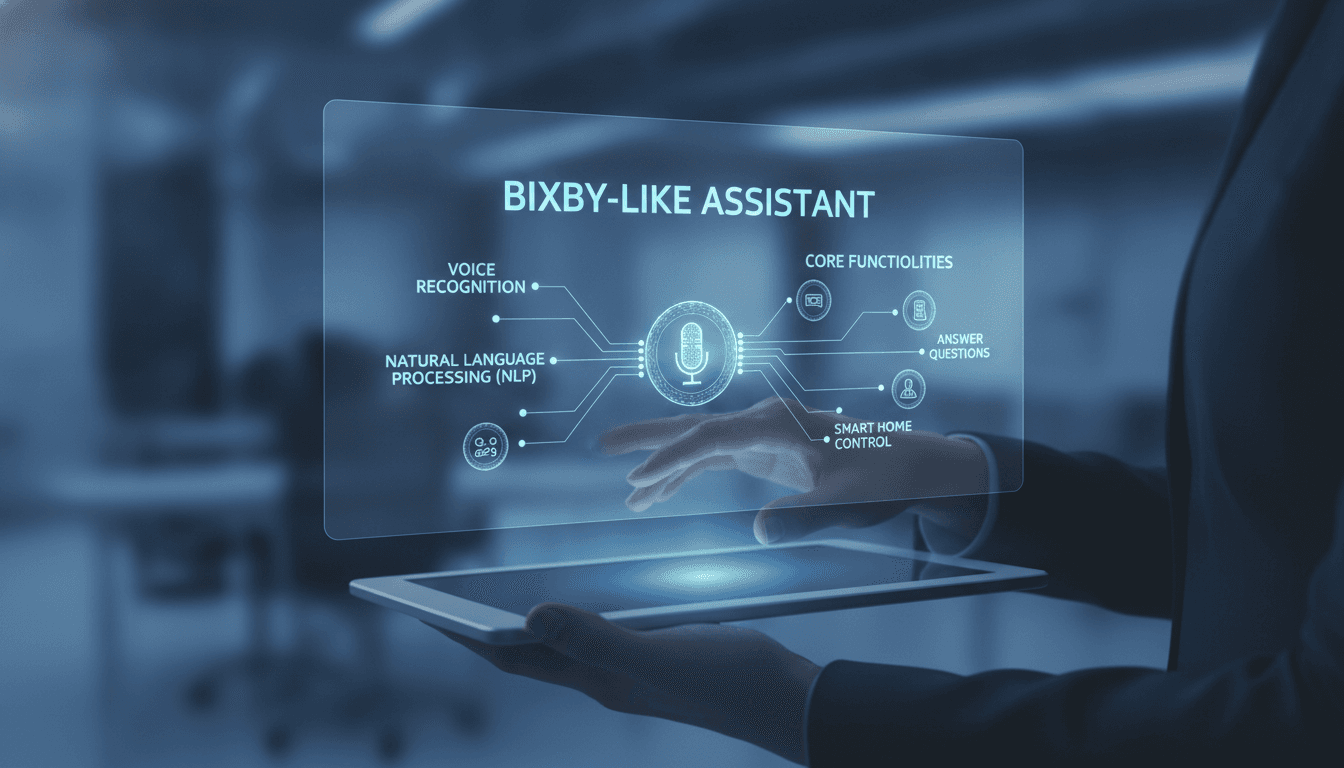
Before writing a single line of code, it helps to break Bixby down into its functional parts. It isn't one feature; it's a stack of cooperating systems.
- Wake word detection — always-on, low-power listening for "Hi, Bixby"
- Speech-to-text (STT) — converting raw audio into a text transcript
- Natural language understanding (NLU) — extracting intent ("set an alarm") and entities ("7 AM", "weekdays")
- Dialog management — tracking conversational context across multiple turns
- Action execution — actually doing the thing: calling an API, toggling a device, opening an app
- Text-to-speech (TTS) — speaking the response back in a natural voice
- Personalization layer — learning user habits, preferences, and frequently used commands
Bixby's differentiator was always deep device and app integration. It could navigate settings menus, chain actions together, and control Samsung appliances. That's a useful lesson: the voice interface is table stakes. The value lives in what your assistant can actually do.
If this is relevant to your project, check out How to Make an App Like Siri.
Step 1: Define Your Assistant's Scope
The single biggest mistake teams make is trying to build a general-purpose assistant on day one. Competing head-on with Google Assistant is a losing proposition for almost everyone.
We cover a closely related subject in How to Make an App Like Google Assistant.
Instead, pick a domain and go deep:
| Approach | Example | Viability |
|---|---|---|
| General assistant | "Do anything" | Extremely high cost, hard to differentiate |
| Vertical assistant | Voice ordering for restaurants | Strong — clear intent set, measurable ROI |
| In-app assistant | Voice navigation inside your existing product | Strong — leverages your own data |
| Device assistant | Control for your IoT hardware line | Strong — hardware lock-in advantage |
Write down 20–50 intents you want to support at launch. If you can't list them, your scope isn't defined yet.
Step 2: Choose Your Technology Stack
Speech Recognition
You have three realistic paths:
Cloud APIs — Google Cloud Speech-to-Text, Azure Speech, AWS Transcribe, or OpenAI Whisper API. Fastest to ship, excellent accuracy, per-minute pricing, requires connectivity.
Self-hosted open models — Whisper (various sizes), NVIDIA NeMo, or Vosk. More control, no per-request fees, but you own the GPU bill and the ops burden.
On-device — Whisper.cpp, Apple's SFSpeechRecognizer, Android's SpeechRecognizer, or Picovoice. Best for privacy and latency; constrained by model size and device capability.
Many production assistants use a hybrid: on-device for wake words and simple commands, cloud for complex queries.
Wake Word Detection
This is a specialized problem. Running full STT continuously would destroy battery life. Use a purpose-built small model:
- Picovoice Porcupine — commercial, cross-platform, custom wake words
- openWakeWord — open source, trainable on synthetic data
- Snowboy successors / community forks — budget-friendly options
Budget for false-accept and false-reject tuning. Users forgive a missed wake word far more readily than an assistant that activates during a private conversation.
Natural Language Understanding
The landscape shifted dramatically here. You have two philosophies:
Classical intent classification — Rasa, Snips-style architectures, or a fine-tuned BERT variant. Deterministic, cheap, fast, and auditable. Great when your intent set is closed and well-defined.
LLM-based understanding — Use GPT, Claude, Gemini, or an open model like Llama or Mistral with function calling / tool use. Handles paraphrasing and ambiguity beautifully, supports multi-turn reasoning, but costs more per request and introduces latency and non-determinism.
A pragmatic pattern in 2024-era assistants: route high-confidence, high-frequency commands through a fast classical classifier, and fall back to an LLM for anything unrecognized. You get speed where it matters and flexibility where you need it.
Text-to-Speech
Voice quality is a major part of perceived product quality. Options include ElevenLabs, Azure Neural TTS, Google WaveNet, Amazon Polly, and open alternatives like Piper or Coqui. Consider streaming TTS so the assistant starts speaking before the full response is generated — it dramatically reduces perceived latency.
To explore this further, see How to Make an App Like Amazon Alexa.
Step 3: Design the Conversation, Not Just the Commands
Voice UX is its own discipline. A few principles worth internalizing:
Confirm destructive actions. "Delete all photos?" needs a verbal confirmation step. "What's the weather?" does not.
Keep responses short. Reading a 200-word paragraph aloud is punishing. Summarize, then offer to elaborate.
Handle failure gracefully. Instead of "I don't understand," try "I can help with alarms, reminders, and music — which did you mean?" Guide the user back to supported territory.
Support barge-in. Let users interrupt the assistant mid-sentence. It feels enormously more natural.
Maintain context. "What's the weather in Tokyo?" followed by "What about tomorrow?" must work. This means storing a session state with recent entities and resolved references.
Offer a visual fallback. Bixby always paired voice with on-screen cards. Multimodal responses handle complex information far better than audio alone.
Step 4: Build the Action Layer
This is where your assistant earns its keep. An intent is worthless unless it triggers something useful.
Structure your actions as a registry of well-typed capabilities:
Intent: set_reminder
Required entities: time, subject
Optional entities: location, recurrence
Handler: RemindersService.create()
Confirmation: "Reminder set for {time}: {subject}"
Failure: "I couldn't set that — what time should I use?"
For integrations, prioritize ruthlessly. Calendar, messaging, music, maps, timers, and smart home controls cover the overwhelming majority of real-world assistant usage. Add domain-specific actions for your vertical on top of that base.
If you're building on mobile, lean on the platform:
- iOS — App Intents, SiriKit, Shortcuts integration
- Android — App Actions, Assistant App Actions, Accessibility APIs where appropriate
Step 5: Architecture Considerations
A typical production architecture looks like this:
Client layer (iOS / Android / web / embedded) handles audio capture, wake word detection, VAD (voice activity detection), and playback. Keep it thin but responsive.
Gateway manages authentication, rate limiting, and session routing — usually WebSocket or gRPC streaming for low-latency bidirectional audio.
Orchestrator coordinates the pipeline: STT → NLU → dialog state → action execution → response generation → TTS. Build this as a set of independently scalable microservices so you can swap a model or provider without touching everything else.
Action services wrap each integration behind a uniform interface. This is where third-party APIs, your own database, and device control protocols live.
Data layer stores user profiles, preferences, conversation history (with consent), and analytics events.
Latency budget matters enormously. Aim for under 1.5 seconds from end-of-speech to start-of-response. Every component in the chain needs a latency SLA, and streaming should be used wherever possible.
Step 6: Privacy and Security
Voice data is among the most sensitive data you can collect. Treat it accordingly.
- Be explicit about when the microphone is active — use a visual indicator, always
- Process wake word detection entirely on-device; never stream continuously
- Encrypt audio in transit and at rest
- Give users a clear way to review and delete their voice history
- Minimize retention — keep transcripts only as long as you genuinely need them
- Comply with GDPR, CCPA, and, if you touch health data, HIPAA
- Consider voice biometrics carefully; they're powerful for personalization and a liability if breached
Build a privacy policy your users can actually understand, and default to the privacy-preserving option.
Step 7: Test, Measure, Iterate
Voice assistants fail in ways that are hard to catch in a unit test. Invest in:
- Accent and dialect coverage — test with diverse speakers, not just your engineering team
- Noisy environment testing — cars, kitchens, streets, crowds
- Intent confusion matrices — which intents get misclassified as which?
- Wake word FAR/FRR metrics — false accepts per hour, false rejects per attempt
- Task completion rate — the metric that actually matters
- Fallback rate — how often the assistant gives up
Log every unrecognized utterance (with consent). Your failure log is the single best roadmap for what to build next.
Realistic Timeline and Cost
A focused, vertical voice assistant MVP with 30–50 intents, cloud STT/TTS, LLM-based NLU, and native mobile clients typically takes 4 to 7 months with a team of five to seven: two mobile engineers, two backend engineers, an ML engineer, a voice UX designer, and a QA specialist.
Ongoing costs scale with usage — STT, LLM inference, and TTS are all per-request. Model and prompt optimization to bring per-interaction cost down is real engineering work, not an afterthought.
Key Takeaways
Building an app like Bixby is genuinely achievable today in a way it wasn't five years ago. Pre-trained speech models, LLM function calling, and mature TTS services have collapsed what used to be years of ML research into weeks of integration work.
The hard parts are no longer the models. They're scope discipline, conversation design, latency engineering, integration breadth, and privacy architecture. Start narrow, nail one domain until users genuinely prefer voice over tapping, and expand from a position of strength.
If you're evaluating a voice assistant project and want a second opinion on architecture, stack choices, or scope, that's exactly the kind of conversation worth having early — before the first sprint, not after the third.
Have a project in mind? Contact Sodio Technologies to discuss your requirements and explore the right technology solution for your business.
/// Work with us
Talk to the engineers who'd build it
You'll get a technical scope, timeline and cost estimate from the people doing the work, not an account manager. In-house team, no subcontracting, since 2016.