

How to Make an App Like ClickUp
Introduction
Project management software has quietly become one of the most competitive categories in SaaS — and ClickUp sits right at the center of it. With millions of users and a reputation for being the "one app to replace them all," ClickUp has proven that teams are hungry for a single workspace where tasks, docs, goals, chat, and reporting all live together.
If you're planning to build an app like ClickUp, you're entering a large market with real demand — but also one where users have high expectations around speed, flexibility, and polish. This guide walks through what ClickUp actually is under the hood, the features you need, the tech choices that matter, and a realistic path from idea to launch.
You may also find our article on How to Make an App Like ProofHub useful.
What Makes ClickUp Work
Before writing a line of code, it helps to understand why ClickUp caught on.
It consolidates tools. Teams were paying for a task tracker, a wiki, a time tracker, a whiteboard tool, and a chat app. ClickUp bundled them.
It's endlessly configurable. Custom fields, custom statuses, custom views, custom automations. The same product serves a two-person design studio and a 500-person engineering org.
It has a generous free tier. Product-led growth brought in individual users who later dragged their teams onto paid plans.
It ships fast. Weekly releases and a visible public roadmap created a sense of momentum that kept users invested.
Any competitor needs a clear answer to the question: why would someone switch? "Same thing but cheaper" rarely works long-term. A sharper wedge — a specific industry, a specific workflow, a specific underserved team type — usually does.
Core Feature Set
Task and Work Management
This is the foundation. At minimum you need:
- Hierarchy — workspaces, spaces, folders, lists, tasks, and subtasks
- Task details — assignees, due dates, priorities, descriptions, attachments, checklists
- Custom statuses — not every team uses "To Do / In Progress / Done"
- Custom fields — text, number, dropdown, date, currency, formula, relationship
- Dependencies — blocking and waiting-on relationships between tasks
- Recurring tasks — daily standups, monthly reports, quarterly reviews
Multiple Views
The same data, rendered differently, is a huge part of ClickUp's appeal:
| View | Best For |
|---|---|
| List | Detailed task grids and bulk editing |
| Board (Kanban) | Visual pipeline and stage-based work |
| Calendar | Deadline-driven scheduling |
| Gantt / Timeline | Dependencies and project planning |
| Table | Spreadsheet-style data entry |
| Workload | Capacity planning across a team |
| Dashboard | Executive and reporting overviews |
Each view needs to handle thousands of records without stuttering. This is where most clones fall apart.
Collaboration
- Threaded comments with @mentions and emoji reactions
- Real-time presence indicators (who's viewing or editing what)
- Assigned comments that convert into actionable items
- Proofing and annotation on images and PDFs
- Built-in chat or team messaging channels
- Activity feeds and audit history per task
Docs and Knowledge Base
A collaborative document editor with nested pages, rich embeds, and the ability to link docs to tasks. If you build this, plan for real-time multiplayer editing from day one — retrofitting it later is painful.
Time Tracking and Reporting
- Native timers plus manual time entry
- Estimates versus actuals
- Billable and non-billable flags
- Timesheets and exportable reports
- Dashboards with configurable widgets
Automations
No-code rules in the form of when this happens, do that. Status changes trigger assignments, due dates trigger notifications, form submissions create tasks. Users expect this now, and it's a strong retention driver because automations make the tool sticky.
You may also find our article on How to Make an App Like Wrike useful.
Integrations
Realistically you need Slack, Google Workspace, Microsoft 365, GitHub, GitLab, Jira, Figma, Zoom, and a payments provider. Plus a public REST API, webhooks, and ideally a Zapier or Make connector so users can fill the gaps themselves.
We cover a closely related subject in How to Make an App Like Teamwork.
Permissions and Admin
Role-based access control, guest users with limited scope, SSO and SAML for enterprise buyers, audit logs, and granular sharing settings. Enterprise deals die without these.
Technical Architecture
Frontend
Web is the primary surface for a tool like this. React or Vue with TypeScript is the standard choice. Key concerns:
- Virtualized rendering for long lists and large boards
- Optimistic UI updates so drag-and-drop feels instant
- Client-side caching with something like TanStack Query or Apollo
- State management that can handle deeply nested, frequently mutated data
Mobile apps matter for notifications, quick capture, and comment replies — not for heavy project planning. React Native or Flutter lets you ship both platforms from one codebase, which is usually the right call for a productivity app.
Backend
A modular monolith is a sensible starting point; split into services only when a specific domain demands it. Common pain points to plan for:
- Hierarchical data queries — fetching a folder with all nested lists and tasks efficiently
- Permission checks at every level of the hierarchy without N+1 queries
- Activity and audit logging at high write volume
- Background jobs for recurring tasks, reminders, digests, and automation runs
PostgreSQL handles the relational core well. Redis covers caching, rate limiting, and job queues. Elasticsearch or a similar engine powers search across tasks, docs, and comments.
Real-Time Layer
Collaboration is non-negotiable. WebSockets via a managed service or a self-hosted solution keep clients synced. For collaborative document editing, use a CRDT library such as Yjs or Automerge rather than building conflict resolution yourself.
Storage and Infrastructure
Object storage for attachments with signed URLs and a CDN in front. Containerized deployment on a managed Kubernetes service or a simpler platform-as-a-service if your team is small. Automated backups, point-in-time recovery, and monitoring from the first week of production.
Design and UX Considerations
Power and simplicity pull in opposite directions. ClickUp is frequently criticized for being overwhelming, which is exactly the opening a new entrant can exploit.
Progressive disclosure. Show the basics first; reveal advanced settings when asked.
Sensible templates. Let users start from a pre-built workflow instead of a blank workspace.
Fast keyboard navigation. A command palette, quick-create shortcuts, and keyboard-driven task editing win over power users.
Performance as a feature. Sub-200ms interactions. Users forgive missing features far more readily than sluggishness.
Accessibility. Keyboard operability, screen reader support, and adequate contrast aren't optional for enterprise procurement.
Monetization
The near-universal model here is freemium with per-seat pricing:
- Free — limited members or limited feature access, designed to spread inside organizations
- Standard — core features, unlimited tasks, basic integrations
- Business — automations, advanced dashboards, time tracking, workload views
- Enterprise — SSO, audit logs, dedicated support, custom contracts
Additional revenue can come from AI add-ons, extra storage, premium integrations, or a template marketplace. Annual billing discounts meaningfully improve cash flow and retention.
Development Roadmap
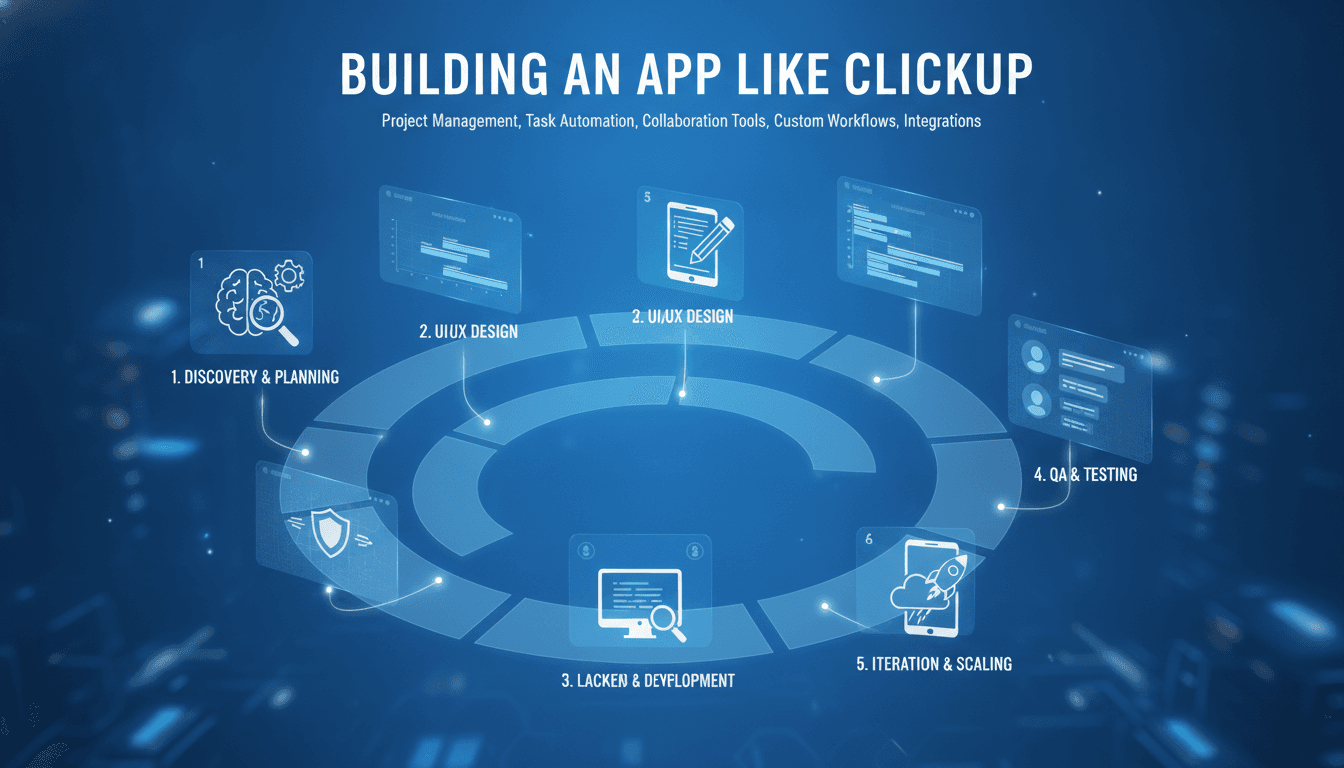
Phase 1 — Discovery (2 to 4 weeks) Market research, competitor teardown, user interviews, feature prioritization, and technical architecture decisions.
Phase 2 — Design (4 to 6 weeks) Information architecture, wireframes, design system, and high-fidelity prototypes for the core flows.
Phase 3 — MVP Build (3 to 5 months) Authentication, workspace hierarchy, tasks, list and board views, comments, notifications, and basic reporting. Ship to a small group of real teams.
Phase 4 — Expansion (3 to 6 months) Additional views, docs, time tracking, automations, integrations, and mobile apps.
Phase 5 — Scale (ongoing) Enterprise features, AI capabilities, performance optimization, public API, and partner ecosystem.
Expect a credible MVP to take four to six months with a team of six to eight people. A full ClickUp-equivalent feature set represents years of sustained investment — which is why focus beats breadth early on.
Common Pitfalls
Building every feature at once. ClickUp has hundreds of features accumulated over years. Trying to match that on day one produces a shallow, buggy product.
Ignoring performance until it's a crisis. Data models that work with 100 tasks collapse at 100,000. Load-test early with realistic volumes.
Underestimating notifications. Getting notification logic right — relevant, batched, and not overwhelming — is genuinely hard and directly affects retention.
Treating migration as an afterthought. Teams switching from another tool need importers. Without them, switching costs keep users where they are.
No clear differentiation. A generic alternative struggles to acquire users. Vertical focus, a distinctive workflow, or dramatically better UX gives you something to market.
Final Thoughts
Building an app like ClickUp is ambitious but achievable if you resist the urge to clone everything. Pick a specific audience, nail the core loop of creating, organizing, and completing work together, and build outward from a foundation that's genuinely fast and reliable.
The teams that succeed in this space aren't the ones with the longest feature lists. They're the ones where a specific type of team opens the app every morning and thinks, this was built for us.
Have a project in mind? Contact Sodio Technologies to discuss your requirements and explore the right technology solution for your business.
/// Work with us
Talk to the engineers who'd build it
You'll get a technical scope, timeline and cost estimate from the people doing the work, not an account manager. In-house team, no subcontracting, since 2016.