

How to Make an App Like Dynalist
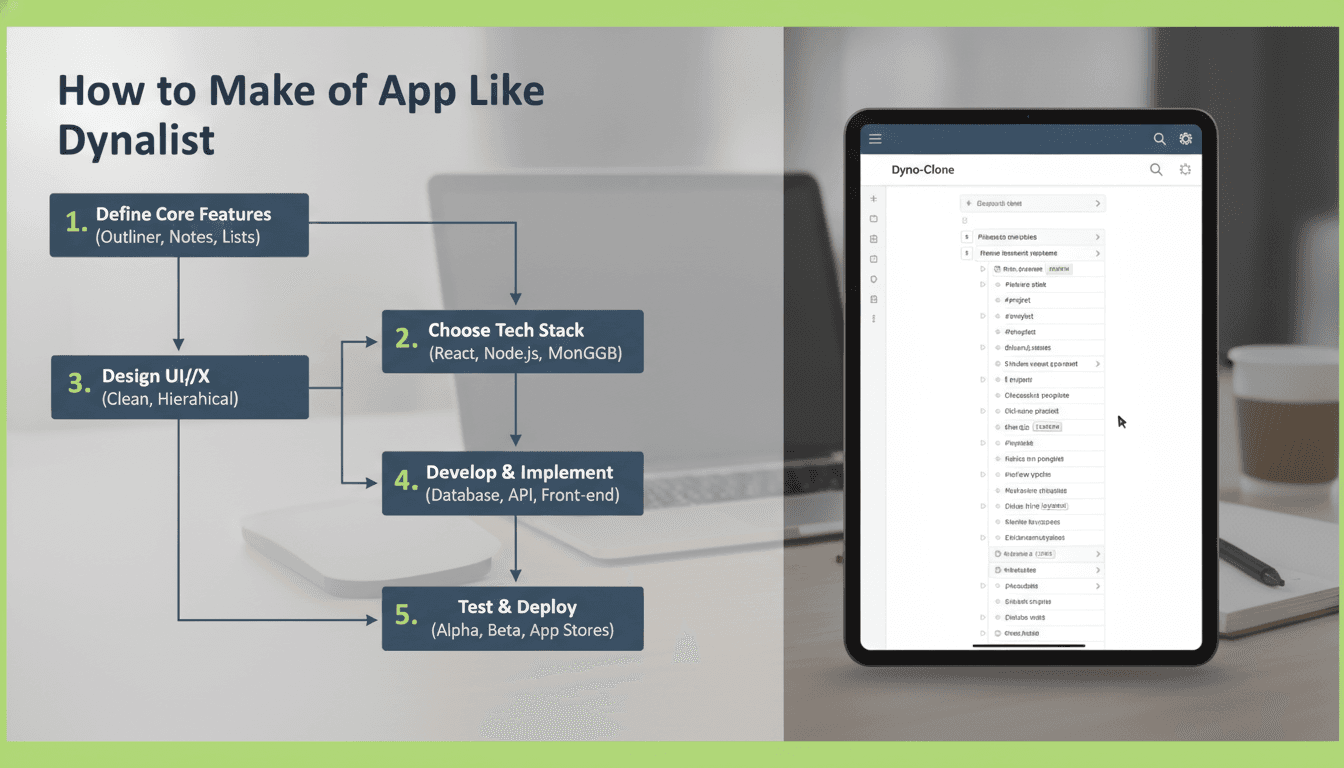
How to Make an App Like Dynalist
Outlining apps have quietly become one of the most sticky productivity categories on the market. Dynalist, with its infinitely nestable bullet points, keyboard-first navigation, and instant sync, proved that a deceptively simple interface can support everything from grocery lists to book manuscripts to entire company wikis.
If you're considering building an app like Dynalist, this guide walks through the product thinking, feature set, architecture, and cost considerations involved — and where you can differentiate in a category that looks crowded but still has plenty of open space.
To explore this further, see How to Make an App Like Roam Research.
What Makes Dynalist Work
Before writing a line of code, it's worth understanding why Dynalist earned a loyal user base rather than fading into the sea of note apps.
The document is a tree, not a page. Every item is a node that can be collapsed, expanded, zoomed into, moved, or turned into its own document view. This single structural decision unlocks outlining, task management, and knowledge organisation with one interaction model.
Keyboard-first interaction. Power users never touch the mouse. Tab and Shift+Tab indent, Ctrl+Shift+Up/Down reorders, and a command palette handles the rest. Speed of capture is the product.
Zero-friction sync. Changes land on other devices almost instantly, with offline editing that reconciles cleanly when connectivity returns.
Plain-text sensibility. Markdown formatting, easy export, and no lock-in. Users trust it with long-lived data because they can always get their data out.
Your app doesn't have to copy all of this, but it does have to respect the underlying principle: outliners live or die on input latency and trust.
For a closer look at a related topic, read our guide on How to Make an App Like Obsidian.
Core Feature Set
Must-Have Features (MVP)
- Infinite nesting — unlimited hierarchy depth with collapse/expand state persisted per user, per device.
- Zoom / focus mode — clicking a bullet makes it the temporary root of the document.
- Rich keyboard shortcuts — indent, outdent, move, duplicate, delete, complete, collapse-all.
- Inline markdown — bold, italic, code, links, headings, and blockquotes rendered as you type.
- Checkboxes and task states — with optional "hide completed" behaviour.
- Tags and mentions —
#tagand@personautocomplete with a tag index view. - Global search — fast, fuzzy, scoped to a document or across the whole workspace.
- Document tree / file pane — folders, documents, drag-and-drop reordering, favourites.
- Cross-device sync — with offline-first behaviour and conflict resolution.
- Import / export — OPML, Markdown, plain text, JSON.
Differentiating Features
- Backlinks and bidirectional references — the feature that made Roam and Logseq explode. Nodes that link to each other, with an "unlinked mentions" panel.
- Daily notes / journaling — an auto-created dated document as the default capture surface.
- Real-time collaboration — multiplayer cursors and presence on shared documents.
- Dates and recurring items — natural-language date parsing ("next tuesday", "every friday") with an agenda view.
- Graph or map views — visualising relationships between nodes.
- AI assistance — summarise a subtree, generate child bullets from a parent, restructure a messy outline, or answer questions grounded in the user's own notes.
- API and integrations — Zapier, calendar sync, Slack capture, browser clipper.
- End-to-end encryption — a genuine differentiator for privacy-conscious and enterprise buyers.
Data Modelling: The Hardest Part
Everything downstream depends on how you model the outline. There are three common approaches.
1. Adjacency List with Ordering
Each node stores a parent_id and a sort key. Simple, relational, and easy to reason about.
{
  "id": "node_8f3a",
  "parent_id": "node_21bc",
  "document_id": "doc_004",
  "content": "Draft the architecture section",
  "sort_key": "a0m",
  "collapsed": false,
  "checked": false,
  "created_at": "2025-01-14T09:22:11Z",
  "updated_at": "2025-01-14T09:41:02Z"
}
Use fractional indexing (lexicographic sort keys like a0, a0m, a1) rather than integer positions. Inserting between two siblings then requires writing a single row instead of renumbering the whole list — critical for sync performance.
If this is relevant to your project, check out How to Make an App Like Ulysses.
2. Nested Sets or Materialised Paths
Faster subtree reads, but expensive writes. Generally a poor fit for an app where reordering is the primary interaction.
3. CRDT Document Trees
If you want real-time collaboration and robust offline merging, use a CRDT such as Yjs or Automerge. A move-aware tree CRDT handles the nasty edge cases — two users moving the same node to different parents, or accidentally creating a cycle. This is more complex up front but saves you from writing bespoke conflict resolution that will never quite be correct.
For most teams: start with an adjacency list plus operation log, and layer a CRDT in when collaboration becomes a priority.
Sync Architecture
Offline-first is non-negotiable. Users will open your app in a lift, on a plane, and on flaky mobile data, and they will expect their keystrokes to land.
Local-first storage. Write to a local database immediately — SQLite on mobile and desktop, IndexedDB on web. The UI reads from local state only, so edits never wait on the network.
Operation log. Every user action becomes a small, idempotent operation: create_node, update_content, move_node, set_collapsed, delete_node. Queue them locally and flush to the server when connectivity allows.
Server reconciliation. The server assigns a monotonic version to each accepted operation. Clients pull operations newer than their last-known version and replay them. Include a client_id on every operation so clients can skip echoes of their own writes.
Transport. WebSockets for live push, with an HTTP fallback for batched catch-up sync after long offline periods.
Snapshots. Replaying thousands of operations on cold start is slow. Periodically compact the log into a document snapshot and have clients bootstrap from that.
Tech Stack Recommendations
Frontend
Web: React or Svelte with a purpose-built editor. Do not use a plain contenteditable and hope for the best — browser behaviour across inline formatting, IME input, and selection handling is genuinely hostile. Build on ProseMirror, TipTap, or Lexical, which give you a document model, transactions, and undo history.
Mobile: React Native or Flutter gives you one codebase across iOS and Android, which matters a lot for a keyboard-and-text-heavy app where you'll iterate constantly. Native (Swift / Kotlin) is worth it if you need deep platform integration — widgets, share sheets, Shortcuts, custom keyboard accessory rows.
Desktop: Electron or Tauri wrapping the web app. Tauri produces dramatically smaller binaries and lower memory usage, which users of "fast, light" tools notice.
Backend
- API layer: Node.js (NestJS/Fastify), Go, or Python (FastAPI). Go and Node both handle the persistent WebSocket connections you'll need comfortably.
- Database: PostgreSQL. Its JSONB columns, recursive CTEs for subtree queries, and full-text search cover most needs without extra infrastructure.
- Search: Postgres full-text search for MVP; Meilisearch, Typesense, or Elasticsearch once corpora grow and users expect instant fuzzy results.
- Cache / pub-sub: Redis for presence, session data, and fanning out live updates across server instances.
- Object storage: S3 or equivalent for attachments and file uploads.
- Auth: Auth0, Clerk, or Supabase Auth unless you have a specific reason to roll your own.
UX Principles That Matter More Than Features
Input latency is the product. Keystroke-to-pixel should sit under 16ms. Render only the visible portion of large documents, debounce persistence rather than rendering, and never block typing on a network call.
Progressive disclosure. A new user should see a single bullet and an invitation to type. Tags, backlinks, filters, and power-user syntax should reveal themselves gradually. Outliners scare people off with density.
Respect muscle memory. Match the shortcut conventions users already know from Workflowy, Dynalist, and Notion. Novel keybindings are not a differentiator; they are a tax.
Mobile is not a shrunken desktop. Indenting with Tab doesn't exist on a phone. Design a persistent toolbar above the keyboard with indent, outdent, move, and checkbox actions, plus swipe gestures for the same operations.
Make data portability visible. A prominent, honest export function is a trust signal. Users are committing years of thinking to your app.
Monetisation Models
- Freemium with limits — cap items per document, file uploads, or version history depth on the free tier. This is the Dynalist and Workflowy model, and it works because heavy users self-identify quickly.
- Pro subscription — £4–10/month for search operators, Google Calendar sync, version history, custom themes, and attachments.
- Team plans — per-seat pricing with shared workspaces, permissions, SSO, and audit logs. This is where the meaningful revenue lives.
- Lifetime licences — useful for an early cash injection and goodwill, but model the long-term support cost carefully before offering them.
- AI credits — a usage-based add-on for summarisation and generation features, which have real marginal cost.
Development Timeline and Cost
Rough estimates for a competent product team:
| Phase | Scope | Duration |
|---|---|---|
| Discovery & design | User research, information architecture, UI kit, prototypes | 3–5 weeks |
| MVP build | Editor, tree model, auth, sync, search, web + one mobile platform | 12–18 weeks |
| Beta & hardening | Performance tuning, conflict-resolution edge cases, QA | 4–6 weeks |
| Collaboration & AI | CRDT migration, multiplayer, AI features | 8–12 weeks |
An MVP typically lands in the $40,000–$90,000 range depending on platform count and team location. A polished, collaborative, multi-platform product with AI features is more realistically $120,000–$250,000+. The editor and the sync engine will consume far more time than anyone estimates at the outset — budget accordingly rather than discovering it in week ten.
Common Pitfalls
- Building the editor from scratch. Text editing is a deceptively deep problem. Use a mature document-model library.
- Treating sync as a later problem. Retrofitting offline-first onto a request-response app is close to a rewrite. Decide early.
- Integer position columns. Reordering becomes an O(n) write storm. Use fractional indexing from day one.
- Ignoring large-document performance. Test with 10,000+ node documents before launch, not after a power user complains.
- Feature parity as a strategy. Cloning Dynalist gives users no reason to migrate. Pick a wedge — a vertical, a collaboration model, encryption, AI — and be clearly better at that one thing.
- Neglecting keyboard accessibility. Screen-reader support for a nested tree requires deliberate ARIA work. Retrofitting it is painful.
Finding Your Wedge
The outliner market has Dynalist, Workflowy, Logseq, Roam, Obsidian, Notion, and Tana in it. Competing on "a nicer outliner" is a losing position. Competing on specificity is not.
Consider a vertical focus: outlining for legal case preparation, for academic literature reviews, for screenwriters, for engineering RFCs, for therapists' session notes. Each of these has structural requirements, compliance needs, and integrations that general-purpose tools will never prioritise. Users in those niches are also far easier and cheaper to reach than "people who like productivity apps."
Alternatively, compete on a technical property the incumbents can't easily match — true end-to-end encryption, genuine local-first ownership with no account required, or a sync engine fast enough to feel local on a 3G connection.
Getting Started
Build the smallest thing that proves the core loop: a single document, infinite nesting, keyboard shortcuts, and local persistence. Get it in front of ten outliner power users. Their complaints about latency, shortcut behaviour, and mobile editing will reshape your roadmap more usefully than any competitor teardown.
From there, layer in sync, then multi-document organisation, then your differentiating wedge. If you'd like help scoping the architecture or building the editor and sync layer, our team has shipped offline-first, real-time collaborative apps across web, iOS, and Android — get in touch and we'll walk through the trade-offs with you.
Have a project in mind? Contact Sodio Technologies to discuss your requirements and explore the right technology solution for your business.
/// Work with us
Talk to the engineers who'd build it
You'll get a technical scope, timeline and cost estimate from the people doing the work, not an account manager. In-house team, no subcontracting, since 2016.