

How to Make an App Like Google Lens
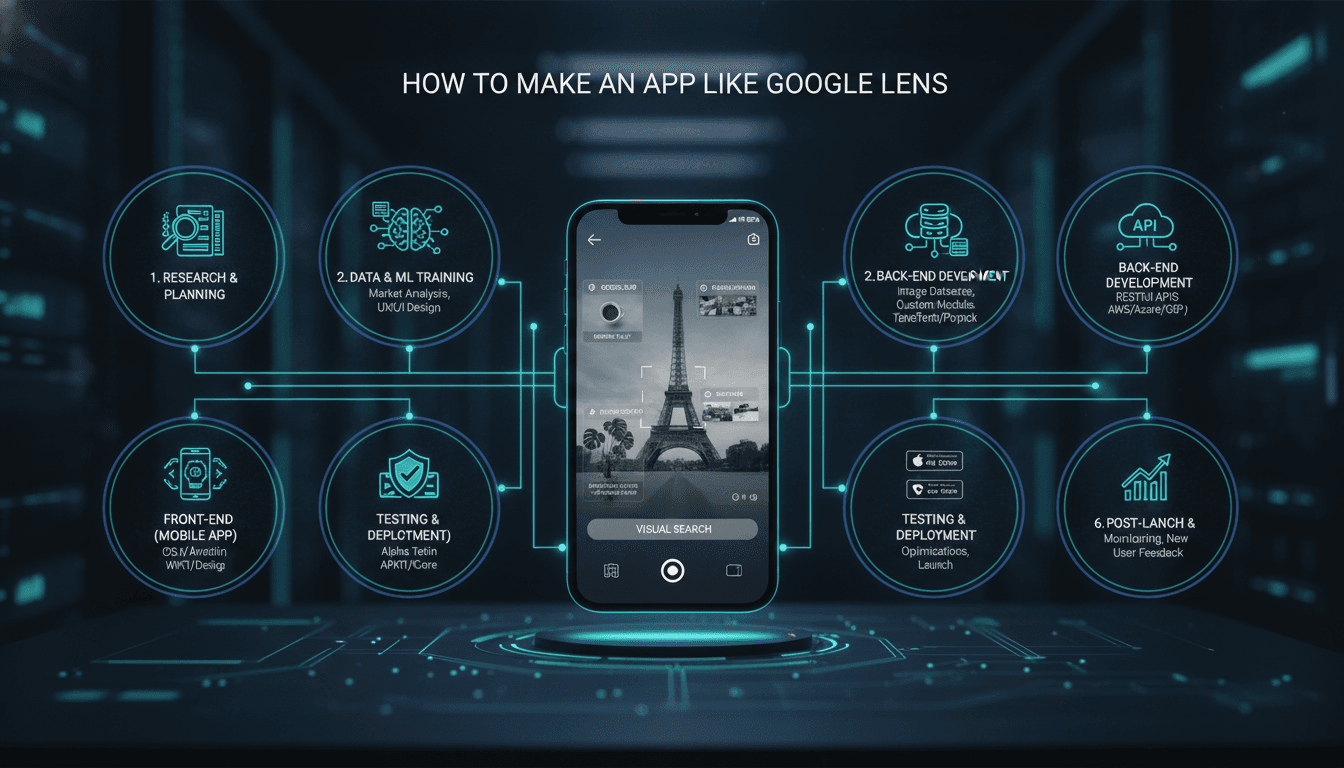
How to Make an App Like Google Lens
Point your phone at a plant and learn its species. Aim it at a menu in a foreign language and read it in English. Snap a photo of a sneaker and find where to buy it. Google Lens turned the camera from a recording device into a search bar, and in doing so it created an entirely new category of mobile experience: visual search.
If you are considering building something similar — whether a general-purpose visual assistant or a focused tool for retail, agriculture, healthcare, or education — this guide walks through what it actually takes: the features, the machine learning stack, the architecture, the costs, and the pitfalls.
What Google Lens Actually Does
Before you can build an alternative, it helps to break the product into its component capabilities. Google Lens is not one feature — it is a bundle of computer vision tasks stitched together behind a single camera viewfinder.
| Capability | What's happening under the hood |
|---|---|
| Text recognition | OCR (optical character recognition) plus layout detection |
| Translation | OCR → machine translation → AR text overlay |
| Object identification | Image classification and object detection |
| Product / visual search | Embedding generation plus vector similarity search |
| Landmark recognition | Fine-grained classification plus geolocation signals |
| Barcode & QR scanning | Classic pattern decoding |
| Document scanning | Edge detection, perspective correction, OCR |
| Homework help | OCR plus equation parsing plus a solver or LLM |
Each of these is a separate model or pipeline. That is the single most important insight for planning your build: you are not training "one AI." You are orchestrating several, and deciding which ones you genuinely need.
Step 1: Narrow Your Scope Ruthlessly
Google spent years and enormous compute budgets building Lens on top of an already-indexed visual web. Trying to match it feature-for-feature as a startup or mid-sized product team is a fast route to a bloated, mediocre app.
We cover a closely related subject in How to Make an App Like Photomath.
The successful visual search products tend to be vertical:
- Retail & fashion — snap an item, find similar products in your catalogue
- Agriculture — photograph a leaf, diagnose crop disease
- Plants & nature — identify species, like PlantNet or Seek
- Healthcare — identify a pill by shape, colour, and imprint
- Industrial & field service — scan equipment, surface the manual and service history
- Education — capture a problem, get a worked solution
- Travel — translate signage and identify landmarks offline
- Accessibility — describe the scene aloud for low-vision users
A vertical scope gives you three advantages: a smaller training dataset, a much clearer accuracy benchmark, and a value proposition users immediately understand.
Step 2: Define the Core Feature Set
For an MVP, prioritise a tight loop: capture → recognise → act.
Must-have features
- Live camera viewfinder with tap-to-focus, flash control, and a capture button
- Gallery import — many users want to analyse screenshots and saved photos
- Real-time or near-real-time recognition with visible loading state
- Result cards showing what was detected, confidence, and next actions
- History so users can revisit past scans
- Copy, share, and deep links out to whatever action matters (buy, read, save)
Strong second-wave features
- Region selection (crop to the part of the image that matters)
- Multi-object detection with tappable bounding boxes
- Offline mode for core models
- AR overlays for translation or annotation
- Voice output and screen-reader support
- Accounts and cross-device sync
- Text-plus-image queries ("this jacket, but in black")
Features to resist early
Do not ship every recognition domain at launch. One domain that works 95% of the time beats eight domains that work 60% of the time. Visual search is a product where a single embarrassing wrong answer destroys trust.
Step 3: Choose Your ML Approach
You have three realistic paths, and most teams end up blending them.
Option A: Managed cloud vision APIs
Fastest to market. Services like Google Cloud Vision, AWS Rekognition, Azure Computer Vision, and Apple's Vision framework give you OCR, label detection, face detection, and logo recognition out of the box.
You may also find our article on How to Make an App Like Lyra useful.
Pros: days not months, no ML team required, high baseline accuracy on generic tasks. Cons: per-request costs that scale badly, no differentiation, limited domain specificity, data leaves your infrastructure.
Option B: On-device models
Use TensorFlow Lite, Core ML, ML Kit, ONNX Runtime, or PyTorch Mobile to run quantised models directly on the handset.
Pros: near-zero latency, works offline, no per-inference cost, strong privacy story. Cons: model size constraints, battery and thermal impact, harder to update, lower ceiling on accuracy.
On-device is ideal for the first pass — detecting whether there is text, a barcode, or an object worth analysing at all. This gating step saves enormous cloud spend.
Option C: Custom models on your own infrastructure
Fine-tune an existing backbone (CLIP, SigLIP, EfficientNet, YOLO variants, Vision Transformers) on your domain data, then serve it behind an inference endpoint.
Pros: genuine competitive moat, tuned to your taxonomy, full cost control at scale. Cons: requires labelled data, MLOps maturity, and GPU budget.
The pragmatic hybrid
Most production visual search apps look like this:
- On-device lightweight detector decides what kind of thing is in frame
- Barcodes, QR codes, and simple OCR are handled entirely on-device
- Anything ambiguous or high-value goes to the cloud
- A custom fine-tuned model handles your core vertical
- A multimodal LLM handles open-ended "what am I looking at?" queries
Step 4: Build the Visual Search Engine
Visual search — "find me things that look like this" — is architecturally different from classification. It works via embeddings.
For a closer look at a related topic, read our guide on How to Make an App Like Prisma.
The pipeline:
- Index time: run every item in your catalogue through an image encoder, producing a vector (typically 512–1024 dimensions). Store these in a vector database — Pinecone, Qdrant, Weaviate, Milvus, or pgvector if you want to stay in Postgres.
- Query time: encode the user's photo with the same model, then run an approximate nearest-neighbour search.
- Re-rank: apply business logic — stock availability, price, region, personalisation.
- Return: top N matches with similarity scores.
Models like CLIP and SigLIP are particularly valuable here because they embed images and text into a shared space. That means a single index supports photo queries, text queries, and combined queries without separate systems.
Practical notes:
- Crop to the detected object before encoding; background noise wrecks similarity scores
- Normalise lighting and orientation
- Cache embeddings for repeat queries
- Re-index whenever you change the encoder model — mixing embedding versions silently breaks everything
Step 5: Architect the System
A typical stack looks like this:
Mobile client
- Native (Swift/SwiftUI, Kotlin/Jetpack Compose) for the tightest camera control, or Flutter / React Native if cross-platform speed matters more than millisecond-level camera tuning
- CameraX on Android, AVFoundation on iOS
- On-device inference runtime
- Local cache and history store
Backend
- API gateway with authentication and rate limiting
- Image preprocessing service (resize, compress, strip EXIF)
- Inference service on GPU instances, autoscaled
- Vector database for similarity search
- Metadata store (Postgres) for catalogue and user data
- Object storage (S3 or equivalent) for images, with lifecycle rules
- Queue (SQS, Kafka, RabbitMQ) for heavier asynchronous jobs
ML operations
- Data labelling pipeline and annotation tooling
- Training environment with experiment tracking
- Model registry and versioning
- Shadow deployment and A/B testing for new model versions
- Drift and accuracy monitoring in production
Step 6: Get the UX Right
This is where most visual search apps quietly fail. The technology can be excellent and the product still feel broken.
Reduce friction to zero. The app should open directly to a live camera. No splash screen, no login wall, no tutorial carousel. Users should be able to scan something within one second of tapping the icon.
Communicate state clearly. Scanning, analysing, and failing each need distinct, honest visual treatments. A spinner that never resolves is worse than an error message.
Guide the camera. Reticles, framing hints, and prompts like "move closer" or "hold steady" dramatically improve input quality — and input quality is the single biggest driver of perceived accuracy.
Handle uncertainty gracefully. When confidence is low, show ranked possibilities rather than one confident wrong answer. "This might be one of these three" preserves trust; a wrong definitive answer destroys it.
Always offer an escape hatch. Manual search, retake, crop, or "none of these" should always be available.
Make results actionable. Recognition is not the product. What the user does next — buy, translate, save, share, learn — is the product.
Step 7: Data, Privacy, and Compliance
Camera apps sit in the most sensitive category of mobile permissions, and regulators treat them accordingly.
- Request camera access in context, with a plain-language explanation
- Process on-device wherever feasible, and say so prominently
- Strip EXIF and location metadata unless it is functionally required
- Set short retention windows for uploaded images; delete by default
- Blur or discard incidentally captured faces and licence plates
- Publish a clear data policy and honour deletion requests
- Comply with GDPR, CCPA, and — if you touch anything medical — HIPAA
- Complete App Store privacy labels and Google Play data safety forms accurately
If your app performs anything resembling diagnosis — medical, legal, financial — you need explicit disclaimers and, in many jurisdictions, regulatory review.
Step 8: Optimise Performance and Cost
Visual search is computationally expensive. Unmanaged, inference costs will outrun your revenue.
Latency tactics
- Downscale images client-side before upload; 640–1024px is usually plenty
- Use WebP or efficient JPEG compression
- Stream partial results — show OCR text while the object model is still running
- Keep a warm pool of inference workers to avoid cold starts
- Deploy models to regions close to your users
Cost tactics
- Gate cloud calls behind an on-device classifier
- Debounce the live viewfinder; do not send 30 frames per second
- Cache results by perceptual image hash
- Quantise models to INT8 for a large speed and memory win
- Batch requests where real-time response is not required
Battery tactics
- Throttle frame processing to 2–5 fps in live mode
- Pause inference when the app backgrounds
- Watch thermal state and degrade gracefully
Step 9: Test for Accuracy, Not Just Correctness
Standard QA does not catch ML failure modes. Build a dedicated evaluation practice.
- Maintain a golden test set of real-world images, including deliberately hard ones
- Track precision, recall, and top-k accuracy per category — not just an overall average
- Test in poor lighting, at odd angles, with motion blur, at distance, behind glass
- Audit for demographic and geographic bias; models trained on Western datasets frequently fail elsewhere
- Test on low-end devices, not just flagships
- Log low-confidence and user-corrected results, and feed them back into training
Step 10: Monetisation
Common models for visual search products:
- Freemium scan limits — free tier of N scans per day, subscription for unlimited
- Subscription — the dominant model for plant, pet, and study apps
- Commerce affiliate revenue — visual product search monetises through referral fees
- B2B licensing — sell your recognition engine as an API to other companies
- White-label — license the whole app to retailers or manufacturers
- Enterprise seats — field service and industrial inspection tools command high per-seat pricing
Be careful with ad-supported models: interrupting a camera-first utility with interstitials is uniquely annoying and drives uninstalls.
Timeline and Budget Reality Check
Rough guidance for a focused, single-vertical visual search app:
| Phase | Duration |
|---|---|
| Discovery, scoping, dataset audit | 2–4 weeks |
| UX design and prototyping | 3–5 weeks |
| Data collection and labelling | 4–10 weeks (often parallel) |
| Model training and evaluation | 4–8 weeks |
| Mobile app development | 10–16 weeks |
| Backend and inference infrastructure | 6–10 weeks |
| Integration, QA, beta | 4–6 weeks |
An MVP using primarily managed APIs can ship in roughly three to four months. A differentiated product with custom models realistically takes six to nine. Costs scale accordingly — and remember that ongoing inference, storage, and retraining are permanent line items, not one-off build expenses.
Common Mistakes to Avoid
- Trying to recognise everything. Breadth without depth produces an app users abandon after two scans.
- Ignoring input quality. Better camera guidance often beats a better model.
- Treating the model as finished. Accuracy degrades as the real world drifts from your training data.
- Hiding low confidence. Users forgive uncertainty; they do not forgive confident lies.
- Underestimating catalogue maintenance. For product search, a stale index is a broken app.
- Skipping offline handling. Camera apps get used in basements, on planes, and abroad without data.
- Burying the camera. If launching a scan takes more than one tap, engagement collapses.
Final Thoughts
Building an app like Google Lens is less about replicating Google and more about choosing a slice of the visual world where you can be demonstrably better than a generalist. Google Lens knows a little about everything. Your opportunity is to know almost everything about one thing — a product catalogue, a crop disease taxonomy, a parts inventory, a curriculum.
Start with one domain, one model, and one tight capture-to-action loop. Instrument everything. Let real usage tell you which recognition domain to add second. Visual search rewards focus far more than ambition, and the apps that win are the ones users trust enough to reach for reflexively.
Have a project in mind? Contact Sodio Technologies to discuss your requirements and explore the right technology solution for your business.
/// Work with us
Talk to the engineers who'd build it
You'll get a technical scope, timeline and cost estimate from the people doing the work, not an account manager. In-house team, no subcontracting, since 2016.