

How to Make an App Like Lyra
How to Make an App Like Lyra
Lyra has captured attention as a sleek, AI-powered assistant experience — the kind of app that feels less like a tool and more like a companion. Users open it expecting instant answers, natural conversation, and a polished interface that never gets in the way. If you're planning to build something similar, the good news is that the underlying architecture is well understood. The challenge is execution: latency, cost control, personality, and trust.
This guide walks through what it actually takes to design, build, and launch an app like Lyra — from feature scoping to model selection to monetisation.
If this is relevant to your project, check out How to Make an App Like Gemini.
What Makes an App Like Lyra Work
Before writing a line of code, it helps to break down why these apps succeed. They aren't just wrappers around a language model. The magic comes from three things working together:
Conversational fluency. Responses feel human, contextual, and continuous. The app remembers what was said three messages ago and adapts its tone accordingly.
Speed. Perceived latency is the single biggest driver of retention in assistant apps. Streaming responses, optimistic UI, and aggressive caching matter more than raw model quality in many cases.
Frictionless design. One input field. Clear affordances. No onboarding maze. The best assistant apps feel obvious within five seconds.
Core Feature Set
Here's a realistic MVP scope for a Lyra-style app:
Must-Have Features
- Conversational chat interface with streaming token-by-token output
- Persistent conversation history with search and organisation into threads or folders
- Multi-turn context memory so the assistant tracks the thread of a discussion
- Voice input and text-to-speech output for hands-free interaction
- Image and document understanding — upload a photo or PDF and ask questions about it
- Account sync across mobile, tablet, and web
- Prompt suggestions and starter templates to help new users understand capability
Strong Second-Phase Features
- Custom personas users can create and switch between
- Long-term memory that persists user preferences across sessions
- Web search and tool use for real-time, citable information
- Shareable conversations via public links
- Offline draft mode that queues prompts until connectivity returns
- Widgets and shortcuts for OS-level entry points
Choosing Your Technology Stack
Frontend
For most teams, Flutter or React Native delivers the best balance of speed and reach. A single codebase covering iOS and Android matters enormously when your roadmap is feature-heavy and your runway is finite. Flutter has an edge for custom animation-heavy interfaces; React Native has an edge if you already have a React web app and want shared logic.
If this is relevant to your project, check out How to Make an App Like Her.
If your product strategy demands deep OS integration — Siri, Live Activities, App Intents, Android Assistant handoff — consider native Swift and Kotlin builds. The cost roughly doubles, but so does the integration ceiling.
Backend
You'll want an API layer that sits between your app and your model providers. Never call a model provider directly from the client — you'll leak keys and lose all control over cost and abuse.
If this is relevant to your project, check out How to Make an App Like Google Lens.
A practical setup:
- Python (FastAPI) or Node.js (NestJS) for the orchestration API
- PostgreSQL for users, conversations, subscriptions, and metadata
- Redis for session state, rate limiting, and response caching
- A vector database — pgvector, Pinecone, or Qdrant — for retrieval and long-term memory
- Object storage (S3 or equivalent) for uploaded files and generated media
- WebSockets or Server-Sent Events for streaming responses to the client
Model Layer
Don't marry a single provider. Build a thin abstraction layer that lets you route requests across multiple models based on task complexity, cost, and availability.
A typical routing strategy:
| Request Type | Model Tier | Rationale |
|---|---|---|
| Simple Q&A, rewrites | Small/fast model | Cheap, sub-second latency |
| Reasoning, code, analysis | Frontier model | Quality justifies cost |
| Image understanding | Multimodal model | Purpose-built capability |
| Embeddings for memory | Dedicated embedding model | Fractional cost |
| Voice transcription | Speech-to-text model | Specialised accuracy |
Routing intelligently can cut your inference bill by 60–80% without users noticing a quality drop.
Architecture Overview
A clean request flow looks like this:
- User submits a prompt from the client
- Client authenticates and hits your orchestration API
- API checks rate limits, subscription tier, and content policy
- Orchestrator retrieves relevant memory and conversation context from the vector store
- Prompt is assembled with system instructions, memory, and history
- Request routes to the appropriate model
- Tokens stream back through your API to the client in real time
- Full exchange is persisted, embedded, and indexed for future retrieval
The orchestration layer is where your product differentiation lives. Two apps calling the same model can feel completely different depending on system prompt design, memory strategy, and context assembly.
Designing the Experience
Make Latency Invisible
- Stream the first token as fast as possible — users forgive slow completion, not slow starts
- Show typing indicators immediately on submit
- Pre-warm connections when the input field gains focus
- Cache common queries at the edge
Get the Personality Right
Your system prompt is product design. Decide deliberately whether the assistant is warm and casual, crisp and professional, or playful. Write it down, test it with real users, and version-control it like code. Inconsistent personality is one of the fastest ways to erode trust.
Handle Failure Gracefully
Models time out. APIs rate limit. Networks drop. Every one of these needs a designed state — not a spinner that never resolves. Offer retry, offer a fallback model, and never lose the user's typed input.
Privacy, Safety, and Compliance
Assistant apps handle intensely personal data. Treat this as a first-class engineering concern, not a legal afterthought.
- Encrypt data in transit and at rest
- Be explicit about whether conversations are used for training — and default to no
- Offer deletion of individual messages, threads, and entire accounts
- Implement content moderation on both input and output
- Comply with GDPR, CCPA, and any regional requirements in your launch markets
- Age-gate appropriately and follow platform policies for AI-generated content
Apple and Google both review AI apps with extra scrutiny. Have your content policy, moderation approach, and data handling documented before you submit.
Monetisation Models
| Model | How It Works | Best For |
|---|---|---|
| Freemium subscription | Limited free messages, unlimited paid tier | Mass-market consumer apps |
| Credit packs | Users buy usage credits | Power users with variable needs |
| Tiered subscriptions | Better models and features at higher tiers | Products with clear capability ladders |
| B2B licensing | Team seats with admin controls | Workflow-focused assistants |
Freemium with a hard but generous free limit is the standard for a reason: users need to experience real value before they'll pay, but unlimited free usage in an AI app is financially unsurvivable.
Watch your unit economics obsessively. Track cost per active user against revenue per active user from day one. Many AI apps have grown to hundreds of thousands of users while losing money on every single one.
Development Timeline and Cost
Rough estimates for a cross-platform build:
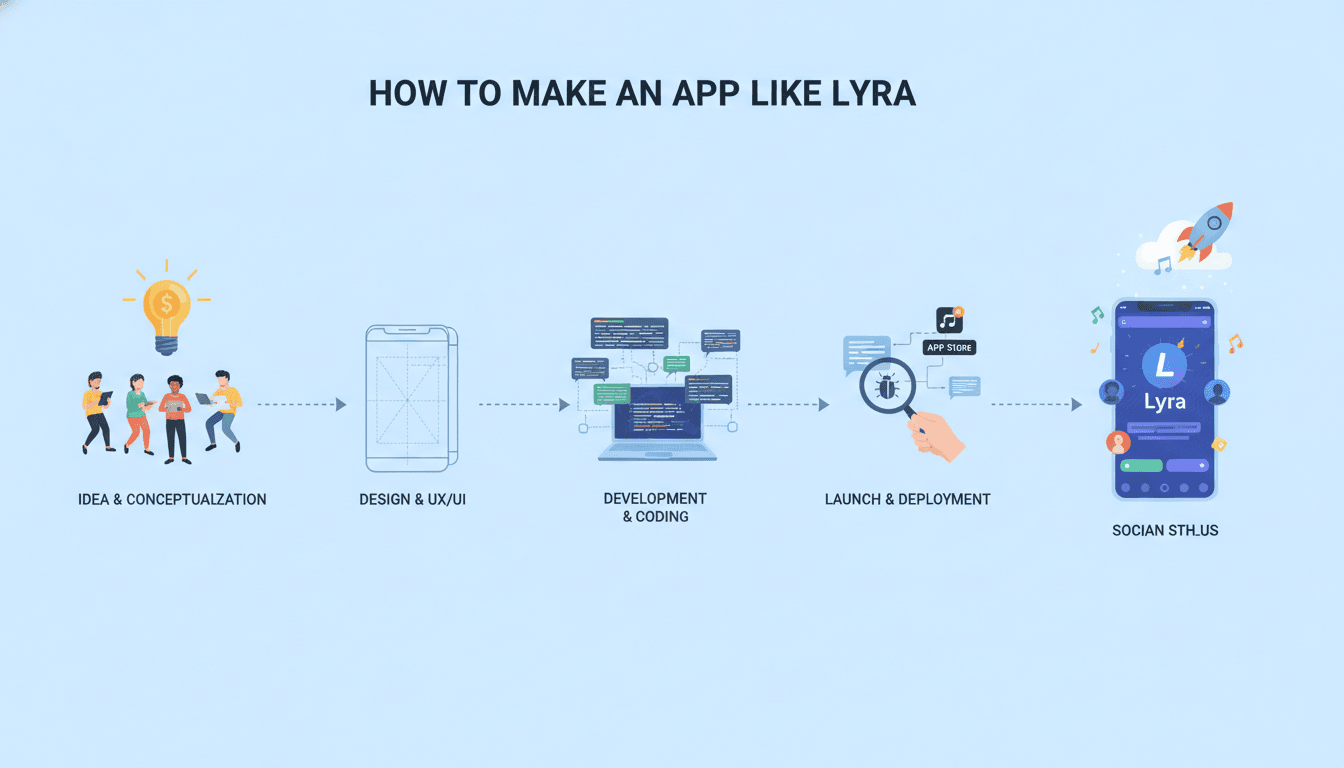
Discovery and design — 3 to 5 weeks. User research, feature definition, wireframes, UI design system, prototype testing.
MVP development — 10 to 16 weeks. Core chat, streaming, auth, history, subscriptions, basic memory, one model integration.
Beta and hardening — 4 to 6 weeks. Real-user testing, performance tuning, cost optimisation, moderation refinement.
Launch and iteration — ongoing. Store submission, analytics instrumentation, feature expansion.
A credible MVP typically lands between $50,000 and $140,000 depending on scope, platform count, and feature depth. Add ongoing inference costs, which scale directly with usage and are often underestimated by a wide margin.
Common Mistakes to Avoid
Building a thin wrapper. If your app is just a chat box pointed at a model API, there's nothing stopping the model provider — or anyone else — from replacing you. Differentiate through memory, workflow integration, niche expertise, or interface innovation.
Ignoring cost until launch. Inference costs compound fast. Build metering, caching, and model routing into your architecture from the start, not as a panicked retrofit.
Overloading the interface. The temptation to expose every model parameter is strong. Resist it. Complexity belongs in settings, not in the primary flow.
Skipping evaluation. You need a test suite for output quality, not just for code. Without it, you can't tell whether a prompt change or model swap improved or degraded the experience.
Treating memory as a feature rather than a system. Long-term memory needs deliberate design around what to store, when to retrieve, how to expire, and how to let users inspect and correct it.
Going to Market
Assistant apps live or die on retention, not installs. Focus your launch effort on:
- A crisp positioning statement — what specific thing does your assistant do better than a general-purpose one?
- Onboarding that demonstrates value in under 30 seconds with a real, working example
- App store optimisation targeting intent-driven keywords rather than broad AI terms
- Community and creator seeding in the niches where your assistant excels
- Instrumented analytics tracking day-1, day-7, and day-30 retention alongside cost per user
Final Thoughts
Building an app like Lyra is entirely achievable with today's tooling — the models are commoditised, the SDKs are mature, and the patterns are documented. What separates a successful assistant app from the thousands that stall is discipline in three areas: ruthless attention to latency, deliberate design of personality and memory, and unflinching control of unit economics.
Start narrow. Pick a user and a job that a general assistant handles poorly. Build something genuinely excellent at that, earn retention, and expand from a position of strength. That's a far more durable path than trying to out-general the generalists.
Have a project in mind? Contact Sodio Technologies to discuss your requirements and explore the right technology solution for your business.
/// Work with us
Talk to the engineers who'd build it
You'll get a technical scope, timeline and cost estimate from the people doing the work, not an account manager. In-house team, no subcontracting, since 2016.