

How to Make an App Like Prisma
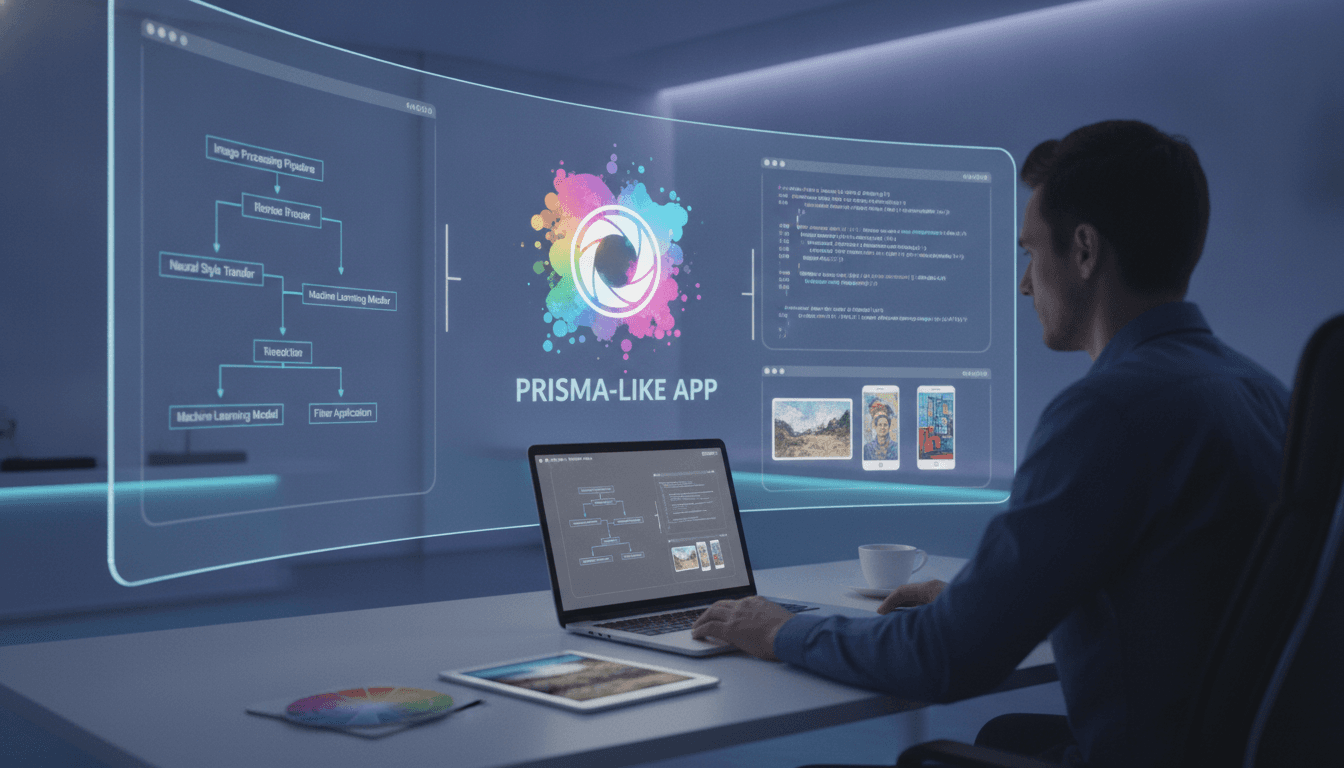
How to Make an App Like Prisma
Prisma took the world by storm when it launched, turning ordinary smartphone photos into paintings that looked like they belonged in a gallery. Behind that simple "pick a filter, tap apply" experience sits a sophisticated blend of neural networks, cloud infrastructure, and thoughtful mobile engineering.
If you are planning to build a photo-transformation app of your own, this guide walks you through what Prisma actually does under the hood, the features you need, the tech stack that makes it possible, and the realities of cost and timeline.
You may also find our article on How to Make an App Like Inkhunter useful.
What Makes Prisma Different from a Regular Filter App
Standard photo filters are essentially math applied to pixels: adjust contrast, shift a color curve, overlay a texture. The result is predictable and identical for every photo.
To explore this further, see How to Make an App Like Google Lens.
Prisma uses neural style transfer. A deep learning model separates the content of your photo (the shapes, the composition, the subject) from the style of a reference artwork (brush strokes, color palette, texture patterns). It then recombines them, so a portrait rendered in Van Gogh's style has swirling strokes that follow the contours of the actual face.
That distinction matters for your product strategy. You are not shipping a filter library, you are shipping an AI product, and that changes your architecture, your costs, and your competitive moat.
Core Features to Plan For
Must-Have Features
Onboarding and account management Keep signup optional or social-login based. Photo editing apps see huge drop-off when users are forced to register before seeing a result. Let people try one transformation first, then prompt.
Camera and gallery import Native camera capture plus access to the device photo library. Support HEIC, JPEG, and PNG at minimum. Handle EXIF orientation properly, or users will see sideways results.
Style library A scrollable grid of style presets with live thumbnail previews generated from the user's own image. Seeing your photo in each style beats seeing a generic sample.
Real-time preview and intensity slider Users want control. Let them dial the style strength from subtle to full effect, and show the change immediately.
Processing pipeline with progress feedback Style transfer takes time. Show a genuine progress indicator, not a spinner, and let users leave the screen and get a notification when the render is done.
Save and export Multiple resolution options, watermark toggle for premium users, and direct share sheets to Instagram, TikTok, WhatsApp, and camera roll.
History and re-edit Store the original image alongside the edit parameters so users can revisit and tweak a previous creation without starting over.
Features That Set You Apart
- Video style transfer with temporal consistency so frames do not flicker
- AI-generated custom styles where users upload their own reference artwork
- Portrait-aware processing that treats faces, hair, and background with different intensity
- Batch processing for users editing a whole shoot
- On-device processing for privacy-conscious users and offline use
- Community feed where users publish creations and follow other artists
- Text-to-style prompts using diffusion models, for example "make this look like a 1970s comic book"
The Technology Behind It
Model Options
Pre-trained fast style transfer networks Models based on the Johnson et al. feed-forward approach, one small network per style. They run in milliseconds and are ideal for on-device inference. The trade-off is that each new style needs its own trained model.
Arbitrary style transfer Architectures like AdaIN or WCT accept any style image at runtime. One model, unlimited styles, at the cost of slightly lower fidelity and higher compute.
Diffusion-based image-to-image Stable Diffusion with ControlNet or img2img gives dramatically richer, more creative results and supports text prompts. It is far heavier, so this almost always means server-side GPU inference.
GAN-based approaches CycleGAN and similar models excel at specific domain translations like photo to anime or photo to sketch.
On-Device vs Cloud Inference
| Factor | On-Device | Cloud |
|---|---|---|
| Latency | Instant, no upload | Depends on network and queue |
| Cost per render | Zero | GPU seconds add up fast |
| Model size limits | Tight, tens of MB | Effectively unlimited |
| Output quality | Good | Best available |
| Privacy | Photos never leave phone | Requires trust and clear policy |
| Offline support | Yes | No |
Most successful apps run a hybrid model: lightweight styles process locally for instant gratification, while premium high-resolution or diffusion-based renders go to the cloud.
For on-device work, use Core ML with the Neural Engine on iOS, and TensorFlow Lite or ONNX Runtime with NNAPI or GPU delegates on Android. Quantize models to 8-bit or 16-bit to shrink size and speed up inference.
A Practical Stack
Mobile Swift with SwiftUI for iOS, Kotlin with Jetpack Compose for Android, or Flutter and React Native if you want a single codebase. Note that heavy image pipelines often still need native modules regardless of your cross-platform choice.
Image processing Metal shaders on iOS, RenderScript successors or Vulkan on Android, GPUImage, or OpenCV for pre and post-processing steps like resizing, color correction, and sharpening.
Backend Python with FastAPI for the inference service, Node.js for the general API layer, PostgreSQL for user and metadata storage, Redis for job queues and caching.
Inference infrastructure GPU instances on AWS, GCP, or a specialized provider like Replicate or Modal. Use a queue such as Celery or SQS so bursts do not crash your service. Autoscale aggressively, because demand is spiky.
Storage and delivery S3 or Cloud Storage for images, CloudFront or Cloudflare as a CDN. Set lifecycle rules to delete originals after processing unless the user opts to keep them.
Analytics and monitoring Track render success rates, average processing time, and which styles drive shares and conversions.
Step-by-Step Development Process
1. Validate the concept Decide what your visual hook is. "Yet another style transfer app" will not get downloads. Pick a niche: anime portraits, tattoo previews, architectural sketches, pet art, vintage film emulation.
2. Prototype the model first Before writing a line of app code, prove your output quality in a notebook. Run fifty real photos through your pipeline. If the results are not shareable, no amount of polish saves the product.
3. Design the experience Wireframe the shortest possible path from opening the app to sharing a result. Every extra tap costs you conversions. Design for one-handed use.
4. Build the inference service Containerize your model, expose a simple endpoint, add queuing and retries, and load test it. Measure cost per render early so pricing decisions are grounded in reality.
5. Build the mobile client Start with a single platform and one great style category. Get the camera, preview, processing, and share flow rock solid.
6. Optimize for device Convert and quantize models, benchmark on older hardware, and implement graceful fallbacks. A three-year-old mid-range Android phone is your real target, not the latest flagship.
7. Test broadly Test with diverse skin tones, lighting conditions, group photos, screenshots, low-resolution images, and extreme aspect ratios. Style transfer fails in ugly and very visible ways on edge cases.
8. Launch and iterate Ship with a modest style set, then add new styles regularly. Fresh content is the main reason users reopen a photo app.
Monetization Models
- Freemium with watermark — free renders carry a small watermark, subscribers get clean high-resolution exports
- Subscription — weekly, monthly, and annual tiers with unlimited renders and exclusive styles, the dominant model in this category
- Credit packs — users buy a bundle of renders, which maps neatly onto your GPU costs
- Style packs as one-off purchases — works well for themed collections
- Ads on the free tier — rewarded video for an extra free render converts surprisingly well
Subscriptions with a short free trial and a clear paywall after the first successful render tend to perform best. The moment a user sees a great result is the moment they are most willing to pay.
Cost and Timeline Expectations
Budgets vary widely with scope, team location, and how much model work is custom versus off-the-shelf.
| Scope | Timeline | Rough Cost Range |
|---|---|---|
| MVP, one platform, pre-trained styles | 3 to 4 months | $35,000 – $60,000 |
| Both platforms, hybrid inference, subscriptions | 5 to 7 months | $70,000 – $130,000 |
| Full product with video, custom models, social feed | 8 to 12 months | $150,000 – $300,000+ |
Remember the ongoing costs that pure app projects do not have: GPU inference, storage, bandwidth, and model retraining. A viral moment is wonderful for growth and brutal for your cloud bill, so build cost controls and rate limits from day one.
Related reading: How to Make an App Like SketchAR.
Common Pitfalls to Avoid
Underestimating inference costs. Model a worst-case scenario where a free user runs fifty renders. Cap it.
Ignoring output resolution. Users expect to post to Instagram. Rendering at 512 pixels and upscaling looks bad and gets refunded.
Shipping too many mediocre styles. Fifteen stunning styles beat a hundred forgettable ones.
Skipping content moderation. If you allow user uploads to a public feed, you need automated moderation and a reporting flow before launch, not after.
Neglecting privacy disclosure. Be explicit about whether photos are uploaded, how long they are retained, and whether they are used for training. Both app stores scrutinize this, and users care.
Forgetting the share loop. Your cheapest growth channel is users posting results. Make sharing effortless, and consider subtle attribution in the exported file metadata or an optional watermark users actually like.
Final Thoughts
Building an app like Prisma is genuinely two projects in one: a polished consumer mobile experience and a production machine learning pipeline. The apps that win are the ones where the AI output is so good that users share it without being asked, and where the interface disappears so completely that the magic feels instant.
Start narrow, prove the visual quality before anything else, and treat your inference costs as a core product constraint rather than an afterthought. Get those three things right and you have a real shot in a crowded but still surprisingly open category.
Have a project in mind? Contact Sodio Technologies to discuss your requirements and explore the right technology solution for your business.
/// Work with us
Talk to the engineers who'd build it
You'll get a technical scope, timeline and cost estimate from the people doing the work, not an account manager. In-house team, no subcontracting, since 2016.