

How to Make an App Like Google Podcasts
How to Make an App Like Google Podcasts
Podcasting has quietly grown into one of the most reliable content formats on the internet. Listeners tune in during commutes, workouts, chores, and downtime — and they do it with remarkable consistency. That consistency is exactly why podcast apps remain such an attractive product category, even after Google retired Google Podcasts and folded its functionality into YouTube Music.
If you're planning to build an app like Google Podcasts, you're not just building a media player. You're building a discovery engine, a subscription manager, a sync layer, and an offline-first listening experience — all wrapped in an interface that has to feel effortless.
We cover a closely related subject in How to Make an App Like Apple Podcasts.
Here's a practical walkthrough of what it takes.
Why Build a Podcast App Now?
The shutdown of Google Podcasts left a gap. Millions of users were pushed toward alternatives, and many of them weren't thrilled about migrating to a music-first platform. That churn created an opening for focused, well-designed podcast apps.
A few reasons the category still makes sense:
- Low content acquisition cost. Most podcasts are distributed via open RSS feeds. You don't need licensing deals to build a catalog of millions of shows.
- High session frequency. Podcast listeners open their app daily, often multiple times a day.
- Long session duration. Average listening sessions run far longer than social or news apps, which is valuable for ad-supported models.
- Room for differentiation. Discovery, transcripts, clipping, and AI-powered summaries are all still underserved.
Core Features to Include
1. Search and Discovery
This is where most podcast apps live or die. Users need to find shows by name, topic, host, and — increasingly — by what's actually said inside episodes.
Build for:
- Full-text search across show titles, descriptions, and episode notes
- Category and topic browsing
- Curated collections and editorial picks
- Trending and "new and noteworthy" rails
- Personalized recommendations based on listening history
2. Subscriptions and Feed Management
Let users subscribe to shows and automatically receive new episodes. Behind the scenes, this means polling RSS feeds on a schedule, detecting new items, and pushing notifications.
Key considerations:
- Configurable auto-download rules (Wi-Fi only, latest N episodes)
- Episode retention and auto-delete policies
- Feed refresh intervals that balance freshness against server load
3. The Player
The player needs to be rock solid. It's the feature users touch most.
Essentials include:
- Background playback with lock-screen and notification controls
- Variable playback speed (0.5x to 3x) with pitch correction
- Skip forward/back with customizable intervals
- Sleep timer
- Silence trimming and volume boost
- Chapter support for feeds that provide it
- Continuous playback and queue management
4. Offline Downloads
Commuters lose signal. Travelers go offline. Downloads aren't optional.
You'll need a download manager that handles queuing, pause/resume, background transfers, storage limits, and graceful failure recovery.
5. Cross-Device Sync
One of Google Podcasts' standout features was seamless sync across phone, web, and smart speakers. Playback position, subscriptions, and queue state should follow the user everywhere.
This requires an account system and a sync service that resolves conflicts sensibly — usually last-write-wins with timestamps, plus periodic reconciliation.
6. Queue and Playlists
Let users build a listening lineup. Drag-to-reorder queues, "play next," and smart playlists (e.g., "all unplayed episodes under 30 minutes") make the app feel personal.
We cover a closely related subject in How to Make an App Like Pocket Casts.
Features That Set You Apart
Matching Google Podcasts gets you parity. These get you noticed:
- Transcripts and in-episode search. Auto-generate transcripts and let users jump to the exact moment a topic is mentioned.
- AI episode summaries. Give listeners a 60-second read on whether an episode is worth their hour.
- Clip sharing. Let users cut a 30-second highlight and share it as audio or video to social platforms.
- Bookmarks and notes. Timestamped notes for people who listen to learn.
- Smart speed and adaptive playback. Adjust pacing dynamically based on speech density.
- CarPlay and Android Auto integration. A huge share of listening happens in vehicles.
- Wearable support. Watch apps for standalone playback during workouts.
Technical Architecture
Client Side
Native: Swift/SwiftUI for iOS, Kotlin/Jetpack Compose for Android. Best audio performance and deepest OS integration (CarPlay, Android Auto, widgets, Live Activities).
Cross-platform: Flutter or React Native can work well if you want a single codebase. Audio handling requires careful use of mature plugins, and you'll still write native code for automotive and wearable integrations.
Web: A React or Next.js progressive web app covers desktop listeners and improves SEO discoverability for your show pages.
Backend
A service-oriented backend typically includes:
- Feed ingestion service — crawls and parses RSS/Atom feeds at scale, normalizes metadata, detects duplicates
- Search service — Elasticsearch or OpenSearch for full-text and faceted search
- User service — accounts, auth, preferences
- Sync service — playback positions, subscriptions, queue state
- Recommendation service — collaborative filtering plus content-based signals
- Notification service — new episode pushes via FCM/APNs
- Analytics pipeline — listening events, completion rates, drop-off points
Data and Storage
- PostgreSQL for relational data (users, subscriptions, shows, episodes)
- Redis for caching hot feeds and session state
- Object storage (S3 or equivalent) for artwork, transcripts, and any hosted audio
- A CDN in front of media assets to keep playback snappy worldwide
Audio Delivery
Most podcast audio lives on the publisher's host, so you'll usually stream directly from the source URL. Respect publisher analytics by preserving redirect chains — many podcasters rely on prefix-based tracking to measure downloads. Stripping those breaks their business and will get you blocklisted.
Handling RSS at Scale
Podcast RSS is messy. Feeds break, encodings vary, and publishers do unexpected things. Plan for:
- Conditional requests. Use ETag and Last-Modified headers so you're not re-downloading unchanged feeds.
- Adaptive polling. Refresh daily shows hourly and dormant shows weekly.
- Tolerant parsing. Handle malformed XML, missing enclosures, and inconsistent date formats without crashing the pipeline.
- Deduplication. The same show can appear under multiple feed URLs.
- Namespace support. Parse iTunes, Podcast Index, and Podcasting 2.0 tags for chapters, transcripts, funding links, and more.
UI/UX Principles That Matter
Google Podcasts succeeded largely because it was simple. Take that lesson seriously.
- Get to play in one tap. The home screen should surface the next thing the user wants to hear.
- Make the mini-player persistent. Users should never lose their place while browsing.
- Design for one-handed use. Primary controls belong in the lower third of the screen.
- Respect dark mode. A lot of listening happens at night.
- Prioritize accessibility. Proper labels, dynamic type support, and adequate contrast are non-negotiable.
- Show download and sync state clearly. Ambiguity here generates support tickets.
Monetization Options
- Freemium subscriptions. Free tier with core playback; premium unlocks transcripts, AI summaries, unlimited downloads, and advanced playlists.
- Dynamic ad insertion. Serve ads into your own hosted or partnered content inventory.
- Publisher tools. Charge shows for analytics dashboards, promotional placement, and distribution.
- Listener-to-creator payments. Support Podcasting 2.0 value tags, tipping, or memberships and take a small cut.
- White-label licensing. Package your player and backend for media brands that want their own branded app.
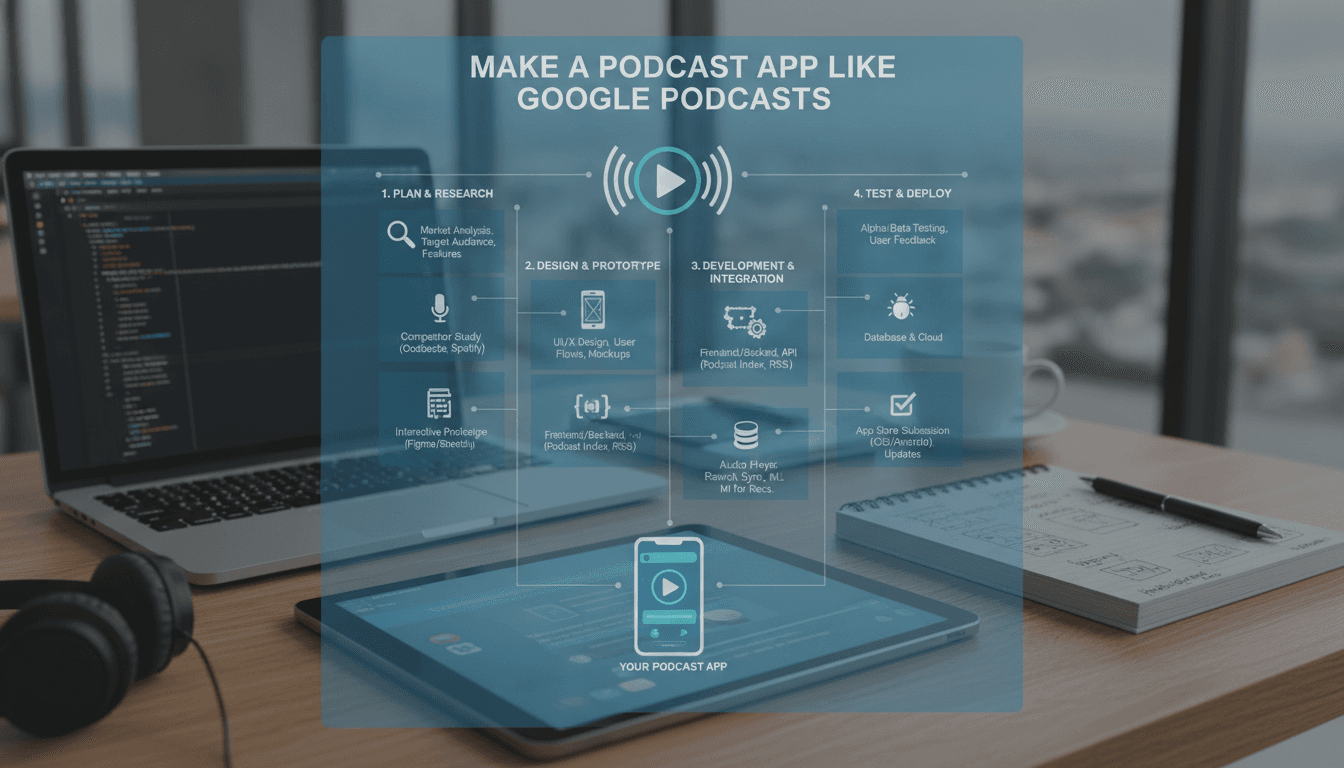
Development Roadmap
Phase 1 — Discovery (2–3 weeks). Market research, competitive analysis, feature prioritization, technical architecture, and wireframes.
Phase 2 — Design (3–4 weeks). UI system, high-fidelity screens, interaction prototypes, usability testing.
Phase 3 — MVP Build (10–14 weeks). Feed ingestion, search, subscriptions, player, downloads, basic sync. Ship to a closed beta.
Phase 4 — Expansion (8–12 weeks). Recommendations, transcripts, CarPlay/Android Auto, web app, premium tier.
Phase 5 — Launch and Iterate. App store optimization, onboarding refinement, retention experiments, and analytics-driven improvements.
Cost Considerations
Budgets vary widely based on scope and team location, but rough ranges look like this:
- MVP for a single platform: $40,000 – $70,000
- iOS + Android + basic web: $80,000 – $150,000
- Full-featured platform with AI features, automotive support, and publisher tools: $180,000 – $350,000+
Ongoing costs include cloud infrastructure (feed crawling and search indexes are the main drivers), transcription and AI processing, app store fees, and continuous development.
If this is relevant to your project, check out How to Make an App Like Castbox.
Common Pitfalls to Avoid
- Underestimating feed ingestion. Crawling millions of feeds reliably is a real engineering problem, not a weekend script.
- Neglecting playback edge cases. Bluetooth handoffs, interruptions from calls, and network drops need explicit handling.
- Breaking publisher analytics. This will damage relationships fast.
- Overloading the interface. Feature creep kills the simplicity that draws people to podcast apps in the first place.
- Ignoring battery and data usage. Aggressive polling and downloading will get your app deleted.
Final Thoughts
Building an app like Google Podcasts is very achievable — the open RSS ecosystem hands you a massive content library for free. The hard parts are engineering reliability at scale and designing an experience that gets out of the listener's way.
Start with an excellent player, dependable downloads, and search that actually works. Nail those three, and you've earned the right to add everything else. The apps that win in this space aren't the ones with the longest feature lists; they're the ones people trust to just play the next episode.
Have a project in mind? Contact Sodio Technologies to discuss your requirements and explore the right technology solution for your business.
/// Work with us
Talk to the engineers who'd build it
You'll get a technical scope, timeline and cost estimate from the people doing the work, not an account manager. In-house team, no subcontracting, since 2016.