

How to Make an App Like Home Design 3D
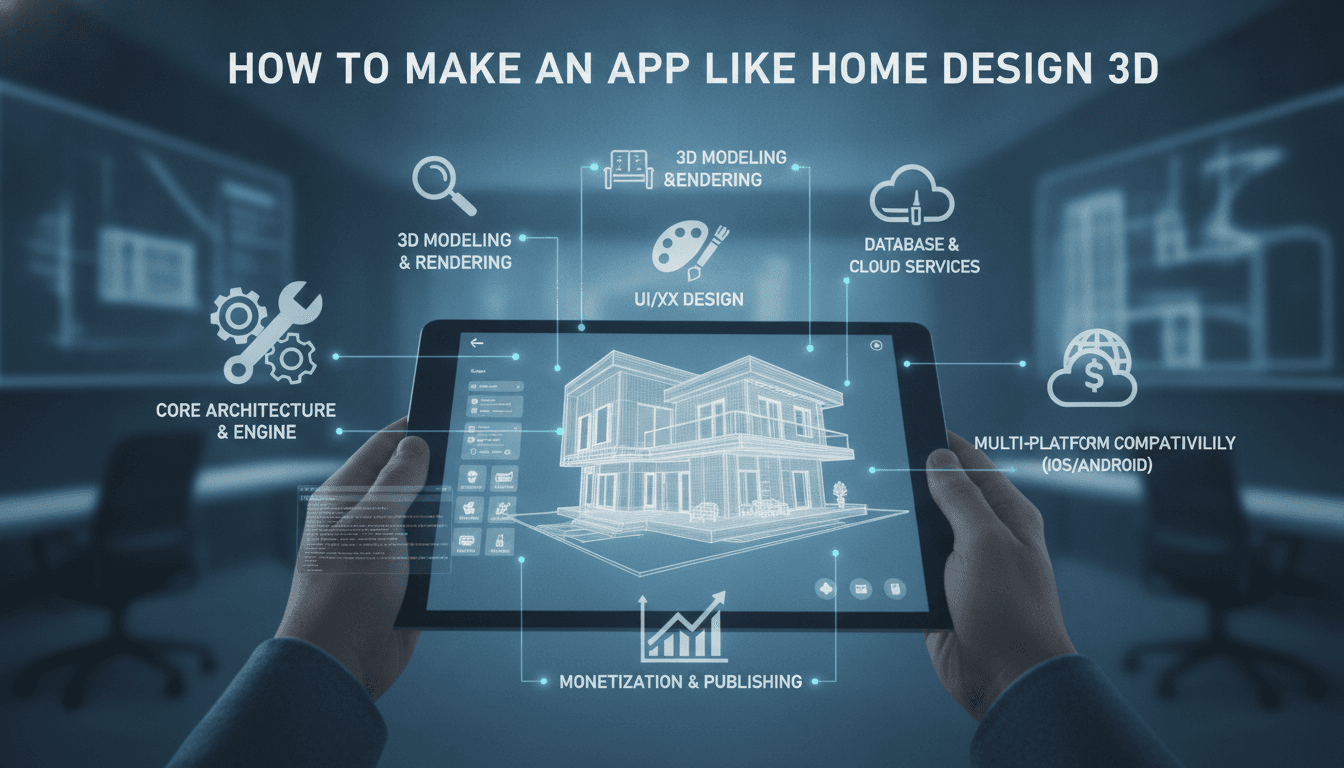
A practical breakdown of the architecture, tech stack, and cost decisions behind building a 3D home design app — from rendering engines to floor-plan editors and real-time AR overlays.
What Does an App Like Home Design 3D Actually Do Under the Hood?
Home Design 3D, developed by Anuman Interactive, has over 60 million downloads across iOS and Android. On the surface it looks like a drag-and-drop room planner. Underneath, it is a real-time 3D rendering engine, a parametric geometry system, a furniture catalogue with physics-aware placement, and an AR layer — all running on a mobile device with no server round-trips for the core experience.
Related reading: How to Make an App Like Planner 5D.
That is a meaningful engineering problem. If you are evaluating whether to build something similar, you need to understand which parts are genuinely hard and which are commodity.
The core feature set
Most apps in this category share a predictable feature matrix:
- 2D floor-plan editor with wall snapping and dimension constraints
- 3D walkthrough view with real-time lighting
- Object library (furniture, fixtures, materials) with drag-and-drop placement
- AR mode for placing objects in a real room using the device camera
- Export to image, PDF, or shareable link
- Multi-platform support (iOS, Android, and often web)
The complexity lives in the 3D rendering pipeline and the AR integration. Everything else is a well-solved UI problem.
Which Rendering Engine Should You Use?
This is the first architectural decision and it has long downstream consequences.
Unity (2022 LTS or 6.x) is the default choice for most teams. It gives you a mature rendering pipeline (URP or HDRP), cross-platform export to iOS, Android, and WebGL from a single codebase, a large ecosystem of furniture asset packs on the Asset Store, and well-documented AR Foundation support for both ARKit and ARCore. The trade-off is binary size: a minimal Unity WebGL build is around 8–12 MB compressed, and a mobile build adds roughly 30–50 MB to your app.
Unreal Engine 5 produces better photorealistic output but is the wrong choice for a mobile-first product. Its minimum supported Android version is Android 8.0, and frame rates on mid-range devices are problematic without aggressive LOD tuning. Use it only if your primary target is desktop or high-end tablets.
Three.js or Babylon.js work well for web-only tools. If your product is browser-first (think a tool embedded in a furniture retailer's website), Babylon.js 6.x has a solid PBR renderer, CSG support for room construction, and a smaller learning curve than Unity for web engineers. The limitation is AR: WebXR support on iOS Safari remains incomplete as of mid-2024, which forces you toward a native shell if you need iPhone AR.
Custom OpenGL/Metal/Vulkan — do not. The only scenario where this makes sense is if you are building a proprietary engine for a platform you own. The engineering cost is 3–5x that of using Unity, and you lose the asset ecosystem entirely.
For a cross-platform home design app targeting both iOS and Android with AR, Unity with URP is the pragmatic answer.
How Do You Build the Floor-Plan Editor?
The 2D editor is where most teams underestimate the complexity. It looks simple: draw walls, add doors, add furniture. The actual implementation involves:
Constraint-based geometry. Walls need to snap to angles (typically 0°, 45°, 90°), maintain minimum thickness (usually 10–30 cm parametrically), and auto-close rooms. You need a half-edge data structure or equivalent to track room topology so you can correctly calculate floor area, generate ceiling meshes, and handle wall intersections.
Coordinate system bridging. Your 2D editor works in centimetres or millimetres at real-world scale. Your 3D scene works in Unity world units. You need a clean transform layer between them, especially when users switch between 2D and 3D views of the same state.
Undo/redo. This sounds trivial. It is not. You need a command pattern implementation that covers geometry mutations, object placement, material changes, and camera state. Players expect ctrl+Z to work correctly on mobile (via gesture) as well as desktop.
Persistence. Save state as a JSON document describing your scene graph: walls as polylines with thickness and material IDs, objects as prefab references with transform data, rooms as derived entities. Do not serialise Unity scene objects directly — that path leads to version migration pain.
A reasonable implementation of just the 2D editor, done properly, is 6–10 weeks of senior engineering time.
/// Not sure where to start?
Get the architecture before you commit
Tell us what you're building and we'll map the technical approach, stack, and rough timeline. No cost, no obligation, no sales call required.
What Does the AR Layer Require?
ARKit (iOS 11+) and ARCore (Android 8+ with Google Play Services) both handle plane detection well in 2024. The integration via Unity AR Foundation abstracts most of the platform difference, but there are practical gaps:
- Plane detection latency is typically 1–3 seconds on a well-lit floor. You need a UX state machine that communicates this to the user rather than just showing a spinner.
- Occlusion (furniture appearing behind real walls) requires ARKit's LiDAR-based scene reconstruction on Pro devices or a depth estimation model on non-LiDAR devices. Apple's RealityKit handles this natively; getting equivalent behaviour in Unity requires ARKit XR Plugin 5.x and explicit occlusion shader configuration.
- Object scale accuracy depends on the plane detection quality. At 1:1 scale, a 2m sofa should look like a 2m sofa. Test on five or six different device classes before shipping.
If AR is a core differentiator, budget 4–6 weeks for AR integration and QA, not 1–2.
How Long Does It Take to Build and What Does It Cost?
This depends heavily on scope, but here is a realistic breakdown for a mid-fidelity v1 targeting iOS and Android:
| Module | Estimated Engineering Time |
|---|---|
| 2D floor-plan editor | 6–10 weeks |
| 3D scene with URP lighting | 4–6 weeks |
| Furniture object library (100 assets) | 3–4 weeks (3D artist time) |
| AR integration (ARKit + ARCore) | 4–6 weeks |
| User accounts, save/share | 3–4 weeks |
| Backend (catalogue API, asset delivery) | 4–5 weeks |
| QA and device testing | 3–4 weeks |
Total: roughly 27–39 weeks for a focused team of four to five engineers and one 3D artist. At a blended rate of $50–80 USD per hour (depending on team location), that is $270k–$620k for a v1. A stripped version with a fixed room library and no AR lands closer to $80k–$150k.
For a closer look at a related topic, read our guide on How to Make an App Like Live Home 3D.
The furniture asset library is often underestimated. Modelling a sofa to PBR standard with correct UV mapping takes a 3D artist 8–16 hours per asset. Buying from Turbosquid or CGTrader and reformatting to your spec is faster but introduces licensing and quality inconsistencies. A hybrid approach (buy base assets, standardise in-house) is usually the right call.
Conclusion
Building a home design app is a 3D rendering and UX problem as much as it is a mobile engineering problem. The floor-plan editor, AR integration, and asset pipeline each carry genuine complexity that is easy to underestimate from a product requirements document.
If you are scoping this out, start by defining your minimum viable feature set against the table above and work backwards to a realistic timeline. Then decide whether Unity's cross-platform flexibility is worth its binary size and build complexity relative to a web-first Babylon.js approach for your specific user base.
Sodio has built real-time 3D and AR systems across several domains. If you want to talk through your specific architecture before committing to a stack, reach out directly.
FAQ
How much does it cost to build an app like Home Design 3D? A full-featured v1 with AR, a furniture library of around 100 assets, and cross-platform iOS/Android support typically costs $270k–$620k depending on team location and rates. A stripped version without AR and with a fixed room template can come in closer to $80k–$150k. Scope definition is everything here.
Can you build a home design app without Unity? Yes. For browser-first products, Babylon.js 6.x is a strong choice with a solid PBR renderer and easier integration for web engineering teams. The main limitation is AR: WebXR on iOS Safari has incomplete support as of 2024, so native mobile AR effectively requires Unity AR Foundation or platform-native SDKs.
How long does AR integration take for a home design app? Plan for 4–6 weeks for ARKit and ARCore integration via Unity AR Foundation, including QA across device classes. The integration code itself is not the slow part — testing plane detection accuracy, occlusion behaviour, and scale fidelity across mid-range and high-end devices takes most of that time.
What is the hardest part of building a 3D floor-plan editor? The constraint-based geometry system. Walls need to snap, close rooms, handle intersections, and maintain topology that correctly generates 3D meshes. Getting undo/redo to work reliably across geometry mutations and object placement adds another layer. Most teams underestimate this module by a factor of two.
Do you need a backend for a home design app? Not for the core editing experience, which can run entirely on-device. You need a backend for user accounts, cloud save, project sharing, and furniture catalogue delivery. A lightweight API (Node.js or Python/FastAPI) with an S3-compatible asset store and a PostgreSQL database covers most v1 needs without significant infrastructure cost.
Have a project in mind? Contact Sodio Technologies to discuss your requirements and explore the right technology solution for your business.
/// Work with us
Talk to the engineers who'd build it
You'll get a technical scope, timeline and cost estimate from the people doing the work, not an account manager. In-house team, no subcontracting, since 2016.