

How to Make an App Like Live Home 3D
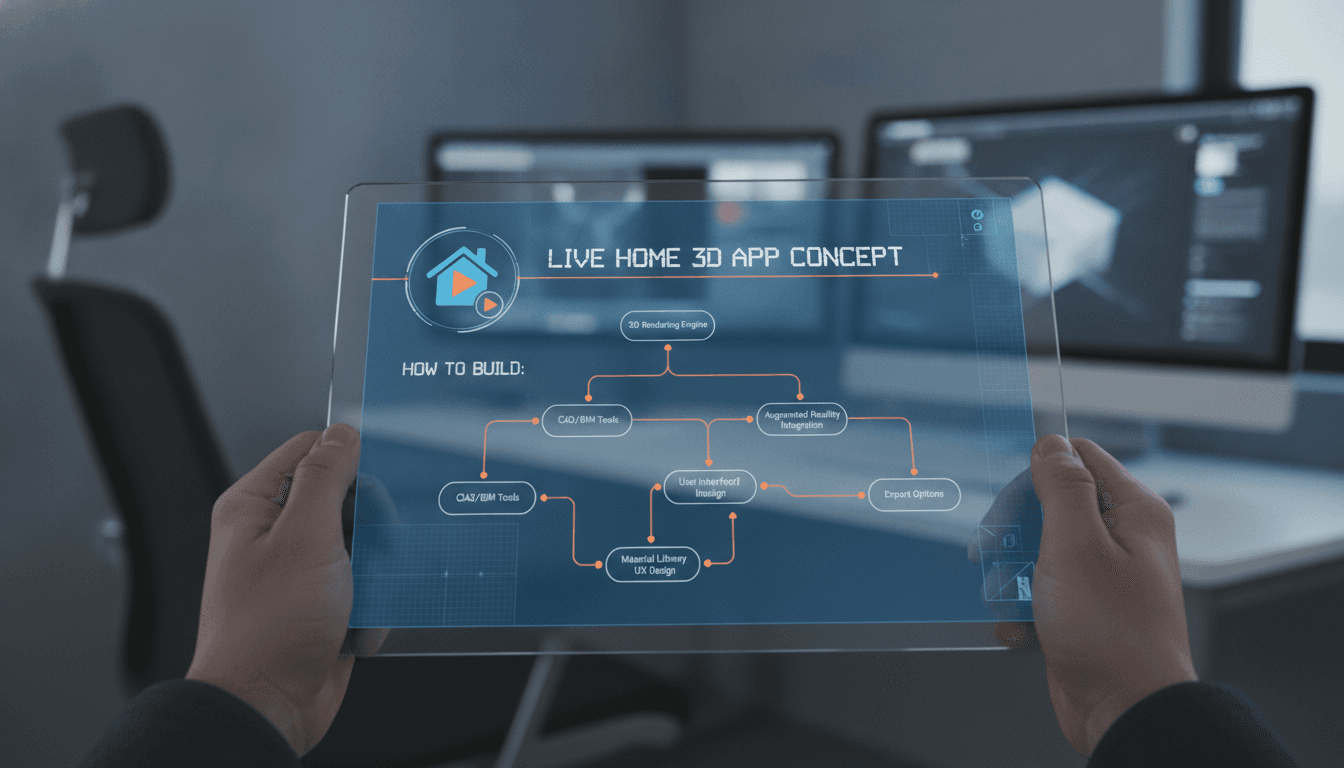
A practical breakdown of the architecture, tech stack, and build decisions behind a 3D home design app — from real-time rendering to AR overlays and cross-platform deployment.
What Does an App Like Live Home 3D Actually Do Under the Hood?
Live Home 3D is a home design and interior planning tool that lets users place furniture, adjust room dimensions, switch between 2D floor plans and 3D views in real time, and walk through their designs in first-person. On the surface it looks like a creative tool. Under the hood it is a rendering engine, a spatial data manager, a product catalogue system, and an AR layer stitched together.
If this is relevant to your project, check out How to Make an App Like Planner 5D.
Before you scope your build, be clear on which of those four components your product actually needs. Many teams underestimate the rendering side and overestimate the catalogue complexity, then get surprised when the timeline blows up.
The core technical challenge is maintaining a consistent scene graph — the tree of objects, their positions, materials, and lighting — while the user edits in real time. Every drag, resize, or material swap must propagate through the 2D and 3D views simultaneously without perceptible lag. That synchronisation is where most first attempts break.
Related reading: How to Make an App Like HomeByMe.
How Much Does It Cost to Build a 3D Home Design App?
This is the question everyone asks first, and the answer is genuinely wide. A minimum viable product with 2D floor planning, basic 3D view, and a static furniture catalogue lands somewhere between $80,000 and $150,000 depending on team location and whether you build a custom renderer or sit on top of an existing engine.
A full-featured product — AR placement, real-time ray tracing or path tracing, cloud sync, multiplayer editing, a dynamic product catalogue with affiliate or e-commerce links — is a $400,000 to $800,000 project over 18 to 24 months. Those numbers assume a team of five to eight engineers including a dedicated graphics programmer.
The biggest cost driver is not the feature count. It is the rendering quality target. Real-time rasterisation (what most mobile games use) is fast and cheap to implement. Physically-based rendering with accurate shadows and reflections is expensive. Path tracing in real time on mobile is still largely out of reach for anything beyond baked previews.
| Rendering approach | Visual quality | Performance cost | Suitable for |
|---|---|---|---|
| Rasterisation + PBR materials | Good | Low | Mobile, real-time editing |
| Baked lightmaps | Excellent | Offline bake time | Final renders, exports |
| Real-time ray tracing | Very good | High (GPU-bound) | Desktop/high-end only |
| Path tracing | Near-photorealistic | Very high | Offline render queue |
Pick your tier early. Changing rendering strategy mid-build is expensive.
Choosing Your Rendering Engine and Scene Graph
You have three realistic options for the rendering backbone.
Unity is the most common choice for this category. It has mature tooling, a large asset pipeline, and C# scripting that most mobile engineers can pick up. The Universal Render Pipeline (URP) handles PBR materials well enough for room design at 60 fps on mid-range Android and iOS hardware. The licensing change in 2023 spooked some teams, but for a B2C or B2B2C product the per-install fees only bite at scale you probably want to have.
Unreal Engine 5 gives you better out-of-the-box visual quality through Nanite and Lumen. It is the right call if photorealism is a core product differentiator. The trade-off is a heavier binary, longer build times, and a C++ codebase that requires a more specialised team. Unreal also has a weaker story on mobile compared to Unity.
Three.js or Babylon.js make sense if you are building a web-first product. WebGL-based rendering has closed the gap significantly, and WebGPU is starting to appear in production. If your users are primarily desktop-browser-based and you want zero install friction, a Three.js scene with react-three-fiber on top of a React frontend is a credible stack. You will not match native app visual quality, but for floor planning and basic 3D the trade-off is acceptable.
For mobile specifically, ARKit (iOS) and ARCore (Android) handle the AR placement layer. You feed them a detected plane, drop your scene graph node onto it, and let the SDK handle the camera pose tracking. The work is in the integration and UX, not in writing your own SLAM.
Scene Graph Design
Model your scene as an entity-component system. Each room object — wall, floor, window, furniture piece — is an entity. Components carry the data: geometry, material, transform, metadata. Systems process those components. This is the architecture Unity uses internally and it scales to complex scenes without the spaghetti that comes from a deep inheritance tree.
Store scene state as a serialisable JSON or MessagePack document. This gives you undo/redo for free (keep a stack of diffs), cloud sync without special handling, and multiplayer editing with a CRDT merge strategy if you need it later.
/// Not sure where to start?
Get the architecture before you commit
Tell us what you're building and we'll map the technical approach, stack, and rough timeline. No cost, no obligation, no sales call required.
The Product Catalogue and Data Layer
A furniture catalogue is not just a list of 3D models. Each item needs a GLB or USDZ model file, a set of material variants, real-world dimensions, a category and tag taxonomy, pricing data if you are doing e-commerce integration, and availability metadata if you are connecting to a live inventory.
For 200 to 500 items, a PostgreSQL database with a lightweight REST or GraphQL API is fine. For a catalogue that scales to tens of thousands of SKUs with frequent updates from multiple brands, you need a proper PIM (Product Information Management) system. Akeneo is the common open-source choice. Commercetools works if you are going deeper into e-commerce.
3D model quality control is a recurring operational cost people forget to budget for. Supplier-provided models vary wildly. You will need a pipeline — automated polygon count checks, UV validation, scale normalisation — before any model goes live. Budget at least one technical artist for ongoing catalogue management.
How Do You Handle Cross-Platform Deployment?
Live Home 3D ships on macOS, iOS, Windows, and to some extent the web. That reach is not free.
If you choose Unity, you get iOS, Android, Windows, and macOS from a single codebase with manageable platform-specific work. The UI layer still needs per-platform attention. Touch interactions on mobile and cursor interactions on desktop are genuinely different, not just reskinned versions of each other.
Flutter is an option for the UI shell if you want a consistent non-game UI across platforms, with Unity rendering into a texture via the FlutterUnityWidget package. This is a more complex integration but it gives your product team a single UI codebase in Dart.
If you are web-first, Progressive Web App delivery gets you close to zero installation friction. Lighthouse scores and Core Web Vitals matter here if SEO-driven acquisition is part of your growth strategy.
You may also find our article on How to Make an App Like Home Design 3D useful.
Conclusion
Building a 3D home design app is a multi-disciplinary engineering project. The rendering layer, scene graph design, catalogue data pipeline, and AR integration each carry their own complexity and their own failure modes.
Start by locking in your rendering quality target and your primary platform. Those two decisions constrain almost everything else. If you are at the stage of evaluating build vs. partner options, the honest question to ask is whether your team has a graphics programmer. If not, the first hire is more important than the engine you choose.
At Sodio, we have built spatial and 3D-adjacent products across Unity and web-based stacks. If you are scoping a home design or interior tech product and want a technical review of your architecture before you commit, get in touch.
FAQ
How long does it take to build a basic 3D home design app? A stripped-down MVP — 2D floor planning, basic 3D view, and a static catalogue of around 50 furniture items — takes roughly 6 to 9 months with a team of four engineers. Adding AR placement, cloud sync, or a dynamic product catalogue each adds 2 to 4 months depending on integration complexity.
Do I need a custom rendering engine or can I use Unity or Unreal? You almost certainly do not need a custom renderer. Unity with URP covers 90% of mobile home design use cases at acceptable quality and cost. Custom rendering only makes sense if you have a specific visual feature that off-the-shelf engines cannot deliver, which is rare.
What file formats should 3D furniture models be in? GLB is the practical standard for real-time use across web and mobile. USDZ is required for AR Quick Look on iOS. Most pipelines convert from FBX or OBJ source files into both GLB and USDZ as part of the asset build process. Keep source files; you will need them for re-exports as formats evolve.
How do you handle user-generated room designs at scale? Store scene state as a JSON document (or MessagePack for size efficiency) in a cloud database. Each design is a versioned document. S3-compatible object storage handles the associated assets. At moderate scale — say, under a million active designs — PostgreSQL with JSONB columns and appropriate indexing handles queries without needing a dedicated document store.
Is AR placement accurate enough for real furniture shopping decisions? ARKit and ARCore plane detection is accurate to within a few centimetres under good lighting. Furniture dimensions match real-world objects well enough for purchase confidence at that tolerance. The bigger UX problem is not accuracy — it is the friction of setting up the AR session. Invest in onboarding flow as much as in AR precision.
Have a project in mind? Contact Sodio Technologies to discuss your requirements and explore the right technology solution for your business.
/// Work with us
Talk to the engineers who'd build it
You'll get a technical scope, timeline and cost estimate from the people doing the work, not an account manager. In-house team, no subcontracting, since 2016.