

How to Make an App Like HomeByMe
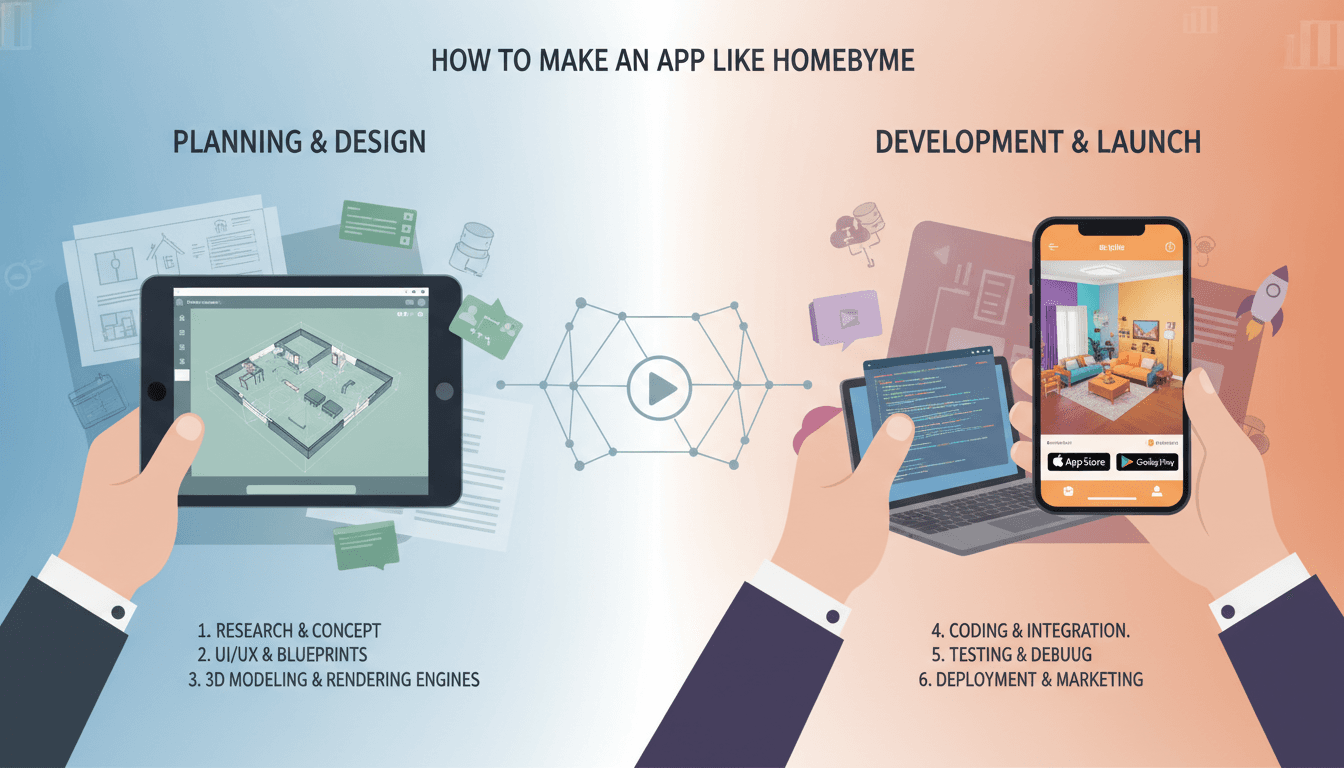
A practical breakdown of the architecture, tech stack, and cost decisions behind building a 3D home design platform — from rendering engines to real-time collaboration.
What Does a Platform Like HomeByMe Actually Do Under the Hood?
HomeByMe is a browser-based 3D interior design tool. Users drag furniture into a floor plan, toggle between 2D and 3D views, and get photorealistic renders. That description makes it sound simple. The engineering underneath is not.
You may also find our article on How to Make an App Like Home Design 3D useful.
You are building, at minimum, four distinct systems: a 3D rendering engine that runs in the browser, a floor plan editor with geometric constraint solving, a product catalogue with configurable 3D assets, and a user account and project persistence layer. Each of these is a substantial piece of work on its own. The complexity compounds when they need to talk to each other in real time.
Before you commit to building, be honest about the scope. HomeByMe reportedly took several years and significant VC funding to reach its current state. If your product is a thin feature layer on top of 3D visualisation, you are almost certainly better served by licensing an SDK. If 3D design is your core product differentiator, then building makes sense.
Which Rendering Engine Should You Use?
This is the question that shapes everything else.
Three.js vs Babylon.js
Both are WebGL-based. Three.js (r160+) has the larger community and more third-party tooling. Babylon.js has better built-in support for physically based rendering (PBR) materials, a more opinionated scene graph, and a native inspector tool that your designers will actually use during QA.
For a home design platform specifically, Babylon.js tends to win on material fidelity out of the box. Real-time soft shadows, ambient occlusion, and HDR environment maps matter when you are rendering fabric sofas and matte wall paint. Getting those right in Three.js requires more custom shader work.
For a closer look at a related topic, read our guide on How to Make an App Like Roomstyler 3D Home Planner.
| Criteria | Three.js | Babylon.js |
|---|---|---|
| Community size | Larger | Smaller but active |
| PBR materials | Manual setup | Native support |
| WebXR support | Plugin-based | Built-in |
| Learning curve | Moderate | Moderate-high |
| Performance tuning | More control | More abstraction |
Photorealistic Renders
Real-time WebGL is good for interactive previews. For final photorealistic output, HomeByMe uses server-side ray tracing. You will need to do the same. The standard path is to export the scene to a format like glTF 2.0, send it to a render farm, and return a high-resolution image. Tools like Chaos V-Ray, Blender Cycles running on AWS GPU instances (g4dn.xlarge or g5 family), or purpose-built APIs like Veras can handle this. Budget at least 30 to 90 seconds per render depending on scene complexity and instance type.
For a closer look at a related topic, read our guide on How to Make an App Like Live Home 3D.
How Do You Build the Floor Plan Editor?
The floor plan editor is a 2D CAD-adjacent tool with snap behaviour, wall-segment geometry, and room detection logic. It is not a drawing tool — it is a constraint solver with a canvas on top.
Walls need to know about adjacent walls. When a user drags a corner, every connected segment updates. Room area calculations need to update in real time. Doors and windows need to know they are children of a wall, not free-floating objects.
Two approaches work here:
- Build on top of a 2D canvas library like Konva.js or Fabric.js and write the constraint logic yourself.
- Use a geometry kernel. Open CASCADE Technology (OCCT) compiled to WebAssembly is the serious option here. It is what parametric CAD tools use. The WASM build adds roughly 3 to 6 MB to your bundle, and the API is not friendly, but the geometric accuracy is production-grade.
For most teams, starting with Konva.js and a custom constraint layer is faster to ship. You can always migrate the geometry kernel later if precision requirements grow. The real trap is building the floor plan editor as a pure drawing tool and then retrofitting constraints. Do not do that.
The synchronisation between the 2D floor plan and the 3D view needs to be event-driven. A Redux or Zustand store works fine as the shared state layer. Every floor plan mutation dispatches an action; the 3D scene subscribes and rebuilds the affected geometry. Keep the two views decoupled from each other — only couple them to the shared state.
/// Not sure where to start?
Get the architecture before you commit
Tell us what you're building and we'll map the technical approach, stack, and rough timeline. No cost, no obligation, no sales call required.
What Does the Backend Architecture Look Like?
The backend has five concerns: user and project management, asset storage and delivery, render job orchestration, real-time collaboration, and search/catalogue.
Project Persistence
Store project data as JSON documents. A room layout with furniture positions, materials, and camera state is naturally document-shaped. MongoDB or PostgreSQL with JSONB both work. PostgreSQL with JSONB is the safer long-term choice because you get transactional guarantees and SQL for reporting without giving up schema flexibility.
Asset Pipeline
3D furniture assets are expensive to produce and critical to quality. HomeByMe partners with furniture brands to get manufacturer-accurate models. Each model needs at minimum a web-optimised glTF (under 2 MB per asset, ideally under 500 KB) and a high-poly version for server-side rendering. The pipeline is: source model (OBJ or FBX) → Blender for cleanup and LOD generation → glTF export via gltf-pipeline → CDN delivery via Cloudfront or similar.
Texture compression matters here. Use KTX2 with Basis Universal for web delivery. It cuts texture memory by 4x to 8x versus PNG, which directly affects how many furniture pieces a user can place before hitting browser memory limits.
Real-Time Collaboration
If multi-user editing is a requirement, you need operational transforms (OT) or conflict-free replicated data types (CRDTs). Yjs is the practical choice in 2024. It handles concurrent edits, works over WebSocket or WebRTC, and has bindings for most state management patterns. ShareDB is the OT alternative if your team is already familiar with that model.
Single-user autosave is simpler: debounce writes, store diffs, keep a version history. Do not skip version history — users will delete things by accident on day one.
Render Queue
Use a job queue with a dedicated worker fleet. BullMQ on Redis, workers running on EC2 GPU instances with auto-scaling policies based on queue depth. Set a maximum concurrency per user to prevent queue abuse. Charge for renders if your business model supports it — GPU time is not cheap.
What Are the Real Cost Drivers?
3D asset production is expensive. A single high-quality furniture model with accurate materials costs between £200 and £800 to produce professionally. HomeByMe has thousands of items in its catalogue. If you are building for a specific niche (kitchen design, office fit-outs), a smaller catalogue of 200 to 500 high-quality assets is more achievable and more useful than a large catalogue of mediocre ones.
GPU rendering costs are the other major variable. A g4dn.xlarge on AWS costs roughly £0.50 per hour on-demand. If your product offers unlimited free renders, model that cost carefully before launch.
Conclusion
Build the rendering engine decision first — it anchors everything else. Babylon.js with a glTF-based asset pipeline and server-side GPU rendering for final output is the most defensible stack for this type of product. The floor plan editor is the highest-risk component to underestimate; start with Konva.js and a proper constraint model, not a drawing tool.
The next concrete step: spike the floor plan constraint solver with three wall segments, a door, and real-time 2D-to-3D sync. That spike will tell you more about your actual engineering effort than any estimate will.
FAQ
How long does it take to build a HomeByMe-style platform? A minimum viable product with a floor plan editor, basic 3D view, a catalogue of 50 to 100 assets, and user accounts typically takes 10 to 14 months with a team of four to six engineers. A production-grade platform with photorealistic rendering, a large catalogue, and real-time collaboration takes two to three years.
Can you use Unity or Unreal instead of WebGL? Yes, via WebGL export (Unity) or Pixel Streaming (Unreal Engine 5). Unity's WebGL output has improved significantly but still has memory limitations around 2 GB on most browsers. Pixel Streaming streams a GPU-rendered video feed and has high infrastructure costs. Both are valid for specific use cases but add operational complexity compared to native WebGL.
What is the cheapest way to build a 3D asset catalogue? License an existing asset library. Platforms like TurboSquid, CGTrader, or 3D Warehouse have large furniture libraries with commercial licences. Quality varies significantly. For brand-accurate models, you will need to work directly with manufacturers or commission modelling. Budget £150 to £600 per asset for professional production.
Do you need a native mobile app or does a web app suffice? HomeByMe runs on web with a companion mobile app for AR viewing. For the design editor itself, web is the right primary surface — the interaction model (drag, snap, resize) is better suited to a mouse and large screen. The mobile app makes sense as an AR viewer using ARKit or ARCore to place furniture in a real room.
How do you handle furniture catalogue search at scale? Elasticsearch or Typesense work well for this. Index attributes like category, dimensions, material, colour family, and brand. Faceted search (filter by room type, style, price range) is the core UX. At catalogue sizes under 10,000 items, Typesense is easier to operate and fast enough. Beyond that, Elasticsearch gives more tuning control.
Have a project in mind? Contact Sodio Technologies to discuss your requirements and explore the right technology solution for your business.
/// Work with us
Talk to the engineers who'd build it
You'll get a technical scope, timeline and cost estimate from the people doing the work, not an account manager. In-house team, no subcontracting, since 2016.