

How to Make an App Like NextVR
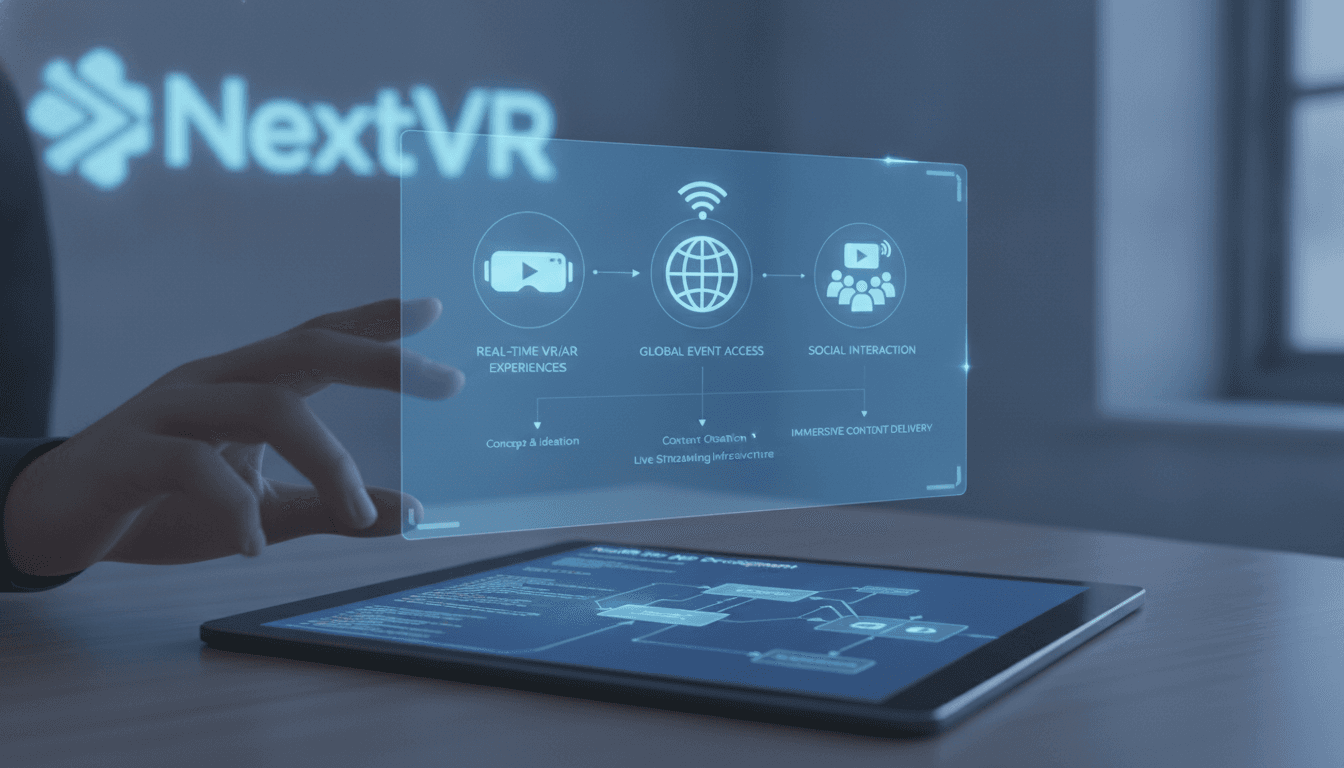
How to Make an App Like NextVR
Virtual reality has moved well past the novelty phase. Live concerts, courtside NBA seats, boxing matches, and immersive documentaries are now things people expect to experience from their living rooms. NextVR pioneered that category — streaming live and on-demand VR content in high fidelity to headsets around the world — and it proved there's a real appetite for immersive entertainment delivered on demand.
If you're planning to build an app like NextVR, this guide walks through what the product actually involves: the features, the tech stack, the streaming architecture, the pitfalls, and the realistic costs.
If this is relevant to your project, check out How to Make an App Like YouTube VR.
What NextVR Actually Did
Before designing your own version, it helps to be precise about the product. NextVR was not a game or a social platform. It was a VR broadcast and streaming service. Its core value proposition was simple:
- Capture real-world events with stereoscopic, high-resolution VR camera rigs
- Encode and compress that footage without destroying the sense of presence
- Stream it live or on demand to consumer headsets
- Wrap it all in a browsable, lean-back content library
That distinction matters. An app like NextVR is fundamentally a media delivery platform with a VR front end — closer to Netflix than to Beat Saber. Your hardest engineering problems will be in video pipelines and bandwidth, not physics engines.
We cover a closely related subject in Streaming Services: Revolutionizing Media Consumption.
Step 1: Pick Your Niche and Content Strategy
VR streaming apps live or die on content. Building the app is the easier half; filling it with something worth watching is the real challenge.
Common angles that work:
| Niche | Why It Works |
|---|---|
| Live sports | High emotional stakes, built-in fan base, recurring viewership |
| Live music & festivals | Scarcity — fans can't attend every show |
| Travel & documentary | Evergreen library, lower licensing complexity |
| Education & training | B2B budgets, less price sensitivity |
| Real estate & property tours | Clear ROI for the buyer |
| Fitness & wellness | Habitual, subscription-friendly usage |
Decide early whether you're licensing content, producing it yourself, or building a creator marketplace where third parties upload immersive video. Each path changes your product requirements dramatically — a marketplace needs ingest tooling, moderation, and revenue splits that a licensed-library model doesn't.
Step 2: Choose Your Target Platforms
Headset fragmentation is real. Your platform choices shape your entire build.
Standalone headsets — Meta Quest 3 and Quest Pro dominate consumer VR volume. Android-based, self-contained, and the default starting point for most new VR apps.
PC VR — Valve Index, HTC Vive, Varjo. Smaller audience but far more rendering headroom for high-bitrate 8K content.
PlayStation VR2 — Large captive install base, but a closed publishing pipeline with Sony approval gates.
Apple Vision Pro — Premium audience, excellent display quality, and strong native support for immersive video formats.
Mobile & web companions — A 2D phone app or browser player for browsing, purchasing, casting, and discovery. Most VR streaming services need one; nobody wants to enter payment details wearing a headset.
A pragmatic launch plan: ship on Quest first, add a mobile companion app for account management and discovery, then expand to Vision Pro and PC VR once the content library justifies it.
Step 3: Define the Core Feature Set
Must-Have Features (MVP)
Immersive Content Player The heart of the product. Needs to support monoscopic and stereoscopic 180°/360° video, adaptive bitrate switching, buffering that doesn't induce nausea, and smooth seek behaviour.
Content Discovery & Library A VR-native browse experience: featured carousels, categories, search, continue-watching, and watchlists. Keep interaction simple — gaze-plus-select and controller navigation beat complex gestures.
Live Event Streaming Low-latency live playback, countdown states, pre-show lobbies, and graceful degradation when bandwidth drops mid-event.
User Accounts & Entitlements Cross-device login, subscription or pay-per-view entitlement checks, and device management.
Payments & Monetisation Subscriptions, one-off event tickets, or a hybrid. In-headset store integrations (Meta Horizon Store billing, App Store) plus web checkout for better margins.
Offline Download Standalone headsets have limited storage but downloads massively improve playback quality and reduce complaints about home Wi-Fi.
Features That Differentiate
Multi-Angle Camera Switching — Let viewers jump between courtside, overhead, and player-cam perspectives.
Spatial Audio — Ambisonic audio is arguably as important as resolution for perceived presence. Don't treat it as an afterthought.
Live Data Overlays — Scores, stats, lap times, and telemetry rendered as floating UI inside the scene.
Social Co-Watching — Shared virtual rooms with voice chat and lightweight avatars. Technically demanding but enormously sticky.
Creator/Broadcaster Portal — Web dashboards for uploading, scheduling, tagging, and monitoring stream health.
Accessibility — Subtitles positioned comfortably in 3D space, seated-mode support, adjustable UI scale, and comfort settings for motion sensitivity.
Step 4: Design for Comfort First
VR UX has rules that don't exist on flat screens. Break them and users take the headset off within minutes.
- Keep UI inside a comfortable focal range — roughly 1.5 to 3 metres of apparent depth. Text closer than that causes eye strain.
- Never move the camera without user intent. No automatic pans, no forced transitions.
- Fade to black between scenes rather than hard-cutting between environments.
- Maintain frame rate above all else. Dropped frames are the fastest route to motion sickness. 72–90fps is the floor.
- Design lean-back interactions. Users are sitting, possibly reclining, often with one controller. Don't require precise two-handed input.
- Minimise time-to-content. Every second in menus is a second not watching. Auto-resume and one-click play are essential.
Step 5: Build the Streaming Architecture
This is where an app like NextVR gets genuinely hard. Immersive video is enormous — a stereoscopic 360° stream at perceptual parity with regular HD needs several times the pixels and bitrate.
For a closer look at a related topic, read our guide on How to Make an App Like Google Earth VR.
Content Pipeline
Capture → Multi-camera stereoscopic rigs, stitched into equirectangular or fisheye projections.
Ingest → RTMP, SRT, or RIST feeds pushed to your ingest endpoints.
Transcode → Multiple renditions across resolutions and bitrates. H.265/HEVC and AV1 give far better compression than H.264 at these resolutions, and most modern headsets have hardware decoders for them.
Package → HLS or DASH with CMAF segments. Use LL-HLS or WebRTC where genuinely low latency matters.
Deliver → A multi-CDN setup with edge caching. VR bitrates make CDN spend one of your largest recurring costs.
Playback → Client-side adaptive bitrate logic tuned specifically for VR, where quality drops are more noticeable than on a TV.
Bandwidth-Saving Techniques
Foveated or tiled streaming — Stream only the tiles the user is currently looking at in full quality, and lower-quality tiles elsewhere. Saves a huge amount of bandwidth but adds complexity and requires fast tile-switching to avoid visible blur on head turns.
Viewport-adaptive encoding — Pre-encode multiple versions biased toward different viewing directions, and switch between them.
Projection optimisation — Equi-angular cubemap and pyramid projections allocate pixels more efficiently than plain equirectangular.
Step 6: Choose Your Tech Stack
Client Side
Unity — The most common choice. Mature XR tooling via the XR Interaction Toolkit, broad device support, and a large plugin ecosystem for video playback.
Unreal Engine — Superior rendering quality; excellent if your app includes richly designed virtual environments around the video.
Native SDKs — Meta's OpenXR-based SDK, Apple's visionOS frameworks with AVFoundation for immersive video. Best performance and platform integration, less code reuse.
WebXR — Good for a browser-based tier or quick demos. Still constrained for high-bitrate DRM-protected playback.
Companion apps — React Native or Flutter for cross-platform mobile; React or Next.js for web.
Backend Side
- APIs & services: Node.js, Go, or Python behind a microservices or modular monolith architecture
- Video infrastructure: AWS Elemental MediaLive/MediaPackage, Mux, or a self-hosted FFmpeg-based pipeline
- Databases: PostgreSQL for entitlements and metadata, Redis for sessions and caching
- Search: Elasticsearch or Algolia for content discovery
- DRM: Widevine and FairPlay for licensed premium content
- Analytics: A real-time event pipeline capturing playback quality, head-movement heatmaps, and drop-off points
- Infrastructure: Kubernetes, Terraform, and multi-region deployment for live events
Step 7: Don't Skip DRM and Content Protection
If you license sports or music content, rights holders will demand protection as a condition of the deal. Plan for:
- Multi-DRM (Widevine, FairPlay, PlayReady) with hardware-backed security levels
- Forensic watermarking for premium live events
- Geo-blocking and geofencing to honour territorial rights
- Concurrent-stream limits and device registration caps
- Secure token-based playback URLs with short expiry windows
Retrofitting DRM into a finished player is painful. Build it in from the first sprint.
Step 8: Analytics Built for VR
Standard video metrics only tell you half the story. Instrument for:
- Quality of experience: startup time, rebuffer ratio, average bitrate, dropped frames
- Attention data: where users actually look, which angles they choose, heatmaps per scene
- Comfort signals: session length, early exits, sudden headset removals
- Content performance: completion rates by genre, angle popularity, replay behaviour
Head-tracking data is a genuinely unique asset. It tells you how to shoot better content, not just how to sell more of it.
Step 9: Monetisation Models
Subscription (SVOD) — Predictable revenue, requires a deep library to justify renewals.
Pay-per-view — Ideal for marquee live events; spiky revenue and spiky infrastructure load.
Hybrid — Base subscription plus premium event tickets. The model most live-sports VR services converge on.
Advertising — Immersive pre-rolls and in-scene branded placements. Higher CPMs than flat video, but a small reachable audience today.
B2B licensing — White-labelling your player and pipeline to leagues, venues, broadcasters, or training organisations. Often the fastest route to profitability.
Development Timeline and Cost
Rough planning figures for an app like NextVR:
| Phase | Duration | Scope |
|---|---|---|
| Discovery & prototyping | 3–5 weeks | Comfort testing, content format decisions, technical spikes |
| UX & 3D interface design | 4–6 weeks | VR interface, environments, companion app design |
| MVP build | 12–18 weeks | Player, library, auth, payments, one headset platform |
| Streaming infrastructure | 6–10 weeks | Ingest, transcode, packaging, CDN, DRM (partly parallel) |
| QA & comfort testing | 4–6 weeks | Device matrix, network conditions, motion-comfort validation |
| Store submission & launch | 2–4 weeks | Platform review, soft launch, live-event rehearsals |
A focused MVP on a single headset platform with a modest content library typically lands in the $90,000–$180,000 range. A full multi-platform service with live streaming, DRM, multi-angle switching, and a creator portal runs $250,000–$600,000+.
And budget for ongoing costs separately — CDN egress, transcoding compute, and content licensing or production will likely exceed your development spend within the first two years.
Common Mistakes to Avoid
Underestimating bandwidth economics. Delivering premium VR video at scale is expensive. Model your CDN costs per viewer-hour before you commit to a pricing tier.
Treating VR as flat video with extra pixels. Framing, stitching, camera placement, and audio mixing all need to be reconsidered for immersive capture.
Over-designing the interface. Elaborate virtual lobbies feel impressive in a demo and tiresome on the fifth visit. Get users to content fast.
Shipping without a content pipeline. A polished player with eight videos in it churns hard. Secure your content commitments before you write production code.
Ignoring the 2D audience. Most people who hear about your content don't own a headset. Offer flat, phone, and browser versions so your marketing isn't wasted.
Skipping real-network testing. Your office fibre is not representative. Test on average home Wi-Fi, on congested networks, and in the physical conditions where people actually watch.
Validating Before You Build
You can de-risk substantially with a few weeks of cheap experiments:
- Produce one high-quality immersive piece and distribute it through an existing platform to gauge real interest.
- Build a thin player prototype and run comfort tests with 15–20 people across different headsets.
- Run a landing-page and pre-order test to validate willingness to pay at your intended price point.
- Get one content partnership signed in principle — nothing validates the model faster.
Final Thoughts
Building an app like NextVR is less about VR novelty and more about disciplined media engineering. The features users notice are the player quality, the comfort, and the content library. The work that determines success happens in the encoding pipeline, the CDN strategy, and the licensing conversations.
Start narrow: one platform, one content vertical, one monetisation model. Nail playback quality and comfort so thoroughly that users forget they're wearing a headset. Then expand platforms and catalogue from a position of technical strength rather than trying to do everything at launch.
The headsets are finally good enough. The opportunity now belongs to whoever builds the most reliable, most comfortable way to watch.
Have a project in mind? Contact Sodio Technologies to discuss your requirements and explore the right technology solution for your business.
/// Work with us
Talk to the engineers who'd build it
You'll get a technical scope, timeline and cost estimate from the people doing the work, not an account manager. In-house team, no subcontracting, since 2016.