

How to Make an App Like Snapguide
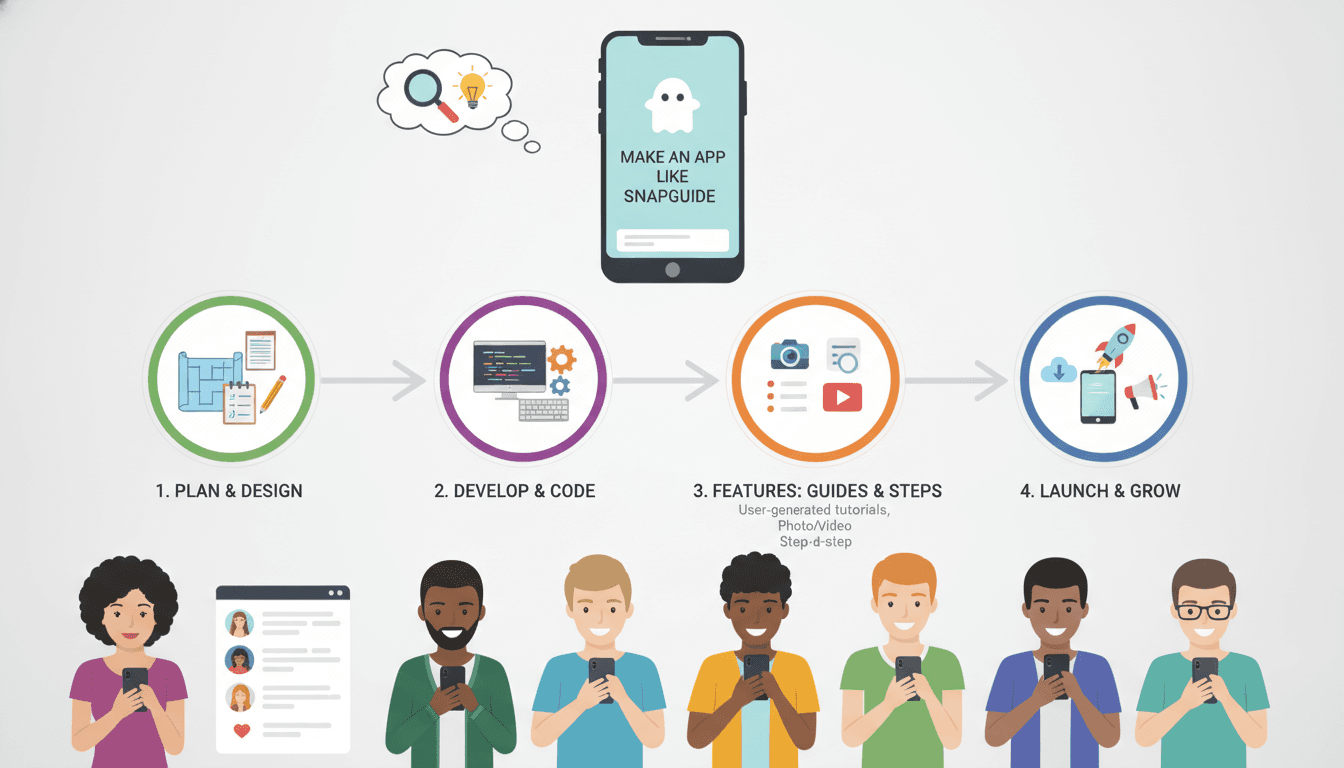
How to Make an App Like Snapguide
Snapguide built its reputation on a simple idea: people learn better when they can see each step. Instead of long-winded articles, the platform turned knowledge into visual, swipeable, step-by-step guides — from fixing a bike chain to baking sourdough. That format still resonates, and there's plenty of room for new products that help people teach and learn through photos and short videos.
If you're planning to build an app like Snapguide, this guide walks you through the features, architecture, tech stack, timeline, and costs involved.
You may also find our article on How to Make an App Like Instructables useful.
What Exactly Is Snapguide?
Snapguide is a how-to publishing platform. Creators capture photos or short video clips, arrange them in sequence, add captions and supply lists, and publish a "guide" that anyone can follow. Readers browse by category, save favourites, follow creators, and comment on results.
The core product idea can be broken down into three loops:
- Creation loop — a frictionless, mobile-first editor that makes building a step-by-step guide feel as easy as posting to social media.
- Discovery loop — feeds, categories, search, and recommendations that surface the right guide at the right moment.
- Engagement loop — follows, likes, comments, collections, and notifications that bring users back.
Nail all three and you have a defensible product. Miss the creation loop and you'll have an empty library. Miss discovery and great content will never be found.
Market Opportunity for Visual How-To Apps
The demand for instructional content has not slowed down — it has simply fragmented across YouTube, TikTok, Pinterest, and Reddit. That fragmentation is the opportunity. A focused how-to app can win by being better at structure than any general-purpose social platform.
We cover a closely related subject in How to Make an App Like Makezine.
Promising angles include:
- Vertical-specific guides — home repair, automotive maintenance, cosmetics, gardening, 3D printing, crafts, or professional trades.
- Internal knowledge sharing — a Snapguide-style app for enterprise SOPs, onboarding, and field service instructions.
- Education and skills training — vocational content where sequence and accuracy matter.
- Product support — brands publishing assembly, setup, and troubleshooting guides in place of PDF manuals.
- Community commerce — guides that link to the tools and materials used, monetised via affiliate revenue.
Must-Have Features
For Readers
- Onboarding with interest selection so the first feed is relevant, not empty.
- Personalised home feed mixing trending, followed creators, and recommended categories.
- Step-by-step guide viewer with swipe navigation, progress indicator, and large media.
- Search and filters by category, difficulty, time required, and required tools.
- Collections and bookmarks for saving guides to try later.
- Offline access — people follow instructions in garages, kitchens, and basements with poor signal.
- Comments, likes, and "I made this" posts where users share their own results.
- Follow creators with push notifications for new publishes.
For Creators
- Mobile capture flow — shoot photos or clips directly inside the app, step by step.
- Drag-and-drop step reordering with inline captions and optional voiceover.
- Supplies and tools list with quantities and optional purchase links.
- Templates and duration estimates to speed up guide creation.
- Drafts and autosave so half-finished guides aren't lost.
- Analytics dashboard — views, completion rate, saves, and follower growth.
- Cross-posting and deep links for sharing to social platforms.
For Admins
- Content moderation queue with automated flagging and manual review.
- Category and taxonomy management.
- User management, including creator verification and bans.
- Featured content curation to control the editorial homepage.
- Reporting dashboards for retention, creation volume, and engagement.
Advanced Features That Set You Apart
- AI-assisted guide generation — a creator uploads a set of photos or a single long video, and the model splits it into steps, drafts captions, and suggests a title and category.
- Automatic video chaptering for creators who prefer filming over photographing.
- Voice-guided hands-free mode that reads out steps and advances on a voice command — genuinely useful when your hands are covered in flour or grease.
- AR overlays for spatial tasks like furniture assembly or equipment repair.
- Multi-language auto-translation of captions to unlock international audiences.
- Interactive checklists that let readers tick off completed steps and resume later.
- Smart shopping lists aggregating supplies across multiple saved guides.
- Creator monetisation through tips, paid premium guides, or brand sponsorships.
Technical Architecture
A Snapguide-style app is media-heavy and read-heavy. Design around those two facts.
Client Layer
Choose between fully native (Swift and Kotlin) for the smoothest camera and media performance, or cross-platform (Flutter or React Native) to move faster with one codebase. If your creation flow depends on advanced camera controls and on-device video processing, native modules will be necessary either way.
A companion web app is worth building for SEO — how-to content ranks extremely well in search, and organic traffic is the cheapest acquisition channel you'll ever have.
For a closer look at a related topic, read our guide on How to Make an App Like WikiHow.
Backend Layer
A microservices approach works well here because the workloads are so different:
- Auth service — registration, social login, sessions, roles.
- Guide service — CRUD for guides, steps, categories, and drafts.
- Media service — uploads, transcoding, thumbnail generation, CDN invalidation.
- Feed and search service — ranking, personalisation, full-text and faceted search.
- Social graph service — follows, likes, comments, notifications.
- Moderation service — automated screening plus human review workflow.
- Analytics service — event ingestion and creator-facing metrics.
Media Pipeline
This is where most teams underestimate the effort. A solid pipeline looks like:
- Client compresses and uploads directly to object storage via pre-signed URLs.
- Upload event triggers a transcoding job producing multiple resolutions.
- Thumbnails and blurred placeholders are generated for fast feed loading.
- Assets are served through a CDN with aggressive caching.
- Metadata is written back to the database and the guide is published.
Data Model Essentials
User— profile, credentials, preferences, creator status.Guide— title, description, category, difficulty, estimated time, status.Step— order index, media references, caption, optional timer.Supply— name, quantity, optional affiliate URL.Interaction— likes, saves, completions, comments.Follow— follower and followee relationships.
Use PostgreSQL for relational data, Redis for feed caching and session storage, Elasticsearch or OpenSearch for search, and S3-compatible object storage for media.
Recommended Tech Stack
| Layer | Options |
|---|---|
| Mobile | Swift, Kotlin, Flutter, React Native |
| Web | Next.js, React |
| Backend | Node.js (NestJS), Python (FastAPI/Django), Go |
| Database | PostgreSQL, Redis |
| Search | Elasticsearch, OpenSearch, Algolia |
| Media | FFmpeg, AWS MediaConvert, Cloudinary, Mux |
| Storage & CDN | S3, CloudFront, Cloudflare |
| Push & Messaging | Firebase Cloud Messaging, APNs |
| AI/ML | OpenAI APIs, Whisper, AWS Rekognition |
| Infrastructure | AWS or GCP, Docker, Kubernetes, Terraform |
| Analytics | Mixpanel, Amplitude, PostHog |
UI/UX Principles That Make or Break the App
- The editor must feel effortless. Every additional tap in the creation flow measurably reduces the number of published guides. Target a five-step guide in under three minutes.
- Prioritise media, minimise chrome. Steps should be dominated by the image or clip, with concise text underneath.
- Show progress clearly. Readers need to know how many steps remain and roughly how long the task will take.
- Design for messy hands. Large tap targets, high-contrast text, swipe gestures, and optional voice control.
- Avoid the cold-start wall. Seed the app with quality content in your launch categories before opening the doors.
- Respect data limits. Progressive loading, low-data mode, and pre-download for offline use.
Content Moderation and Safety
Any user-generated content platform inherits moderation responsibility. How-to content adds a particular risk: unsafe instructions. Build in:
- Automated image and text screening on upload.
- Keyword-based escalation for dangerous categories such as electrical, chemical, firearms, or medical.
- User reporting with clear categories and quick response SLAs.
- Safety disclaimers and required-equipment warnings on high-risk guides.
- Audit trails for every moderation decision.
Monetisation Models
- Advertising — native placements between feed items and sponsored guides.
- Affiliate commerce — the highest-fit model, since supply lists naturally link to purchasable products.
- Brand partnerships — verified brand accounts publishing official guides.
- Premium subscription — ad-free reading, offline downloads, and advanced creator tools.
- Creator monetisation with revenue share — tips, paid guides, and workshops.
- B2B licensing — white-label the platform for enterprise SOP and training use cases.
Development Roadmap and Timeline
Phase 1 — Discovery and design (3–5 weeks). Market research, feature prioritisation, user flows, wireframes, and high-fidelity UI.
Phase 2 — MVP build (10–14 weeks). Auth, guide creation, viewer, feed, search, profiles, and basic moderation.
Phase 3 — Beta and content seeding (3–4 weeks). Recruit early creators, gather feedback, fix friction in the creation flow.
Phase 4 — Launch and iterate (ongoing). App store rollout, growth experiments, recommendation tuning, and advanced features.
An MVP typically ships in three to four months. A full-featured platform with AI assistance, AR, and monetisation infrastructure runs six to nine months.
Cost Estimates
Costs vary significantly with region, team composition, and feature depth.
- Lean MVP, single platform: roughly $35,000–$60,000
- MVP across iOS, Android, and web: roughly $60,000–$100,000
- Full-featured platform with AI and monetisation: $120,000–$250,000+
Don't forget ongoing operating expenses: cloud and CDN bandwidth (the largest variable cost for a media app), moderation staffing, app store fees, analytics tooling, and 15–20% of build cost annually for maintenance.
Go-to-Market Strategy
- Pick one vertical and dominate it. "Guides for home coffee brewing" beats "guides for everything" at launch.
- Recruit 50–100 founding creators and help them publish their first guides personally.
- Lean on SEO. Publish guides to an indexable web app — how-to queries are enormous search volume.
- Distribute clips to short-form video platforms with links back to the full guide.
- Partner with brands and retailers whose products appear in your guides.
- Measure guide completion rate, not just views. Completion is the signal that your format is working.
Common Pitfalls to Avoid
- Launching an empty app with no content.
- Building a creation flow that's too complex for casual creators.
- Ignoring media cost optimisation until the cloud bill arrives.
- Treating moderation as a post-launch problem.
- Copying the feed-based social model without a reason for users to return.
- Skipping offline support in an app people use away from Wi-Fi.
Final Thoughts
An app like Snapguide isn't technically exotic — it's a media pipeline, a social graph, and a well-designed editor. The difficulty is in the details: making creation fast enough that people actually publish, making discovery good enough that guides get found, and making the reading experience usable in real-world conditions.
Start narrow, obsess over the creation flow, seed genuine content, and expand into AI-assisted authoring and monetisation once you've proven that people finish the guides they start.
Have a project in mind? Contact Sodio Technologies to discuss your requirements and explore the right technology solution for your business.
/// Work with us
Talk to the engineers who'd build it
You'll get a technical scope, timeline and cost estimate from the people doing the work, not an account manager. In-house team, no subcontracting, since 2016.