

How to Make an App Like Udacity
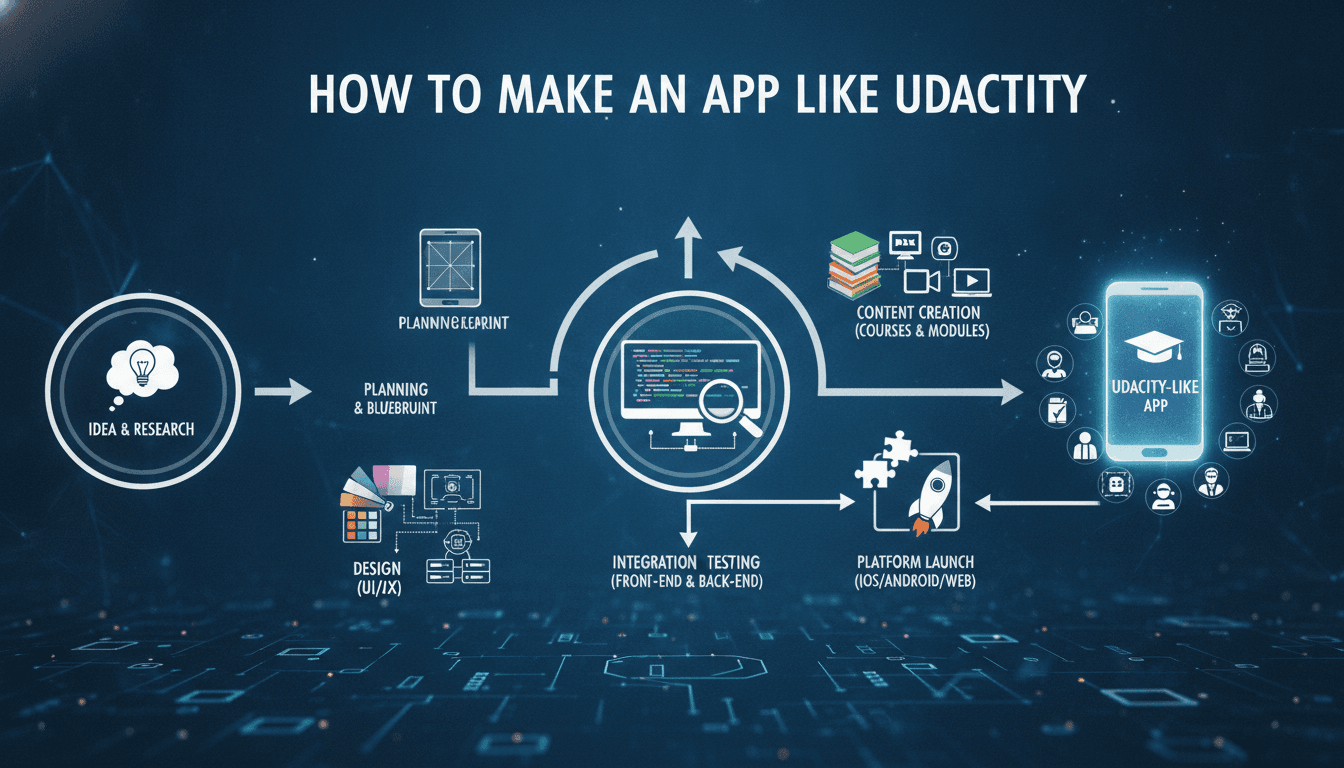
How to Make an App Like Udacity
Online learning has moved from a "nice to have" to a core part of how people build careers. Udacity carved out its niche by focusing on job-ready, project-based programs — Nanodegrees — backed by mentors, reviewers, and career services. If you're planning to build something similar, you're not just building a video player with a login screen. You're building a learning system.
This guide walks through what an app like Udacity actually involves: the features, the architecture, the tech stack, the costs, and the decisions that will shape your product long after launch.
For a closer look at a related topic, read our guide on How to Make an App Like Coursera.
Why Build an E-Learning App Like Udacity?
The e-learning market continues to expand as learners look for flexible, skills-focused alternatives to traditional degrees. A few forces make this space attractive:
- Skills gaps in tech and adjacent fields. Employers need people who can ship, not just people who can pass exams.
- Mobile-first learning behaviour. Learners consume lessons on commutes, during breaks, and in short bursts.
- Proven monetisation models. Subscriptions, per-program pricing, B2B enterprise licences, and government/workforce contracts all work.
- Room for specialisation. Udacity went broad on tech. There's space for verticalised platforms — healthcare upskilling, trades, compliance training, agritech, finance certifications.
The opportunity isn't in cloning Udacity. It's in applying the Udacity model — structured curriculum, real projects, human feedback — to an audience that's underserved.
What Makes Udacity Different from a Generic Course Marketplace
Before you scope features, understand the model you're copying. Udacity is not Coursera and not Udemy.
| Model | Content Source | Assessment | Monetisation |
|---|---|---|---|
| Marketplace (Udemy-style) | Any instructor uploads | Quizzes, optional | Per-course purchase |
| University partner (Coursera-style) | Accredited institutions | Graded assignments, certificates | Subscription + degrees |
| Nanodegree (Udacity-style) | In-house curriculum teams + industry partners | Human-reviewed projects, mentor support | Subscription per program |
The Nanodegree model means your app needs project submission, human review workflows, and mentorship infrastructure — which is significantly more complex than a video catalogue. This is the single biggest scoping decision you'll make.
You may also find our article on How to Make an App Like edX useful.
Core Features of an App Like Udacity
1. Learner-Facing Features
Onboarding and skill assessment Ask about goals, current experience, and available study hours. Use that to recommend a program and set a realistic pace. A short diagnostic quiz dramatically improves program-fit and reduces early churn.
Program and course catalogue Searchable, filterable by skill, difficulty, duration, and career track. Each program page should show the curriculum outline, prerequisites, time commitment, projects, instructors, and career outcomes.
Structured learning path Programs broken into courses, courses into lessons, lessons into concepts. Each concept is a small unit: video, text, quiz, or exercise. Progress is tracked at the concept level so learners always know exactly where they are.
Video player built for learning
- Adaptive bitrate streaming
- Offline download with DRM
- Variable playback speed
- Transcripts and searchable captions
- In-video quizzes and checkpoints
- Resume-where-you-left-off across devices
In-browser / in-app workspaces Udacity's differentiator is doing the work inside the platform. That can mean a code editor with a sandboxed runtime, a notebook environment, a design canvas, or a simulation tool depending on your vertical. This is expensive to build — consider partnering or embedding a third-party sandbox for v1.
Projects and submissions Learners upload deliverables (code repos, files, documents, videos). Rubric-based feedback comes back from human reviewers. Support resubmission cycles, since "meets specifications" usually takes more than one attempt.
Mentorship and community
- 1:1 mentor matching with scheduled check-ins
- Async Q&A with SLA-backed response times
- Study groups and cohort channels
- Peer discussion threaded to specific concepts
Progress, streaks, and gamification Weekly goals, streaks, completion percentages, badges, and leaderboards — used carefully. Gamification should reinforce consistency, not create anxiety.
Certificates and credentials Shareable certificates with verification links, LinkedIn integration, and optionally verifiable credentials anchored on-chain for tamper resistance.
Career services Resume and portfolio reviews, interview prep, mock interviews, and a jobs board. For many learners this is the actual product.
2. Instructor, Mentor, and Reviewer Features
- Reviewer dashboard with submission queue and rubric-driven grading
- Review time tracking and quality scoring
- Mentor dashboard with assigned learners, at-risk flags, and session notes
- Content authoring tools for curriculum teams
- Payout tracking and invoicing
3. Admin and Operations Features
- Program and curriculum lifecycle management (draft, review, publish, archive, version)
- User, role, and permission management
- Cohort and enrolment management
- Review capacity planning and reviewer assignment rules
- Content analytics: drop-off points, quiz failure rates, project rejection reasons
- Revenue, refund, and subscription dashboards
- Moderation and abuse tooling
4. Enterprise / B2B Features
If you plan to sell to companies or governments — and you should, since that's where margins live:
- Organisation accounts with seat management
- SSO (SAML, OIDC), SCIM provisioning
- Custom learning paths and private content
- Manager dashboards with team progress reporting
- Usage-based and contract-based billing
- Data export and LMS/LXP integration (xAPI, SCORM, LTI)
Recommended Tech Stack
There is no single right stack, but here's a pragmatic, battle-tested combination.
Mobile apps
- React Native or Flutter for a shared codebase across iOS and Android — the right call for most teams
- Swift / Kotlin natively if you need heavy offline video, custom DRM, or deep OS integration
Web app
- React or Next.js for the learner and marketing experience (SSR helps enormously with SEO on course pages)
- TypeScript throughout
Backend
- Node.js (NestJS) or Python (Django / FastAPI) for core APIs
- Go for high-throughput services like progress tracking and event ingestion
- GraphQL or REST with a well-defined API gateway
Data layer
- PostgreSQL as the system of record (users, enrolments, curriculum, submissions)
- Redis for sessions, caching, rate limiting, and leaderboards
- Elasticsearch / OpenSearch for catalogue and transcript search
- ClickHouse or BigQuery for learning analytics and event warehousing
- S3-compatible object storage for video masters, submissions, and assets
Video pipeline
- Upload → transcode (AWS MediaConvert or Mux) → HLS/DASH packaging → DRM (Widevine/FairPlay) → CDN (CloudFront/Cloudflare)
- Automated transcription and translation for captions
Infrastructure
- Containers on Kubernetes (EKS/GKE) or a managed platform like ECS Fargate
- Terraform for infrastructure as code
- Kafka or SQS/SNS for event-driven workflows (submission queued, review completed, milestone reached)
- Firebase Cloud Messaging / APNs for push notifications
AI and ML services
- Vector database (pgvector, Pinecone, Weaviate) for semantic search and retrieval
- LLM APIs for tutoring, hints, and first-pass feedback
- Recommendation service for next-best-lesson and program suggestions
Third-party integrations
- Payments: Stripe (subscriptions, proration, regional methods), plus in-app purchase handling for iOS/Android
- Auth: Auth0 / Cognito / Clerk or self-hosted Keycloak
- Analytics: Amplitude or Mixpanel plus a product event schema you actually maintain
- Support: Intercom or Zendesk
Architecture Considerations
Start Modular, Not Micro
A well-structured modular monolith with clear domain boundaries — identity, catalogue, enrolment, learning progress, review, payments, notifications — will serve you better than fifteen microservices on day one. Extract services when a boundary proves itself under load.
Model the Curriculum Carefully
Your content model is the hardest thing to change later. Plan for:
- Versioning, so learners mid-program aren't disrupted by curriculum updates
- Localisation at the concept level
- Prerequisites and dependency graphs
- Content reuse across multiple programs
Design for Offline First on Mobile
Learners download lessons on Wi-Fi and study on the move. That means local persistence, a sync queue, conflict resolution for progress events, and encrypted local storage for DRM-protected media.
Treat Progress as an Event Stream
Every video watched, quiz answered, and project submitted is an event. Storing them as an append-only stream gives you accurate resume behaviour, rich analytics, and the ability to recompute derived state when your rules change.
Plan Review Capacity as a Product Problem
Human review is your bottleneck and your cost centre. Build queueing, SLA monitoring, reviewer load balancing, and automated pre-checks (linting, test runs, plagiarism detection) from the start.
Where AI Adds Real Value
AI is genuinely transformative in e-learning when applied to specific jobs, not sprinkled on as a chatbot.
- AI teaching assistant grounded in your own curriculum via retrieval, so answers cite the actual lesson rather than hallucinating
- Automated first-pass project feedback on style, structure, and rubric basics, so human reviewers focus on judgement
- Adaptive pacing that adjusts review intervals and difficulty based on demonstrated mastery
- Personalised learning paths that skip content a learner already demonstrates competence in
- Auto-generated practice questions from lesson transcripts, reviewed by curriculum staff
- Churn prediction to flag at-risk learners for mentor outreach before they disappear
- Transcription, captioning, and translation to scale content into new markets cheaply
Guardrails matter: keep humans in the loop for anything that affects a learner's grade or credential, and be transparent about where AI is involved.
Monetisation Models
- Subscription per program — Udacity's core model; monthly access with an expected duration
- All-access subscription — higher LTV, lower perceived commitment per program
- Pay-per-program — better for one-off, certification-driven learners
- Enterprise licences — seat-based annual contracts, the highest-margin channel
- Government and workforce development contracts — large, slow, sticky
- Scholarships and sponsored cohorts — funded by employers or partners as a pipeline for hiring
- Freemium — free courses as top-of-funnel, paid programs with mentorship and reviews
A note on app store fees: if you sell subscriptions inside iOS and Android apps, platform commission applies. Most serious e-learning businesses drive purchases through the web and keep the app as a consumption surface.
To explore this further, see How to Make an App Like Pluralsight.
Development Roadmap
Phase 1 — Discovery and Design (4–6 weeks) Market and competitor research, learner interviews, feature prioritisation, content model design, information architecture, wireframes, and a design system.
Phase 2 — MVP Build (3–5 months) Auth and profiles, catalogue, one complete program, video streaming, progress tracking, quizzes, project submission with manual review, payments, and basic admin. Launch with one program done exceptionally well rather than twenty done poorly.
Phase 3 — Engagement and Scale (3–4 months) Mobile apps with offline support, mentorship, community, notifications, recommendations, gamification, certificates, and analytics instrumentation.
Phase 4 — Enterprise and AI (ongoing) SSO and seat management, manager dashboards, AI tutor, adaptive learning, localisation, and expanded program catalogue.
Cost Estimates
Costs vary widely with region, team seniority, and scope. Rough ranges for a professional build:
| Scope | Timeline | Indicative Cost |
|---|---|---|
| MVP (web + one platform, single program) | 3–5 months | $60,000 – $120,000 |
| Full product (web + iOS + Android, mentorship, reviews) | 6–10 months | $150,000 – $350,000 |
| Enterprise-grade platform with AI and B2B features | 12+ months | $400,000+ |
Ongoing costs to budget for:
- Cloud infrastructure and CDN — video egress is usually the largest line item
- Video transcoding and storage
- AI/LLM API usage
- Content production — often the biggest cost of all, and frequently underestimated
- Mentor and reviewer payouts
- Maintenance and platform updates (budget 15–20% of build cost annually)
Common Pitfalls to Avoid
- Building a marketplace when you meant to build a curriculum. They require completely different content operations.
- Underinvesting in content. A beautiful app with mediocre courses fails. The reverse often succeeds.
- Ignoring the review bottleneck. Slow project feedback is the top driver of churn in project-based programs.
- Treating mobile as an afterthought. Offline video and cross-device sync are hard to retrofit.
- Skipping analytics instrumentation. Without concept-level drop-off data, you can't improve the curriculum.
- Over-engineering early. Kubernetes and event sourcing can wait until you have learners.
- Neglecting accessibility. Captions, screen reader support, keyboard navigation, and colour contrast are legal requirements in many markets and the right thing to do everywhere.
Compliance and Security Essentials
- Data privacy: GDPR, CCPA, and regional equivalents — consent, data export, and deletion flows
- Minors: COPPA and FERPA if you serve under-18 or institutional learners
- Accessibility: WCAG 2.1 AA as a baseline
- Content protection: DRM, signed URLs, watermarking, and download limits
- Payments: PCI DSS via a compliant processor; never store raw card data
- Platform security: encryption in transit and at rest, MFA, role-based access control, audit logging, and regular penetration testing
Final Thoughts
An app like Udacity is really three products stitched together: a content platform, a human services operation, and a career outcomes engine. The software is solvable — the differentiator is whether learners finish and whether finishing changes their lives.
Start narrow. Pick one audience, one skill, one program. Build the smallest system that can deliver a genuinely transformative learning experience, instrument everything, and expand from evidence. The platforms that win in e-learning aren't the ones with the biggest catalogue — they're the ones with the highest completion rates and the strongest outcomes.
If you're planning an e-learning platform and want help scoping the build, mapping the architecture, or estimating cost and timeline, it pays to talk to a team that has shipped this kind of product before.
Have a project in mind? Contact Sodio Technologies to discuss your requirements and explore the right technology solution for your business.
/// Work with us
Talk to the engineers who'd build it
You'll get a technical scope, timeline and cost estimate from the people doing the work, not an account manager. In-house team, no subcontracting, since 2016.