

How to Make an App Like VR Karts
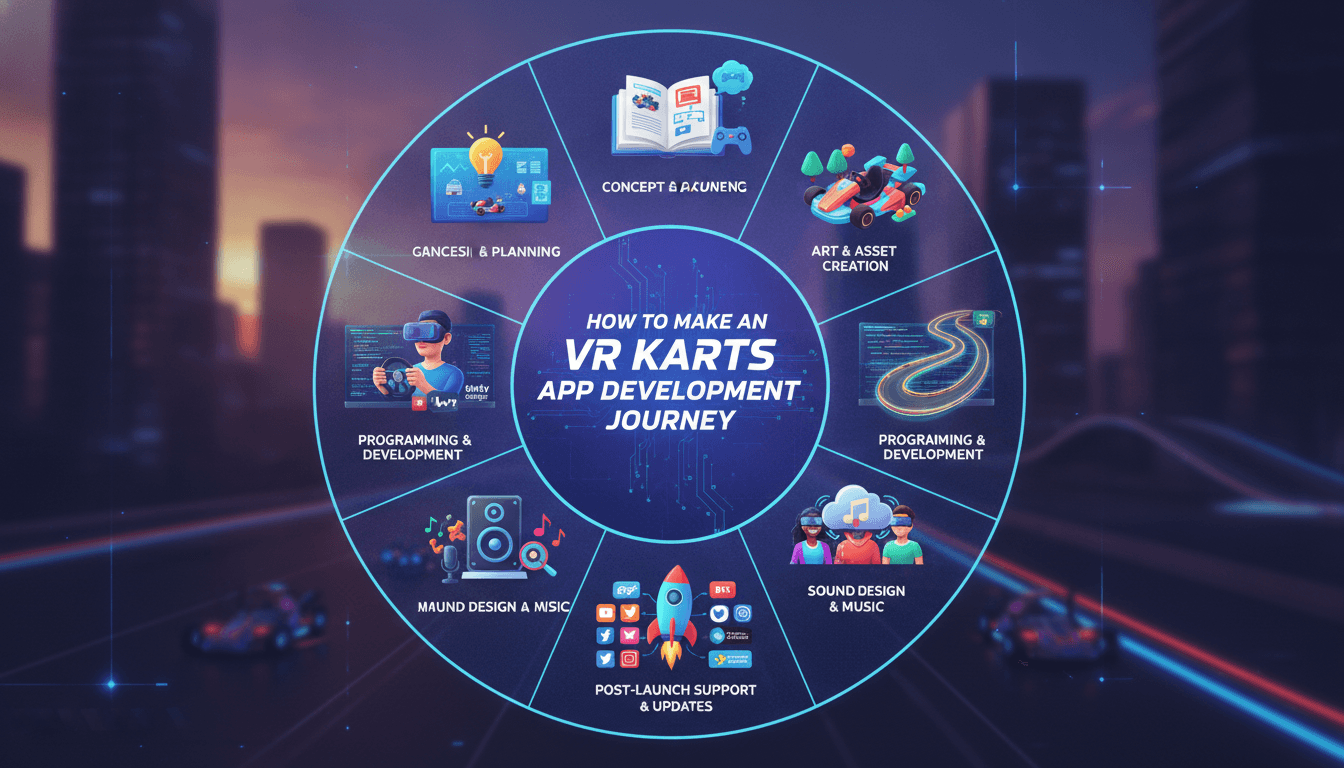
How to Make an App Like VR Karts
Virtual reality racing has come a long way from clunky headsets and motion sickness. VR Karts proved that the kart-racing formula — tight tracks, power-ups, drift boosts, and chaotic multiplayer — translates beautifully to immersive hardware. If you're planning to build something similar, this guide walks through the product thinking, technology choices, development process, and budget realities of shipping a VR kart racer.
What Makes VR Karts Work
Before writing a line of code, it's worth understanding why this genre succeeds in VR:
- Seated gameplay. Players sit in a kart, which matches the real-world posture of sitting on a couch or chair. This dramatically reduces motion sickness compared to free-roaming VR.
- A fixed cockpit reference. The kart's body, steering wheel, and dashboard stay static in the player's field of view, giving the inner ear a stable anchor.
- Short session loops. Races last two to four minutes — ideal for headset comfort limits.
- Instantly familiar rules. Everyone understands "drive fast, grab item box, throw shell at friend."
Your app should preserve these pillars even as you differentiate on theme, tracks, or progression systems.
Step 1: Define Your Scope and Differentiator
"A kart racer in VR" is not a product plan. Narrow it down:
| Decision | Options to Consider |
|---|---|
| Platform | Meta Quest standalone, PCVR (SteamVR), PSVR2, or cross-platform |
| Player count | Single-player campaign, 4-player, 8-player online |
| Art direction | Stylized low-poly, cartoon, realistic, licensed IP |
| Monetization | Premium purchase, free-to-play with cosmetics, DLC track packs |
| Differentiator | Physical hand-steering, track editor, kart customization, crossover with mobile |
A focused v1 — say, eight tracks, six karts, four-player online, Quest-exclusive — is far more shippable than an everything-at-once roadmap.
Related reading: How to Make an App Like Google Earth VR.
Step 2: Choose Your Technology Stack
Game Engine
Unity is the most common choice for standalone VR. It has mature XR tooling (the XR Interaction Toolkit, OpenXR support), excellent Quest performance profiling, and the largest pool of available VR developers.
Unreal Engine 5 delivers stronger out-of-the-box visuals and is well suited to PCVR and PSVR2 titles, though Nanite and Lumen are largely off-limits at VR frame rates on mobile chipsets.
Supporting Technologies
- OpenXR for cross-headset input and rendering abstraction
- Photon Fusion, Unity Netcode for GameObjects, or Mirror for multiplayer
- PlayFab, Nakama, or a custom Node/Go backend for accounts, progression, and leaderboards
- FMOD or Wwise for spatial audio — critical for hearing a rival drift up behind you
- Cloud build + device farm (Unity Cloud Build, GitHub Actions, BrowserStack-style device pools) for CI
Step 3: Nail the Comfort Layer First
Comfort is not a polish-phase task; it's a core system. Build it early.
Cockpit anchoring. Render the kart chassis and a visible steering wheel at all times. Never let the camera detach from the vehicle.
Vignette / tunneling. Dynamically narrow the peripheral field of view during acceleration, hard turns, and boosts. Make the intensity user-adjustable, including fully off.
Snap vs. smooth turning. The kart turns, not the player, so this mostly applies to menu navigation — but still expose the option.
Fixed horizon options. Offer a setting that keeps the horizon level during banked turns and jumps. Some players love the loop-de-loop; others will hate you for it.
Frame rate is a comfort feature. 72 Hz is the floor on Quest, 90 Hz is the target, and dropped frames cause nausea faster than any design choice.
Step 4: Build the Core Driving Feel
Kart physics is deceptively hard. Realistic simulation feels terrible; arcade feel requires deliberate cheating.
- Simplified vehicle physics. Use a raycast-based suspension model with four wheel colliders rather than full rigid-body tire simulation.
- Drift and boost. The drift-charge-release loop is the skill ceiling of the genre. Tune charge time, boost strength, and the visual/audio feedback on each tier.
- Speed perception. In VR, speed reads differently. Add motion lines, camera shake (subtle!), wind audio, and track-side objects that whip past to sell velocity without cranking actual m/s.
- Rubber-banding and AI. Catch-up mechanics keep races tense. Build AI racers with adjustable aggression and racing-line-following behavior.
- Item system. Design a small, well-balanced set of pickups — a projectile, a trap, a shield, a speed boost, and one chaos item — before adding more.
Prototype this in flatscreen first for fast iteration, then validate every change in-headset.
Step 5: Design Tracks for VR
VR tracks have different rules than flatscreen tracks:
- Avoid excessive vertical motion. Big drops, loops, and sudden elevation changes trigger vestibular conflict. Use them sparingly and as opt-in routes.
- Widen everything. Depth perception in VR makes narrow corridors feel claustrophobic and collisions more frustrating.
- Give the player things to look at. Head-tracking means players will look sideways, up, and behind. Reward that with animated set pieces and readable landmarks.
- Use sightlines for navigation. Players can't glance at a minimap as easily. Use lighting, color, and arch structures to guide the racing line.
- Keep geometry cheap. Every track needs to render twice — once per eye.
Step 6: Multiplayer Architecture
Online racing is a latency-sensitive problem.
- Server-authoritative or host-authoritative? Host-authoritative (one player acts as host) is cheaper and fine for casual racing. Dedicated servers reduce cheating and host-migration pain for competitive play.
- Client-side prediction and reconciliation. Players should feel zero input lag on their own kart; remote karts are interpolated.
- Lag compensation for items. Rewind hit detection to the shooter's timestamp so projectiles feel fair.
- Matchmaking and lobbies. Region-based matchmaking, party invites, and cross-platform friend lists if you ship on multiple stores.
- Avatars and voice. Simple upper-body avatars with head and hand tracking plus proximity voice chat turn a race into a social event. Include moderation and mute tools from day one.
Step 7: Performance Optimization for Standalone Headsets
Meta Quest hardware is roughly a mid-range phone rendering stereo at high refresh rates. Optimization is constant:
- Use the single-pass instanced rendering path
- Target 50–100 draw calls per frame and aggressive static/dynamic batching
- Bake lighting; avoid real-time shadows except for a single blob or cascade on the player kart
- Use fixed foveated rendering at moderate levels
- Keep textures compressed (ASTC) and atlas aggressively
- Level-of-detail models for karts and track props, with distance culling
- Profile with RenderDoc, OVR Metrics Tool, and the Unity Profiler on device, not in the editor
- Budget polygons: a full track scene should stay in the low hundreds of thousands of triangles
Step 8: Progression, Retention, and Monetization
A great race loop isn't enough to keep players coming back.
- Unlock chains. Karts, wheels, paint jobs, characters, and trails earned through cups and challenges.
- Daily and weekly challenges. Cheap to implement, effective at driving return sessions.
- Ghost races and time trials. Asynchronous competition that doesn't require a populated lobby.
- Seasonal content. Themed tracks and cosmetic drops keep the store fresh.
- Ethical monetization. VR audiences skew toward premium purchases and cosmetic DLC. Aggressive loot boxes tend to backfire in this community.
Step 9: Testing and Store Submission
VR QA has unique demands:
- Test across the full device matrix (Quest 2, Quest 3, Quest Pro, PCVR configurations)
- Run extended play sessions to catch comfort issues that only appear after 20+ minutes
- Recruit testers who are prone to motion sickness — they're your canaries
- Verify guardian/boundary behavior and seated recentering
- Meet store requirements: Meta's VRC (Virtual Reality Checks), Steam's VR compatibility flags, and Sony's TRCs each have detailed checklists
- Plan for store review timelines — Meta's Horizon Store review in particular can take weeks and may require an app lab or release channel strategy
Development Timeline and Cost
Rough planning figures for a polished v1:
| Phase | Duration |
|---|---|
| Discovery, design doc, art direction | 3–5 weeks |
| Playable prototype (driving feel, one track) | 6–8 weeks |
| Core production (tracks, karts, items, UI) | 4–6 months |
| Multiplayer and backend | 2–3 months (parallel) |
| Optimization, QA, comfort tuning | 6–10 weeks |
| Store submission and launch | 3–6 weeks |
A small-scope standalone VR kart racer typically lands in the $120,000–$250,000 range. A feature-rich, multi-platform title with licensed content, extensive track counts, and live-ops support can run $400,000+. Costs scale primarily with art volume (tracks and karts) and multiplayer complexity.
For a closer look at a related topic, read our guide on How to Make an App Like Rec Room.
Team Composition
- VR/Unity gameplay engineers (2–3)
- Backend and networking engineer (1)
- Technical artist (1) — essential for VR performance
- 3D environment and vehicle artists (2)
- Game designer / level designer (1)
- UI/UX designer with VR experience (1)
- Audio designer (part-time or contract)
- QA specialists with VR hardware (1–2)
- Producer / project manager (1)
Common Mistakes to Avoid
- Treating comfort as a settings menu item. It's a core design constraint.
- Porting flatscreen UI. Floating 2D canvases pinned to the camera feel awful. Use diegetic, world-space UI on the kart dashboard.
- Over-scoping the track count. Eight great tracks beat twenty mediocre ones.
- Ignoring the empty-lobby problem. Ship strong single-player and bot-filled matches so early players aren't alone.
- Optimizing last. On standalone hardware, performance debt compounds until it's unfixable.
- Skipping accessibility. One-handed controls, height adjustment, subtitle support, and colorblind-safe item icons widen your audience.
Final Thoughts
Building an app like VR Karts is a genuine game development project, not an app-dev exercise. The winning formula is a tight, joyful driving loop, obsessive attention to comfort, disciplined performance engineering, and multiplayer that actually connects people. Start with a vertical slice — one track, one kart, perfect feel — and only scale once that slice is undeniably fun in a headset.
If you're ready to turn a concept into a shipped VR title, partnering with a team that has hands-on experience with Unity, OpenXR, real-time networking, and store certification will save you months of expensive trial and error.
Have a project in mind? Contact Sodio Technologies to discuss your requirements and explore the right technology solution for your business.
/// Work with us
Talk to the engineers who'd build it
You'll get a technical scope, timeline and cost estimate from the people doing the work, not an account manager. In-house team, no subcontracting, since 2016.