

Stop Measuring Traffic. Measure Which Pages Produce Enquiries.
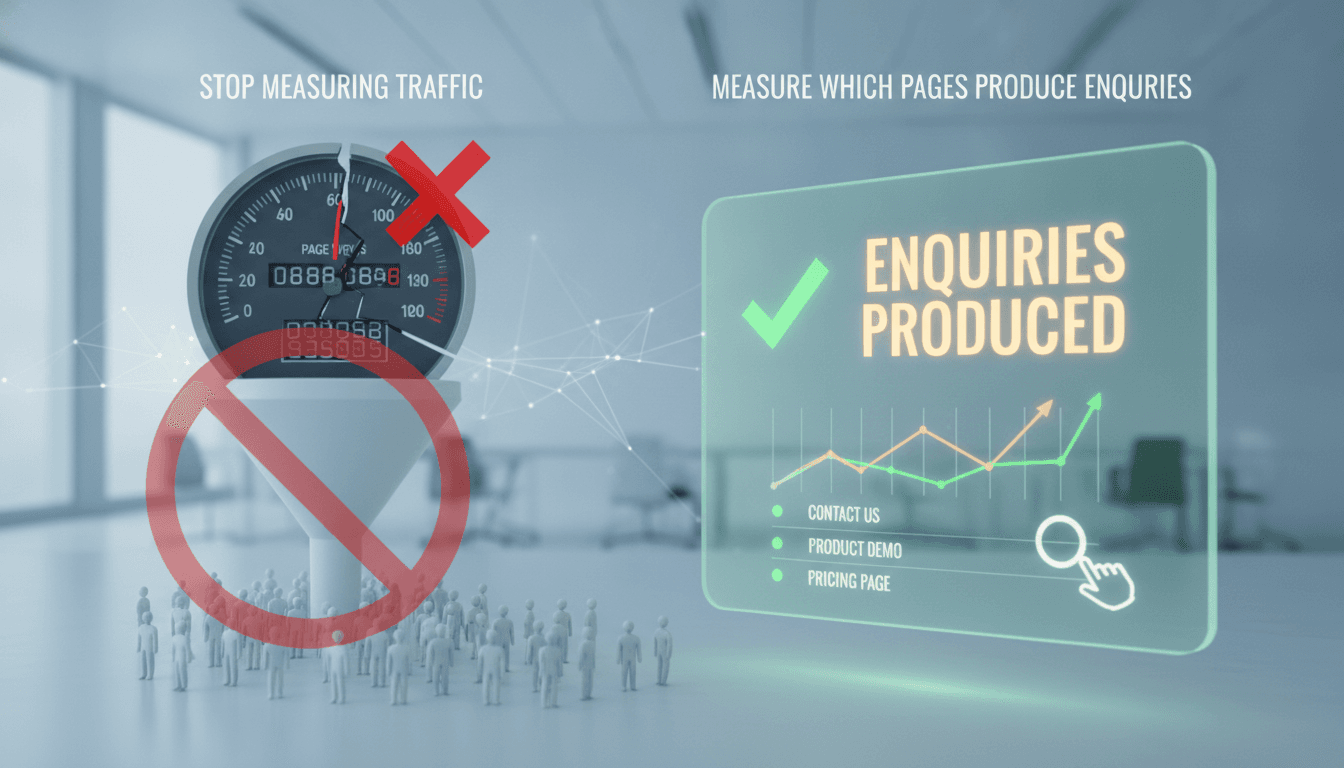
Most analytics dashboards are optimised for vanity. Pageviews, sessions, bounce rate — these tell you whether people showed up, not whether your website is doing any commercial work. If you're a technical lead or product owner who owns the website alongside everything else, this post is about reorienting your measurement stack around a single question: which pages are producing enquiries?
Why Pageviews Are the Wrong Primary Metric
Traffic is an input, not an output. A page with 50 monthly visitors that converts 8% of them into contact form submissions is worth more than a blog post pulling 5,000 sessions with zero downstream effect.
We cover a closely related subject in Keyword Density Is Not a Thing.
The problem is that most teams set up Google Analytics 4 (or a comparable tool) and stop at the default reports. GA4's default engagement metrics — engaged sessions, engagement rate, scroll depth — are better than the old bounce rate, but they still don't tell you whether a visitor became a lead.
The measurement model you actually want is:
| Signal | What it tells you | Where to capture it |
|---|---|---|
| Form submission | Hard conversion | GA4 event + CRM entry |
| CTA click | Intent signal | GA4 event |
| Time on page > 90s | Genuine engagement | GA4 engagement event |
| Return visit within 7 days | Consideration phase | GA4 audience segment |
| Phone call from page | Hard conversion | Call tracking (e.g. CallRail, Infinity) |
Notice that four out of five of these require custom configuration. None of them come out of the box.
What Does "Producing an Enquiry" Actually Mean to Track?
This depends on your conversion surface. If you have a contact form, a calendar booking widget, a WhatsApp link, and a phone number, each of those is a separate conversion path. Treating them all as one "enquiry" event with a common lead_generated event name in GA4 is the right move — it keeps your reporting clean while letting you break down by source in Looker Studio or BigQuery.
We cover a closely related subject in Why a Working MVP Beats a Clickable Prototype for Fundraising.
The technical steps are straightforward:
- Define a
lead_generatedGA4 custom event with amethodparameter:form,call,calendar,whatsapp. - Fire it on confirmed conversion, not on click. For forms, that means firing on the thank-you page load or a successful API response, not on submit button click.
- Mark it as a conversion in GA4. This surfaces it in the "Pages and screens" report so you can see which landing pages are last-touch before conversion.
- Export raw event data to BigQuery if you need multi-touch attribution. GA4's built-in attribution is last-click by default; BigQuery lets you run your own model.
The BigQuery export is free up to 10GB/month of storage. For most companies under 100,000 monthly sessions, you won't pay anything.
You may also find our article on Organization Schema and sameAs: Making an Entity Resolvable useful.
/// Not sure where to start?
Get the architecture before you commit
Tell us what you're building and we'll map the technical approach, stack, and rough timeline. No cost, no obligation, no sales call required.
How Do You Find Which Pages Are Leaking Visitors?
Once you have conversions firing correctly, the useful analysis is path-based. You want to know: which pages appear in the journey of people who convert, and which pages appear in the journey of people who leave?
GA4's "Funnel exploration" report handles this, but it requires you to define the funnel manually. A better starting point is the "Path exploration" report. Set the end point as your lead_generated event and work backwards. You'll typically find that 3 to 5 pages account for the majority of conversion paths, even if you have 200 pages indexed.
The pages that appear frequently in non-converting paths are where you should focus. Common failure patterns:
- Pricing pages with no clear next step. Visitors read the pricing, get no answer to their question, and leave.
- Service pages that explain the service but don't address the objection. "We build mobile apps" is not enough if the visitor is worried about post-launch support.
- Blog posts that get organic traffic but have no conversion path. A post ranking for a commercial keyword should have at least one in-content CTA that leads to a relevant service page or contact form.
The fix is rarely a redesign. It's usually adding a single well-placed CTA or answering one specific objection on the page.
Setting Up Attribution That's Actually Honest
Multi-touch attribution sounds appealing, but for most B2B service companies, the buying journey doesn't produce enough data to make sophisticated models reliable. If you're generating 20 to 50 leads per month, a data-driven attribution model in GA4 will be statistically noisy.
The pragmatic approach:
- Use last-click attribution in GA4 for high-frequency optimisation decisions (which ads to run, which pages to iterate).
- Ask every new client, in your onboarding call, how they found you. Record it in your CRM. This first-party qualitative data is more accurate than any model for low-volume pipelines.
- Cross-reference: if GA4 says your case study page drives 0 conversions but three clients in a row mention reading it before reaching out, trust the clients.
The goal is not perfect attribution. The goal is making better decisions than you would without any tracking.
Building a Reporting Layer That Doesn't Require a Data Analyst to Read
Looker Studio connected to GA4 is good enough for most teams. Build one report. Put these four views on it:
- Conversion rate by landing page (sessions to
lead_generated) - Top 10 pages by assisted conversions
- Traffic source breakdown for converting sessions only
- Month-on-month trend for
lead_generatedevents
If you can't read the business situation from those four views, adding more charts won't help. The report should answer one question per page, not show everything you could possibly measure.
Set it to email to your team on the first Monday of each month. The discipline of a fixed review cadence matters more than dashboard sophistication.
Conclusion
Instrument your conversions correctly first. That means custom GA4 events, BigQuery export if you need path analysis at scale, and a CRM field for self-reported source. Once that's in place, run the path exploration report, find the three pages that most converted visitors touched, and make sure those pages have a clear next step. Everything else — traffic growth, SEO, ad spend — should be evaluated against its effect on lead_generated, not on sessions.
If you're not sure whether your current GA4 setup is firing conversions correctly, audit your DebugView output in real time against a test form submission. You'll know within ten minutes whether your tracking is reliable.
FAQ
Do I need GA4 and a CRM, or can I just use one? You need both. GA4 tells you which pages and channels precede conversions. A CRM tells you what happened after the enquiry — whether it closed, at what value, and in what timeframe. Neither tool alone gives you the full picture. Connect them via UTM parameters on form submissions passed through to the CRM record.
What's wrong with using bounce rate as a proxy for page quality? GA4 replaced bounce rate with engagement rate, which is more useful. A "bounced" visitor who spends four minutes reading a case study and then calls you from their phone is not a failure. Bounce rate was always a proxy for engagement that didn't account for off-site conversions like phone calls or direct visits made later.
How do I track WhatsApp enquiries in GA4?
Add a gtag('event', 'lead_generated', {method: 'whatsapp'}) call on the onclick of your WhatsApp link. You can't track whether the conversation resulted in a booking, but you can track the click intent. If you use a WhatsApp Business API provider, some (like Twilio or WATI) offer webhook events you can pipe back to your analytics layer.
Is BigQuery export necessary for a site under 50,000 monthly sessions? Probably not. GA4's built-in explorations cover most use cases at that scale. BigQuery becomes useful when you need to join web data with CRM data, run custom attribution models, or retain data beyond GA4's 14-month limit. It's worth setting up the export from day one regardless, since historical data can't be backfilled once you enable it.
Should every blog post have a CTA? Yes, if it targets a keyword with commercial intent. An informational post answering a general question can point to a related resource. A post targeting a keyword like "custom ERP development cost" should have a direct path to your contact page or a relevant case study. The rule is: if a prospect could reasonably land on this page while evaluating vendors, there should be a next step on it.
Have a project in mind? Contact Sodio Technologies to discuss your requirements and explore the right technology solution for your business.
/// Work with us
Talk to the engineers who'd build it
You'll get a technical scope, timeline and cost estimate from the people doing the work, not an account manager. In-house team, no subcontracting, since 2016.